2K 3MP Window Camera, WiFi 2.4/5GHz Window Camera
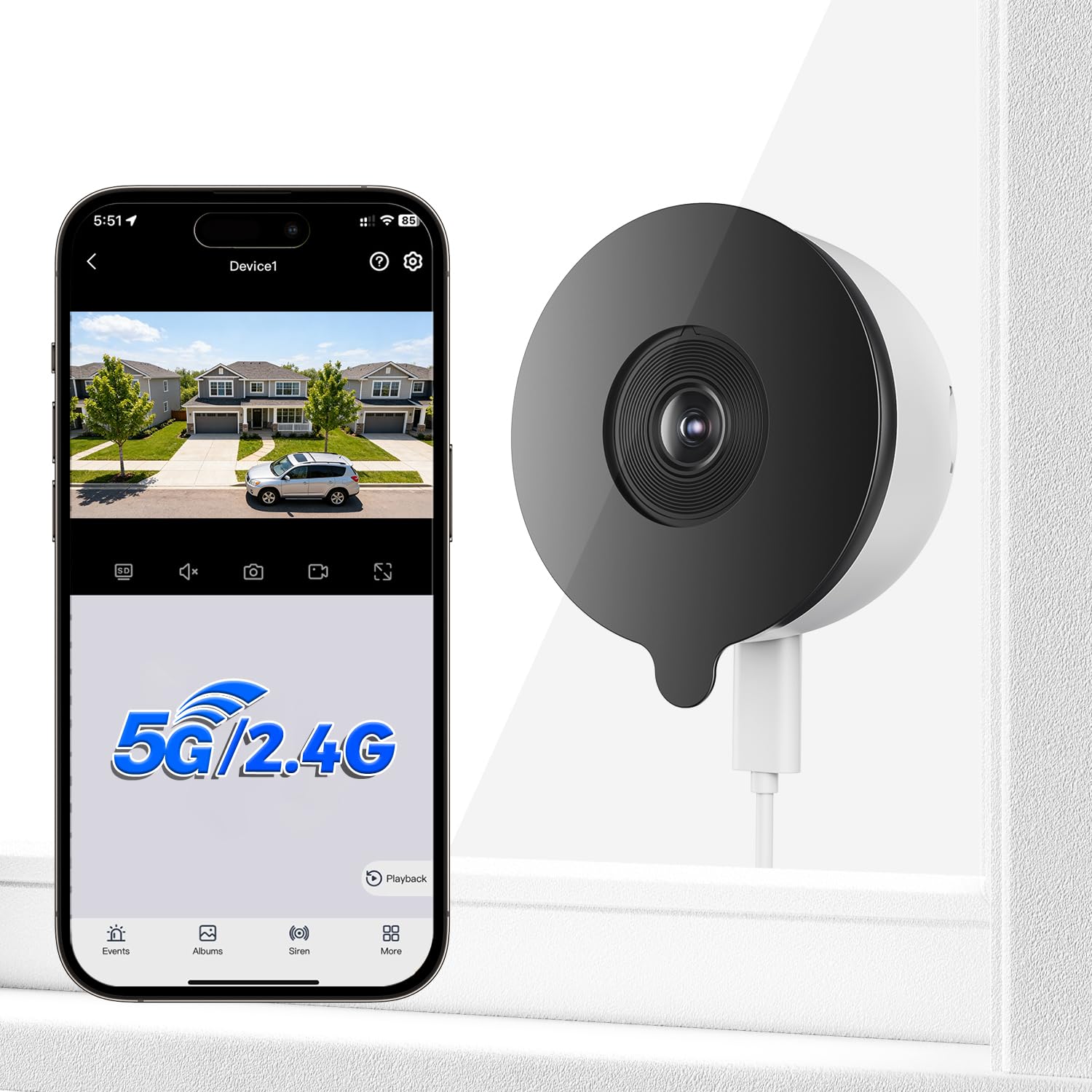
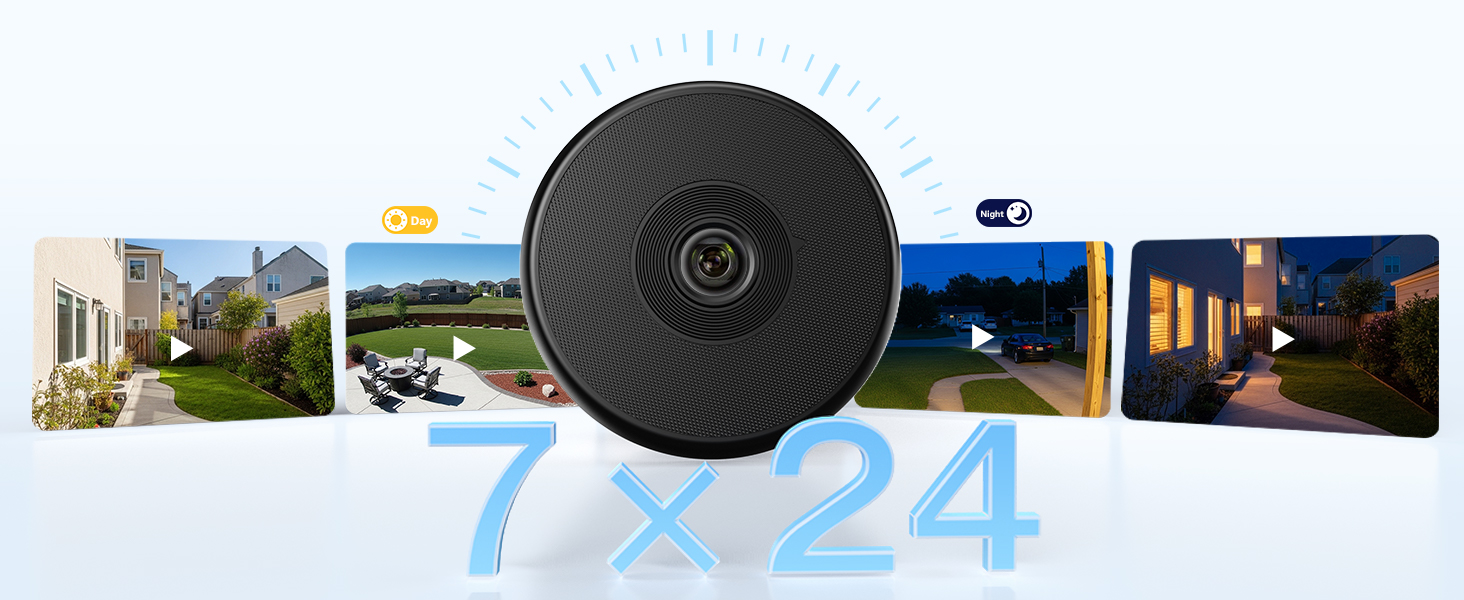
2K 3MP Window Camera, WiFi 2.4/5GHz Window Camera for Looking Outside, Security Camera Night Vision Through Window, People/Motion Detection, 24/7 Recording, Drill-Free Installatio
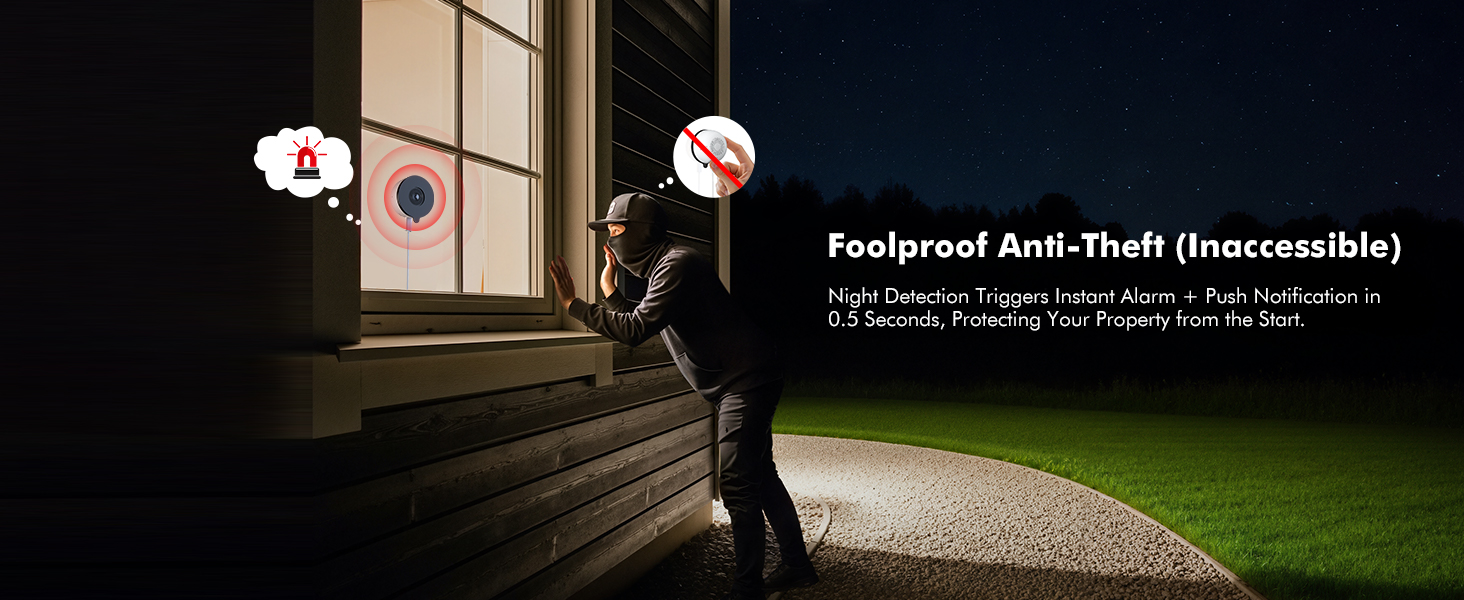
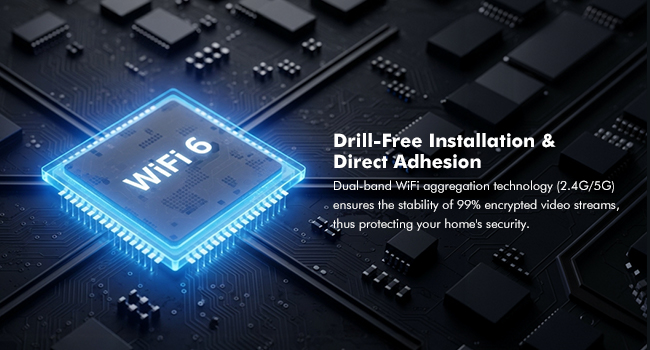
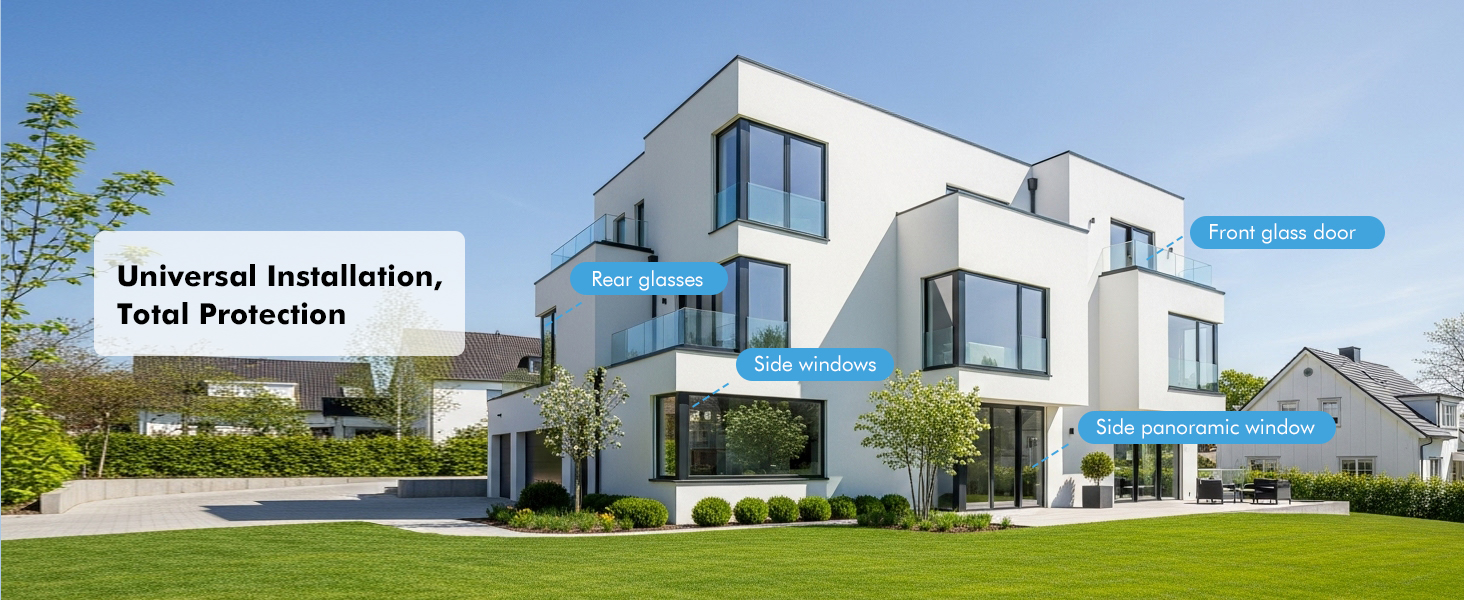
2K Window Camera for Looking Outside (No Drilling Required) – Innovative Design
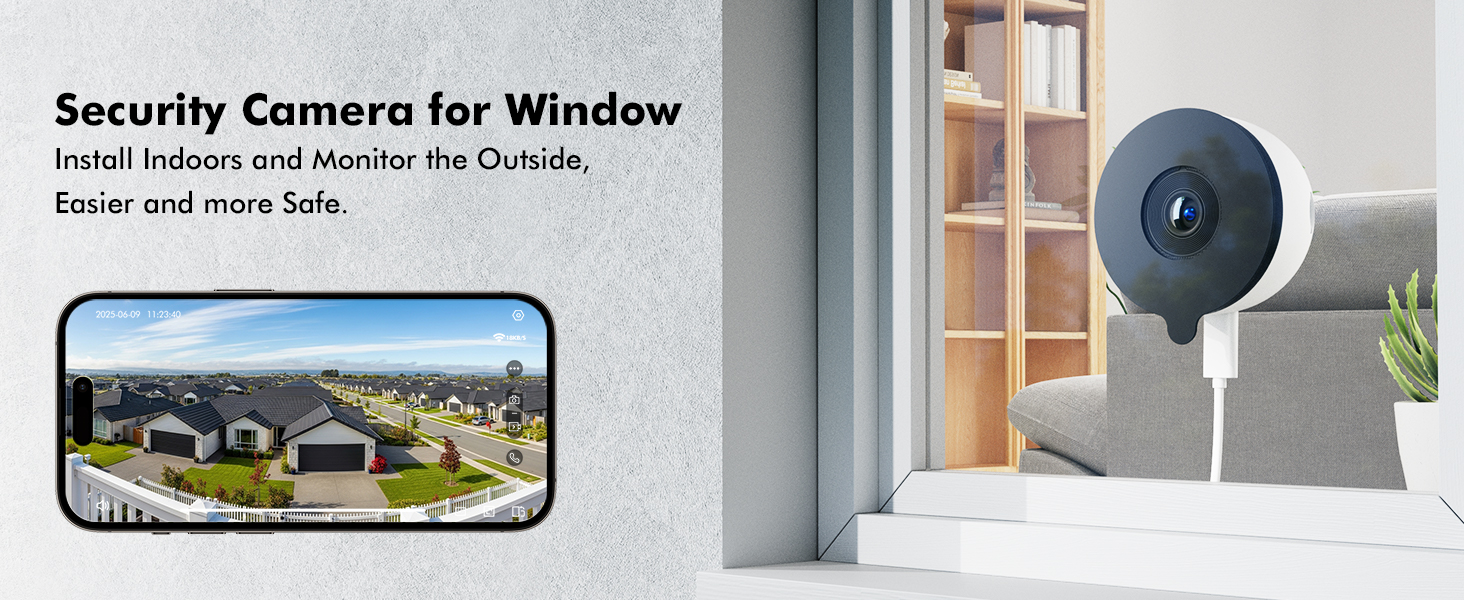
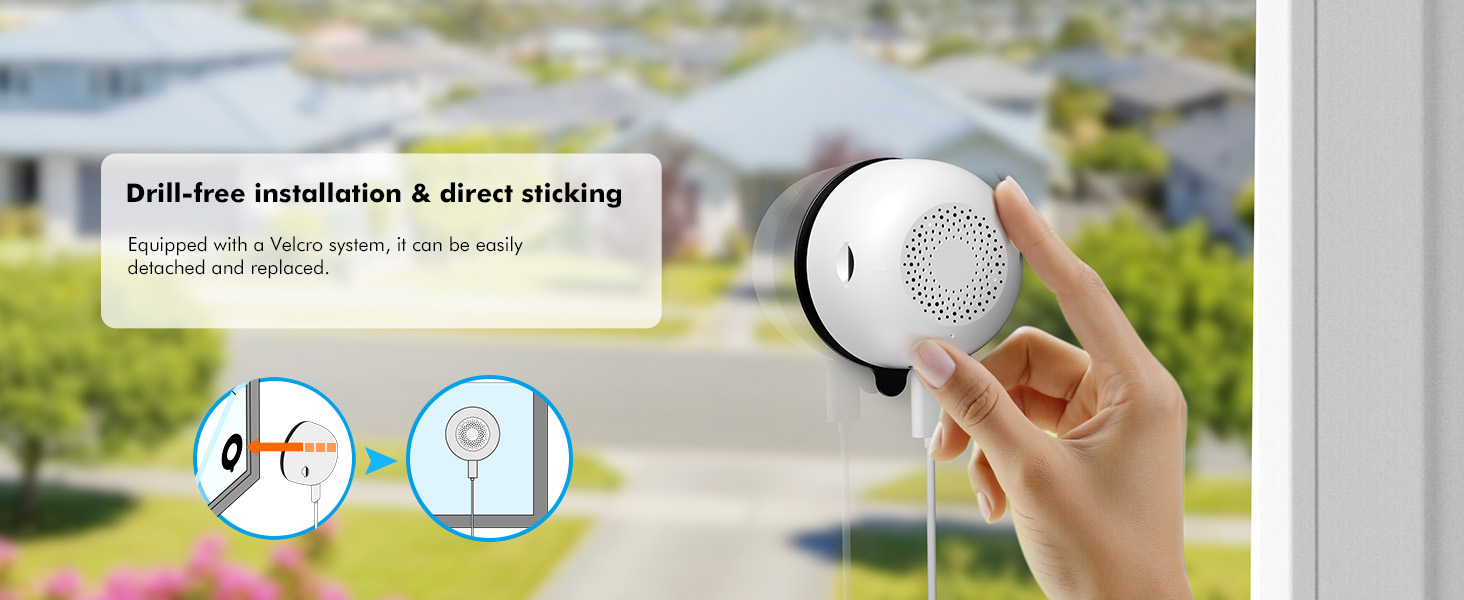

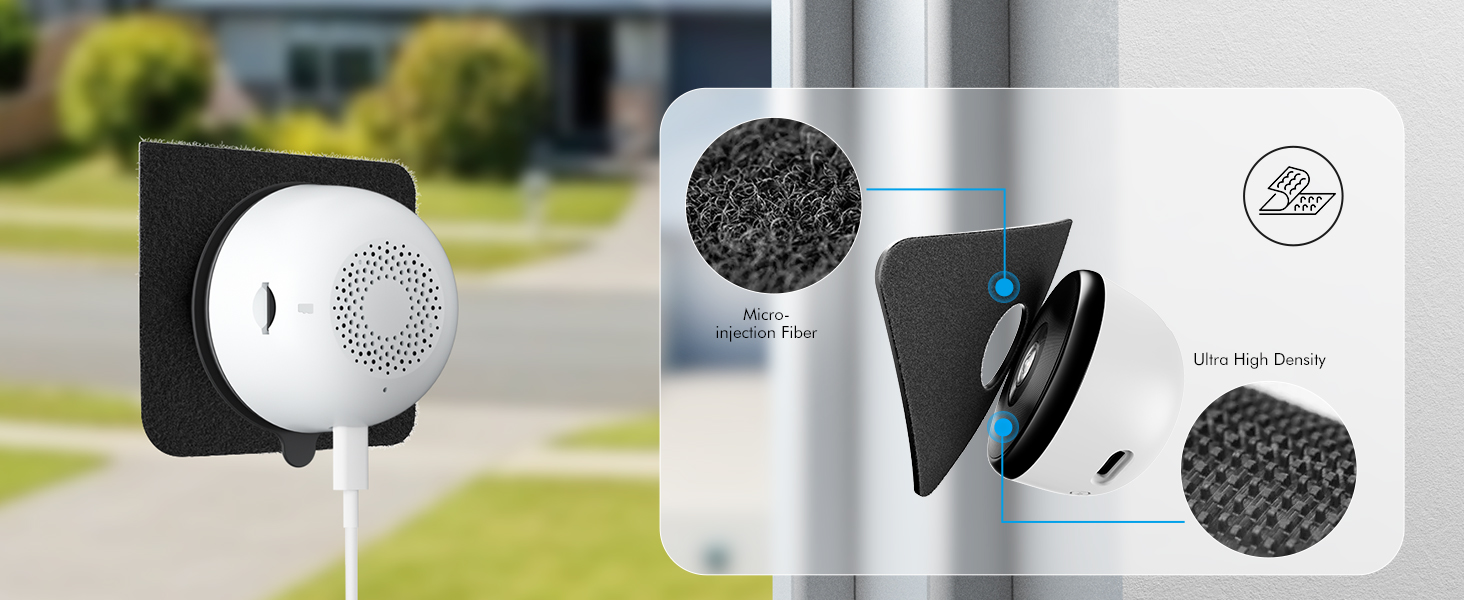

Bluetooth Pairing
High success rate, fast pairing speed
1.Tap “+” to Add Device; 2.Tap “Camera scan code to add‘
3.Input Wi-Fi Password; 4.Wait for Connection(auto-detect in 30s); 5.Device Added
Note: Please ensure that your phone’s Wi-Fi and Bluetooth are both turned on before pairing.
- The video showcases the product in use.The video guides you through product setup.The video compares multiple products.The video shows the product being unpacked.
Monitoring area settings
Merchant videoFixed Zone Detection
You can flexibly configure a detection zone to receive notifications and record videos specific to that area.
Share on Multiple Devices
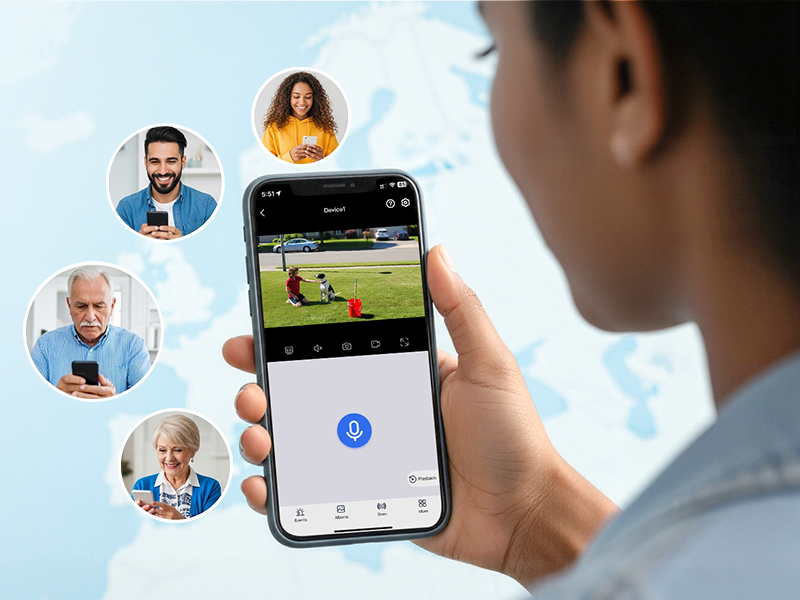
Share security. Invite family members to monitor your live cameras – so everyone stays informed.

What app does this security camera use?
On mobile, use the “Yeskamo” app; on PC, use EseeCloud.
How to share device with family members?
Device Settings – Share Device (To ensure video privacy and security, a device can only be bound to one account. Other users can only connect after sharing through the primary account (the first device connected).)
How do I configure this security camera?
1.Tap “+” to Add Device;
2.Tap “Camera scan code to add’
3.Input Wi-Fi Password;
4.Wait for Connection(auto-detect in 30s);
Note: Please ensure that your phone’s Wi-Fi and Bluetooth are both turned on before pairing.
What apps can I use with this window camera?
Mobile App – “Yeskamo”; PC – “EseeCloud”
Is this window camera waterproof?
No, it is not waterproof and should not be used in rain or humid environments.
| Weight: | 170 g |
| Dimensions: | 6 x 6 x 3.7 cm; 170 g |
| Model: | Mrowly Y661 |
| Pack Quantity: | 1 |
| Batteries Required: | No |
| Batteries Included: | No |
| Manufacture: | Mrowly |
| Dimensions: | 6 x 6 x 3.7 cm; 170 g |
| Quantity: | 1 |