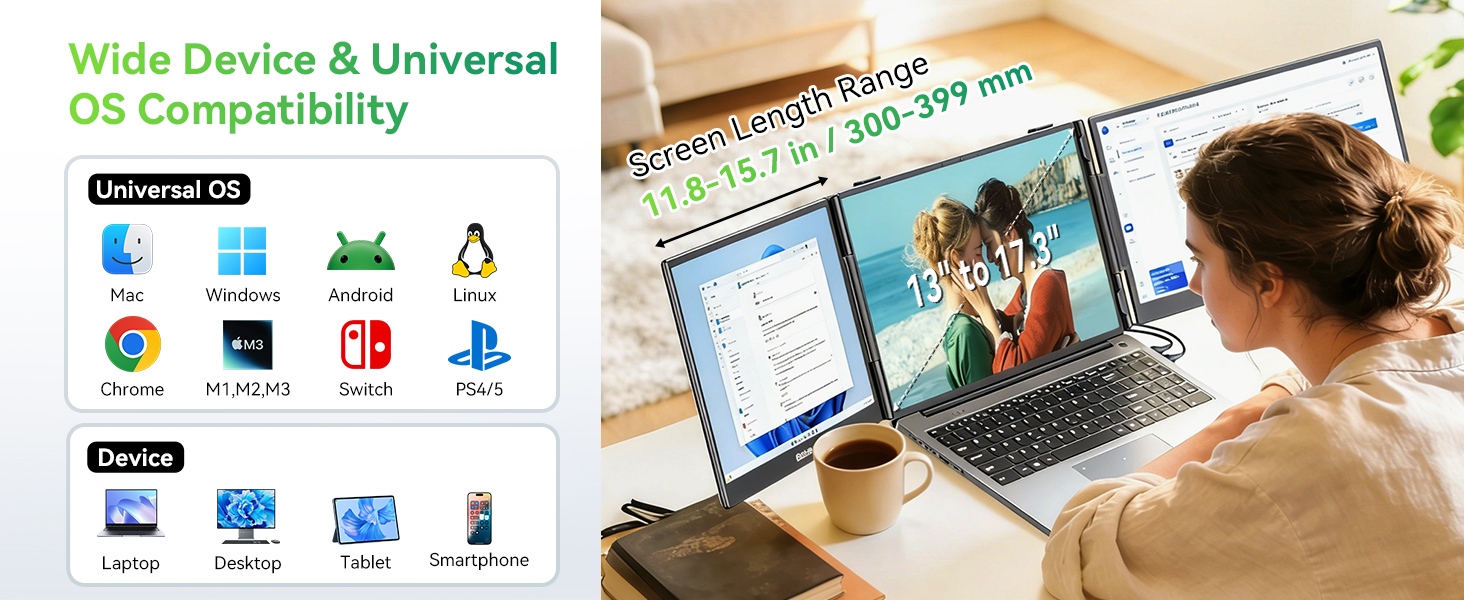
MacBook Pro 14″ / 16″ (M1 Pro & newer) . Note: For MacBook Air 15″ & 13″ Pro (M1/M2/M3/M4) With the lid open, these models support only one external display.
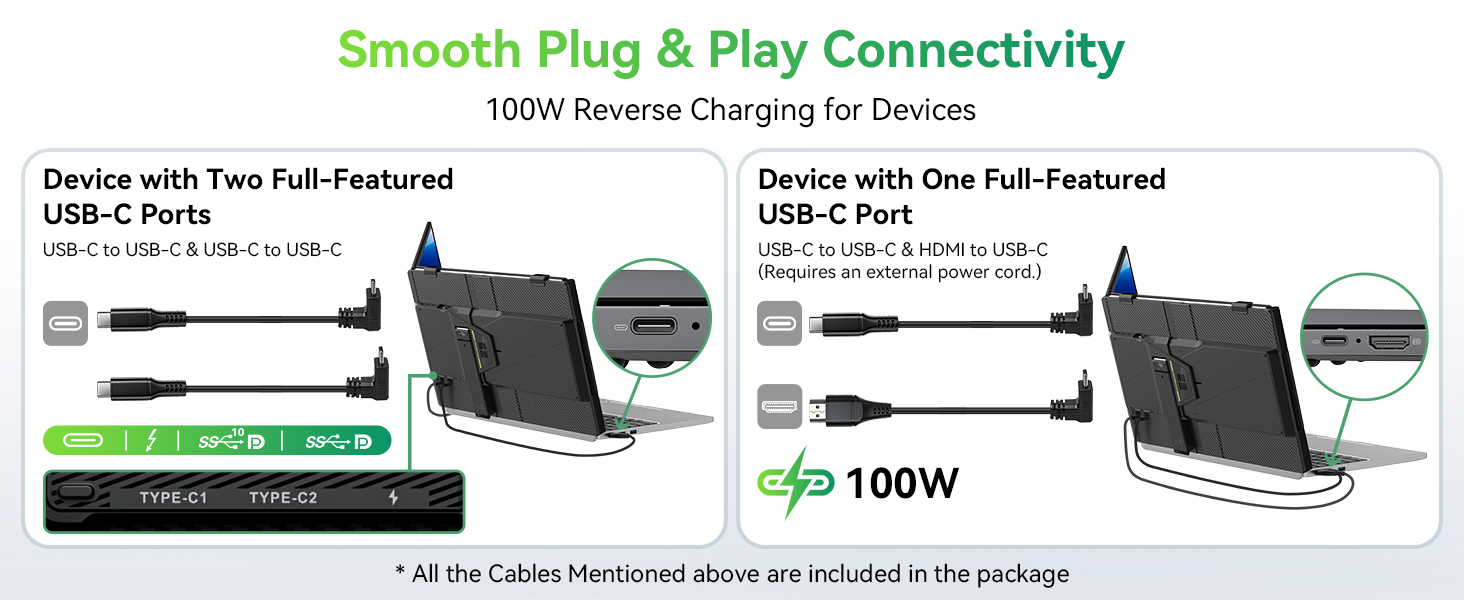
Dual USB‑C Connection – Laptop
Lenovo ThinkPad X1 Carbon (14″), T14/T16, Yoga 9i, Legion 7/9; Dell XPS 15/17, Latitude 7000/9000, Inspiron 14 Pro/16 Pro (2020+); HP Spectre x360 (14″), EliteBook 800/1000 series (with Thunderbolt 4), OMEN; ASUS; Microsoft; Samsung; LG etc.
USB‑C + HDMI Connection
HP EliteBook 600/800 series (USB‑C video‑capable), ENVY 14/15/16, Pavilion 14/15/17, Victus 15/16;Lenovo ThinkPad E14/E16, IdeaPad 3/5/7 (14″–16″), LOQ 15, Legion 5;Dell Inspiron 14/15/16, Latitude 3000/5000, G15/G16;Acer Swift Go 14/16, Aspire 3/5/7 (use HDMI – USB‑C may be data‑only), Nitro V 15/16;ASUS Vivobook 14/15/16, TUF Gaming A15/A17, Zenbook (standard models);Microsoft Surface Laptop 15″ (via USB‑C + HDMI adapter) etc.
Single Screen Only -Smartphone
Desktop Mode: Samsung Galaxy S8–S24, Note8–Note20, Z Fold2–Fold6; Motorola edge series. Screen Mirroring: iPhone 15/16/17 (USB‑C);OnePlus 9/10/11/12, Sony Xperia 1/5 series
Single Screen Only – Other
Games Consoles: Nintendo Switch (all models) Steam Deck (LCD / OLED) ASUS ROG Ally / Ally X Lenovo Legion Go. Tablets: Apple iPad Pro 11″/12.9″, iPad Air (USB‑C models);Samsung Galaxy Tab S7/S8/S9/S10 (DeX mode);Microsoft Surface Pro 7/8/9/10/11 (USB‑C). Cameras: DSLR / Mirrorless; Camcorder
Independent Mode
It allows you to display content from two different devices simultaneously. Connect a games console to one display whilst following a tutorial on your phone from the other—a straightforward, efficient solution for work and leisure.
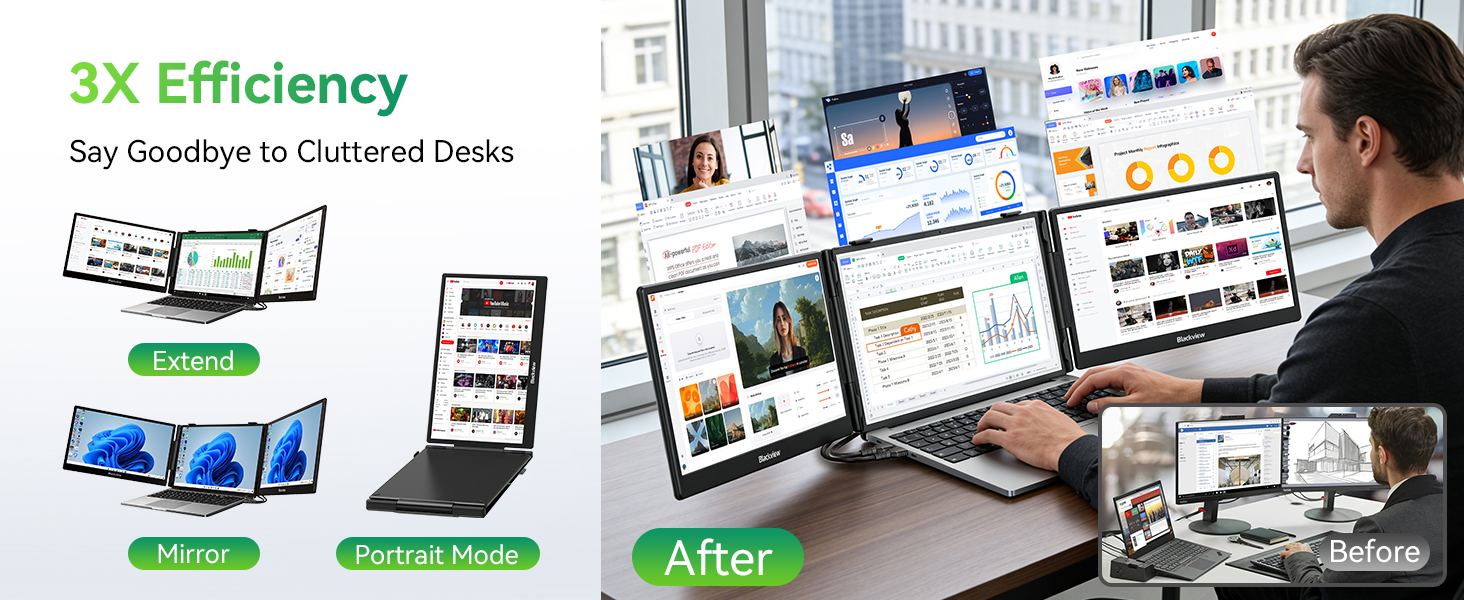
How to Arrange your Screens
for Windows: Press Windows + P and select Extend to arrange your screens; for Mac: Go to System Settings > Displays to arrange or mirror your screens