PRITOM 7 inch Android 14 Tablet PC with 8GB RAM 64 GB
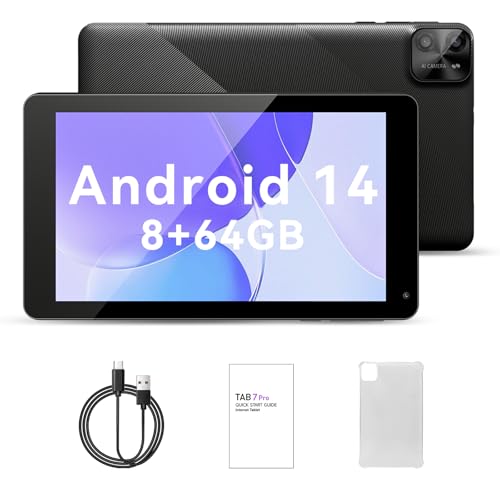
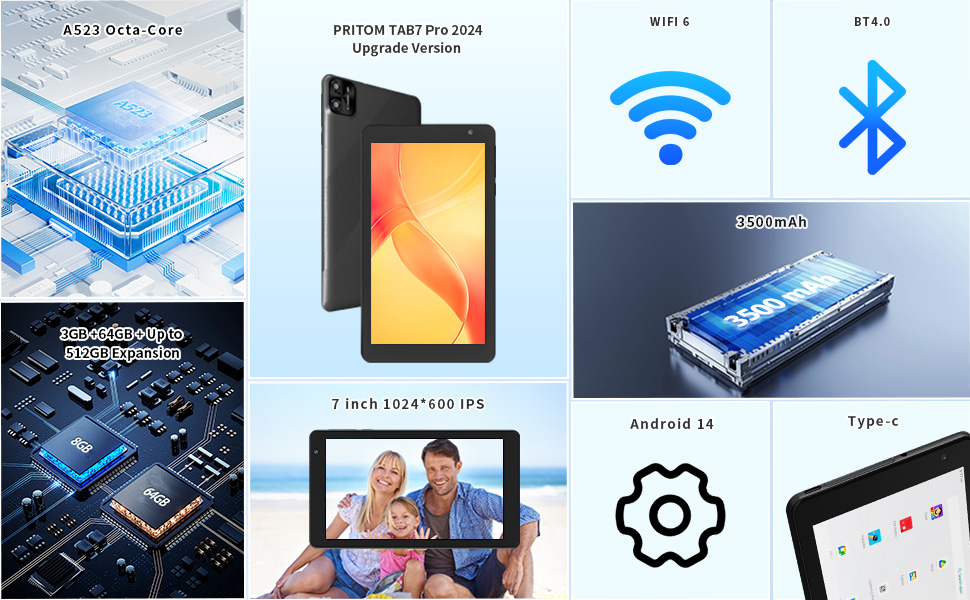
PRITOM 7 inch Android 14 Tablet PC with 8GB RAM 64 GB ROM,512GB Expand, 8-Core, 5G WiFi, Dual Camera, Bluetooth, 7″ Tablet, Black

WiFi Setup Steps AND Note
Note:This product supports Ethernet connection, you need to use an adapter, connected to the network cable to use .
WiFi Setup Steps:1. Open Settings: Android: Tap the ‘Settings’ icon (cogwheel).
2. Enter WiFi settings: Android: Select ‘Network & Internet’ or just tap ‘WiFi’.
3. Switch on WiFi: If WiFi is not switched on, tap the switch to turn it on.
4. Select Network: In the list of available networks, select the WiFi network you want to connect to.
5. Enter Password:If the network has a password, enter it and click ‘Connect’.
6. Wait for connection:The device will connect automatically and display ‘Connected’ or WiFi icon when successful.
7. Test the network:Open the browser or application to confirm the network is available.
| Brand: | PRITOM |
| Model: | P7(B7 TAB 7 Pro) |
| Batteries Included: | Lithium Polymer |
| Manufacture: | PRITOM |
| Origin: | China |