Earbay Wireless Headset, Bluetooth Headset With Microphone
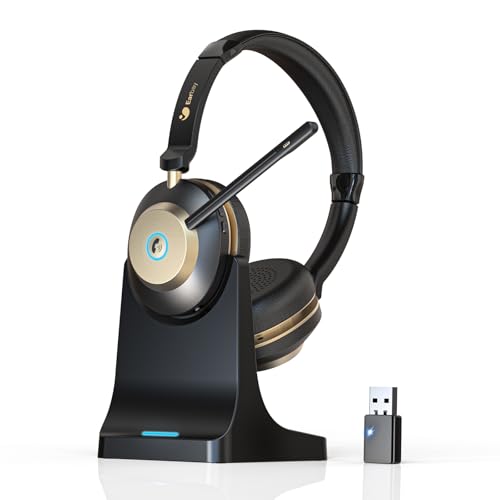
Earbay Wireless Headset, Bluetooth Headset With Microphone Noise Canceling & USB Dongle, V5.3 Bluetooth Headphone with Charging Dock & 50hrs Working Time for Computer/Phones/Teams/Skype/Zoom/Office
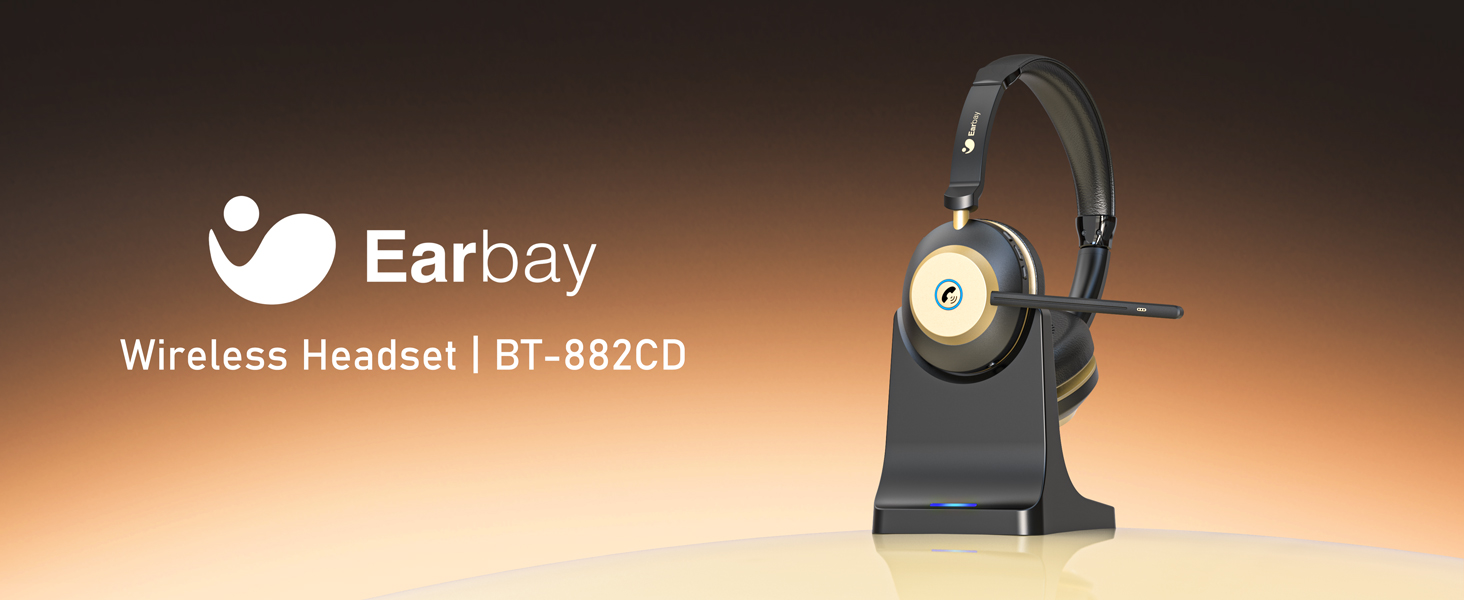
YOUR BEST CHOICE FOR PROFESSIONAL & CLEAR CALL

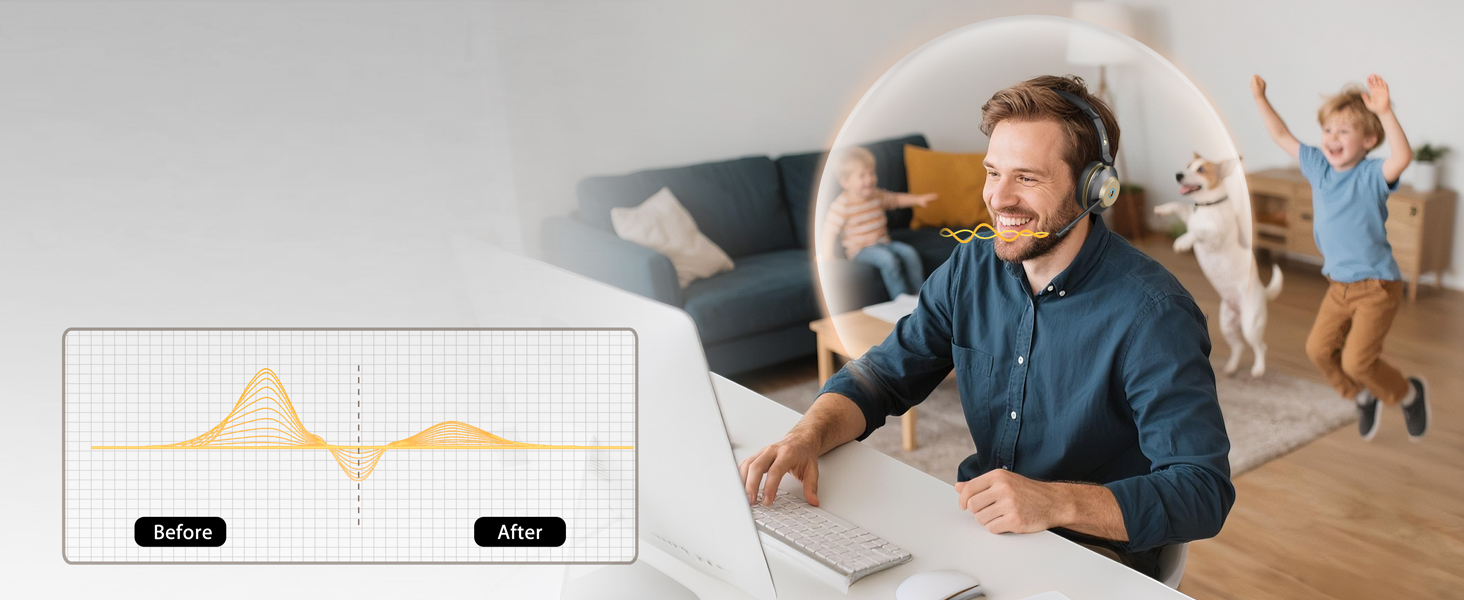
Your Voice, Professional & Clear
Same space, different tasks—our wireless headset with microphone keep you both immersed
Seamless Mute Function
The bluetooth headset mute function maximizes your privacy protection during calls
Wear it like it’s not Even There
Stay engaged and enjoy all-day productivity without your headset with microphone getting in the way.


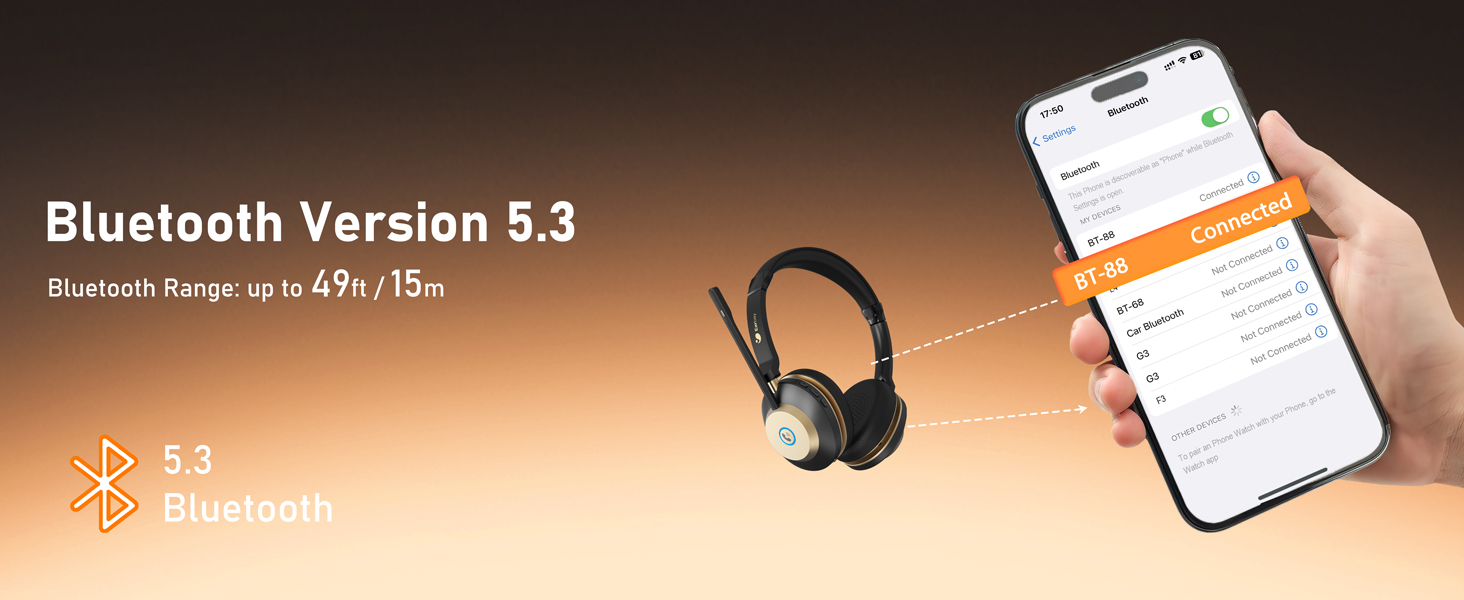
Featuring The Latest Upgraded Bluetooth 5.3 Chip
The wireless headphones with microphone reduces signal delay for faster and more stable transmission
Enjoy Listening to Music
Our wireless headset with mic built-in 40mm driver let you immersive and hear real and crisp sound.
Effective in various environments
Designed for various scenarios, from outdoor to work calls, catering to all your audio needs
Fast and Stable Connection
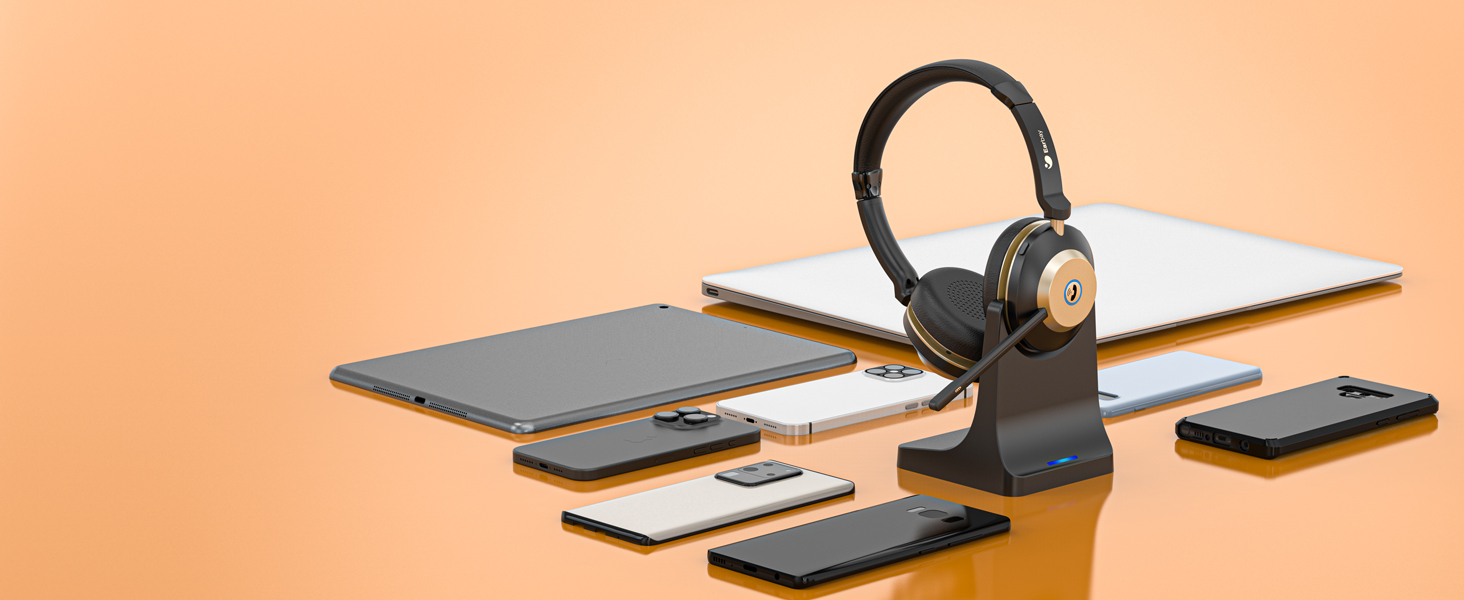
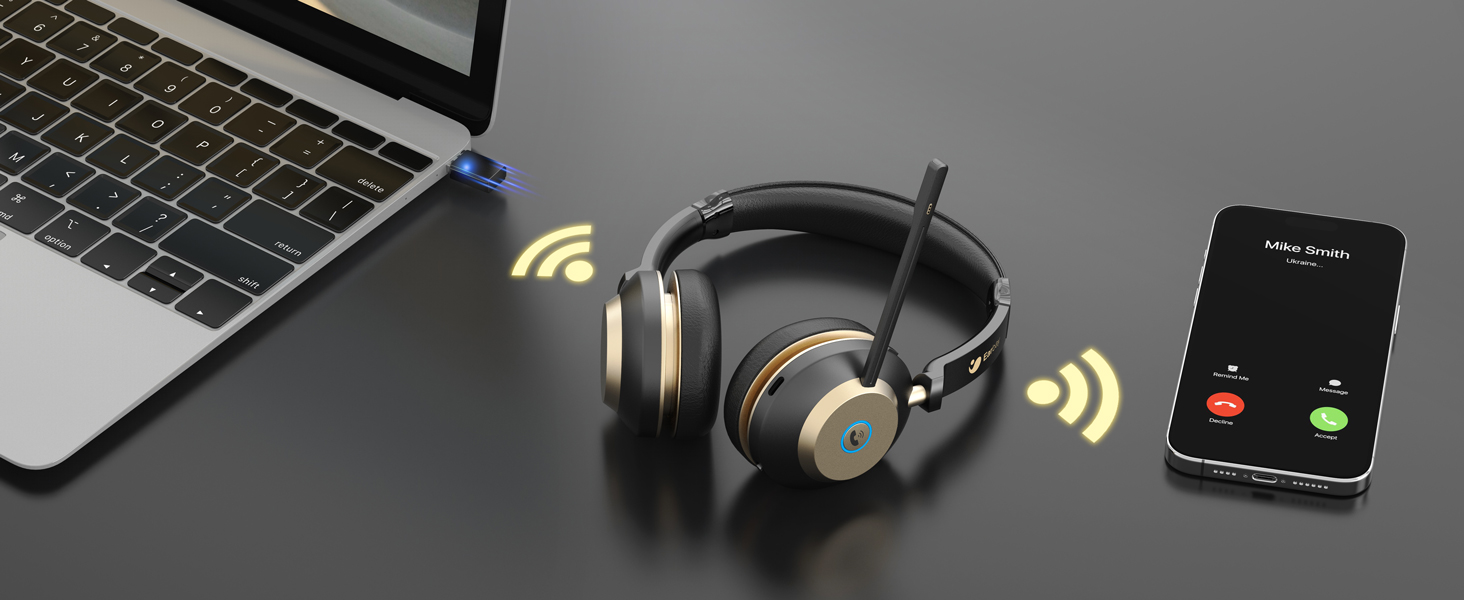
Stable and low latency, connection to 2 devices simultaneously with easy setup.


Silk Comfort
Enjoy the silky-light comfort of the headset, providing exceptional comfort for long hours of use
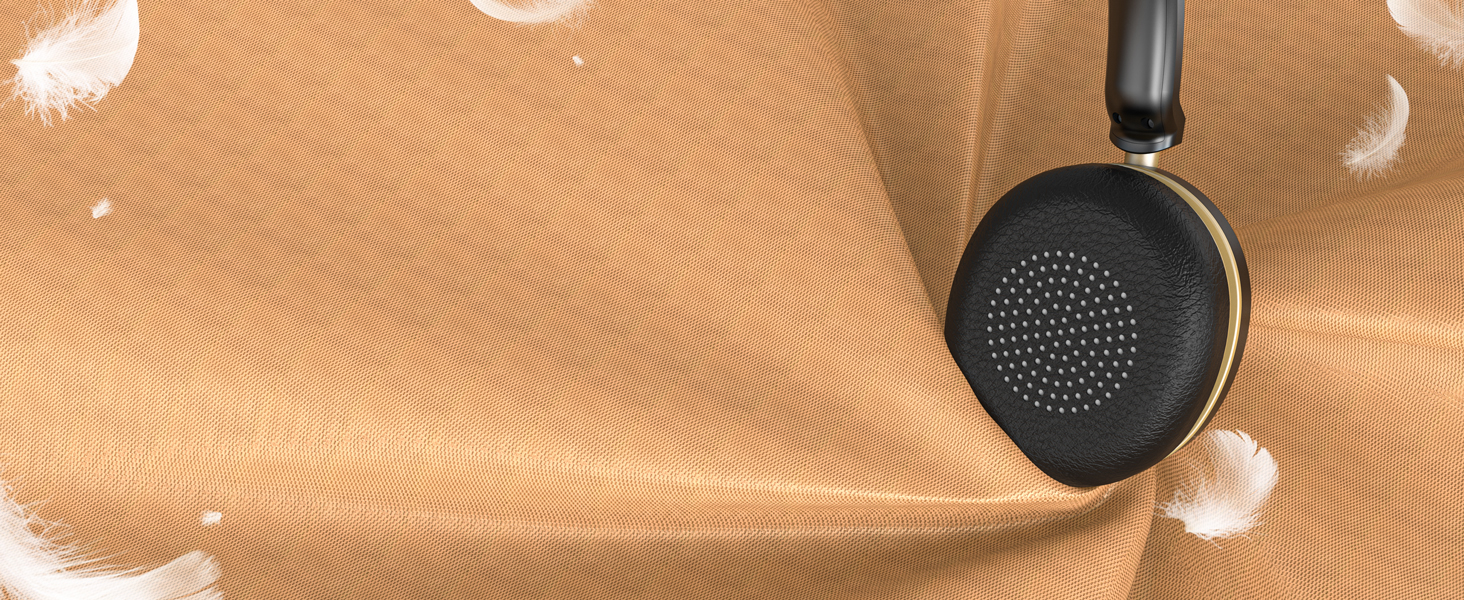
Pillow-Soft Memory Protein Earpad
With protein memory foam, the earmuffs provide delightful comfort even after a full day of work
Seemless Platform Productivity
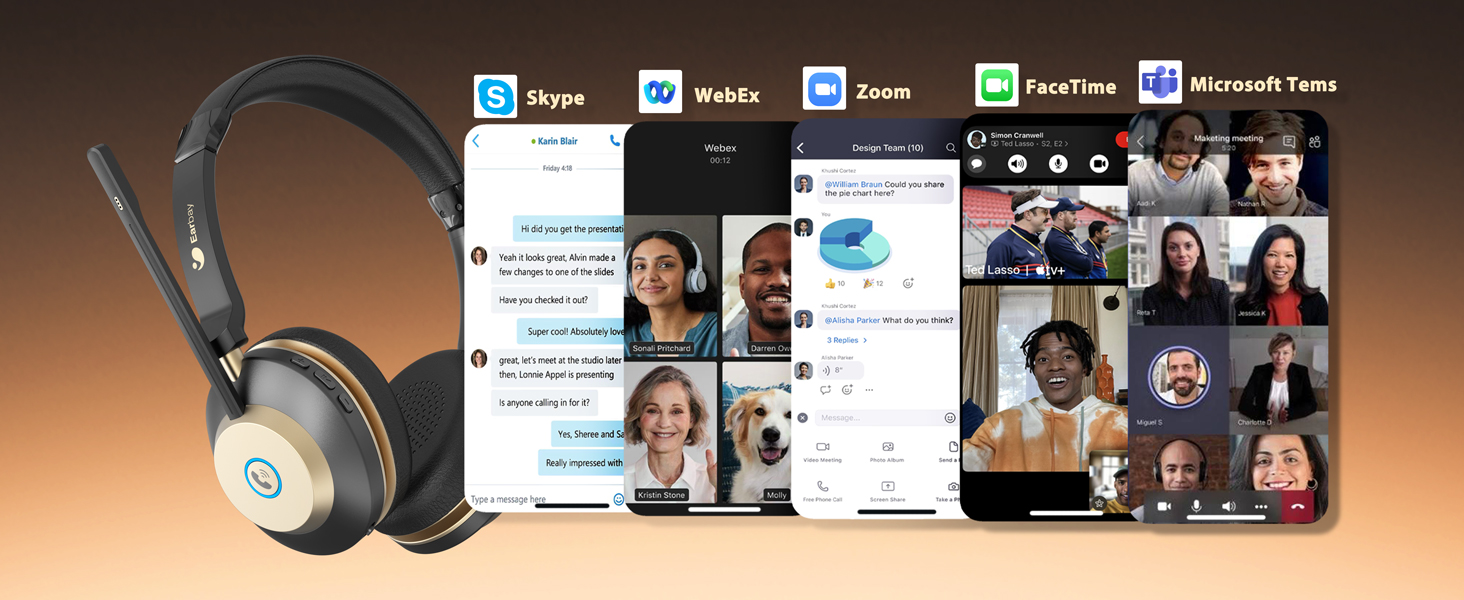
Effortless compatibility with popular UC platforms for truly seamless communication & collaboration.
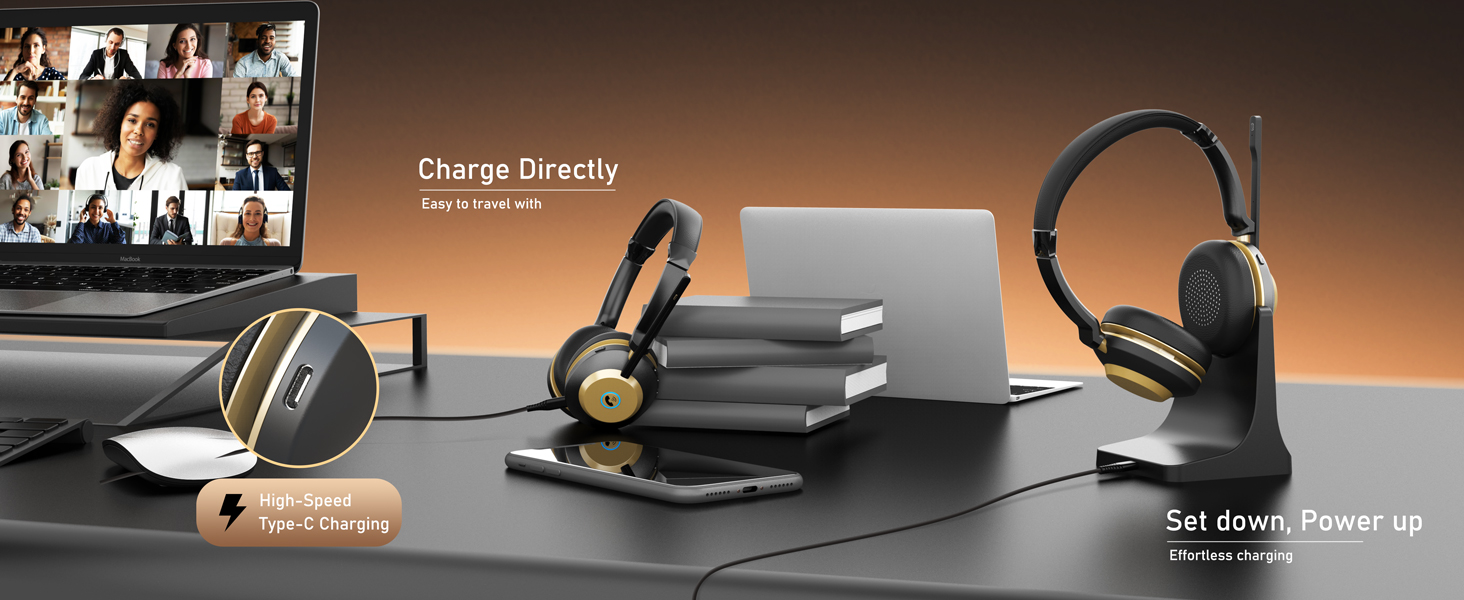
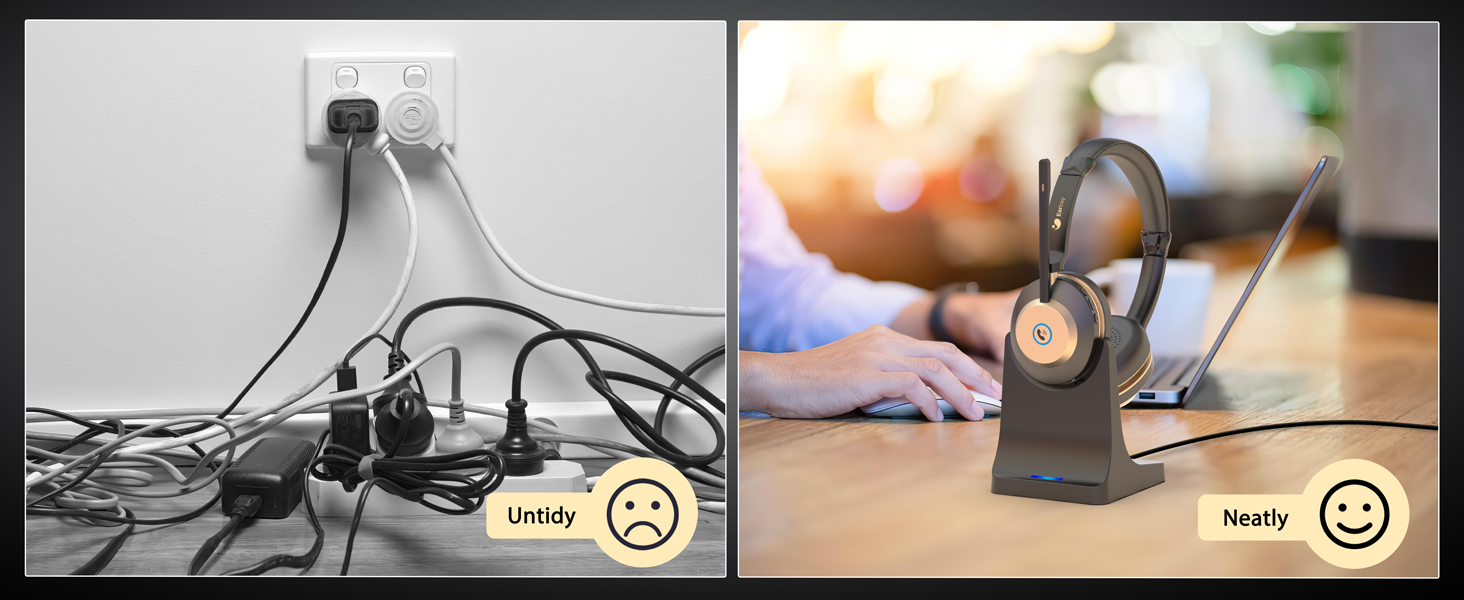
Throw away the trouble.
Keep your desk clean and tidy with this bluetooth headphone with charging dock







How to hear my own voice during my use computer headset with microphone on computer?
Please enter the sound/audio setting, choose record, double click the ‘BT-88 Handsfree AG Audio’, click ‘listen to yourself’, then you can hear your own voice.
How to use the noise cancelling headphone with microphone when i am using conference apps on PCs ?
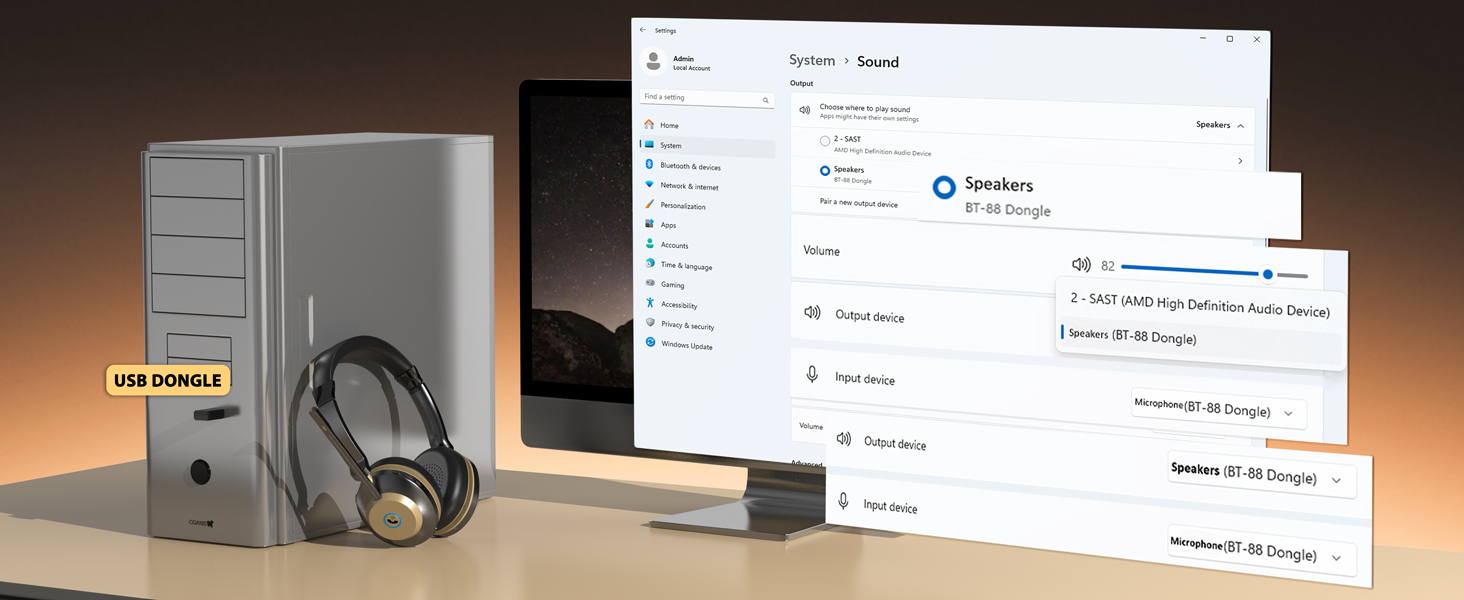
Choose the speaker and microphone as ‘BT-88 Handsfree AG Audio’ (without Dongle) or ‘BT-88 Dongle’ on PC Sound settings.
How to connect the Earbay laptop headset with microphone wireless with some software at the PC end?
Device Settings > Audio Settings > Speaker and Microphone Settings> Select [BT-88 Dongle] as your output device (speaker) & Select [BT-88 Dongle] as your input device (Microphone). Make sure [BT-88 Dongle] has been selected as the output & input.
Is there a microphone mute button on this call centre headset?
Yes, you can short click the mute button on the top of the mic, the indicator shows red light, click one more time the mute will off.
How do i answer calls with the work headset with microphone?
Click the MFB button for Answer/Hang up, Turn on/off, Play/Pause. (Note: When using apps like ms teams, answer the incoming call on the connected device(apps), not on the noise cancelling headset.
| Brand: | Earbay |
| Model: | UK-JLS-BT882CD-G-26 |
| Colour: | Black Gold |
| Pack Quantity: | 1 |
| Manufacture: | Earbay |
| Origin: | China |
| Quantity: | 1 |