Foldable Keyboard and Mouse Combo,Portable Folding Keyboard
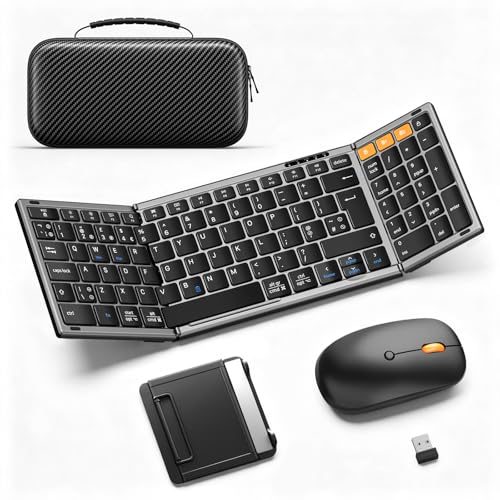
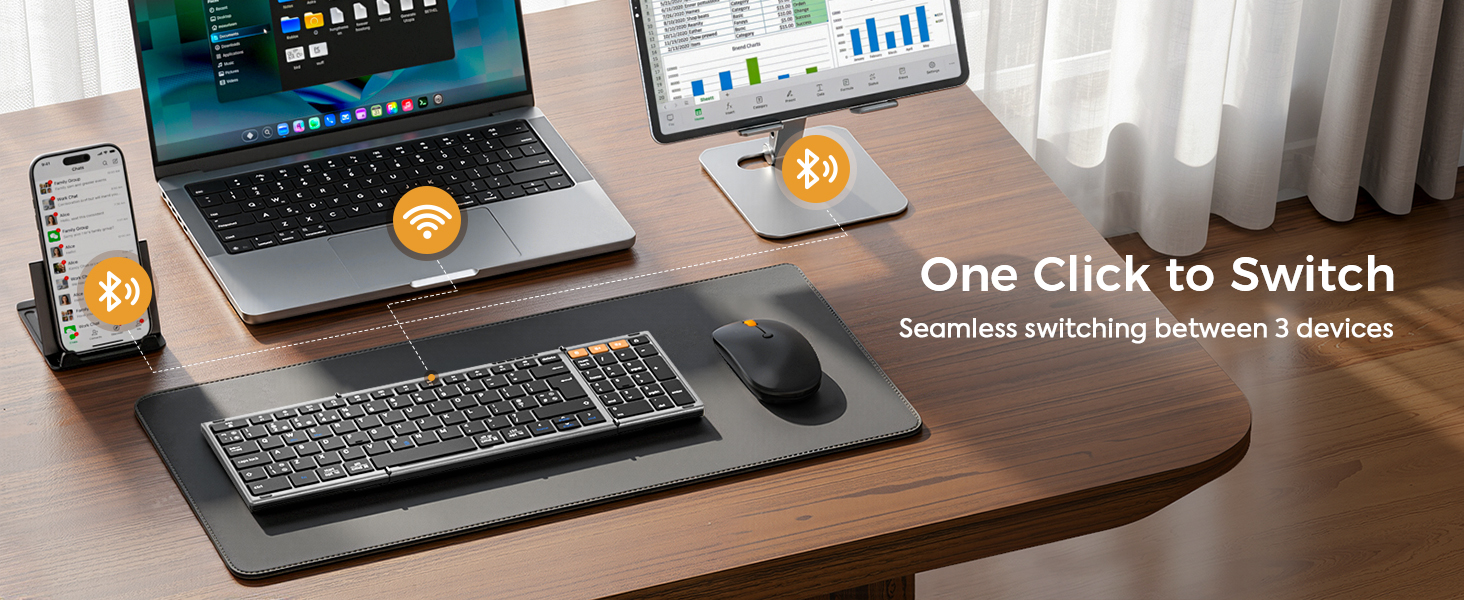
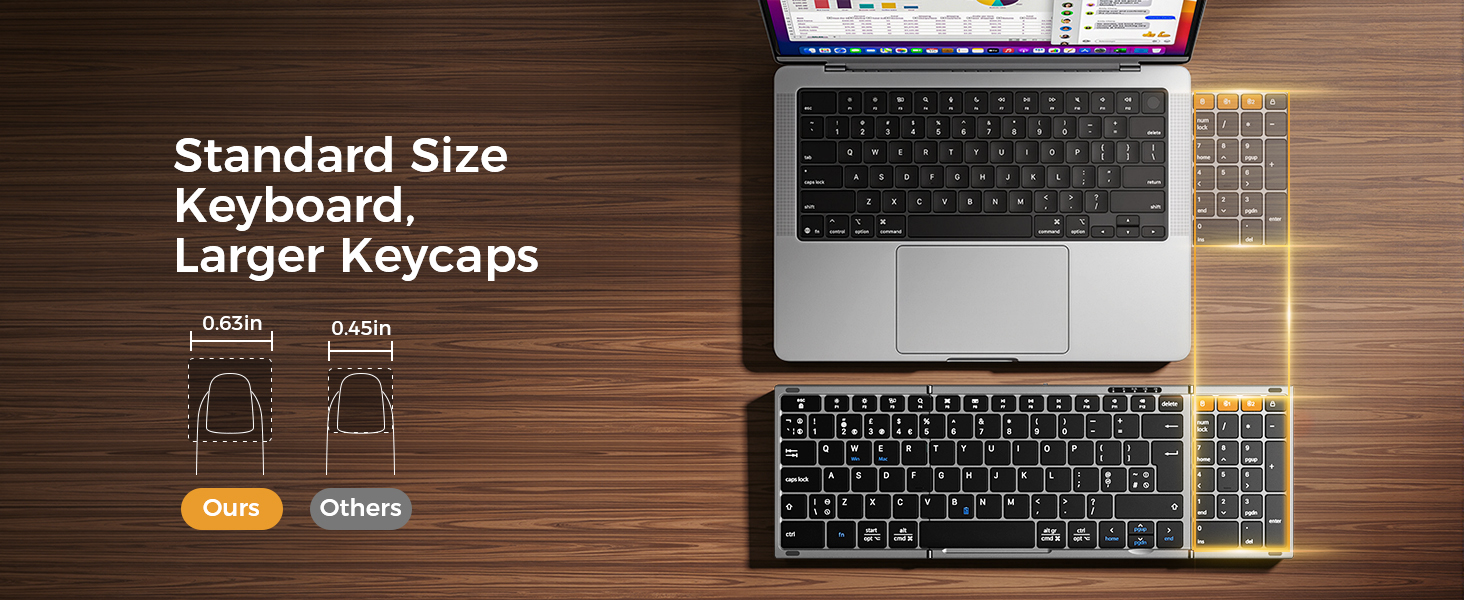
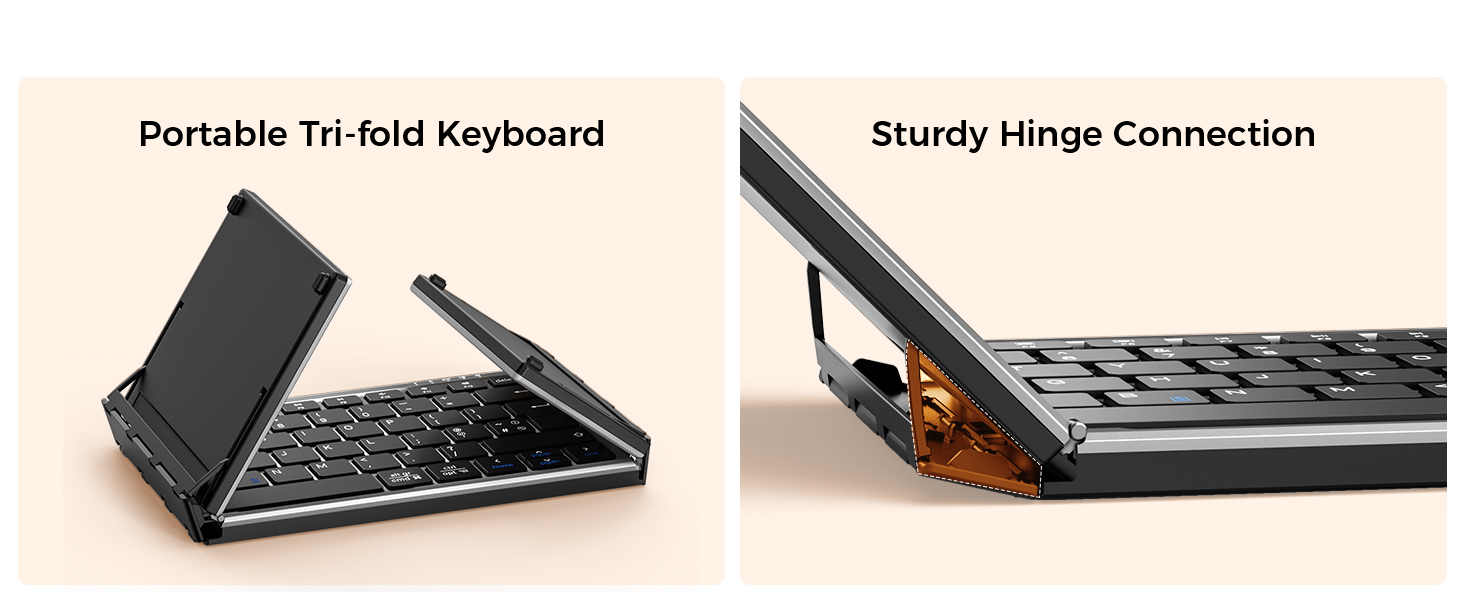
Foldable Keyboard and Mouse Combo,Portable Folding Keyboard for Laptop iPad | 2.4G+Dual Bluetooth, Full-Size QWERTY UK Layout, Travel-Ready Kit, Wireless Mouse, Storage Case, USB-C Rechargeable
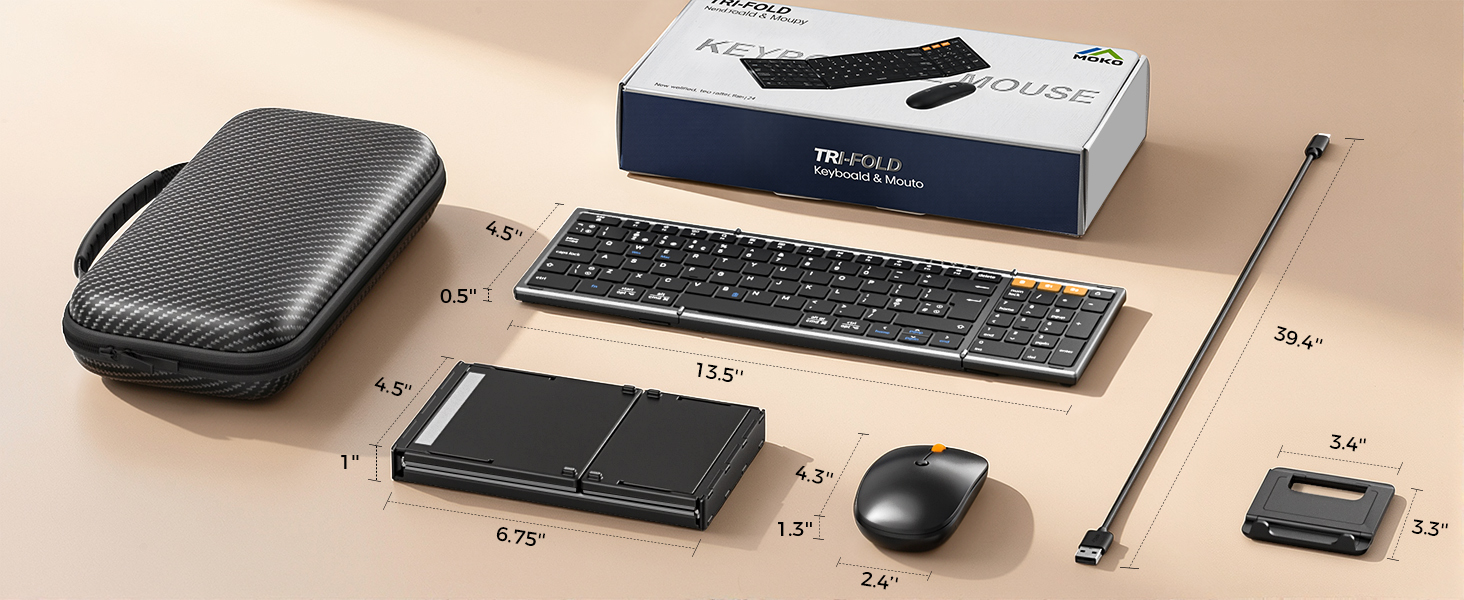
Portable Folding Keyboard & Mouse Set
-

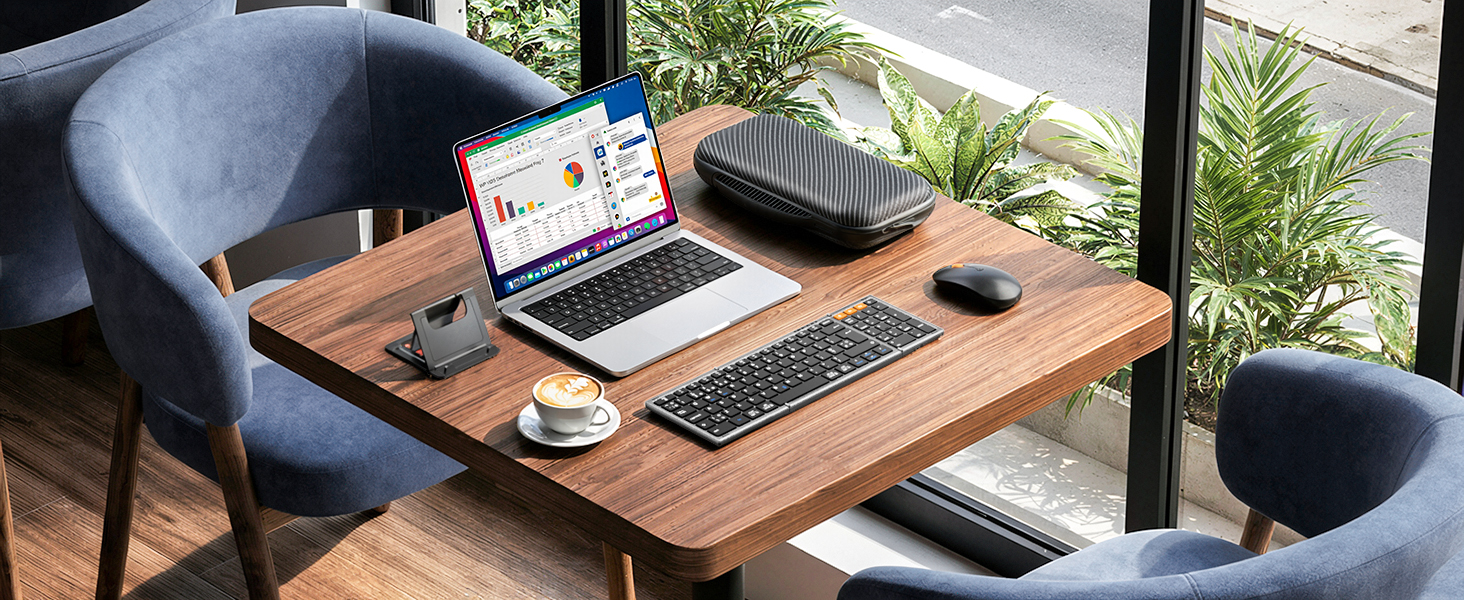
Cafe
Take our foldable keyboard and mouse kit with you, go to your favorite coffee shop, and start working more efficiently!
-
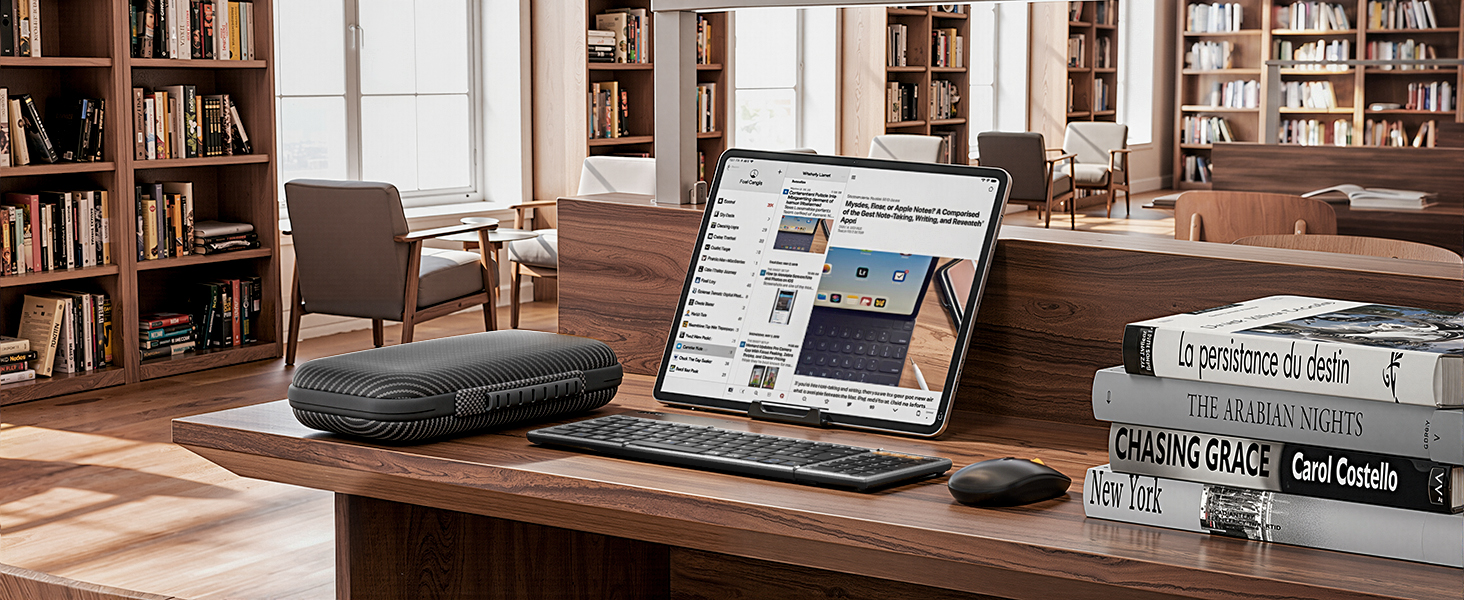
Library
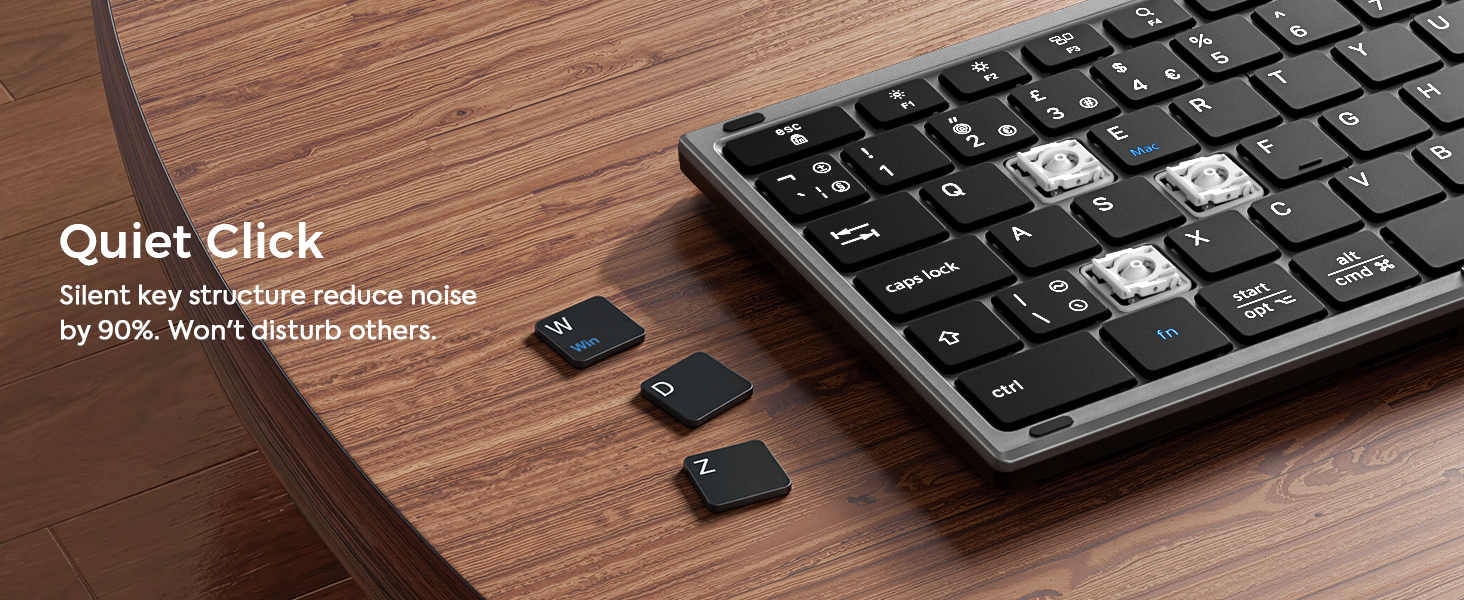
Learn in the quiet corners of the library with our noise-free keyboard and mouse set. Stay focused and never disturb others.
-
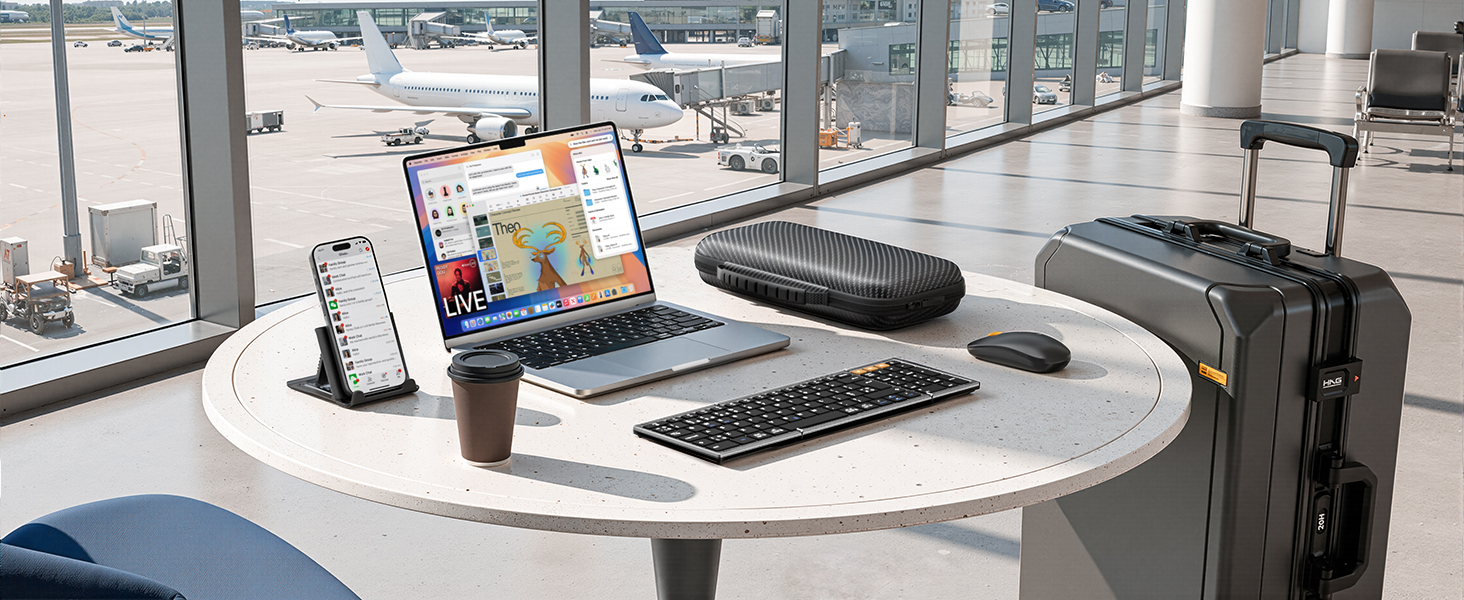
Airport
Never miss any important works when waiting at the airport with our keyboard and mouse combo. Satisfy your on-the-fly productivity needs.
-
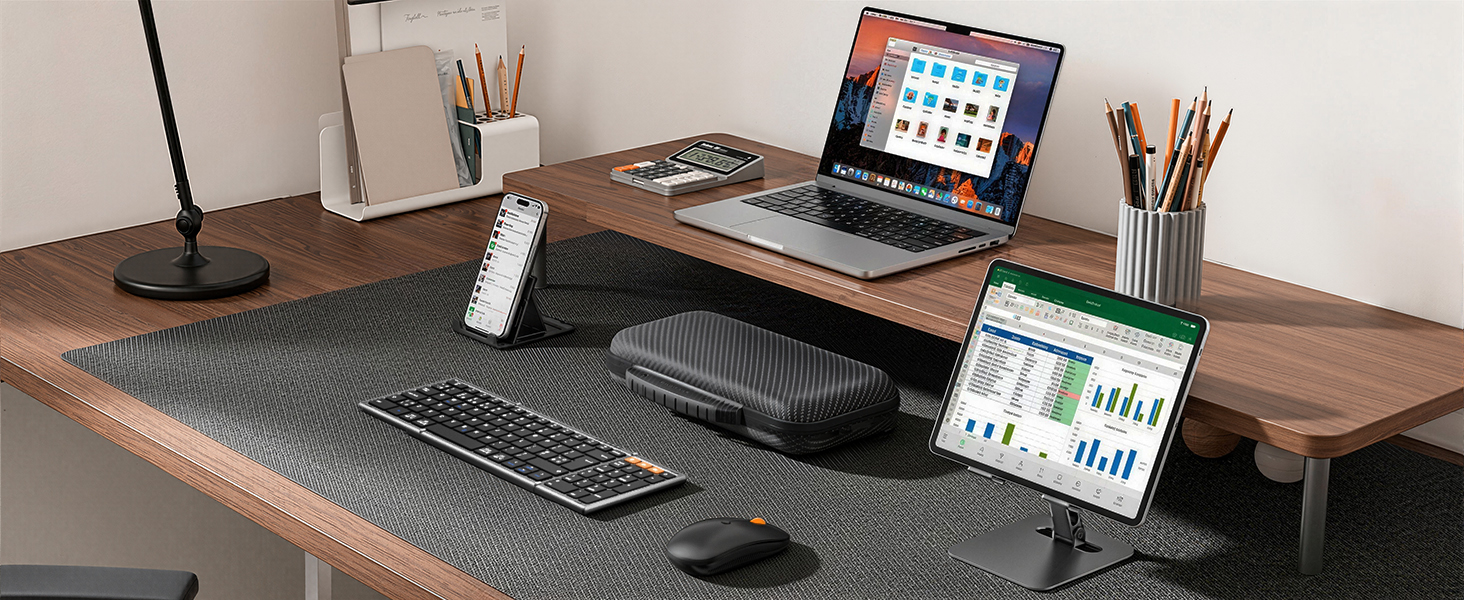
Home
Enhance your work-from-home efficiency in a comfy and stylish way. Fold it up and pack it up easily when you want to enjoy your time.

-
What should I do if the product has an issue that I can’t solve?
Please check the manual and reach out to MoKo support right away. We’re here to help with all our products and customers.
-
Connection issues? Certain keys not working, typing lag, or keys repeating?
Turn it off and back on. Recharge it if battery is low. Move closer to your device. Check for debris under the keys.
2.4G receive: unplug it and try another USB port. Bluetooth: clear pairing history and pair again. (Bluetooth 5.3 or newer required)
-
Why can’t I connect to my computer using the USB cable?
The included USB cable is for charging only – It doesn’t support data transfer. To connect the keyboard to your computer, use the 2.4G receiver or Bluetooth instead.
-
Do the keyboard and mouse switch devices at the same time?
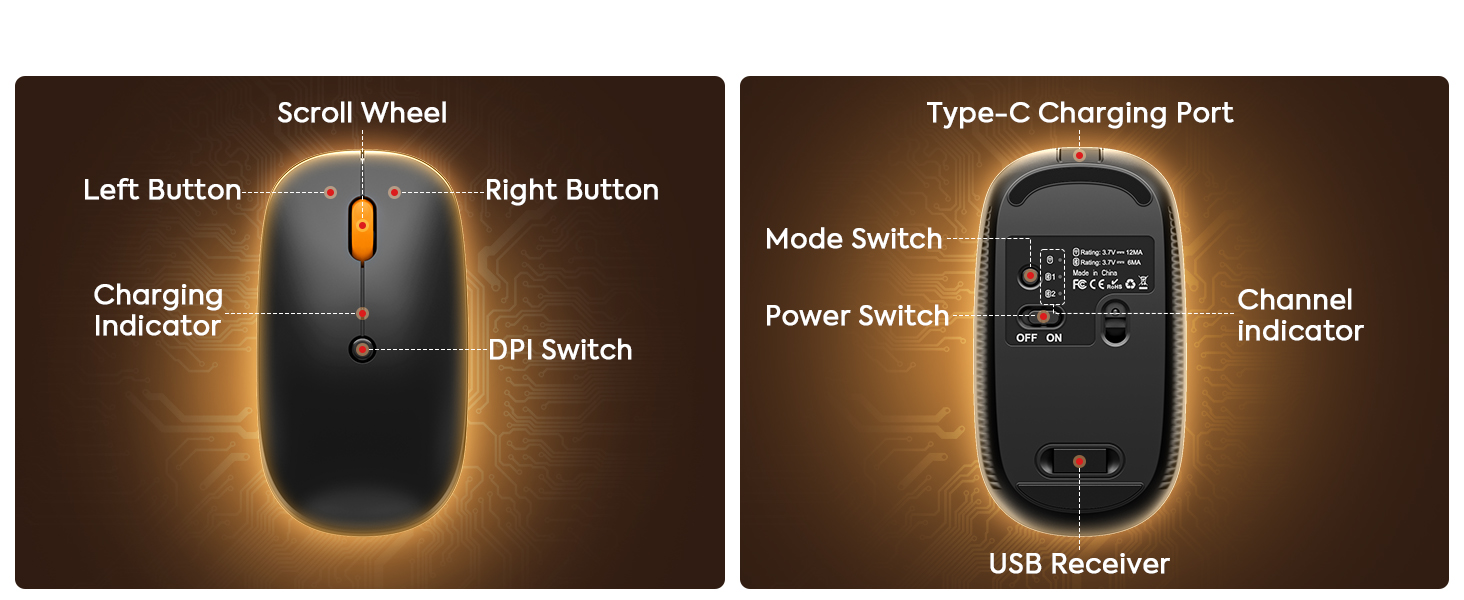
No. The mouse does not switch together with the keyboard. You’ll need to press the mode switch button on the mouse to change it to the desired device.
-
How do I switch languages on the keyboard?
Press the key combination for the typing language you want to use:
Windows system: Alt + Shift
iOS system: Ctrl + Space
| Brand: | MoKo |
| Colour: | Gray |
| Manufacture: | MoKo |
| Origin: | China |