NEW TP-Link RE715X WiFi 6 AX3000Mbps WiFi Extender Booster
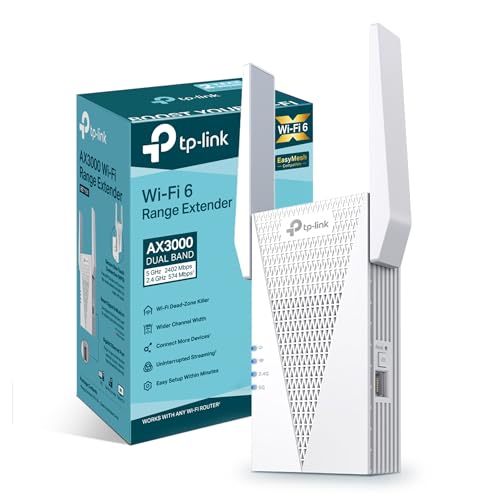
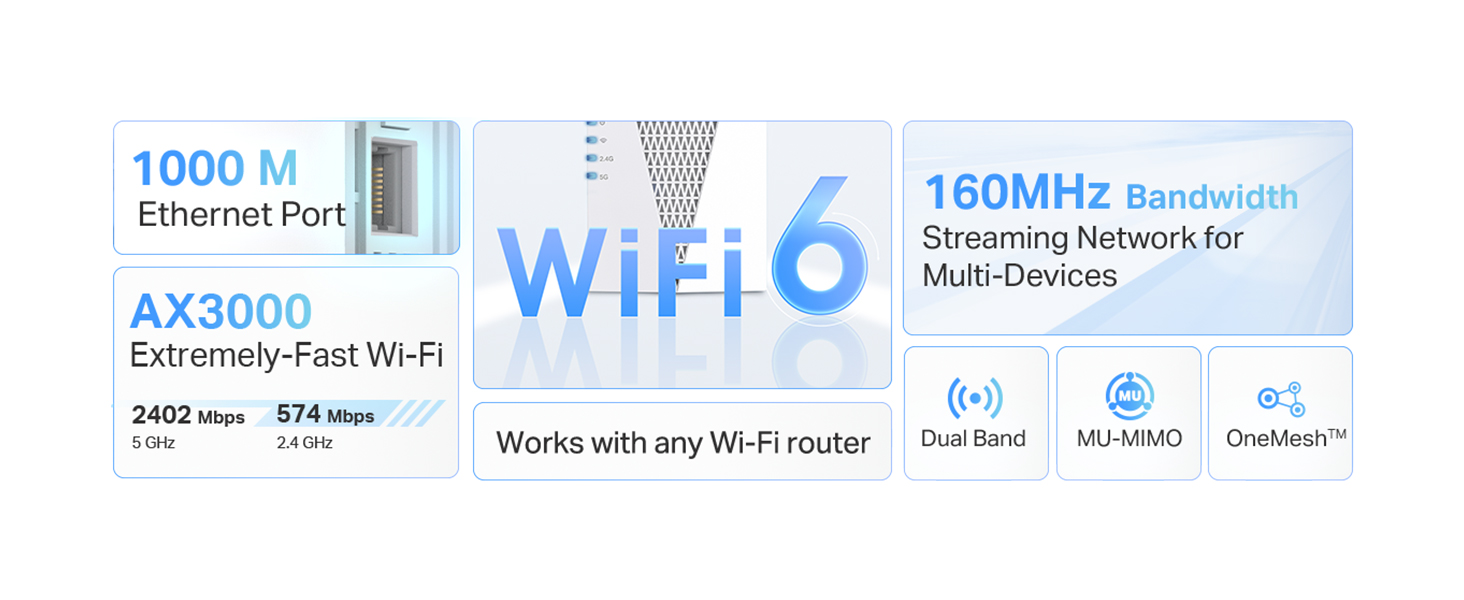
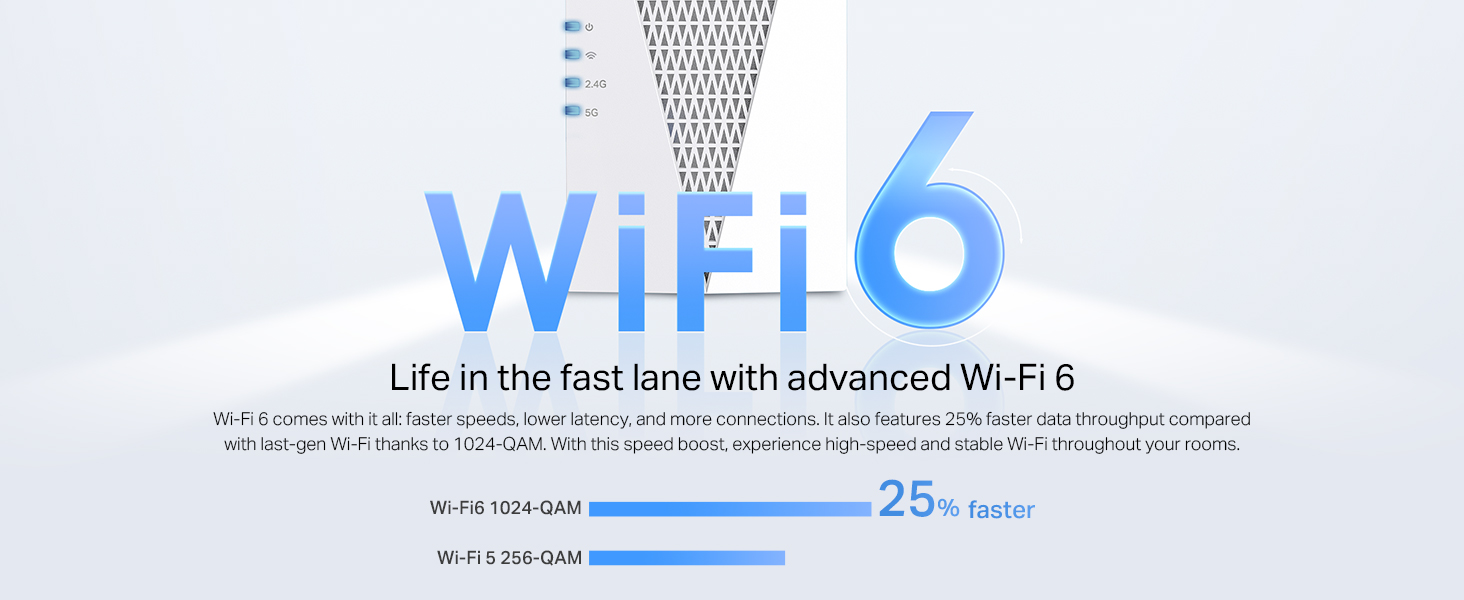
NEW TP-Link RE715X WiFi 6 AX3000Mbps WiFi Extender Booster, Internet Booster,3.0 Gbps Dual Band Wi-Fi,WiFi Booster Range Extender, EasyMesh,Smart Roaming, WiFi Repeater,App Control Easy Setup,UK Plug
Why is my internet speed much slower when connected through the range extender?
Range extenders wirelessly repeat your router’s signal and should be placed about halfway from it. They operate in half-duplex mode, meaning slower speeds since they can’t send and receive data at the same time, unlike wired connections.
My extender connection keeps dropping or is unstable. What can I do?
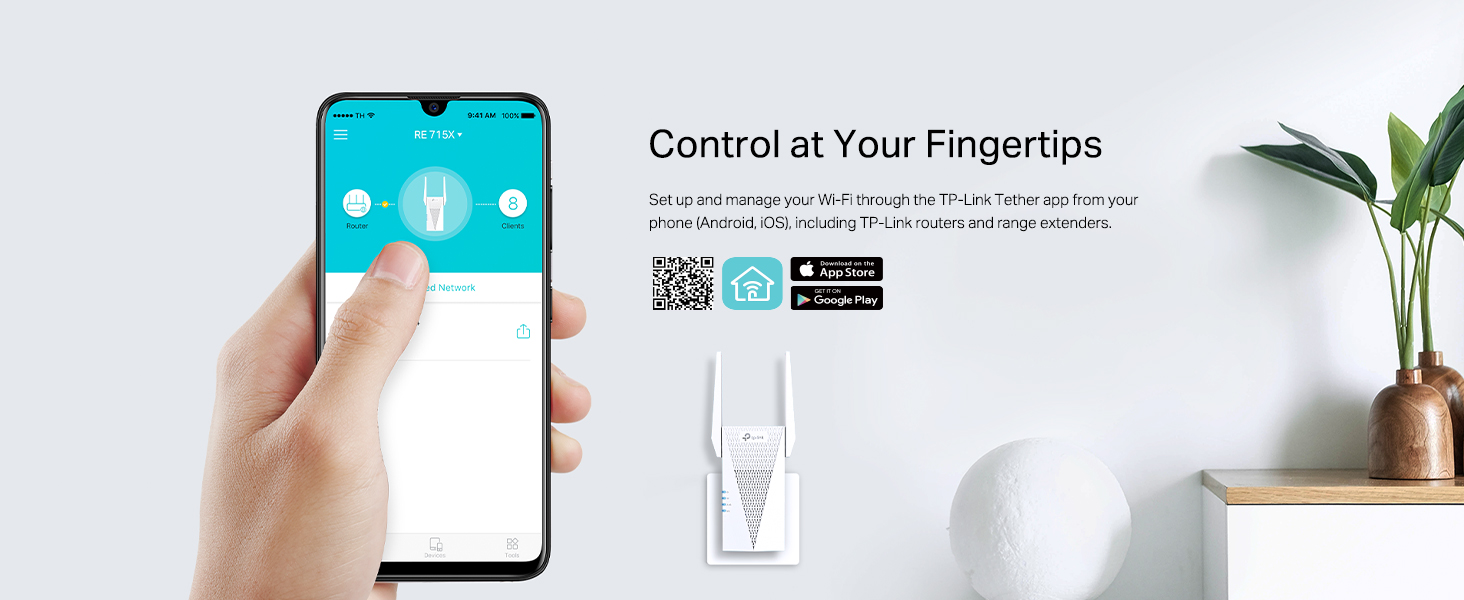
Unstable connections may occur due to distance, thick walls, interference (e.g. microwaves, metal, cordless phones), or outdated firmware. Move the extend-closer, avoid interference, and update firmware via the Tether app or web interface.
What is AP mode and how is it different from extender mode?
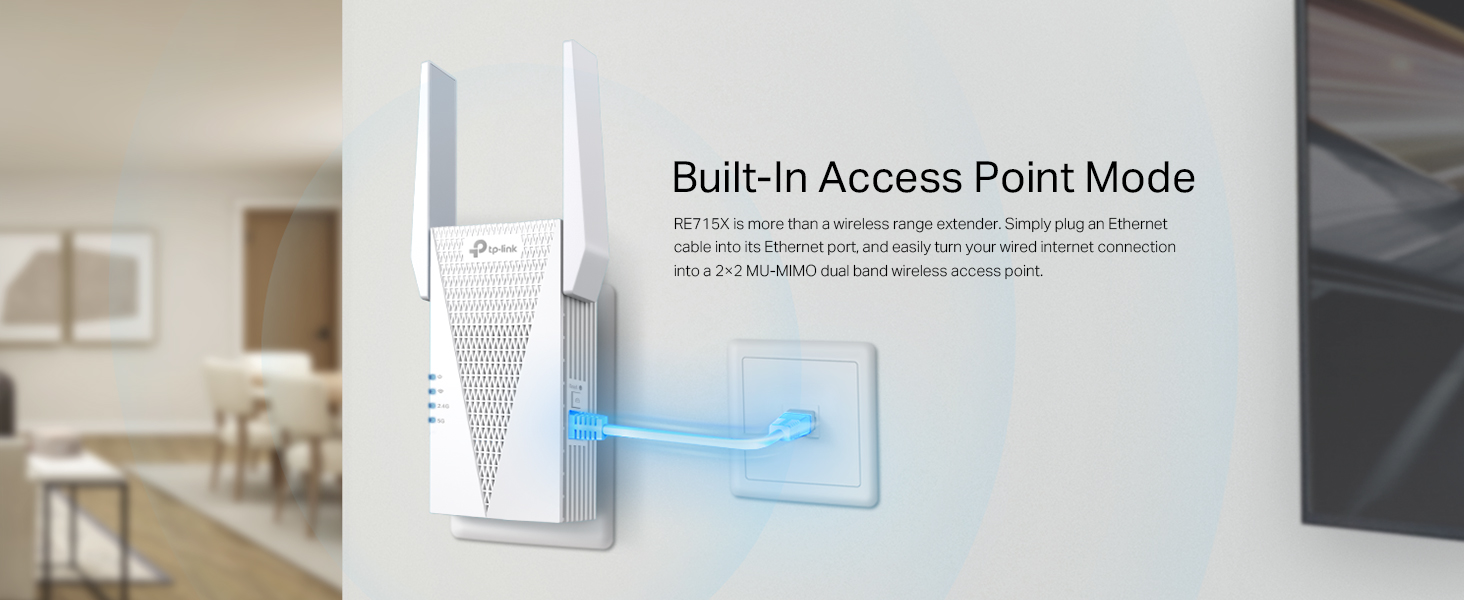
AP mode connects to your router via Ethernet and creates a Wi-Fi signal-ideal for faster, stable performance if you have a cable available. Extender mode wirelessly repeats your router’s signal but may reduce speed due to half-duplex operation.
Can I install multiple extenders in a large home?
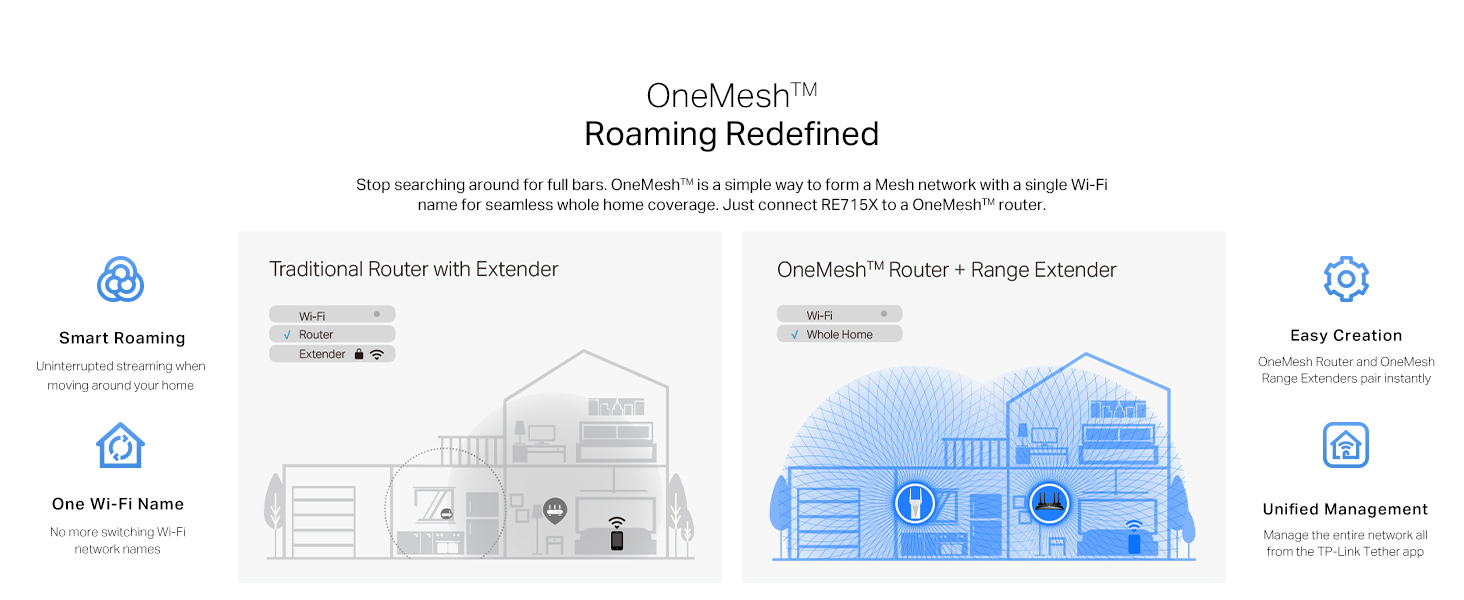
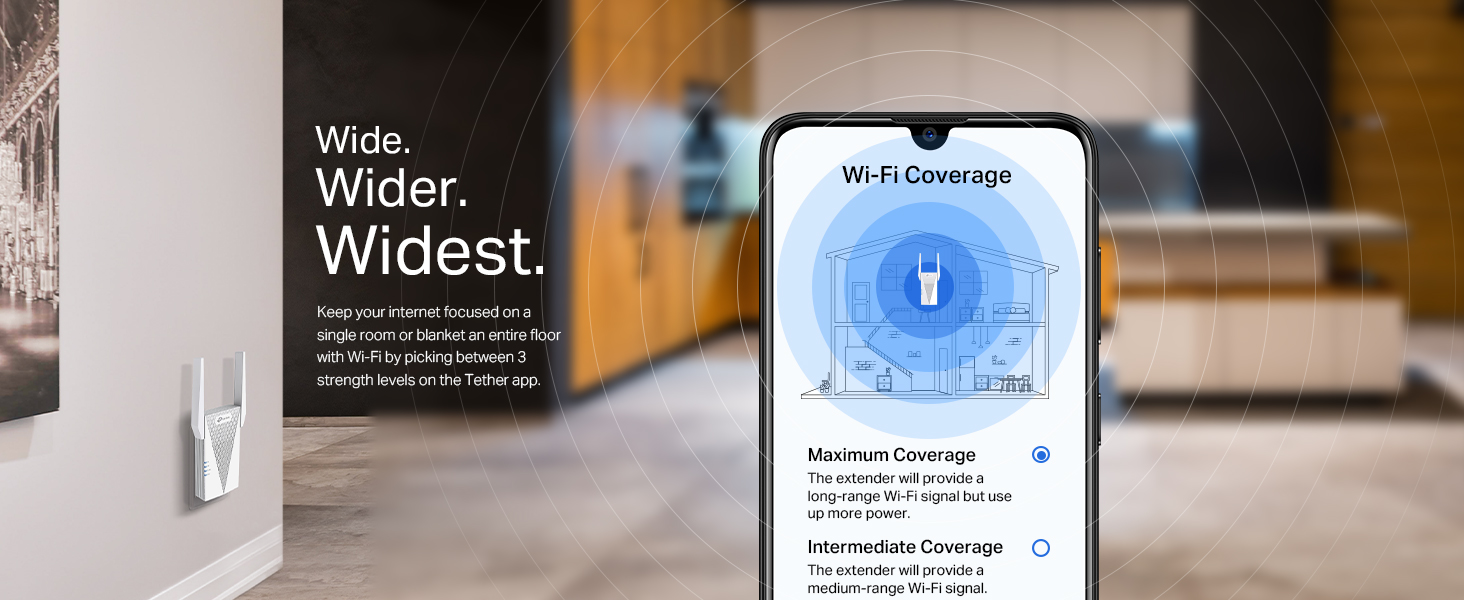
You can connect multiple extenders, but we recommend a max of two and direct connections to the router (no daisy-chaining). Use different Wi-Fi channels to reduce interference. For better coverage, consider a Deco Mesh system with seamless roaming.
My extender doesn’t work well with Vodafone or SKY routers. Why?
This isn’t a compatibility issue. Some Vodafone/SKY routers send special WPS signals, making the extender create a long random password. Reset the extender, avoid WPS, and set up manually via Tether or web using the correct Wi-Fi password.
| Brand: | TP-Link |
| Model: | RE715X |
| Colour: | Rosso Rubino |
| Manufacture: | TP-Link |
| Origin: | China |