Reolink Video Doorbell Add-on Chime, Compatible
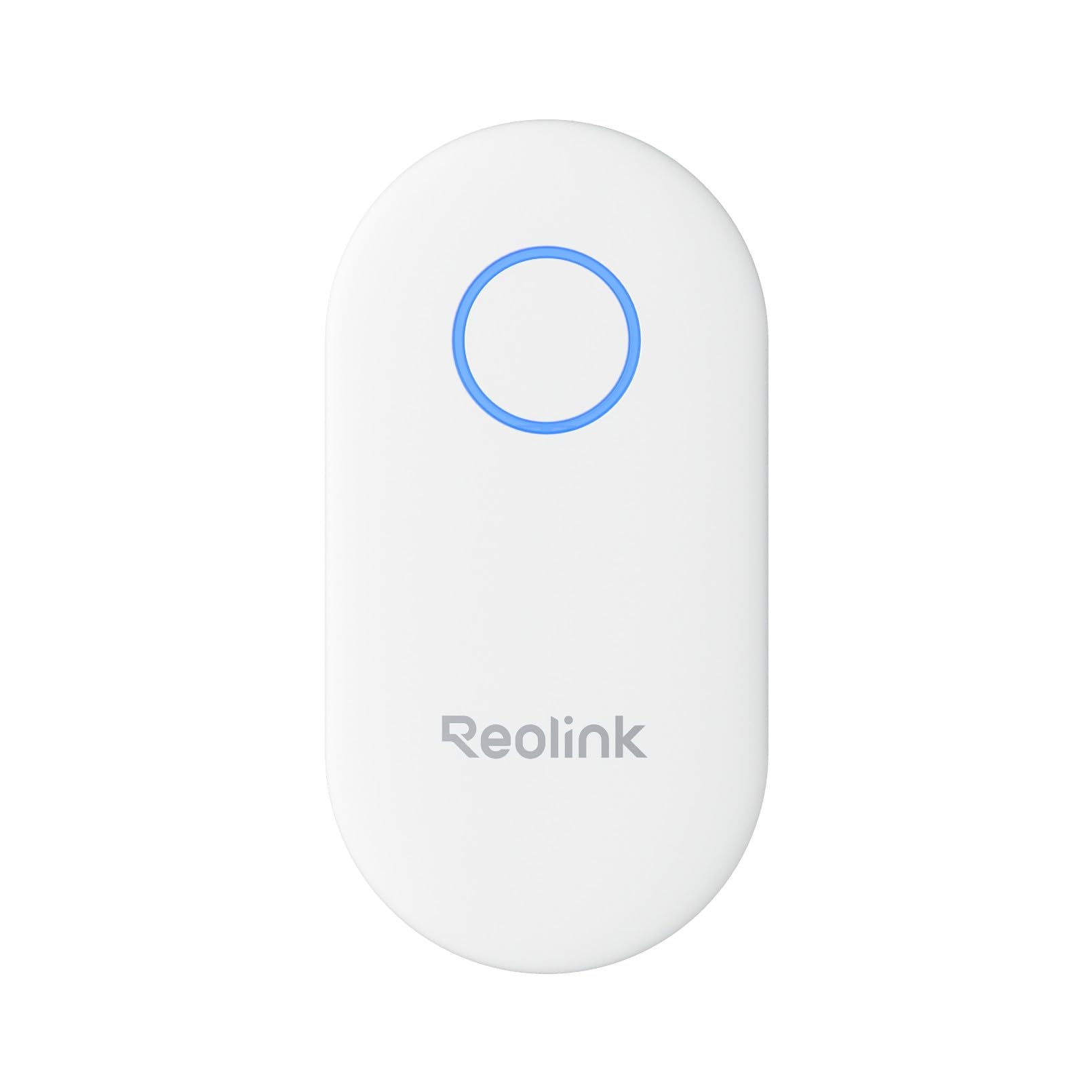
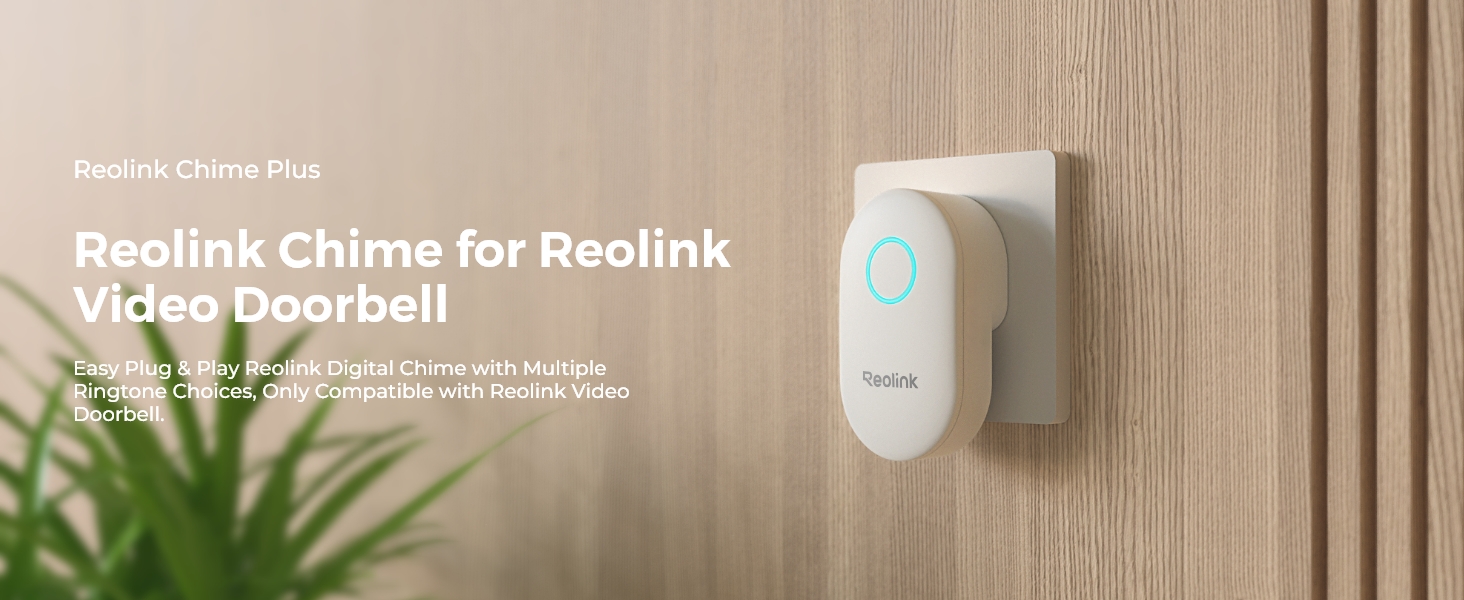
Reolink Video Doorbell Add-on Chime, Compatible with Battery-Powered Video Doorbell, Simple Plug-and-Play Installation, Remote App Control, 10 Unique Ringtones, Chime Plus
How to change the Chime’s Volume?
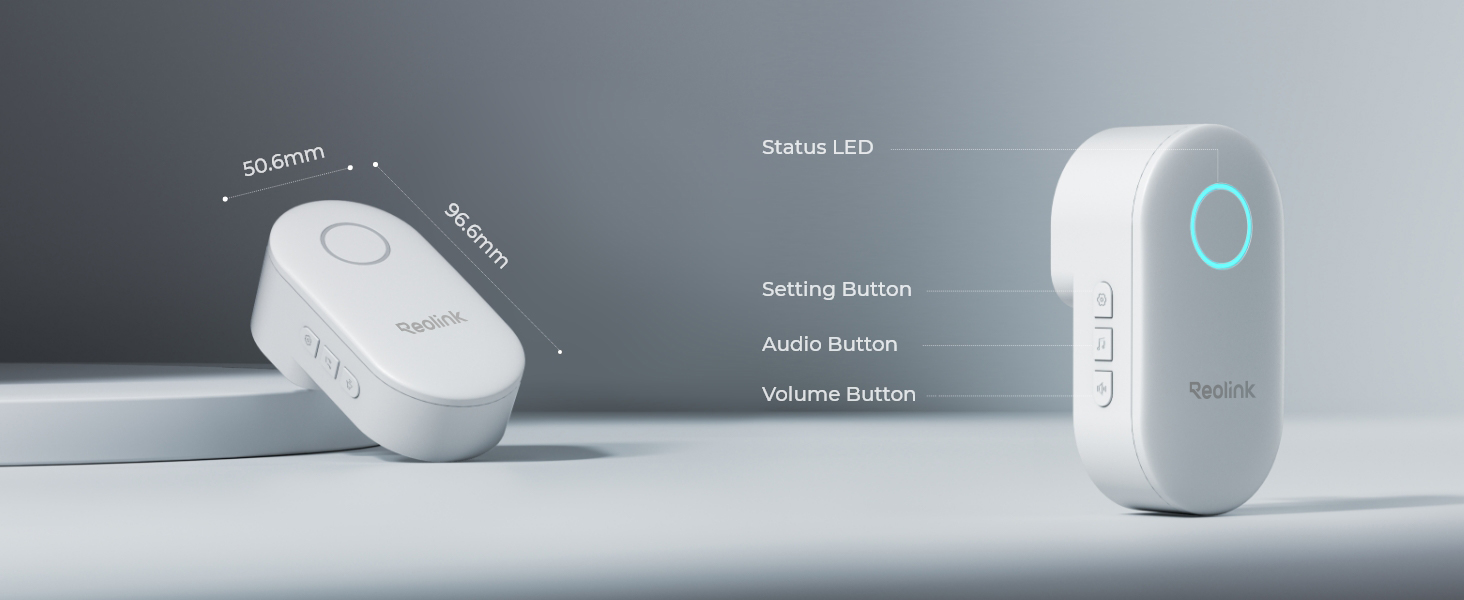
Press the third button on the side of the chime. Each time you press the volume button, the volume of the doorbell will be louder increasingly until it reaches the loudest.
The chime has 5 levels of volume: mute, low, moderate, loud, and very loud.
How to change the Chime’s Volume via App?
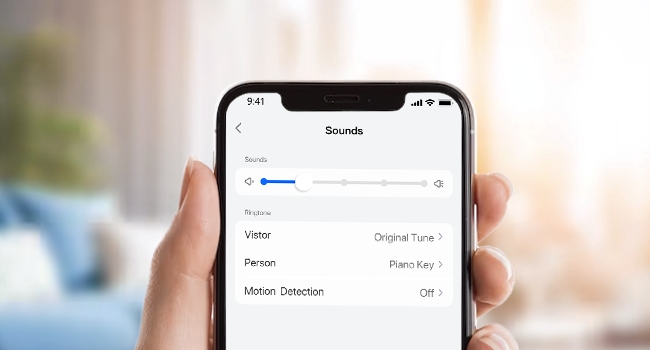
Step 1. Launch your Reolink App, go to Device settings, and select Chime.
Step 2. Under Sound Settings, you can change the Reolink Chime’s volume and ringtone for different alarms: Visitor, Person, Any Motion, Package and Vehicle.
| Weight: | 90 g |
| Dimensions: | 9.66 x 5.06 x 7.3 cm; 90 g |
| Model: | Chime Plus |
| Colour: | White |
| Pack Quantity: | 1 |
| Batteries Required: | No |
| Manufacture: | Reolink |
| Dimensions: | 9.66 x 5.06 x 7.3 cm; 90 g |
| Quantity: | 1 |