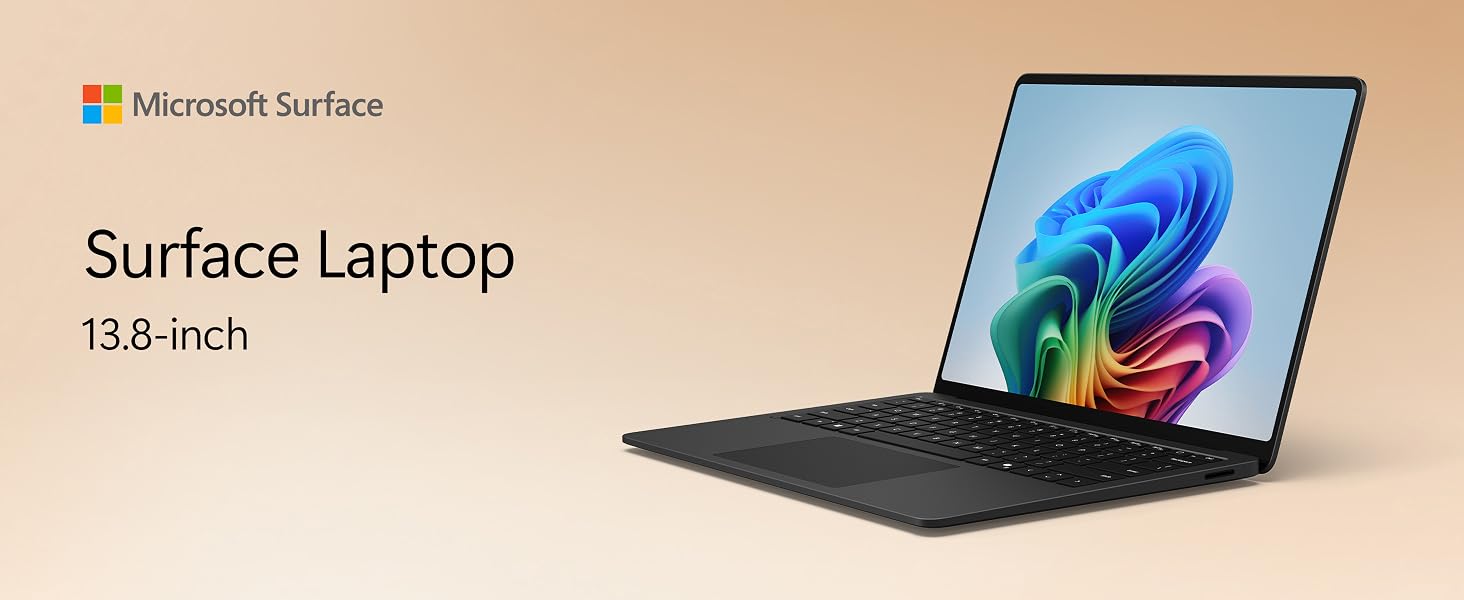
Microsoft Surface Laptop | 13.8″ LCD | Snapdragon® X2 Elite
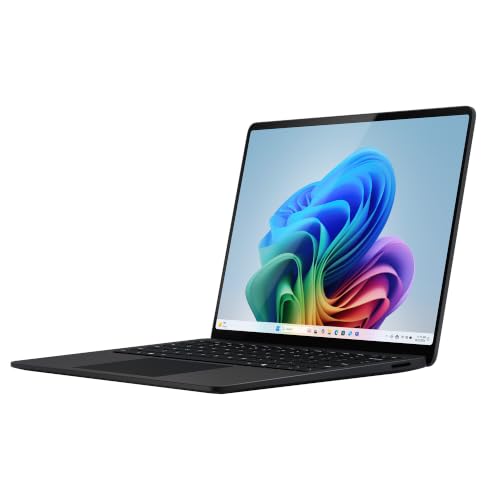
Microsoft Surface Laptop | 13.8″ LCD | Snapdragon® X2 Elite (12 Core) | 16GB RAM | 512GB SSD | Black | Windows 11 Home | Latest Model (8th Edition)

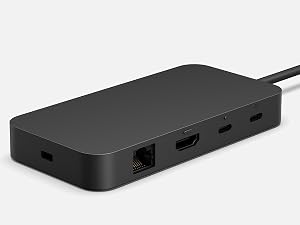
Port for all your needs
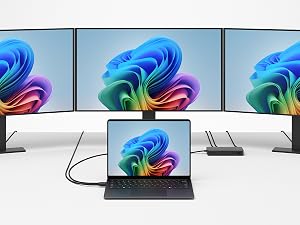
Charge on the go, transfer data fast, or create the ultimate desktop set-up with two USB-C / USB4⁴ ports.

Unlock your new superpower
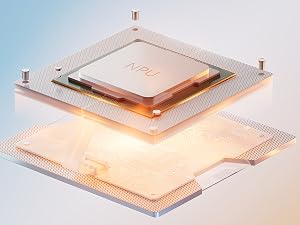
Elevate your productivity and creativity with next-level, on-device AI experiences.⁵
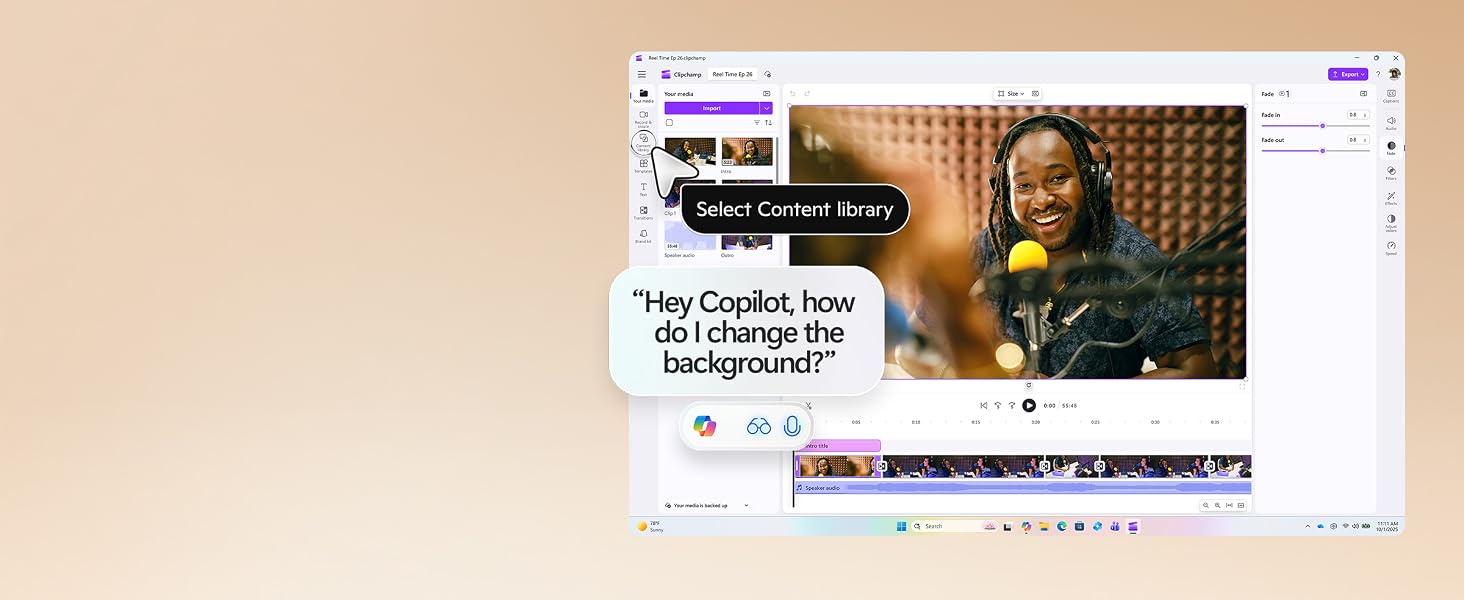
Meet the computer you can talk to
Use Copilot Voice to ask questions out loud, spark ideas, or get step-by-step guidance. Copilot Vision understands what’s on your screen so you can keep moving forward.¹¹
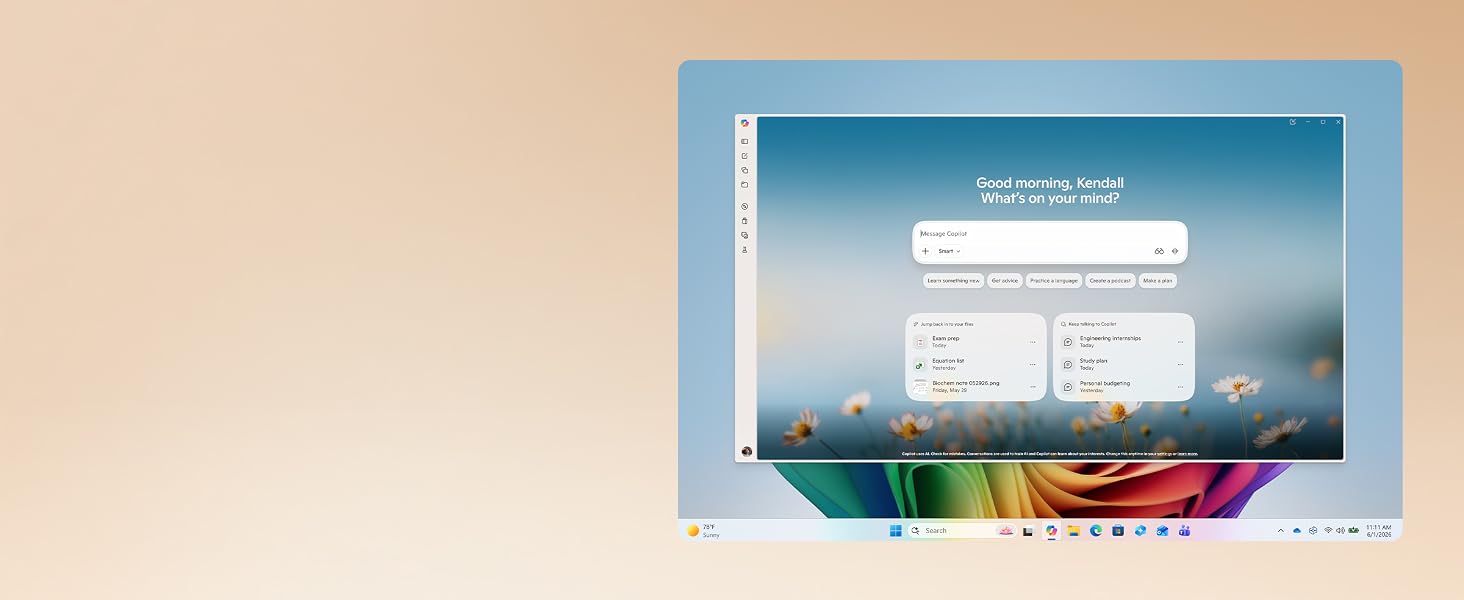
Copilot—from idea to done
When things get busy, type, talk, or share your screen with Copilot⁵ to get quick answers, smart suggestions, and help that fits seamlessly into your workflows.
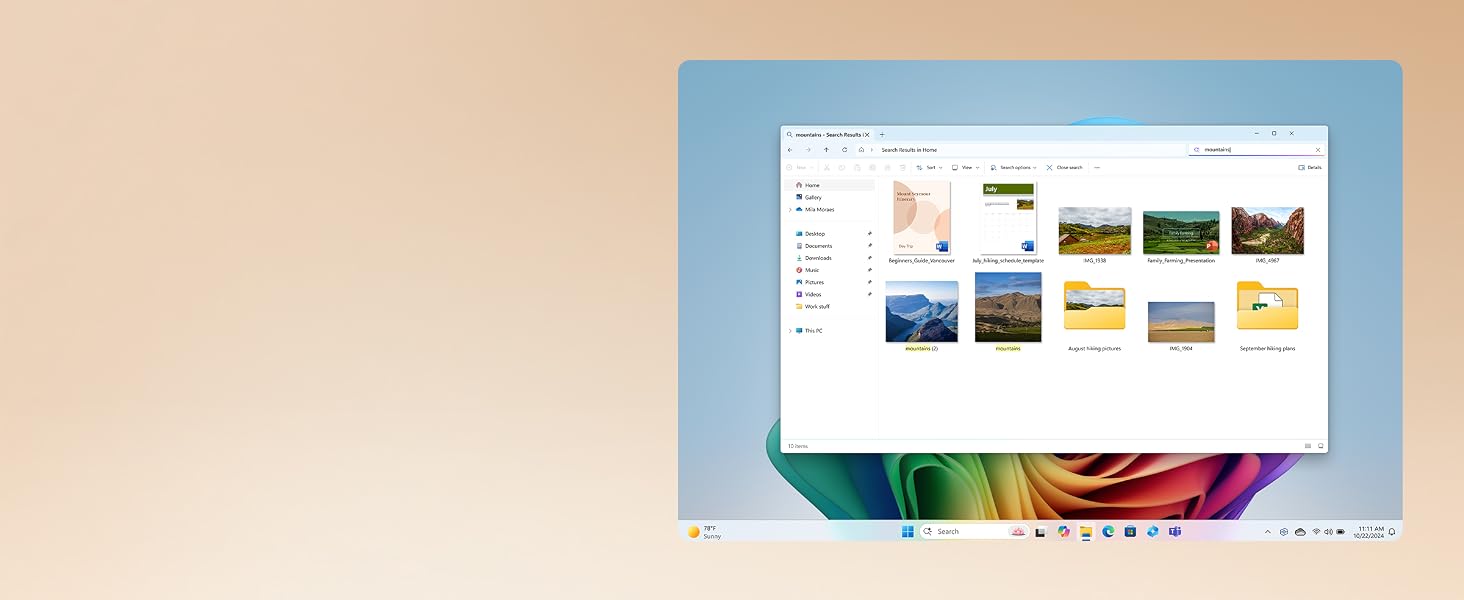
Describe it, find it
Skip the scavenger hunt—just type what you remember. Describe what you’re looking for in File Explorer, and Improved Windows Search will find it in a snap.¹²
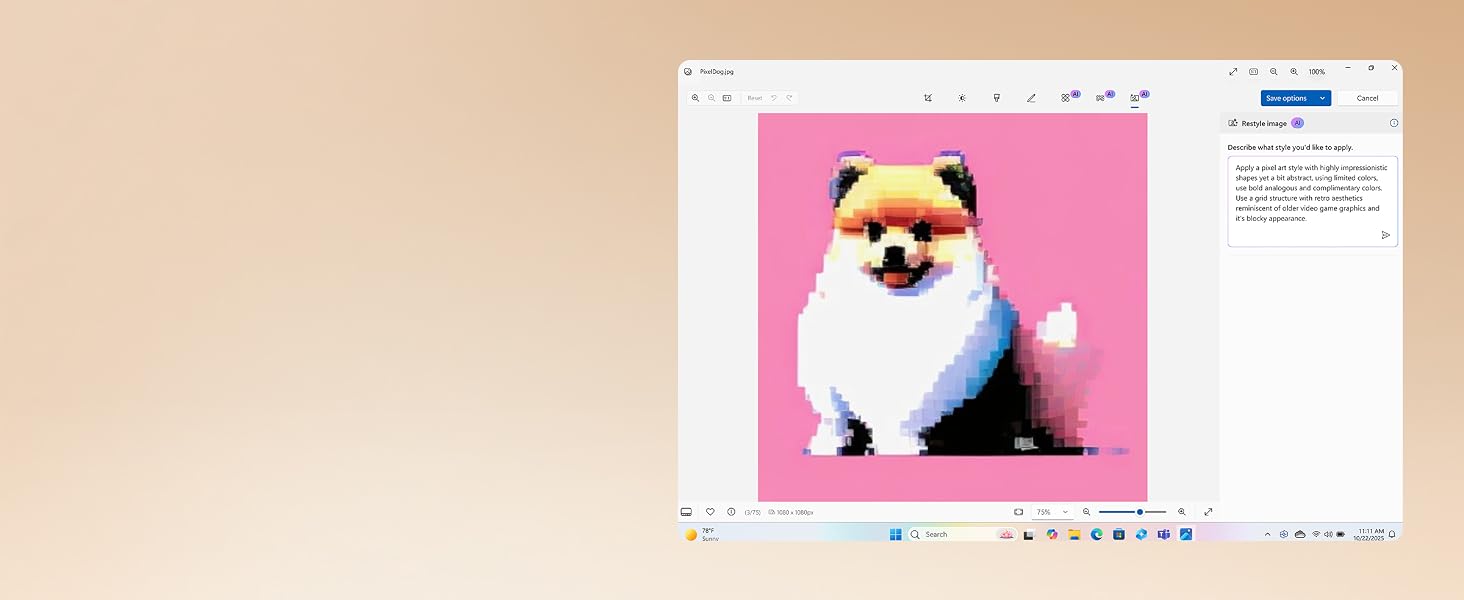
Remix. Reimagine. Restyle.
Break through your creative block with Restyle Image in Photos to give your images a whole new artistic makeover.¹³
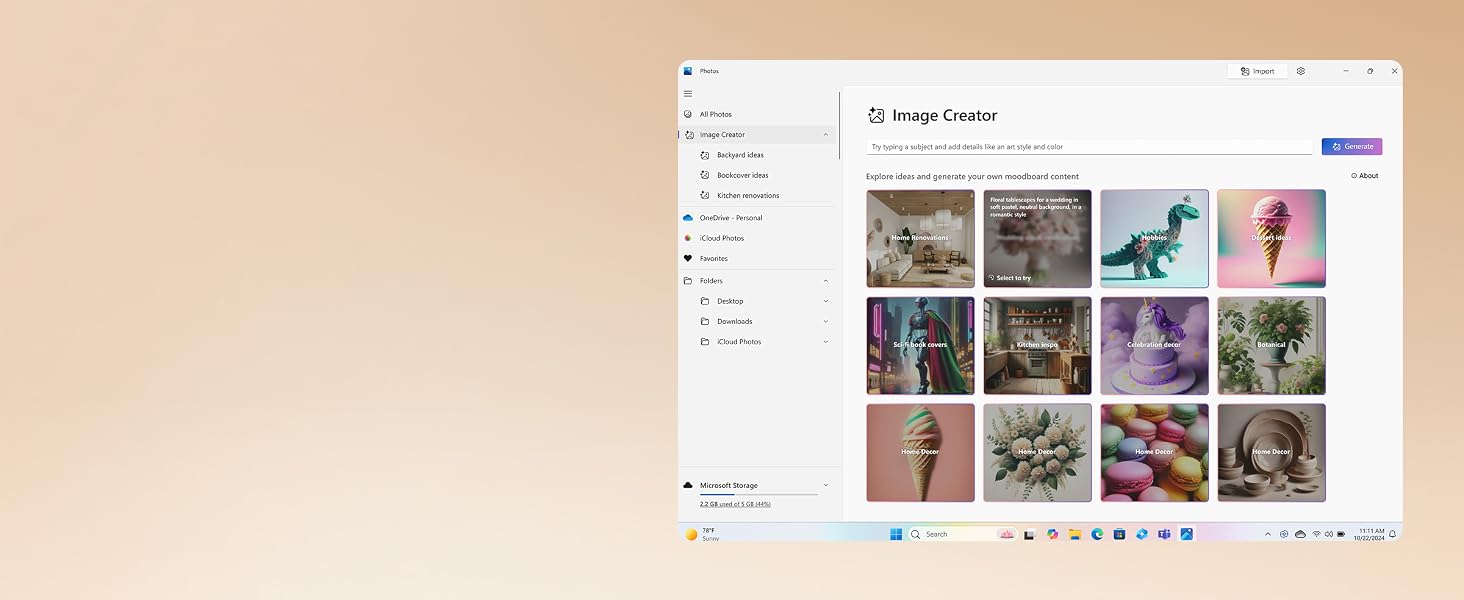
Think it. Dream it. Make it.
Try Image Creator to get your creative juices flowing by describing what image or art you want to create in Photos¹³.
Build your perfect set-up with Surface accessories¹⁴
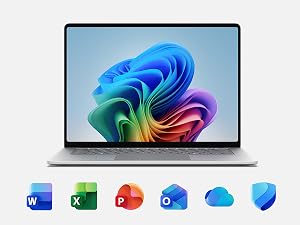
Microsoft 365 for Surface
Unlock new capabilities, build your skills, and uncover worlds of possibility with new AI-powered features with Microsoft 365.¹⁵
Screens simulated. Features and app availability may vary by region.
¹ Surface display has rounded corners within a standard rectangle. When measured as a standard rectangular shape the screen is 13.8″ or 15″ diagonally (actual viewable area is less). ² Optimised for touch interaction only. Pen input and compatibility with Surface Pen, Surface Slim Pen, or similar accessories is not supported. ³ Based on local video playback test. Testing conducted by Microsoft in May 2026 using preproduction software and preproduction Surface Laptop 13.8″ (8th Edition), Snapdragon X2 Plus (10 Core), 16GB RAM, 512GB SSD and Surface Laptop 15″ (8th Edition), Snapdragon X2 Elite (12 Core), 16GB RAM, 512GB SSD devices. Testing consisted of full battery discharge during video playback of a .mov file through the Windows Media Player application in 1080p at 24 FPS. All settings were default except screen brightness set to 150 nits with auto-brightness disabled. WiFi was connected to a network. Battery life varies significantly with settings, usage and other factors. ⁴ USB4 and USB-C are registered trademarks of USB Implementers Forum. ⁵ Copilot+ PC experiences vary by device and region and may require updates continuing to roll out; timing varies. Learn more at aka.ms/copilotpluspcs ⁶ Available colours may vary by market. ⁷ Enclosure includes A Cover and C Bucket. 64% recycled aluminium alloy in A Cover and C Bucket. 100% recycled rare earth metals in magnets. Based on validation performed by Underwriters Laboratories, Inc. using Environmental Claim Validation Procedure (ECVP) for Recycled Content, dated June, 2024. ⁸ May vary depending on manufacturing processes. ⁹ Copilot+ PC experiences vary by device and market and may require updates continuing to roll out; timing varies. See aka.ms/copilotpluspcs ¹⁰ App availability varies by device/language. Features vary by platform. Minimum age limits may apply to use of AI features. ¹¹ Copilot Vision on Windows is available in over 170 markets worldwide through the Copilot on Windows app. Extended usage limits vary by plan apply. ¹² Available on Copilot+ PCs with Snapdragon X Series processors. Works with specific text, image, and document formats only; optimised for select languages (English, Chinese (Simplified), French, German, Japanese, and Spanish). See aka.ms/copilotpluspcs ¹³ Available now on Copilot+ PCs with Snapdragon X Series processors. Optimised for English text prompts and requires a Microsoft account and internet connection to access cloud services that help ensure the responsible use of AI. See aka.ms/copilotpluspcs ¹⁴ Sold separately. ¹⁵ Microsoft 365 Personal or Family subscription required; AI features only available to subscription owner and cannot be shared; usage limits apply. Learn more. Minimum age limits may apply to use of AI features.
| Brand: | Microsoft |
| Colour: | Black |