Samsung 49″ S95UF DQHD USB-C Curved ViewFinity Monitor
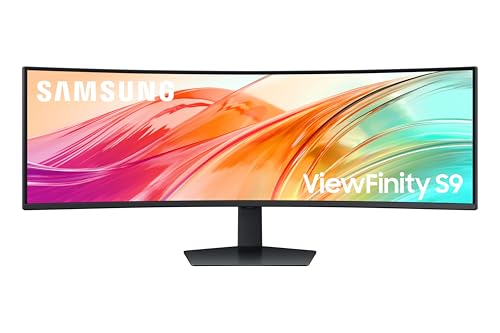
Samsung 49″ S95UF DQHD USB-C Curved ViewFinity Monitor – LS49F950UAUXXU – Ultrawide 5120×1440, 120Hz, 5ms, 1000R, Speakers
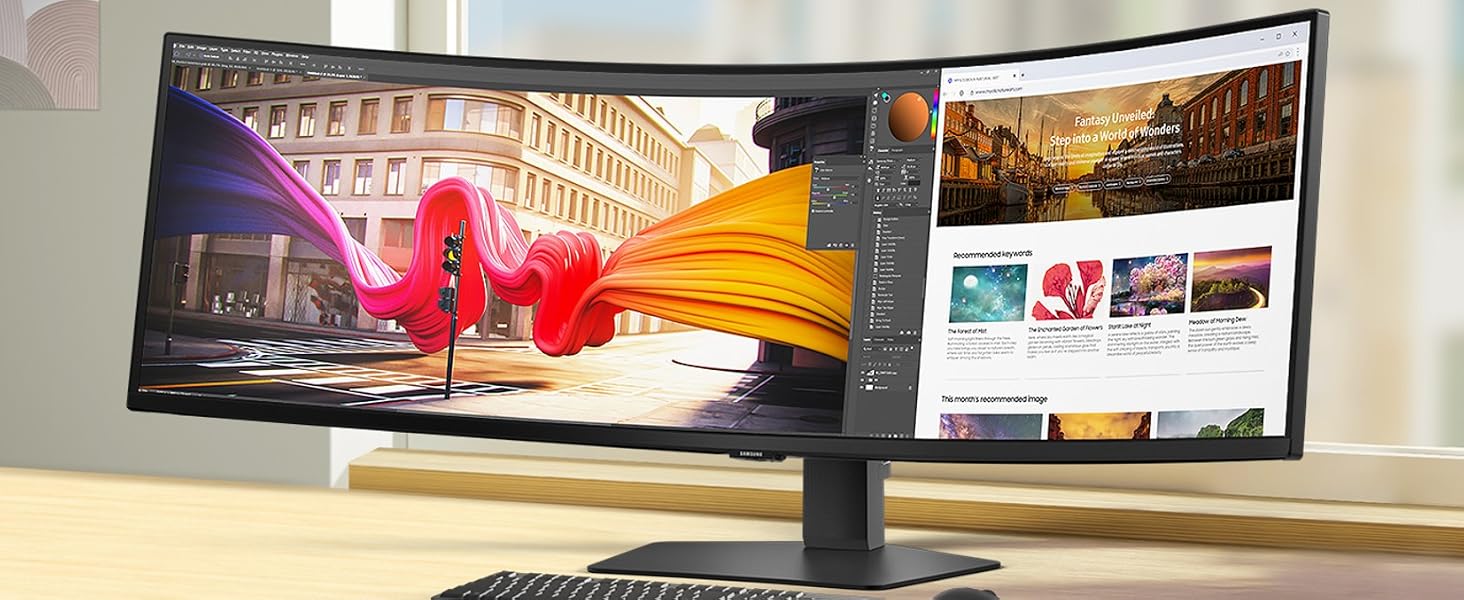
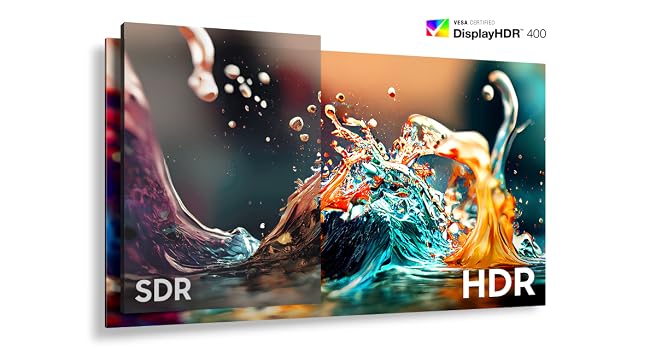
Smooth performance across diverse content
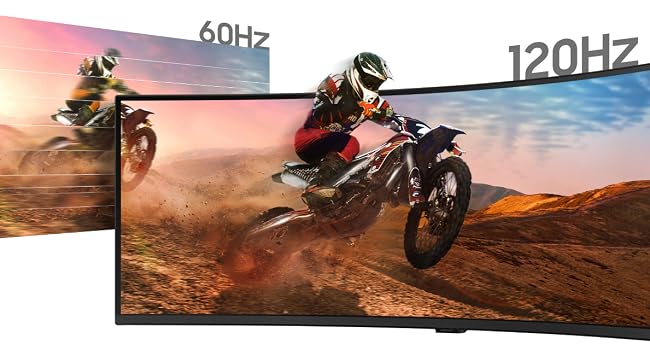
120Hz Refresh Rate
Stay in the action when playing games, watching videos or working on creative projects. The 120Hz refresh rate reduces lag and motion blur, so you don’t miss a thing in fast-paced moments.
Stay powered and productive
USB-C & LAN port
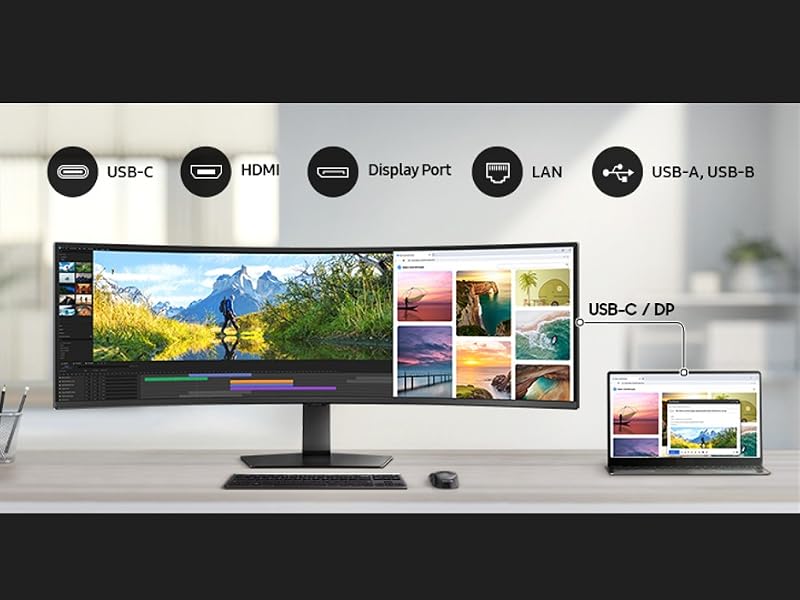
Elevate your workspace with integrated connectivity. The USB-C port allows simultaneous 90W charging and data transfer, while the built-in LAN port offers seamless Ethernet connectivity for your laptops.

View with enhanced versatility
Ergonomic Design
Enjoy ideal ergonomics in diverse environments. A height-adjustable screen tilts and swivels to give you the best angle, ultimate utility and custom comfort.
The video showcases the product in use.The video guides you through product setup.The video compares multiple products.The video shows the product being unpacked.49 Inch Ergonomic stand
Effortless and instant setup
Easy Setup Stand
Create the ideal workspace without tools or screws with the Easy Setup Stand. Its intuitive design ensures effortless setup and flexible convenience. When it’s time to change things up, simply push a button to manually adjust the stand for a comfortable viewing experience.
The video showcases the product in use.The video guides you through product setup.The video compares multiple products.The video shows the product being unpacked.Easy set up stand 49 inch
Responsibly designed and built
Recycled Materials
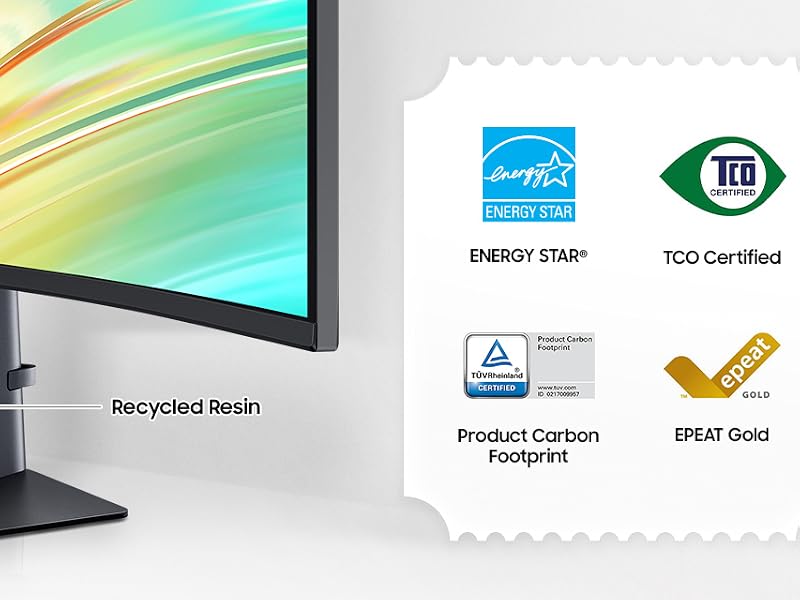
The Samsung ViewFinity monitor, certified by TCO, Energystar, and TUV-Product Carbon Footprint, contains over 50% * recycled plastic. Plus, glue is used instead of staples in the packaging box joint, eliminating the need to remove staples when disassembling boxes. Also, it uses no chemical sprays on the monitor’s plastic, making it possible to recycle the monitor easily.
Relieve your eyes from strain
Intelligent Eye Care
Keep your eyes healthy with reduced strain. TUV-certified Intelligent Eye Care features Eye Saver mode that reduces screen flickering and protects your eyes against excessive blue light. Now you can work on projects late into the night or early in the morning with brightness and color temperature automatically optimized on your screen.
The video showcases the product in use.The video guides you through product setup.The video compares multiple products.The video shows the product being unpacked.eye care viewfinity 49
A comprehensive, all-in-one control hub
Samsung Display Manager
Samsung Display Manager puts advanced screen controls at your fingertips. With features like split-screen setup, brightness adjustment, KVM, PIP/PBP, and precise color calibration, it simplifies your workflow. Enjoy efficient display through a convenient floating menu on your desktop. For business users, the MAPT (Mac Address Pass Through) feature allows asset managers to reliably identify and track connected devices on their network.
The video showcases the product in use.The video guides you through product setup.The video compares multiple products.The video shows the product being unpacked.samsung display manager viewfinity
Control multiple sources in harmony
Built-in KVM Switch
Remove multi-device hassle with easy input switching. The built-in KVM switch lets you connect and control two sources at once with just one keyboard and mouse.
The video showcases the product in use.The video guides you through product setup.The video compares multiple products.The video shows the product being unpacked.kvm Viewfinity switch
Work side-by-side in one screen
Picture-by-Picture
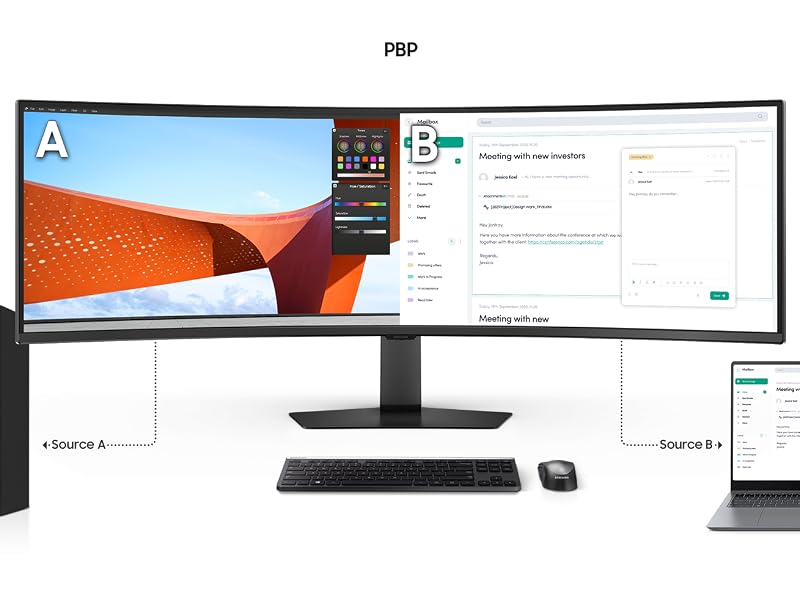
Use your screen to its maximum potential with a split screen that lets you multitask in a whole new way. Picture-by-Picture splits the screen in half, using two inputs at their native resolution to work across devices seamlessly.
Seamless multitasking with a subscreen
Picture-in-Picture
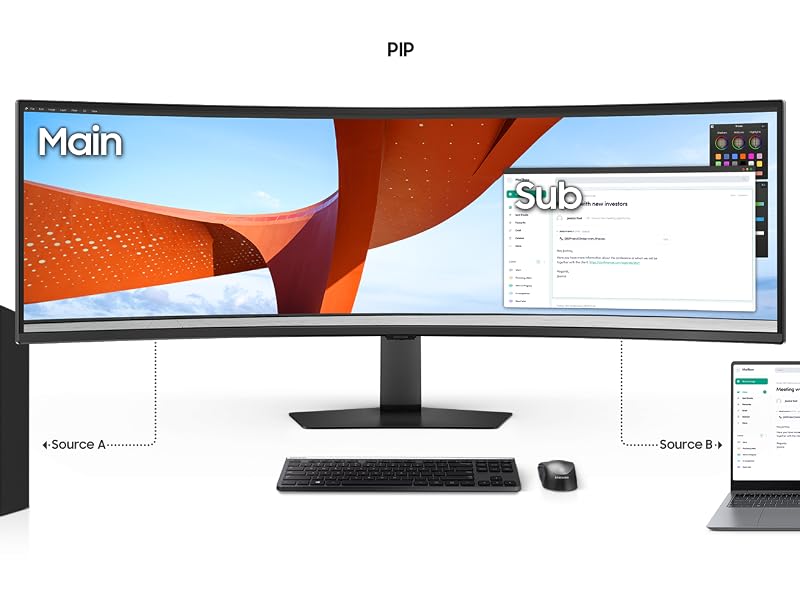
With a secondary sub-screen, you can effortlessly view documents, chat windows or entertainment alongside your main content — helping you stay focused without switching screens or missing important updates.
Samsung DQHD 49 Inch Ultrawide Monitors
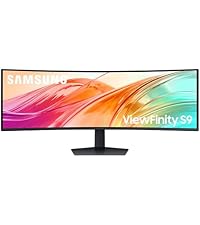 Samsung Viewfinity S95UF | 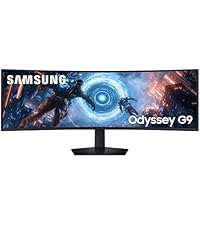 Samsung Odyssey G91F | 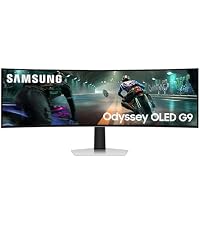 Samsung Odyssey OLED G91 | 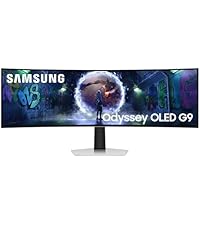 Samsung Odyssey OLED G93 | |
|---|---|---|---|---|
| Customer Reviews | — | 4.0 out of 5 stars15 | 3.5 out of 5 stars25 | 3.8 out of 5 stars15 |
| Price | £749.00 | £898.99 | £999.00 | £1,299.00 |
| Screen Size | 49 Inch | 49 Inch | 49 Inch | 49 Inch |
| Panel | VA | VA | OLED | OLED |
| Curvature | 1000R | 1000R | 1800R | 1800R |
| Refresh Rate | 120Hz | 144Hz | 144Hz | 240Hz |
| Response Time | 5ms | 1ms | 0.03ms | 0.03ms |
| Resolution | DQHD 5120×1440 | DQHD 5120×1440 | DQHD 5120×1440 | DQHD 5120×1440 |
| Weight: | 15.6 Kilograms |
| Size: | 49 Inches |
| Brand: | Samsung |
| Model: | LS49F950UAUXXU |
| Colour: | Black |
| Manufacture: | Samsung |
| Origin: | Vietnam |
| Size: | 49 Inches |