Samsung Viewfinity S80UH 32″ 4K 3840×2160 VA Monitor, HDR10
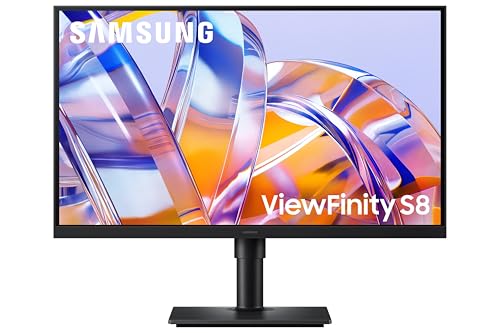
Samsung Viewfinity S80UH 32″ 4K 3840×2160 VA Monitor, HDR10, HDMI, Displayport, USB-C 90W, USB 3.2, Ethernet LAN, Height Adjust, Eye Saver Mode, LS32H800UAUXXU
Samsung Viewfinity Where performance meets passion
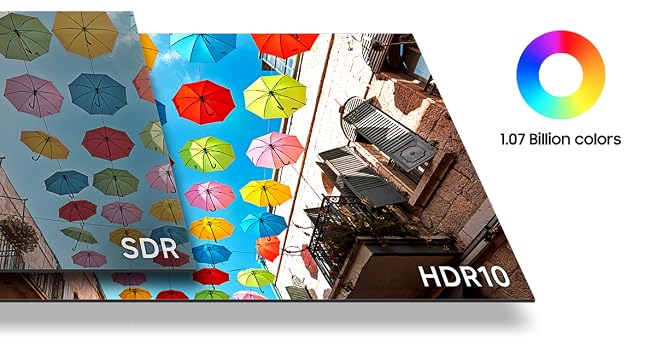
Enhanced realism through more colours
HDR10 ensures true-to-life color representation of over 1 billion colours, with darker blacks and brighter highlights. Experience a wide gamut of colors for stunning accuracy and detail on the ViewFinity S8 S80UH. Your content becomes engaging, just as intended.
Stay powered and productive
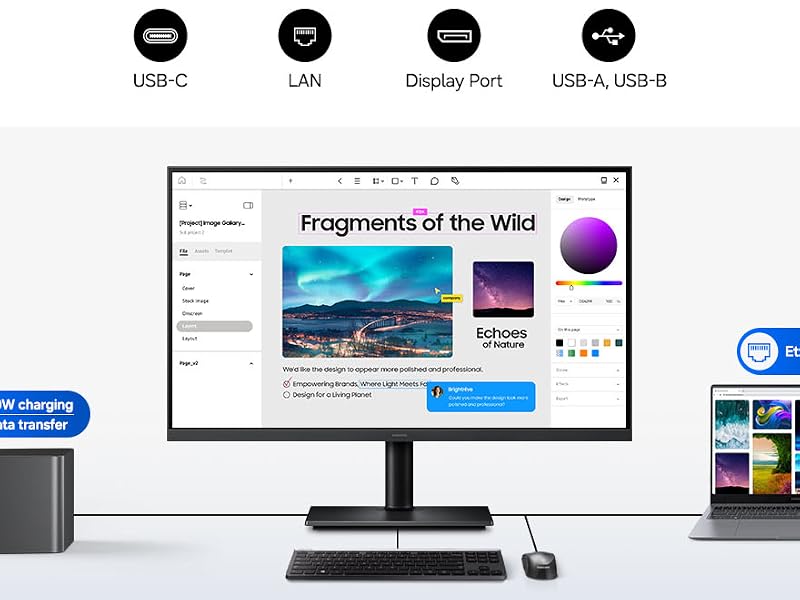
USB-C & LAN port
The USB-C port allows simultaneous 90W charging and data transfer, while the built-in LAN port offers seamless Ethernet connectivity for your laptop. Enjoy an enhanced workspace with integrated connectivity, giving you effortless control of the ViewFinity S8 S80UH and connected devices.

Quick device connection for fast-paced work
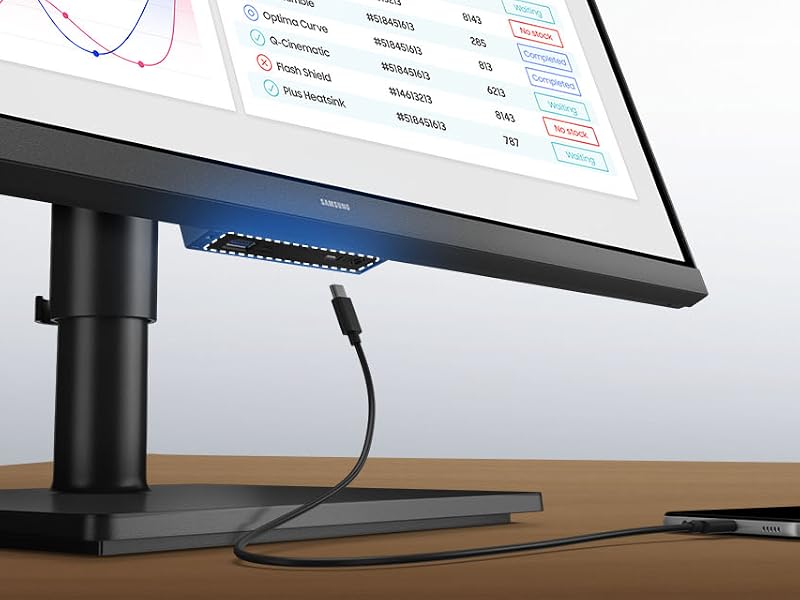
Easy Connection
Easy Connection keeps frequently used ports within reach, so you can connect devices without fumbling for hard-to-reach ports. It’s designed to keep fast‑paced work running smoothly on your monitor for a more efficient workspace.
A comprehensive, all-in-one control hub
Samsung Display Manager
Samsung Display Manager helps you easily access features like split-screen setup, brightness adjustment, KVM, PIP/PBP and precise color calibration. Just click on the floating menu on your desktop and enjoy advanced screen controls at your fingertips. For business users, the MAPT (Mac Address Pass Through) feature allows asset managers to reliably identify and track connected devices on their network.
The video showcases the product in use.The video guides you through product setup.The video compares multiple products.The video shows the product being unpacked.Samsung Display Manager S80UH
Control multiple sources in harmony
Built-in KVM Switch
The built-in KVM switch lets you connect and control two sources at once with just one keyboard and mouse. Now you can avoid multi-device hassle and multitask seamlessly with easy input switching on the ViewFinity S8 S80UH.
The video showcases the product in use.The video guides you through product setup.The video compares multiple products.The video shows the product being unpacked.KVM Switch S80UH
Efficient multitasking on one screen
Picture-in-Picture & Picture-by-Picture
Stay focused without switching screens or missing important updates on your monitor. Picture-in-Picture allows you to effortlessly view documents, chat windows or entertainment alongside your main content with a secondary sub-screen. And Picture-by-Picture helps you work across devices by splitting the screen in half and using two inputs at their native resolution.
The video showcases the product in use.The video guides you through product setup.The video compares multiple products.The video shows the product being unpacked.PBP and PIP S80UH
View with enhanced versatility
Ergonomic Design
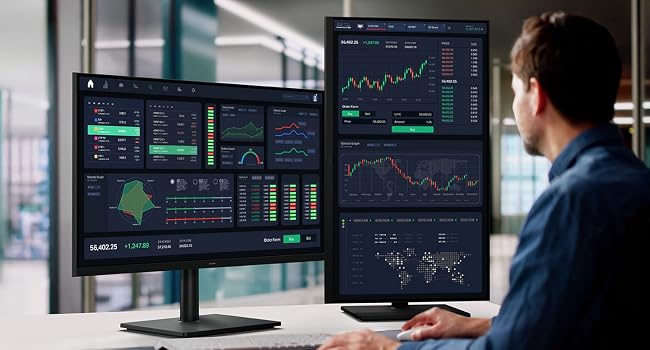
Find the angle that keeps you comfortable thanks to this monitor’s Ergonomic Design. Simply tilt, swivel and adjust the height of your screen for the best position and ultimate utility. And this monitor can pivot the screen 90 degrees so you can view long documents with less scrolling
The video showcases the product in use.The video guides you through product setup.The video compares multiple products.The video shows the product being unpacked.Ergonomic Stand S80UH
Easy on the eyes
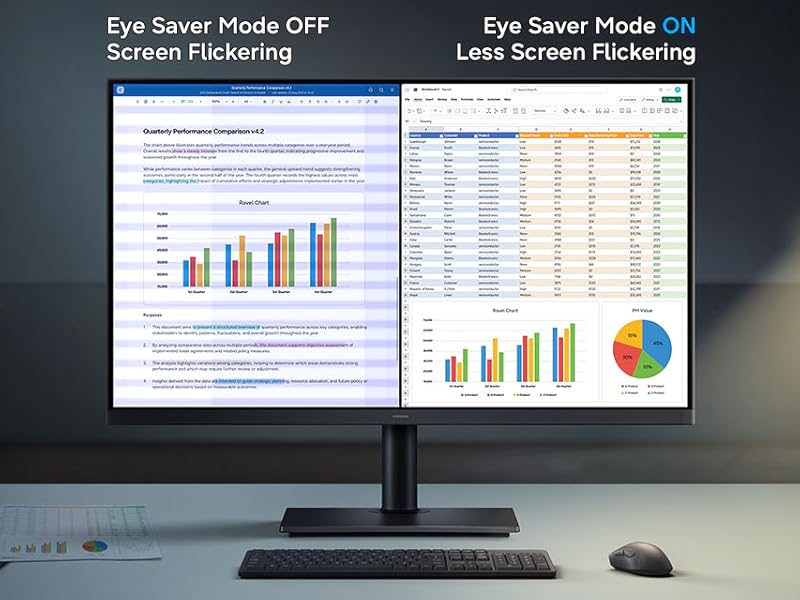
Eye Saver Mode & Less Screen Flickering
Protect your vision with advanced eye comfort technology, certified by TÜV. Eye Saver Mode reduces eye strain by minimizing blue light, and Less Screen Flickering helps prevent irritating screen flicker, so you can stay comfortable while using your monitor — even during long sessions.
Responsibly designed and built
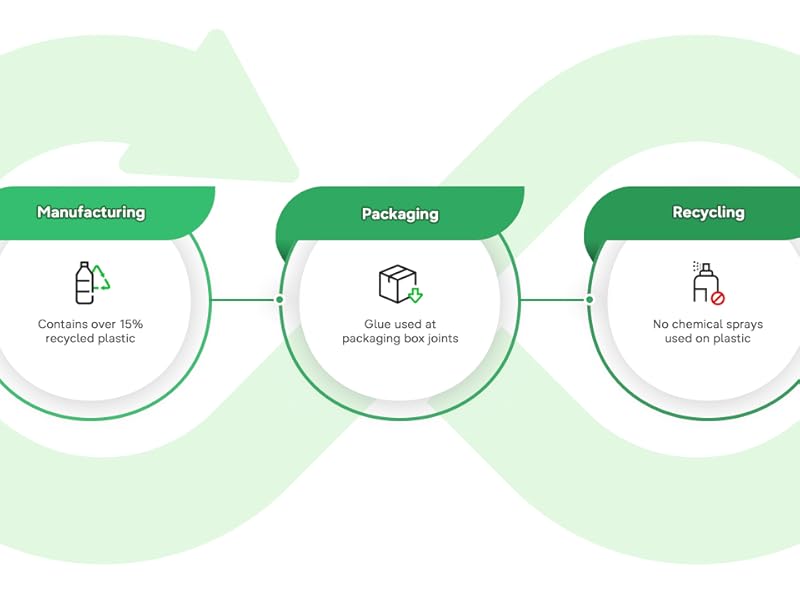
Recycled Materials
The ViewFinity monitor contains over 15% recycled plastic. No chemical sprays are used on the monitor’s plastic, making it easy to recycle. Plus, the packaging box joints are glued together, eliminating the need to remove staples during disassembly.
Samsung Viewfinity High Resolution Monitors
 Samsung Viewfinity S80UH |  Samsung Viewfinity S80H |  Samsung Viewfinity S80HF | Samsung Viewfinity S80UH |  Samsung Viewfinity S80H | |
|---|---|---|---|---|---|
| Price | £339.99 | £299.99 | £599.99 | £299.99 | £249.99 |
| Category | 4K Viewfinity | 4K Viewfinity | 5K Viewfinity | 4K Viewfinity | 4K Viewfinity |
| Screen Size | 32 Inch | 32 Inch | 27 Inch | 27 Inch | 27 Inch |
| Resolution | 4K 3840 x 2160 | 4K 3840 x 2160 | 5K 5120 x 2880 | 4K 3840 x 2160 | 4K 3840 x 2160 |
| Refresh Rate | 60Hz | 60Hz | 60Hz | 60Hz | 60Hz |
| Panel Type | VA | VA | IPS | IPS | IPS |
| Response Time | 5ms | 5ms | 5ms | 5ms | 5ms |
| HDR10 | ✔ | ✔ | ✔ | ✔ | ✔ |
| Connectivity | Displayport, HDMI, USB | Displayport, HDMI, USB | Displayport, HDMI, USB | Displayport, HDMI, USB | Displayport, HDMI, USB |
| USB Type | USB-A, USB-B, USB-C Charging | USB-A, USB-B | USB-A, USB-B, USB-C Charging | USB-A, USB-B, USB-C Charging | USB-A, USB-B |
| Ethernet LAN | ✔ | ✘ | ✔ | ✔ | ✘ |
| Eye Saver Mode | ✔ | ✔ | ✔ | ✔ | ✔ |
| Stand Adjustment | Height, Tilt, Pivot, Swivel | Height, Tilt, Pivot, Swivel | Height, Tilt, Pivot, Swivel | Height, Tilt, Pivot, Swivel | Height, Tilt, Pivot, Swivel |
What is a 4K UHD monitor?
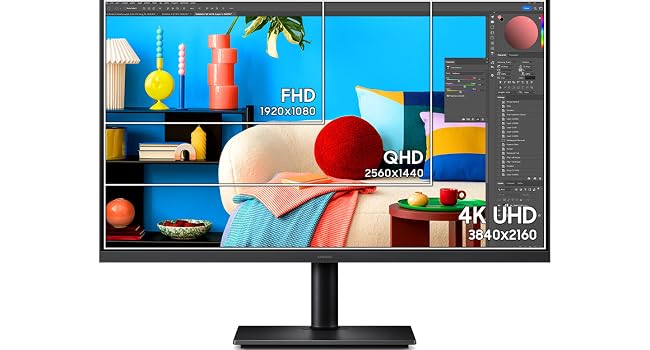
A 4K UHD monitor offers a resolution of 3840×2160 pixels, quadrupling the pixel of Full HD monitors, providing sharper images and finer detail for video editing, graphic design, and high-definition gaming. UHD delivers sharper images and finer detail
Is a 4K monitor worth it?
A 4K monitor is worth it for those who prioritize image quality and detail, especially for graphic design, video editing, and content creation. It also offers a more comfortable viewing experience with clearer text and images for general use.
Are 4K monitors good for office work or photo editing?
4K displays enhance office work and creative tasks with clearer text and more workspace for easier multitasking. They improve photo editing, graphic design, and programming efficiency with increased pixel density, requiring compatible hardware.
Is there a big difference between 4K and 1440p monitors?
The resolution and pixel density difference between 4K (3840×2160) and 1440p (2560×1440) is significant. 4K offering sharper images and greater detail. 4K is ideal for high-detail tasks, while 1440p balances performance and visual quality for gaming
Can a 1080p laptop be used with a 4K monitor?
Yes, a 1080p laptop can support a 4K monitor if it has the necessary GPU hardware and output ports. Check the laptop’s GPU specifications to ensure it can handle 4K resolution effectively. Ensure the operating system and drivers are up-to-date
| Brand: | Samsung |