i-tec USB 3.0 / USB-C Docking Station with Power Delivery 85W for Windows and MacOS, Thunderbolt 3 Compatible, Capable of Resolution of up-to 4K for 2 Monitors
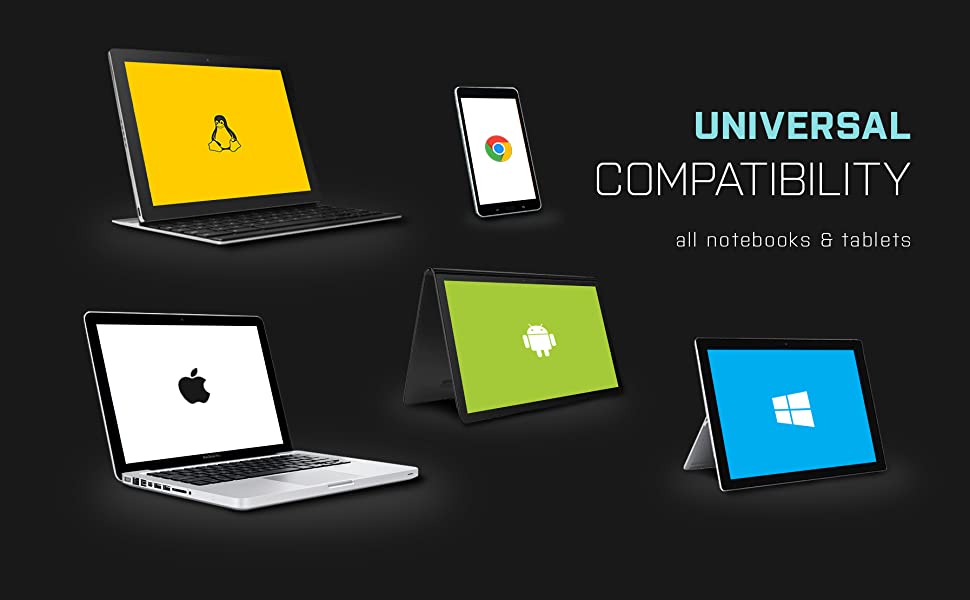
Compatible with your USB 3.0, USB-C or Thunderbolt 3 notebook and tablet, any brand, any platform. Suitable for use with both Windows and macOS. Cables included – simply plug & play.
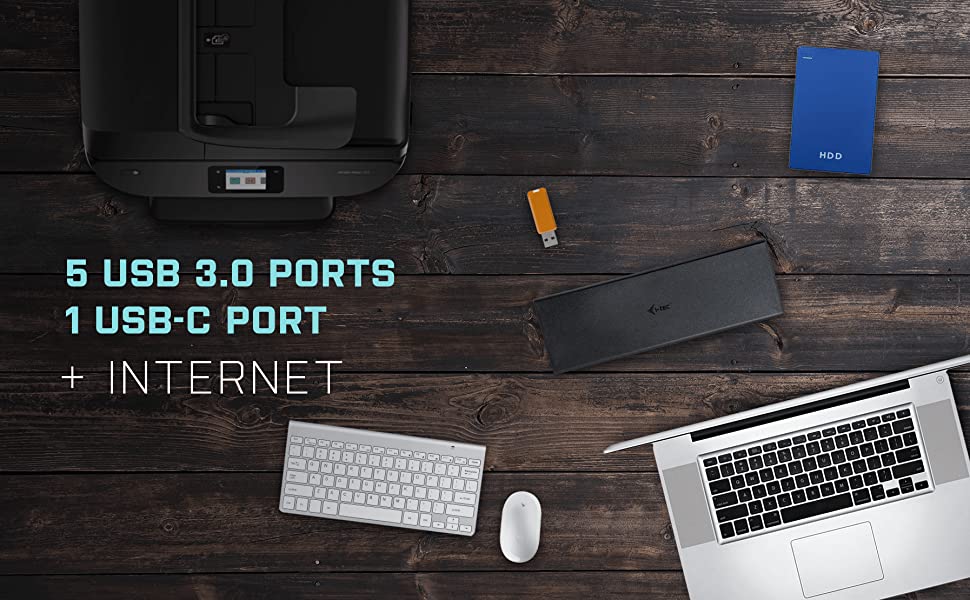
A single USB-C, USB 3.0 or Thunderbolt 3 port in your notebook expands to 12 ports! 5x USB 3.0 ports (2.0 compatible) make it easy to connect all of your existing USB devices and peripherals. Separate audio in/out jacks on the front panel enable the easy connection to speakers, headphones or home theatre receiver. Gigabit Ethernet RJ-45 port provides reliable, robust and high-speed internet connection, supporting 10/100/1000 Mbps speeds. Kensington lock slot provides additional security, especially for those working regularly in shared offices or public spaces. Optional free app i-tec Docker Pro (i-tec.cz/dockerpro) allows seamless MAC address cloning and automated backup function (Windows 7/10).
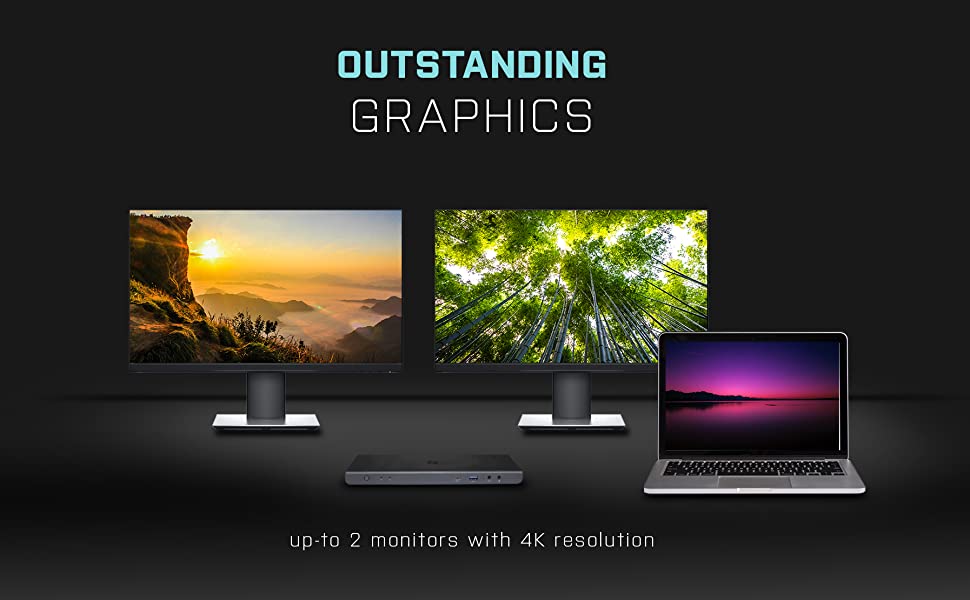
Extreme connectivity is not just confined to data as it can also achieve extreme visual fidelity. Users have the option to connect dual extended 4K/60Hz monitors or a single 5K/60Hz monitor, increasing productivity and making it easier to manage multiple applications. 4 video ports (2x HDMI + 2x DisplayPort) cater for any possible user scenario.
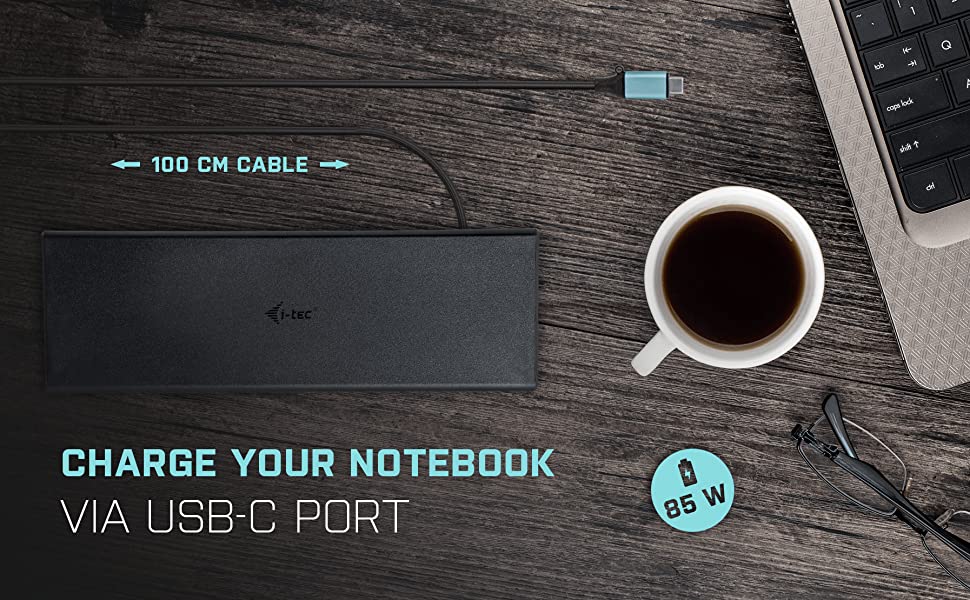
USB-C Dock provides up-to 85W USB-C Power Delivery via your USB-C or Thunderbolt 3 port, so you can work and charge your notebook via a single USB cable. Windows, Mac, Linux and ChromeOS users can put their laptop charger away and power their laptop via docking station. The 85W power delivery will charge laptops in no time.
Specifications
| Connection | 1x USB-C port for connecting to the host device with USB-C or USB-A port (cable USB-C and adapter from USB-C to USB 3.0 is included) |
| Docking Station technology | DisplayLink + USB-C PD (DisplayLink technology makes it simple to connect any display to any computer, via USB) |
| Power Delivery | 85W |
| Video Ports | 2x DisplayPort, 2x HDMI |
| Supported Resolutions | 2x 4K/60Hz or a 1x 5K/60Hz, detailed table below |
| USB-C | 1x USB-C port gen. 1 (for data only) |
| USB 3.0 | 4x USB 3.0 port, 1x USB 3.0 port with fast charge support (BC 1.2) |
| RJ-45 | 1x Ethernet GLAN RJ-45 port (DisplayLink DL-6950) |
| 3,5mm | 1x 3,5mm Audio output + 1x 3,5mm Microphone input |
| Power Input | 1x DC 20V/5A |
| On/Off Switch | 1x |
| LED Indicator | 1x |
| Kensington Lock | Supported |
| Cables | USB-C cable with USB-C to USB-A adapter (100 cm) |
| System Requirements | Windows 7 / 8 / 8.1 / 10, macOS X, Linux Ubuntu 14.04, 16.04, 17.04, 17.10 18.04, 19.04, Android 5 or later, Chrome OS R51 or later |
Supported Resolutions:
- 1 monitor – 1x DisplayPort → up to 4K/60Hz
- 1 monitor – 1x HDMI → up to 4K/60Hz
- 1 monitor – 2x DisplayPort → up to 5K/60Hz
- 2 monitors – 1x DisplayPort + 1x DisplayPort → up to 2x 4K/60Hz
- 2 monitors – 1x DisplayPort + 1x HDMI → up to 2x 4K/60Hz
- 2 monitors – 1x HDMI + 1x HDMI → up to 2x 4K/60Hz
Universal dual docking station compatible with USB 3.0, USB-C and Thunderbolt 3 notebooks, across all notebook brands and platforms. Suitable for countless user scenarios, including home use, SOHO, SMB and Enterprise. The perfect solution for businesses with a mixed notebook estate, operating a hot desk environment, or managing the transition from USB-A 3.0 to USB-C notebooks. Features the latest DisplayLink and Texas Instruments technology, enabling the transfer of high data volumes between the docking station and host, high image stability and a robust internet connection. The dock provides up to 85W USB-C Power Delivery via your USB-C or Thunderbolt 3 port, so you can work and charge your notebook via a single USB cable.
- Connect dual 4K/60Hz external displays, or a single 5K/60Hz.
- Features four graphics outputs, two HDMI, and two DisplayPort.
- 5x USB-A 3.0 ports (2.0 compatible) make it easy to connect all of your existing USB devices and peripherals.
- Gigabit Ethernet RJ-45 port provides reliable, robust and high-speed internet connection, supporting 10/100/1000 Mbps speeds.
- Separate audio in/out jacks on the front panel.
- Kensington lock slot provides additional security, especially for those working regularly in shared offices or public spaces.
- Power saving On/Off switch on the rear panel.
- Ergonomically designed so can be used as a notebook stand.
- Supports Windows 7/8/8.1/ 10 32/64 bit, Mac OS X, Linux Ubuntu 14.04 / 16.04, Android 6 and later.
- Supplied with 100W (20V, 5A) professional quality power supply and 90 cm USB-C 3.1 cable with USB-C and USB-A 3.0 plugs.
Full product title: i-tec USB 3.0 / USB-C / Thunderbolt 3 Universal Dual Docking Station 2x 4K/60Hz or 1x 5K/60Hz – 2x HDMI, 2x DisplayPort, 1x Ethernet GLAN RJ-45, 5x USB 3.0, 1x USB-C, 1x Audio/Microfon 3,5mm Jack, Switch ON/OFF, Power Delivery via USB-C up-to 85W, Power Adapter 100W, Kensington Lock Support – Compatible with Notebooks, Tablets, Smartphones with Windows, MacOS, Linux, Android, ChromeOS – Suitable for use with Macbook Pro 13 (2016+), Macbook Pro 15 (2016+), Macbook Pro 16, Macbook Air (late 2018, with TB3), Macbook 12, Chromebook Pixel 2015, Acer Switch Alpha 12, Dell XPS 13 and HP Elitebook Folio G1, as well as other devices with USB-C connectivity
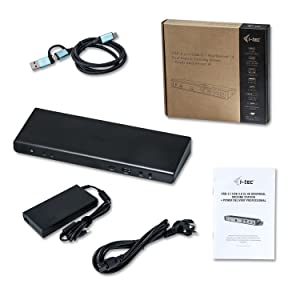
Package contents
- USB-C Docking Station
- USB-C cable with USB-C to USB-A adapter (100cm)
- Power adapter (DC cable 110cm, power cable 170cm) – UK plug
- Quick-Start Guide
Product dimensions: 245 x 95 x 30 mm, 330 g
| Dimensions: | 24.5 x 9.5 x 3 cm; 330 Grams |
| Model: | CADUAL4KDOCKPDUK |
| Manufacture: | i-tec |
| Origin: | China |
Worked for Windows and Ubuntu
Very pleased with the item as it worked with my work laptop (surface pro windows, usb a) straight away and after installing the displaylink driver it worked on Ubuntu on a dell xps (usb c) – a really nice feature is it comes with a ready USB A/C converter attached to the lead- small but important. I use it for two monitors, cat5 with a mouse and keyboard.
Exactly the solution i needed, works grea
I have combined this with a USB type docking switch, to which i have connected: Mouse, Webcam, KB, Headset/mic and a direct connection to the monitor. The docking station is connected to my work laptop via thunderbolt, and everything works just fine. Because of the docking station, i can use the same monitor and peripherals from my gaming pc with my work laptop with only one cable connection. The iTec hub is velcro’d to the underside of my desk, never needs to touched or seen.
Highly Recommended!
I was delighted to receive this so quickly and less than 24 hours from ordering it. I ordered on Thursday for Monday delivery but I received it early the very next day. I need this for work and am so appreciative of this speedy service. Excellent product. Great price. Highly Recommended!
Worked perfectly
Bit pricey but this replaced a 65W version from another manufacturer which wouldn’t work with my laptop. This hasn’t missed a beat since i connected it. One lead to plug in and disconnect when i go out on the road.
I run 2 HP screens at 1080 and a webcam, Plus powering the laptop of course.
I’ve been using this dock since September (with laptop Lenovo X1 carbon gen7 running Ubuntu Linux 19.10/20.04), so for 6 months, and works really well. My setup includes 2 HDMI monitors, a headset, GigE ethernet, and many USB devices. The only minor think was getting the DisplayLInk to work, but was a given, and is pretty common for most of the Docks
The USB-C to USB-C/USB-A cable provided with the dock had various issues with the display cutting out, and it was very inconsistent. My resolution to this was buying an official OEM usb-c to usb-c cable that works with apple products.
I have now bought 2 of these, one for home and one for the office, and would definitely recommend it.
Operating Systems tested and verified working:
* Windows 10
* Ubuntu Linux 19.10
* Ubuntu Linux 20.04 (beta)
Docking station for MakBook Pro...
Required a docking device for multi screen viewing, performs well. However, can prove to be unstable if accidentally nudged as the viewing content screen disappears. Also can be slow to respond when screen goes into hibernate mode.
Great Product - Charges my Macbook Pro and Drives two monitors
This is a faultless product. I use it as a dock for my setup at work and with one USB C Cable to my Touchbar Macbook Pro I am currently driving the following whilst also charging my Macbook via the 85w PD:
2x 1080P Monitors (although this can support 4k)
1x Gigabit Ethernet
4x Various USB Devices
Audio Out
And I still have a spare USB C port and USB A port.
If you’re looking for a dock which is much cheaper than thunderbolt and don’t need to have the full speed of Thunderbolt then I cannot recommend this enough!
How did I manage without i
Delivered today. 2 minutes to set up and worked out of the box with my work HP laptop with windows 10 and my personal laptop – HP Spectre running windows 10.
I’m using 2 additional 24″ monitors, wireless keyboard and mouse. No lag, and no more faffing around unplugging stuff. Woo hoo
Does the job
I’m using this as a docking station for my laptop and my tower PC. I can quickly switch from one to the other by reconnecting the USB-C lead. It charges my HP Probook 430 G6 just fine. I did need to download the Windows drivers for my tower to get my two monitors working, the kaptop downloaded the drivers itself but needed a reboot. I have a Dell U2415 monitor and an old LG 19″ both working as well as they did connected directly to the graphics card. I’ve also connected my mouse, keyboard and Blue Yeti microphone. Sound goes through the Dell soundbar plugged into the U2415.
Dual display and 85w PD
Great dock, if your looking for dual display and PD without the additional expense of a thunderbolt dock this is the one for you. Lightening fast speed with usb 3.1 works perfect with my 15 inch MacBook Pro and HP elitebook.
Perfect for adding more to a mac
Really cannot recommend this enough. I brought the 85w version and it was by far the most value for money of any of the other hubs out there. Not only is it powered but it has a GREAT set of really useful ports.
I use it with my work machine (macbook air) to power two additional monitors, a headset, wireless keyboard, mouse, webcam and speakers. Perfect use as a dock allowing me to take have a desktop set up when at home simply by plugging in a single USB-C and acts as a charger to boot!
i-tec USB 3.0/USB-C 5K/2x 4K Dual Docking Statio
The one I purchased had a fault with the display function and was returned.
For a short while, it was able to drive two Samsung 27″ hi-res monitors and did an excellent job.
After a while, one of the DP sockets started to play up and the monitor started to flicker, a short while after that it stopped working completely.
In essence, I ended up with a docking station that could only drive one of the 2 DP sockets it had, hence the reason for the return.
however in saying that, if I-Tec were to get to grips with their component issues, they would have a lovely piece of kit at a very competitive price!
I can assure you if you get one that that can stay the pace, keep hold of it, you have a bargain!!
at the price still worth the punt!!
quick and easy to return and get a refund.
Really works
I’m using this for my Dell I7 7773 Inspiron. It works better than the one recommended by Dell (D6000) and cheaper. The mouse no longer freezes intermittently for no reason. Excellent quality. I’ll buy one more to use at my office.