XP-PEN Deco Pro SW Drawing Tablet 9″ x 5″ Wireless Graphic Tablets with 8,192 Pen Pressure and 60 ° of Tilt Function for Sketching and Drawing, Supports Windows, Mac OS, Android, Chrome OS and Linux
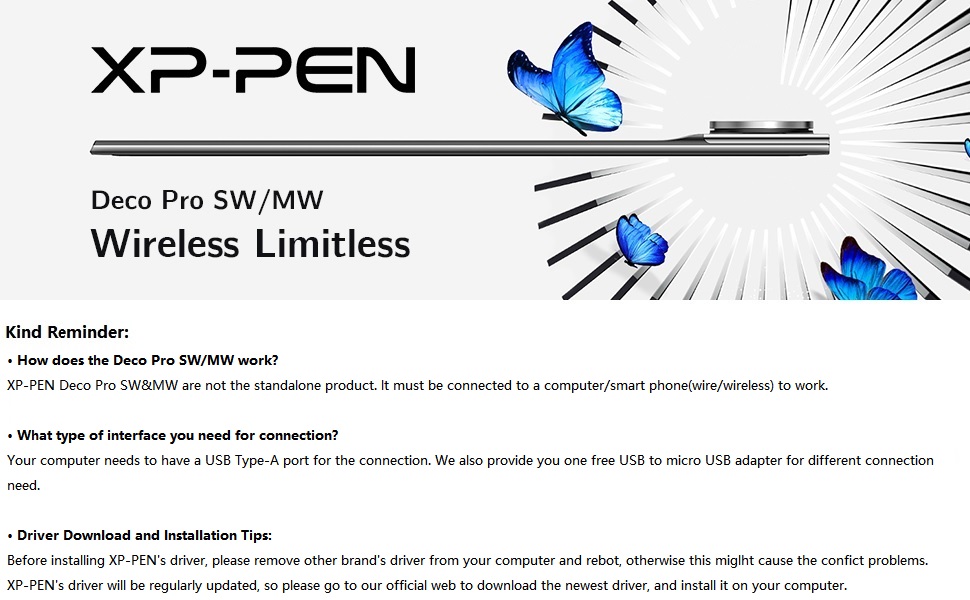
Package Includes:
1 x Deco Pro Pen Tablet; 1 x Battery-free Stylus; 8 x Replacement Pen Nibs; 1 x Pen Holder
1 x USB-C to USB Cable; 1 x USB to USB-C adaptor; 1 x USB to micro USB adaptor; 1 x Drawing Glove; 1 x Quick Guide
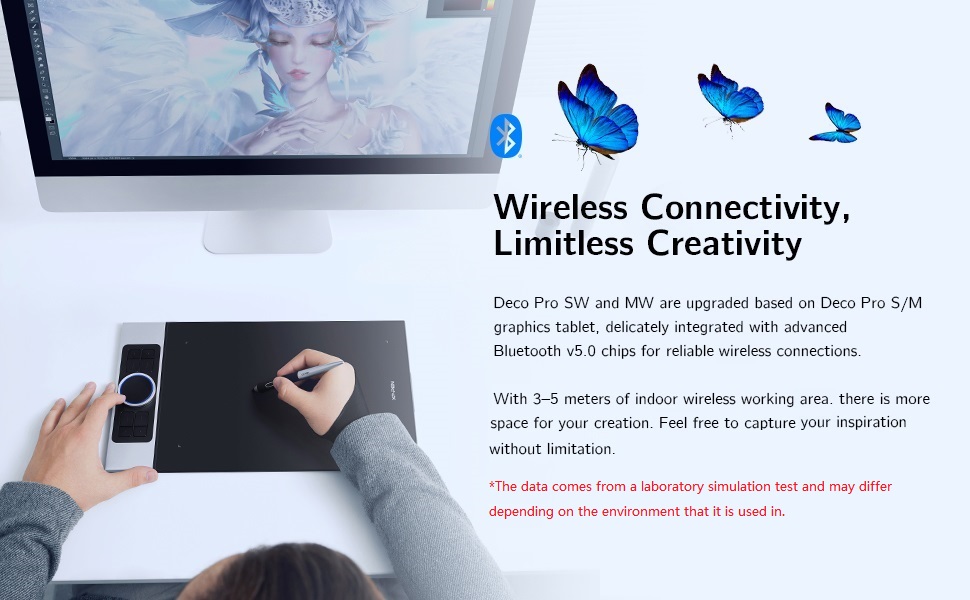
Level up the way you create
| | | |
|---|---|---|
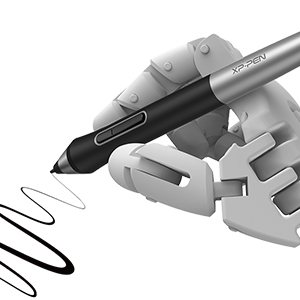
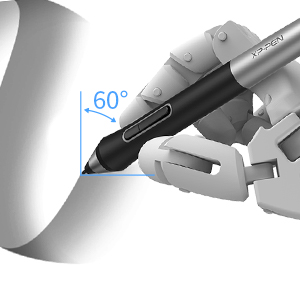
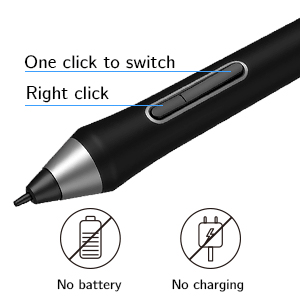
| 8,192 levels of pen pressure sensitivity With up to 8,192 levels of pressure sensitivity, the Deco Pro SW/MW graphics tablet provides you precise control and accuracy. Create fine lines in anincredibly natural and fluid experience. | ±60°tilt function The XP-PEN Deco Pro SW/MW supports up to 60 degrees of tilt function, quickly and easily responding to the way your hand moves, simply tilt to add shading to your creation. | Newly designed battery-free stylus The new PA1 stylus is battery-free, weighs only 13.3g, and featuresa nice black and silver design with a sleek pointed end. The one-click toggleallows you to switch between pen and eraser modes instantly. |
More Compatibility, More Possibilities
Bundle software for Deco Pro Series!
Enrich your experience and improve your creation skills, XP-PEN provides you with bundle software for different purposes.
- Explain Everything
- ArtRage 6
- openCanvas
How to obtain your software?
Step 1: Create or log into your XP-PEN account.
Step 2: Certify your purchase’s serial number.
Step 3: Select a software option, find the activation key of the software and visit the corresponding page to install it.
| | | |
|---|---|---|
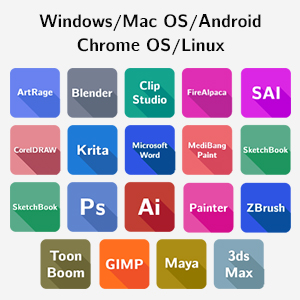
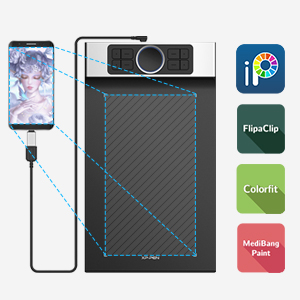
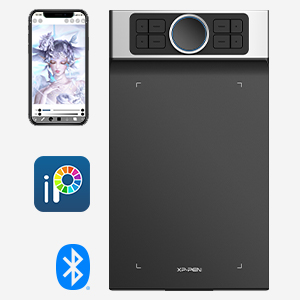
| The Deco Pro SW/MW drawing tablet supports Windows, Mac OS, Android, Chrome OS and Linux systems. It’s compatible with most drawing and design software, including Photoshop, SAI, Painter, Illustrator, and more. Empower your creativity with more possibilities. | It supports connections with Android devices(Android phones and tablets) 6.0 and above. Works with most major software including: ibis Paint X, FlipaClip, Medibang, Autodesk Sketchbook, Zenbrush, Artrage, and more. | Connect Deco Pro SW or MW to your iOS device and experience the ibisPaint’s abundant, easy-to-use features for drawing. New compatibility frees your creativity! * Deco Pro SW/MW only support ibisPaint iOS version 9.1.0 or later (in iOS 11.0 or later). |
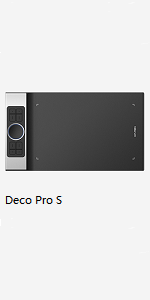 | 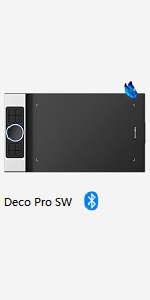 | 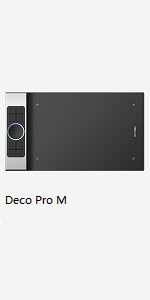 | 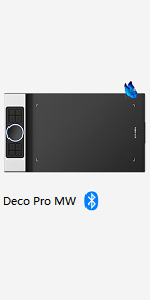 | |
|---|---|---|---|---|
| Dimensions | 350.8 × 199.5 × 16.5mm | 350.8 × 199.5 × 16.5mm | 399.7 × 227 × 16.5mm | 399.7 × 227 × 16.5mm |
| Active Area | 9"× 5" | 9"× 5" | 11"× 6" | 11"× 6" |
| Stylus | PA1 battery-free stylus | PA1 battery-free stylus | PA1 battery-free stylus | PA1 battery-free stylus |
| Wireless Technology | / | Bluetooth v5.0 | / | Bluetooth v5.0 |
| Reading Height | 10mm | ≥10mm | 10mm | ≥10mm |
| Power Key | / | 1 | / | 1 |
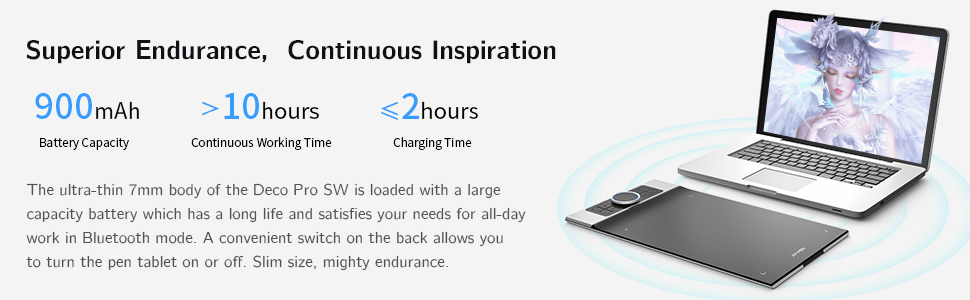
| Battery Capacity | / | 900mAh/3.7V | / | 1500mAh/3.7V |
| Continuous Working Time | / | >10h | / | >12h |
| Charging Time | / | ≤2h | / | ≤2h |
| Compatibility | Windows 7/8/10, Mac OS X10.10 (or later), Android 6.0 (or later), Chrome OS 88 (or later), Linux | Windows 7/8/10, Mac OS X10.10 (or later), Android 6.0 (or later), Chrome OS 88 (or later), Linux | Windows 7/8/10, Mac OS X10.10 (or later), Android 6.0 (or later), Chrome OS 88 (or later), Linux | Windows 7/8/10, Mac OS X10.10 (or later), Android 6.0 (or later), Chrome OS 88 (or later), Linux |
| Dimensions: | 41.8 x 23.1 x 4.8 cm; 1.52 Kilograms |
| Model: | Deco Pro SW |
| Batteries Included: | 1 Lithium ion batteries required. (included) |
| Manufacture: | XP-PEN |
good produc
I have no regrets of buying this product.
Have not used it a lot jet, but it makes a very good first impressio
Fast delivery, great product quality and does what I need
Fast delivery, great product quality and does what I need