WiFi Projector, WiMiUS 6000 Lumens Bluetooth Projector Full HD 1080P Supported Mini Portable Home Projector, 200†Display Wireless Mirroring Projector for TV Stick, HDMI, USB, PS4, PC, Smartphone
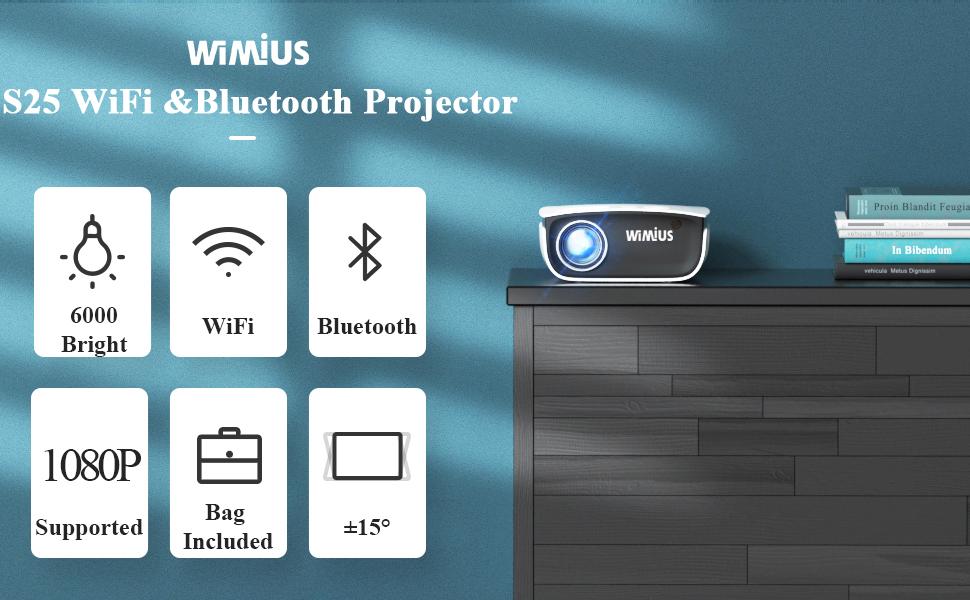
WiMiUS 2021 Latest S25 More Brighter Mini WiFi Bluetooth Projector
Main Advantages of WiMiUS S25 Portable WiFi & Bluetooth Projector:
1.Support WiFi Wireless Sync Display— Wirelessly screen-share videos to our projector with a compatible smartphone or tablet, over a simple Wi-Fi connection. No more external HDMI adapter needed.
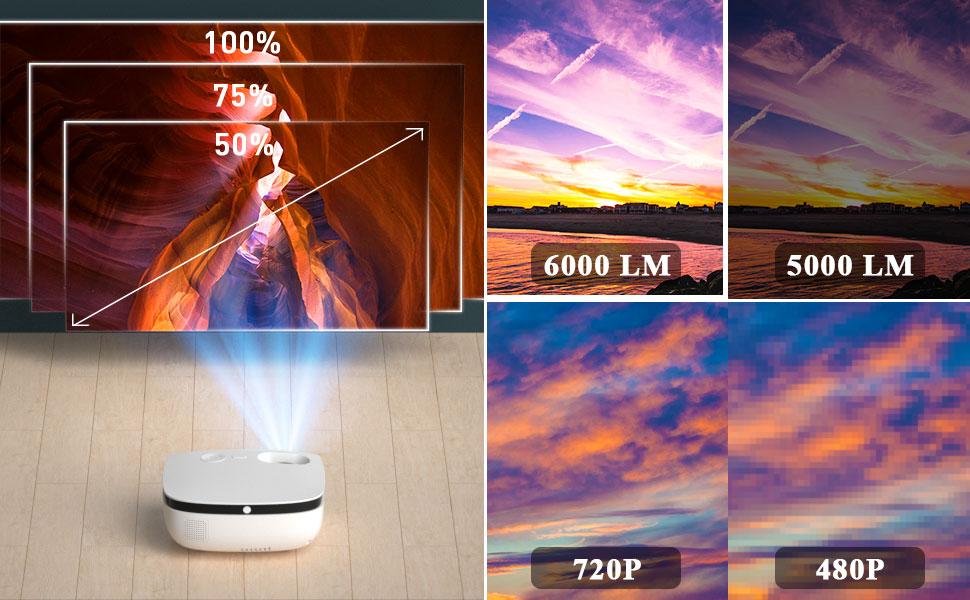
2.More Brighter and Clearer Image— Rated at 6000 lumens, WiMiUS bright projector, perfectly suited for use in scenes with indoor and outdoor movie and video games.
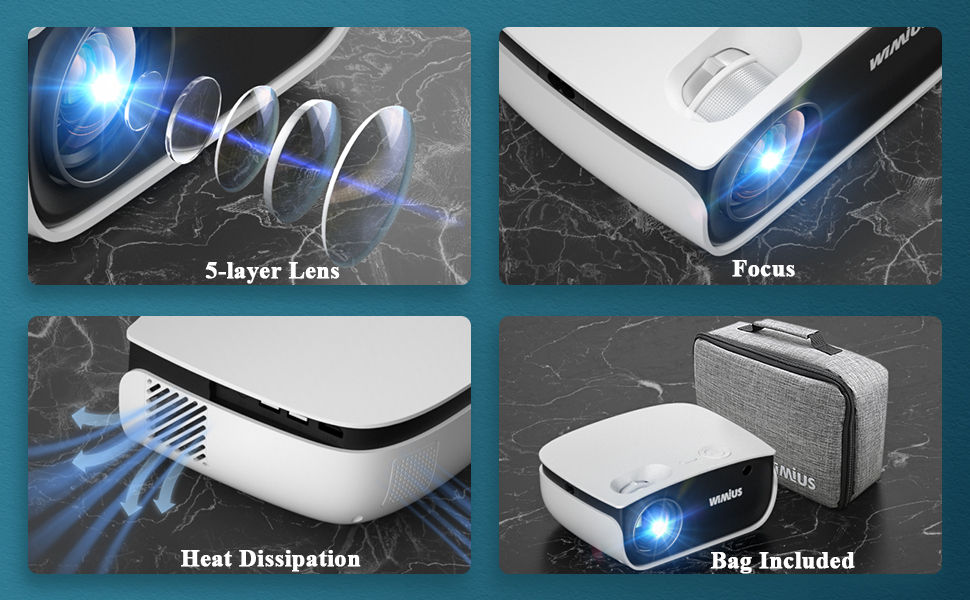
3.Bonus Padded Carrying Bag— This projector is 8.26*6.69*3.14 inches, 2 times smaller than native 1080P projector. Perfect for travel and gift.
Model: WiMiUS S25 Protable Home Projector
Brightness: 6000 brightness
Native Resolution: 1280x720P
Maximum resolution: 1920x1080P
Contrast Ratio: 6000: 1
Hi-Fi sound: Dual Hi-Fi speaker 5 watt
Image Size: 50-200 inches
Zoom function: 100% to 50%
Lamp Life: 80,000 Hours
Keystone correction: ± 15 ° manual
Interface: 2 USB ports, 1 TF / AV / VGA / HDMI / Audio 3.5mm port
IF you have have any issues when using the wifi projector, please let us know. WE are always here.
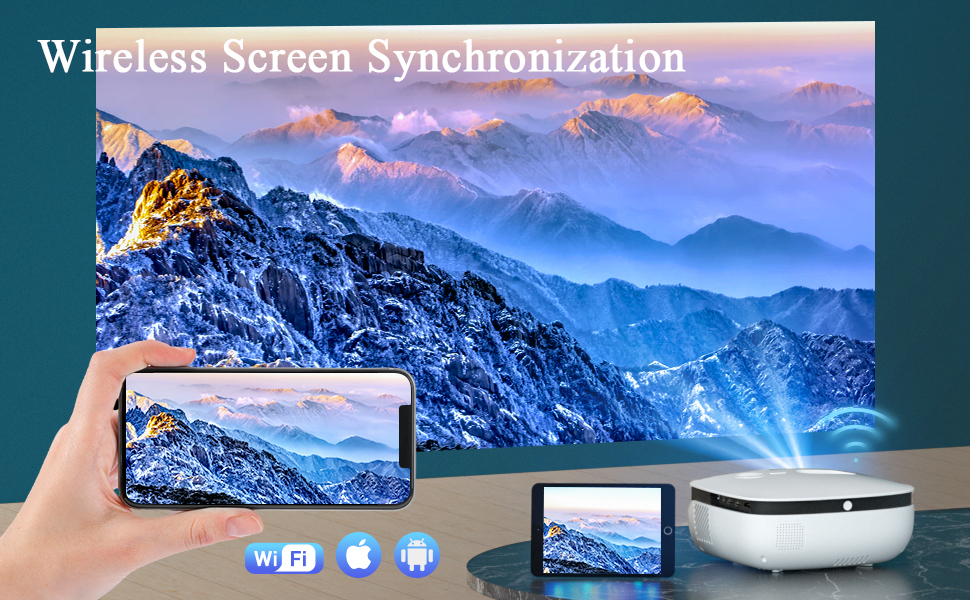
Wired and wireless projection are both supported. For getting the most stable connection, it’s suggested to use wired projection for iOS systems and wireless projection for Android systems.
How to Screen Mirror Your iPhone to this Projector?
1.Select “Cast Screen†in user interface after power on.
2. Plug the original data cable of iphone to the USB IN2 port.
3. Get “Trust” from iPhone when connecting at first time, and enter your screen lock password to achieve the projection
4. You can now mirror your iPhone to projector. (Note: Please refer to user manual for wireless projection)
How to Screen Mirror Your Android phone to this Projector?
1. Select “Cast Screen†in user interface after power on.
2. Turn on the WLAN (WiFi) and the mobile data traffic on your phone.
3. Turn on the wireless projection function in phone’s status bar or setting page, search “PROJECTOR-XXXX†and click it to connect (More convenient to search the product’s name directly).
4. You can now mirror your android phone to projector.
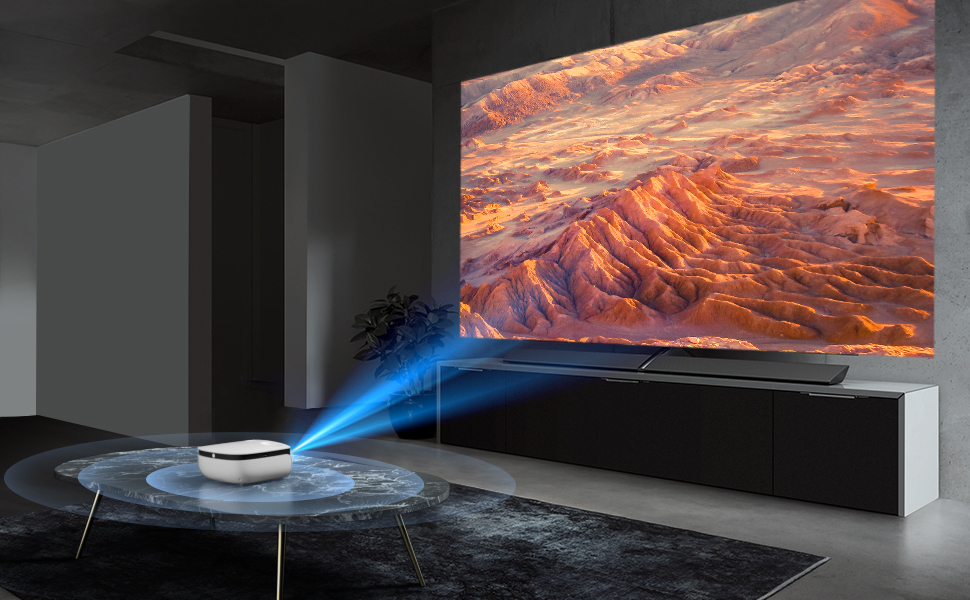
HiFi Level Stereo Audio Performance
Built-in dual stereo speakers (5W) with SRS Sound System. With double clear sound quality, the powerful speakers give you an immersive experience.
Top Question: no voice when connect the USB
Our mini projector only supports USB2.0.
When U disk is connected, the projector only supports 1080P 30FPS video. It does not support playback beyond this frame.
U disk file system must be FAT32 / NTFS, no exFAT and capacity cannot exceed 1Tb.
Meanwhile, our projector couldn’t support Dolby, please kindly check the video is Dolby included.
The projector supports the following formats:
Video format: MP4, WKV, WMV, RMVB, RM, AVI, FLV, TRP, VOB, 3GP, DIVA;
Audio format: MP3, MP4, WMV, FLAC, DTS, WMA, M4A, OGG;
Picture format: bmp, jpg, jbeg, png
Kindly Advice:
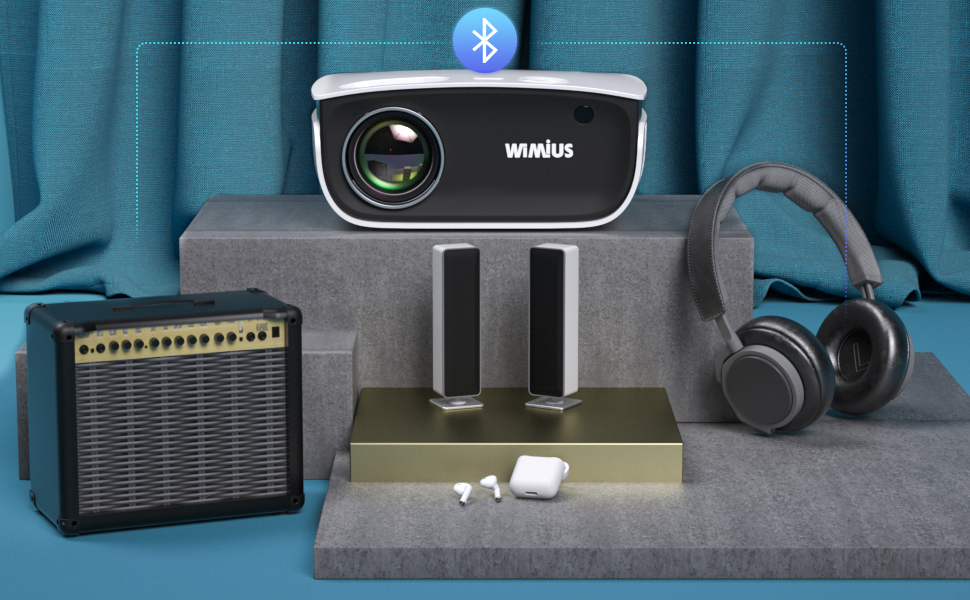
- The Bluetooth function is a bonus function, it is on market test process, it will not compatible with all Bluetooth devices, hope to get your understanding. (You can also connect the external speaker by earphone jack).
- It is compatible with Bluetooth 5.0, but it is only compatible with Bluetooth speakers and earphones / headphones. It is not recommended to connect to other equipment with BT function (smartphone, doublet, personal computer, etc.). (Since the BT function of the projector is the transmitting end, it cannot be connected to a wireless audio transmitter and a transmitter such as a doublet. It is only compatible with BT speakers and receivers such as earphones and headphones.)
- Since the projector equipped with the Bluetooth function currently on the market is an introductory Bluetooth function, it is not comparable to the wide range of Bluetooth interchangeability such as smartphones.
To Pair the Bluetooth device:
1. Make sure the Bluetooth device is in pairing mode
2. Start the Projector and click on Setting- Find the Bluetooth Key and turn on the Bluetooth- then Press Scan to pair the devices.
Warmly tips:
Except for wifi wireless connection, It’s also equipped with HDMI port, USB port, 1 AV and VGA port, 3.5mm audio port, which allows you to connect with TV Stick / Roku Streaming Stick / Chromecast / Laptop / DVD / PS4 / Xbox / TV Box and so on.
Some Confusion about Using the Portable Projector:
1. WIFI connection is not smooth?
The smoothness of the wireless connection will be affected by the network environment. A bandwidth of 100Mbit or more is recommended when using screen mirroring with this wifi projector.
2. How to play Netflix / Disney + / Amazon prime Video movies?
Due to Netflix copyright protection, you should play Netflix from PC or TV Sticks. It can’t display when connected with smartphone. Please prepare a Fire TV stick, Roku stick or Chromecast(not included), then connect it to the projector to watch the content.
3. The focus and sharpness is not excellent?
For all home projectors, the screen edge is not as clear as the center. It will perform better effect if the projector is under relatively dark room environment.
Other Warm Tips: This is mainly for home entertainment, not recommended for class teaching or business presentation.
| Dimensions: | 21.8 x 17.4 x 9.6 cm; 1.8 Kilograms |
| Model: | S25 |
| Manufacture: | WiMiUS |
| Origin: | China |
great budget projector but the instructions need some work
his performs really well – not very noisy either
the instructions are lacking though… it’s not obvious how to connect to a smartphone, though a quick bit of googling sorted that
and inserting batteries into the remote control seems more difficult than any other remote I’ve used!
Projector is p
Picture quality ok all words are blurry and can not read would not recommend this projector to anyone?
Great budget projector overall!
Genuinely a great budget projector if you only need it for basic use (watching films/shows). I use it with my Amazon Fire TV Stick and I love it!
PROS:
– Very easy to set-up and navigate
– Easy manual focus controls
– Great picture quality, vibrant colours (even during the day, it’s still good!)
– Ability to mount it on a camera tripod (super handy!)
CONS:
– The sound quality isn’t great. However I use a bluetooth speaker so it’s an easy fix!
– Wouldn’t recommend for presentations, as small text can appear fuzzy/pixelated
– Wouldn’t recommend if you’re planning to mirror your iPhone screen over bluetooth. It lags a lot and I experienced so many other complications (loss of quality, disconnecting etc.) I’d suggest sticking to HDMI mirroring or an Amazon TV Stick
Love it overall!
It’s good value for the money
Only use it for fun .and anything you have on a memory stick or hard drive
fantastic purchase.
great purchase.use it in the bedroom and campervan.picture and sound excellent.
good
Took some time to figure it out and in the end had to buy google chromecast. Now its great and we have regular movie nights