Microsoft 365 Family | 15 Months subscription | Office apps | up to 6 users | Multiple PCs/Macs, Tablets and Phones + Norton 360 Deluxe | 5 Devices | 15 months subscription | multilingual | Download
Microsoft 365 Family + Norton 360 Deluxe|15-Month Subscription | Up to 6 People|Word, Excel, PowerPoint|1TB OneDrive Cloud Storage|Advanced Online Security|PC/Mac Instant Download|Activation Required
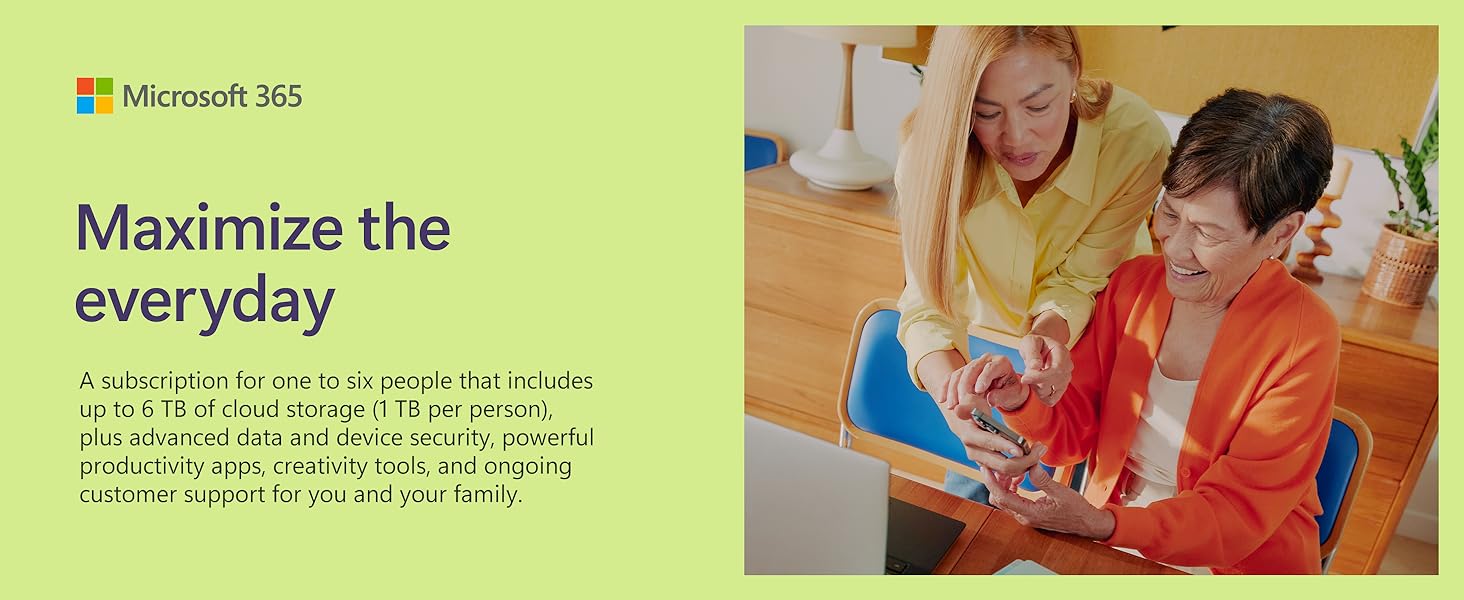
Recommended for families or small groups
Share all the benefits of Microsoft 365 with up to five other people. Sharing means that each person has the flexibility to use their own apps and cloud storage on multiple PCs, Macs, iPhones, iPads, and Android phones and tablets[1].

Easily protect what’s most important with M365
Staying safer online is easier with advanced security working. Effortlessly protect precious photos, documents, your family’s phones, tablets, and computers with easy-to-use features for digital life.
Protect your data and devices
Safeguard up to five of your devices with Microsoft Defender antivirus protection[2].
Save with confidence
Documents, photos, and videos saved in OneDrive are protected against ransomware and accessible on any device.
Email with ease
Seamlessly manage your various email accounts, calendars, and contacts in Outlook and get automatic attachment scanning and link checking[3] so potential email threats are found before you click.




Elevate content with smart suggestions in M365
Bring your ideas to life and add polish, personality, and style. The intelligence in M365 provides a variety of helpful phrases, themes, designs, and charts that can help you upgrade any project fast.
From ordinary to outstanding
Create great looking documents in just a few clicks. Smart formatting, font, and style suggestions help to make your document almost as unique as you are—effortlessly.
Innovation that inspires
Elevate your ideas with built-in features that offer recommendations to help you create and enhance your content with ease.



Microsoft 365 works across your devices
Use your devices to share photos and videos faster. With a familiar experience, integrated assistance and accessibility features, Microsoft 365 makes it easier to get started no matter where you are.
Secure cloud storage
Seamless storage makes it easy to save what you want, access it anywhere, and easily share with anyone (even if they don’t have Microsoft 365).
For your many devices
From phone to laptop, desktop to tablet, and back to phone again, Microsoft 365 works across the devices you use every day.
Flexible for you
Designed to meet your needs, Microsoft 365 has accessibility features built in so you can achieve your goals in whatever way works best for you.




Product Comparison
 M365 Family |  M365 Personal |  M365 Business Standard |  M365 Home & Student |  M365 Home & Business | |
| Type of purchase | 12-month subscription | 12-month subscription | 12-month subscription | One-time purchase | One-time purchase |
| Number of people | For up to 6 people | For 1 person | For 1 person | For 1 device | For 1 device |
| Use on more than 1 device | ✔ | ✔ | ✔ | ✘ | ✘ |
| 1TB Cloud storage | ✔ | ✔ | ✔ | ✘ | ✘ |
| Premium features and updates | ✔ | ✔ | ✔ | ✘ | ✘ |
| Data and device protection | ✔ | ✔ | ✔ | ✘ | ✘ |
| Includes Outlook | ✔ | ✔ | ✔ | ✘ | ✔ |
* Screens simulated. App availability varies by device/language. Features vary by platform.
[1] iOS and Android require separate app download.
[2] Microsoft 365 Personal or Family subscription required.
[3] Features apply to customers who have an @outlook.com, @hotmail.com, @live.com, or @msn.com account.
Beware Norton subscribers.
Great deal.
Watch out adding Norton to your account as it adds a new license, rather than extending your current plan. I wasted 3 months of the subscription because of this.
A great way of saving money
I’ve been renewing my Microsoft 365 subscription from Amazon since 2014. I saved a lot of money so far. And I think everyone would benefit from Microsoft 365, or Google Workspace. If you hold any data in your computer, phone, tablet, etc and you don’t have a cloud solution, you are missing out. Unless you don’t trust the Internet at all, in which case I won’t try to convince you, as you are probably right anyway.
Quick and easy set up
Bought this item and managed to set up both Office and Norton in about 15 minutes.
Just follow the instructions and log in via a browser.
Can get an extra month of Office if you auto-renewal too.
15 months is a great offer, providing your active subscription time is extended and not ignored.
PROBLEM: When I tried to redeem this code from the “Subscriptions” section of my Microsoft Account home page, it was correctly recognising it as a 15-month subscription but the “subscription expires on” date was 15 months from the day of redemption and was ignoring the two months that were remaining on my account. So, I halted the redemption process.
Redeeming Microsoft 365 codes should extend your subscription time up to 5 years, as Microsoft Support pages confirm, and as I have successfully done many times before with 12-month subscriptions.
SOLUTION: Redeem the software using the link provided by Amazon, in the “Your Software Library” section… The same place as the key. Quite why it should work from the link and not by clicking on “Redeem a code or prepaid card” from within your Microsoft Account, I do not know.
RECOMMENDATIONS:
1) First try redeeming the code using the link provided by Amazon
2) If the date of renewal does not match what you are expecting, do not continue with the redemption process
3) Do not contact Microsoft Support. They suggested I request a refund from Amazon and buy directly from them.
4) Try redeeming the code via another method or wait until your existing subscription time has expired before trying again.
Bought for 59.99 on Black Friday, 15 months office 365 family subscription only 3 more than the 12 month one. Ignored the unwanted Norton code. Good value for 15 months’ use of office software and 1TB cloud storage for up to 6 people on up to 5 devices each.
For those who are giving only one star because they “couldn’t use the code again for another family member” you have to set up or log in to a Microsoft account for the first person, use the code against that account, then within that same account go to “Manage Microsoft 365 Family Services and Subscriptions” to allow other Microsoft accounts to use the software.
Similarly, each person can install the software on up to 5 devices but this has to be done via the “Manage Microsoft 365 Family Services and Subscriptions” web page.
Absolutely fantastic value for 365, works out way cheaper than buying 1TB of storage alone from any other source. Plus you get the Office apps included and it’s for up to 6 people. That’s all the office apps and 1TB of storage for SIX people for less than the storage alone for ONE person from Google, Apple or Dropbox. It’s super fast and easy to use too.
The bundle also includes Norton Antivirus. While this is a decent antivirus, it’s really over protective, stopping you from downloading and installing some very well known (if a little niche) apps like Stellarium along with blocking some perfectly legitimate websites for no apparent reason. It also likes to pop up really annoying notifications aimed at selling you more features (that you thought were included) at exorbitant subscription costs. In fact, it seems like this is the main purpose of the software. Frankly I can live without this as other AV software works better without all the annoyances.
This is still a great deal as it’s cheaper than 365 alone, probably subsidised by Norton in order to sell you subscriptions to other services. Install 365 and ignore the AV and you’re sitting pretty!
Gives you the basic general software you need for reports etc
Generally satisfactory and no serious concerns, though the email containing the key number did not work on the first attempt but then worked after 5-10 mins or so despite saying it was ready to download.