TERIOS Wireless Controller for PS-4 with Built-in Speaker, Gaming for PS-4 Slim/Pro with Stereo Headset Jack and Multitouch Pad, Rechargeable Lithium Battery, Double Shock function (Black)
Why is this product for you?
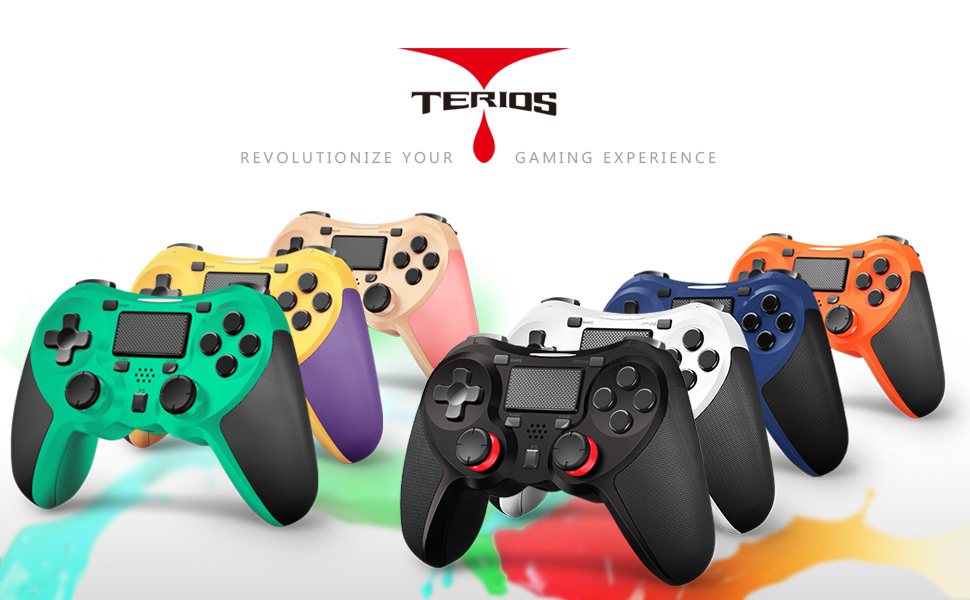
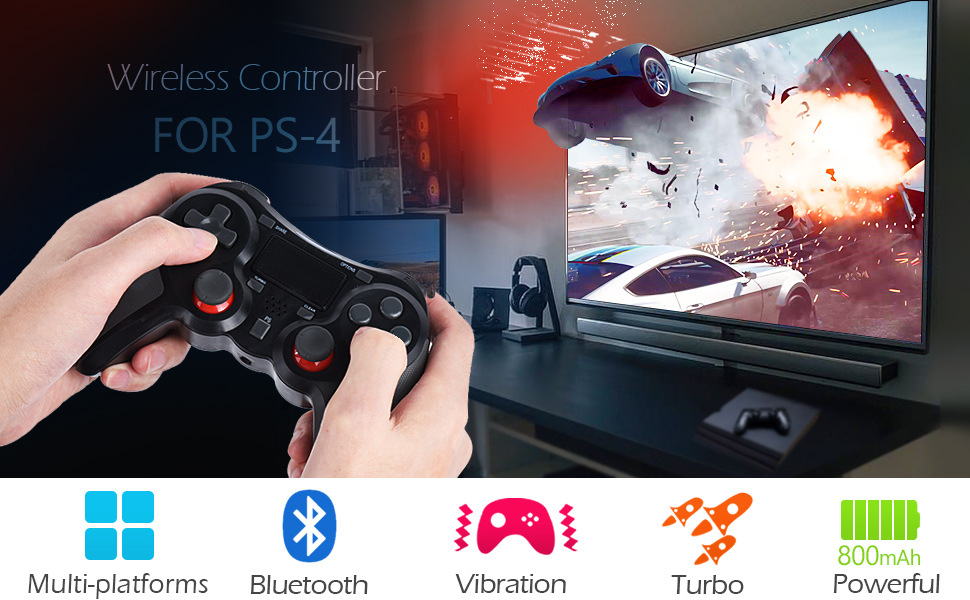
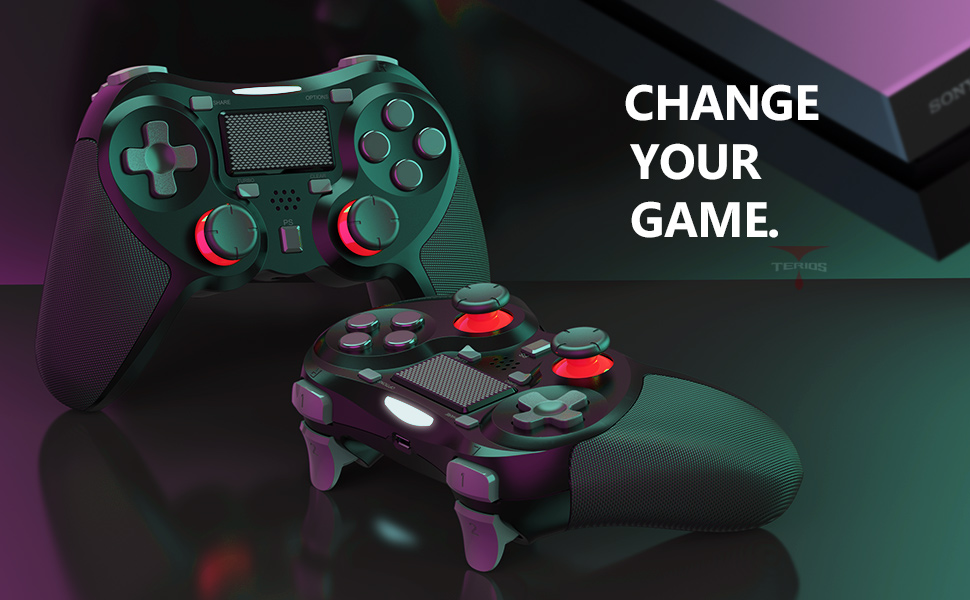
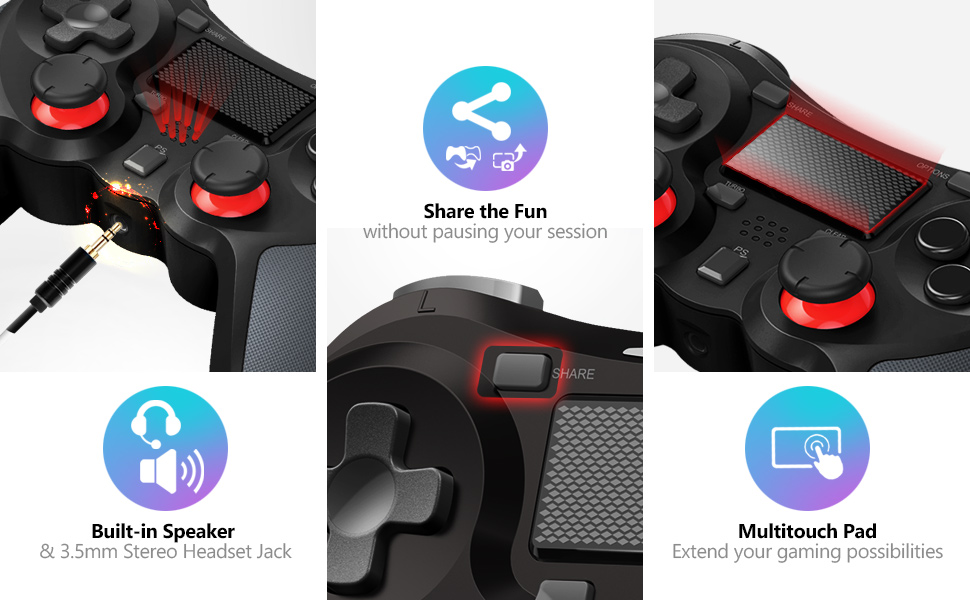
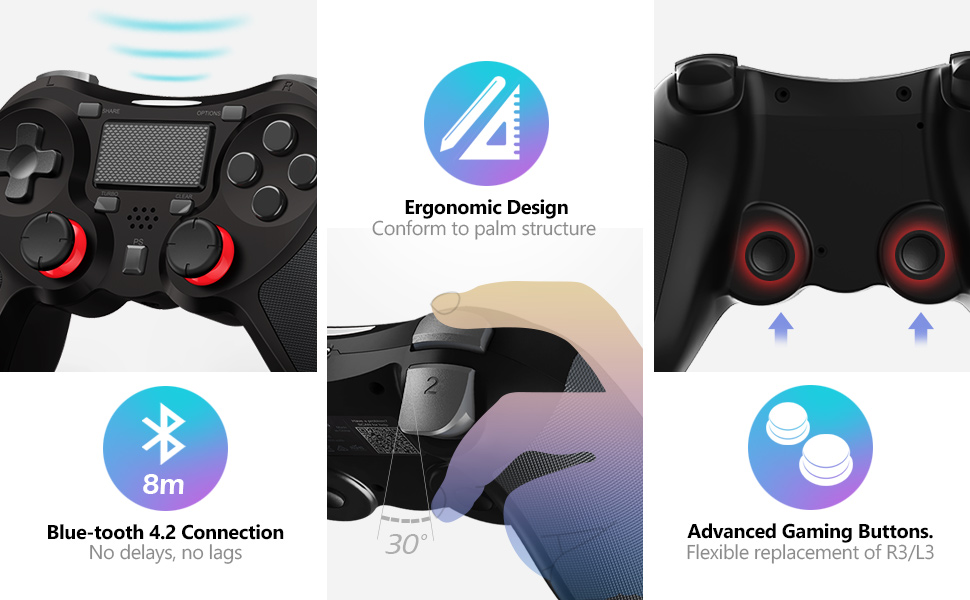
The premium TERIOS gaming controller is a must-have for real players. With built-in speakers that enhance the gaming experience and a multifunctional touchpad that allows you to simplify difficult controls. The ergonomic design perfectly with soft grip and trigger buttons provide pinpoint accuracy and comfort.
FAQs:
1. How to Connect:
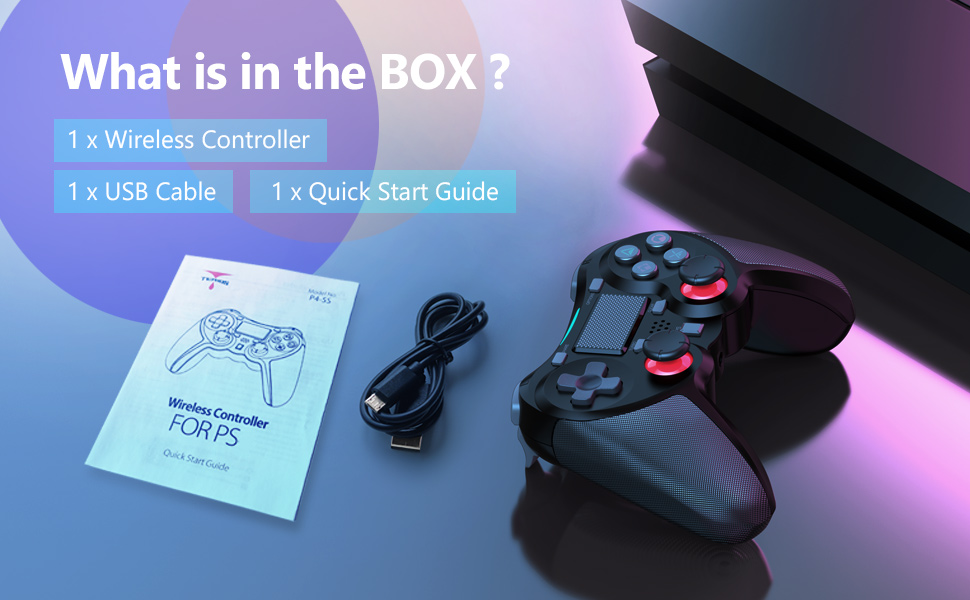
The first time you use a controller, you’ll need to pair it with the system via a Micro-USB cable(Provided in the packaging)
A. Turn on your system, connect the TERIOS controller using a USB cable, and then press the PS button on the controller.
B. When the controller is connecting to the console, the light bar starts flashing, you can remove the cable and use the controller wirelessly.
Reconnect: Press the ‘PS’ button to turn on your controller, it will reconnect to the system automatically.
2. How to Use Turbo?
Hold turbo and press the button you want to assign it to, then let go of turbo. Like if you assign turbo to A, it’d have the effect of pressing the button constantly, and you just need to hold it down. The Clear button stops all turbo settings.
* The turbo feature is available for the fire buttons (A, B, X, Y, L1, L2, R1, R2)
* The turbo feature has only one speed. (No speed adjustment)
3. I’m having a problem using the Headset Jack.
Please make sure if you have made the setting correctly
Step 1, go to your system.
Step 2, Select Settings > Devices > Audio Devices.
Step 3, Select Output to Headphones > All Audio.
Make sure the controller’s volume is turned up.
Please note:
* If your controller won’t pair, won’t respond, or is displaying a flashing light, You’ll need to reset the controller. To do that, just use a small tool and push the reset button. This will prompt the controller to resync.
| Weight: | 308 g |
| Dimensions: | 16.79 x 12.19 x 7.11 cm; 308 Grams |
| Brand: | Terios |
| Colour: | Black |
| Batteries Included: | No |
| Manufacture: | TERIOS |
| Colour: | Black |
Disappointed that the turbo button did not work very well.
Disappointed that the turbo button did not work very well.
Control works perfect.
The D-pad feels small.
My only con for this control.