HP ENVY Inspire 7920e All-in-One Wireless Colour Printer
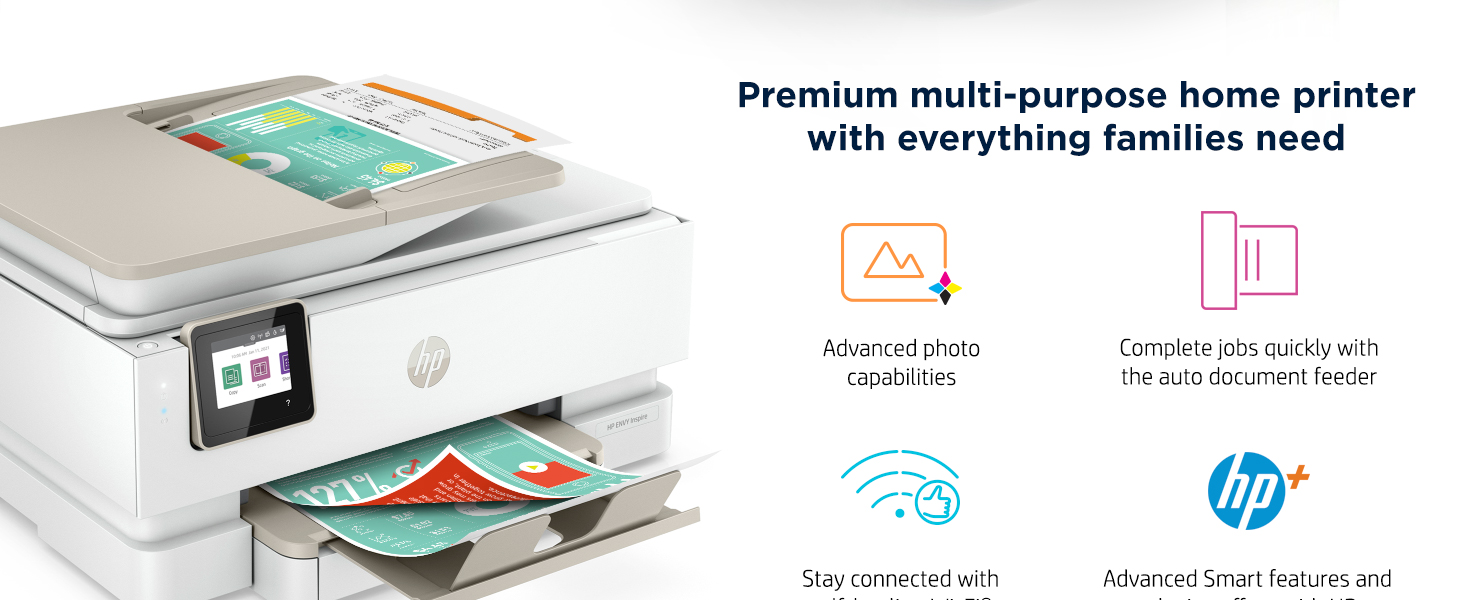
HP ENVY Inspire 7920e All-in-One Wireless Colour Printer with 6 months of Instant Ink Included with HP+

Envy Inspire 7920e Comparison table
 HP Envy Inspire 7920e |  HP Envy Inspire 7220e | 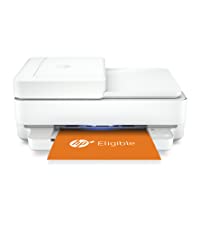 HP Envy 6430e | 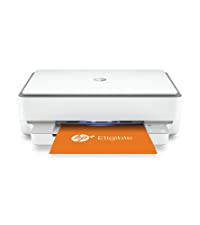 HP Envy 6020e | |
| Functions | Print, scan, copy | Print, scan, copy | Print, scan, copy, mobile fax | Print, scan, copy |
| Advanced photo features | Yes | Yes | N/A | N/A |
| Auto 2- sided printing | Yes | Yes | Yes | Yes |
| Auto document feeder | Yes | N/A | Yes | N/A |
| Print speed (upto) | 15ppm Black 10ppm Colour | 15ppm Black 10ppm Colour | 10ppm Black 7ppm Colour | 10ppm Black 7ppm Colour |
| Connectivity | Self healing WiFi | Self healing WiFi | Self healing WiFi | Self healing WiFi |
| Input/output capacity | 125 sheets/35 sheets | 125 sheets/35 sheets | 100 sheets/ 25 sheets | 100 sheets/ 25 sheets |
| Seperate photo tray | Yes | Yes | N/A | N/A |
| Borderless printing | Yes | Yes | Yes | Yes |
| HP+ eligable | Yes activate at printer setup | Yes activate at printer setup | Yes activate at printer setup | Yes activate at printer setup |
| Instant ink included | 6 months with HP+ | 6 months with HP+ | 6 months with HP+ | 6 months with HP+ |
| HP Smart app | Premium features with HP+ | Premium features with HP+ | Premium features with HP+ | Premium features with HP+ |
What are the benefits with HP+?
HP+ is a smart printing system that gives you premium cloud – connected solutions, an extra year of HP coverage, 2 years of exclusive HP Smart App features, and 6 months optional subscription to the Instant Ink replenishment service.
What are the requirements of this HP+ printer?
The optional cloud – connected HP+ printing system requires an HP account, ongoing internet connection, and use of Original HP Ink Cartridges for the life of the printer.
Does an HP+ printer require a subscription to the Instant Ink service or other ongoing costs?
No, there are no additional costs associated with HP+. You can choose to enroll in an optional subscription for Instant Ink and receive 6 months subscription, but it is not required.
What is the HP Smart App and why should I use it?
HP Smart App is a top – rated app that enables you to set up your printer, print/ scan from virtually any device anywhere, and access exclusive HP+ features. The Smart App is required to set up your HP+ printer from a mobile device or your computer.
How does HP protect my privacy with a connected, account – based device?
Privacy and data protection are extremely important to HP. HP collects certain printer and usage data to improve the printing experience. HP does not access content from any files shared through the cloud or printed on our printers.
| Weight: | 8.12 kg |
| Dimensions: | 15.08 x 18.11 x 9.21 cm; 8.12 Kilograms |
| Brand: | HP |
| Model: | 242Q0B |
| Colour: | White |
| Manufacture: | HP |
| Dimensions: | 15.08 x 18.11 x 9.21 cm; 8.12 Kilograms |
Good printer, pity about the delivery
Amazon claimed that this was “handed to resident”. No, another lie. It was simply left in my front garden, in full view of anyone passing by, including those who might think of stealing it. Now this is a good printer and does all it states it can do. But it’s not waterproof so for the hour or so it remained in its box it did not rain. As there are so many printers on the market I will need to experience it in regular use for a period of time, before I could make a recommendation. I can though make one basic recommendation for Amazon, improve the quality of the delivery experience. FAST.
Good printe
Was very easy to install, but had to go onto HP helpline to ask why document feeder didn’t work with scanning. Guy was extremely helpful and sorted it for me. Good printer for the money
I love this printer. It was very easy to set up and connect to all my devices. I LOVE that it is WiFi so no cables. We can print from anywhere in the house. Also very quiet overall, still makes a small noise but it has moving parts so it always will, but definitely not intrusive noise. Highly recommend, especially with the HP printer ink option.
5.0 out of 5 stars Hp printer envy inspire 7920
Personal home use this is my third hp printer very good upgrade this product is excellent to use very pleased
4.0 out of 5 stars Nice
I haven’t been able to figure out how the quiet mode works because is still noisy when printing but so far so good. Printing quite good.
i like that it prints both sides of the pape
Nice and easy to connect with various devices. Reasonable speed of printing. Good quality prints
This appealed to me as I could not only print thinks but I could print out pictures, scan and copy things. Although I had to buy two as the first one I revived was faulty, I still haven’t been refunded for this despite returning it back in November. I bought the bundle of the printer and ink, the ink didn’t work
Print quality is excellent, especially with 6 months free ink.
Only problem is that HP request that it is left switched on. This is not practical as I often do not have anything to print every week, let alone daily.
So when I have it switched off they send me emails to turn it on.
Great Value Product!
I had an HP photoshop copier before, so wanted to stay with HP. I can’t fault this printer at all. It was quick to set up and easy to use, especially if you’re a technophobe like me. It prints out pages really quickly, which is much quicker than my previous one! It’s also alot quiter! I would highly recommend.
This is a great printer on a private, home wifi where the ink+ option is available.
WARNING TO STUDENTS – my son purchased an xxxxe model with the aim of using the ink+ at Uni. This does not appear possible as the Uni wifi is public and not compatible with this facility.
I needed a printer that printed both sides automatically (duplex) this one does. Many in this price range you have to flip the paper over, too much fuss.
The software was easy to install, I didn’t have to call on the assistance of my 12 year old daughter.
Runs well and so far the automatic ink ordering is working well.
I am use it for work, light use, trying to use less paper. If you are printing all lot then possibly a larger machine is needed.
Excellent print quality and very easy to install even for a pensioner. It is a bit noisy. To take advantage of the ink refill scheme (including 6 months free ink) it is necessary to leave the printer on 24 hours a day, which may not suit everyone.
I took some time to choose this printer and read all the reviews, so I had expected more problems in setting it up. In the event set up was pretty straightforward if you worked from the phone app HP Smart. My final act was to connect the machine to the ethernet – and I found it quicker and a number of operations quicker and easier! It’s not particularly fast, it has a ‘quiet mode’, it prints well. I think the paper tray is a bit flimsy and fiddly, but otherwise it seems fine. I haven’t had any trouble-shooting to do – yet. It’s a versatile, capable machine and does seem worth buying.
Ive always struggled with printers. I have scarring memories of using canon printers as a kid and the CLUNK CLUNK EEEEEERGGHHH sound it would tell me it couldnt connect and then the endless installation cd-roms!! The horror.
This all changed when years ago i got a HP Envy 4500 and it worked like a dream. Connected to the various laptops, computers and phones ive had, with no problems. So i was heart broken when it began to break down this year and then finally stopped working and had to turn it off at the plug.
And then i found the newer model, this one! And its even better than my last one. May have shed a little tear lol. Its a lot bigger than the last one, but oooo its gooood! Its got a bigger screen which is also a touchscreen. I love the printer ink by post service that they do too. But the biggest thing for me, has been the integrated photo printer, which is sooooo easy to use. And it prints photos beautifully!
I love it and im so pleased