Microsoft Surface Go 3 Tablet PC, 10.5 Inch 2-in-1 Device
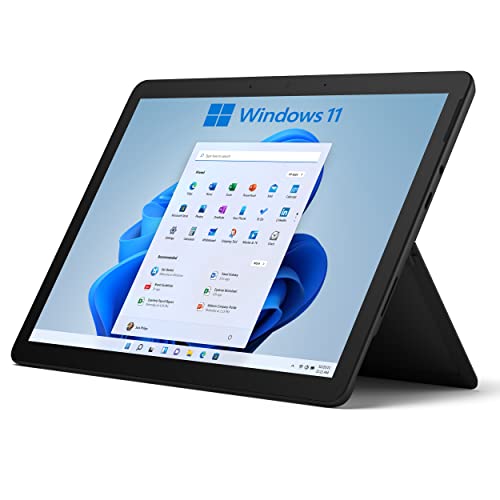
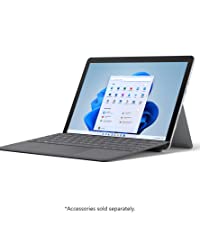
Microsoft Surface Go 3 Tablet PC, 10.5 Inch 2-in-1 Device, Silver, Windows 11 Home S, 2021 Model with Kick Stand
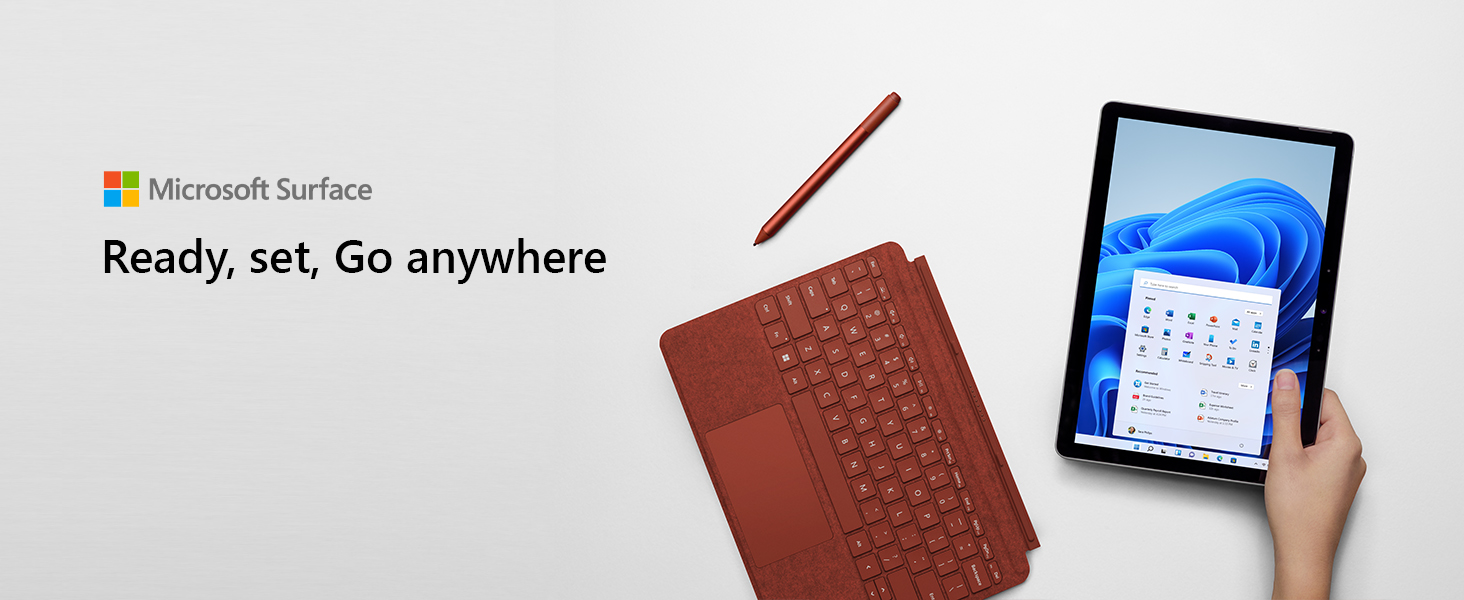

Portable Touchscreen
Designed to light up the best of Windows 11, Surface Go 3 is optimized for digital pen and touch.
All-day battery life
Get up to 10.5 hours of on-the-go power, plus Fast Charging to take you from low to full.
Go-anywhere tablet
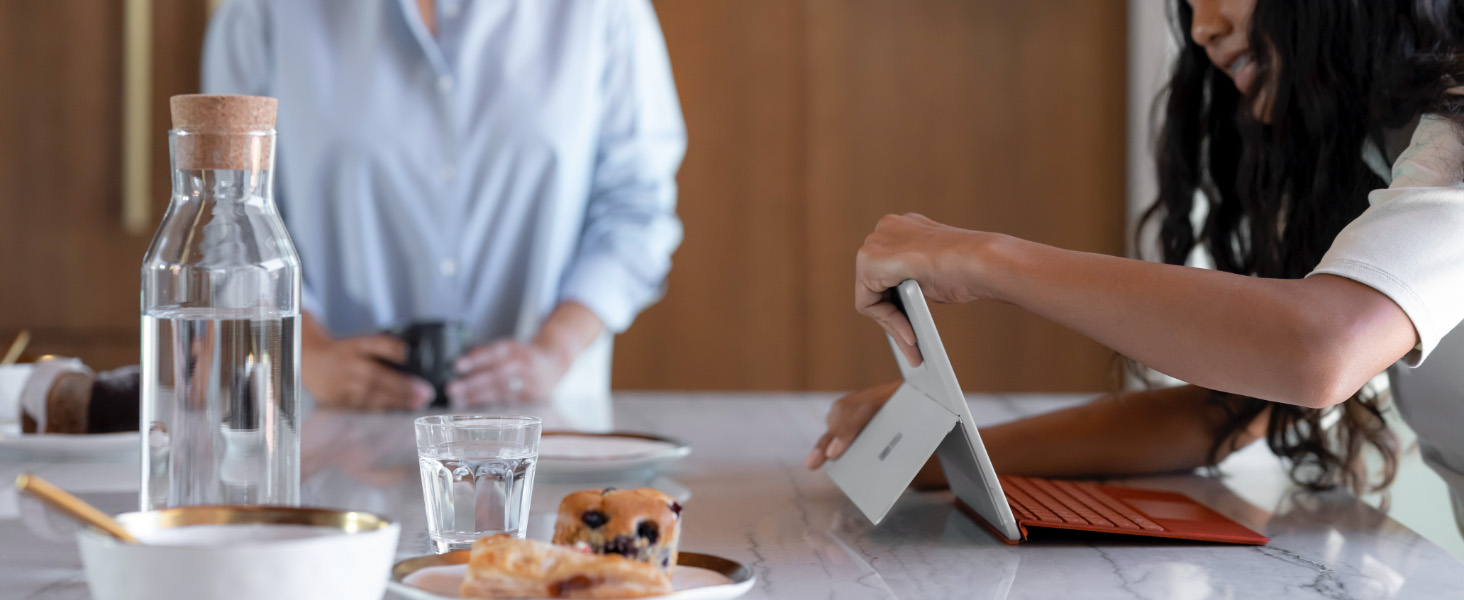
Small and easy with adjustable built-in Kickstand for taking notes, drawing diagrams, and sketching.
Connect in more ways
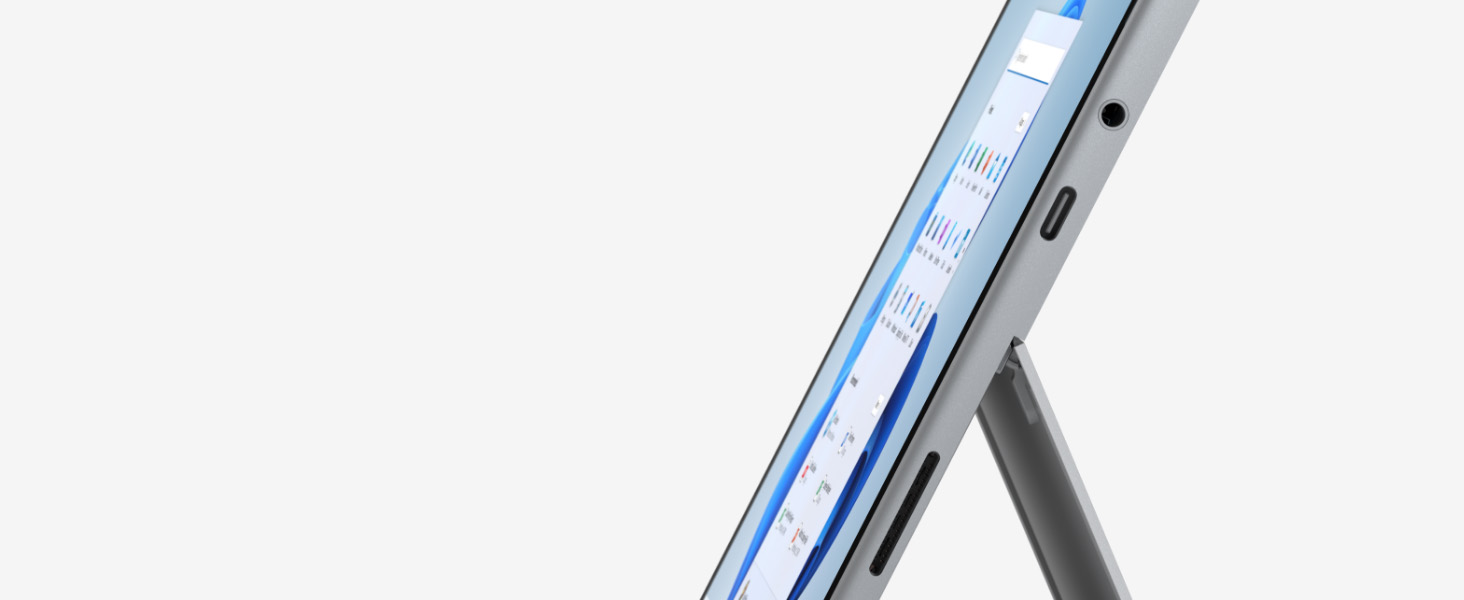
Plug in with the included USB-C port, headphone jack, Bluetooth 5.0, and MicroSDXC Card Reader.
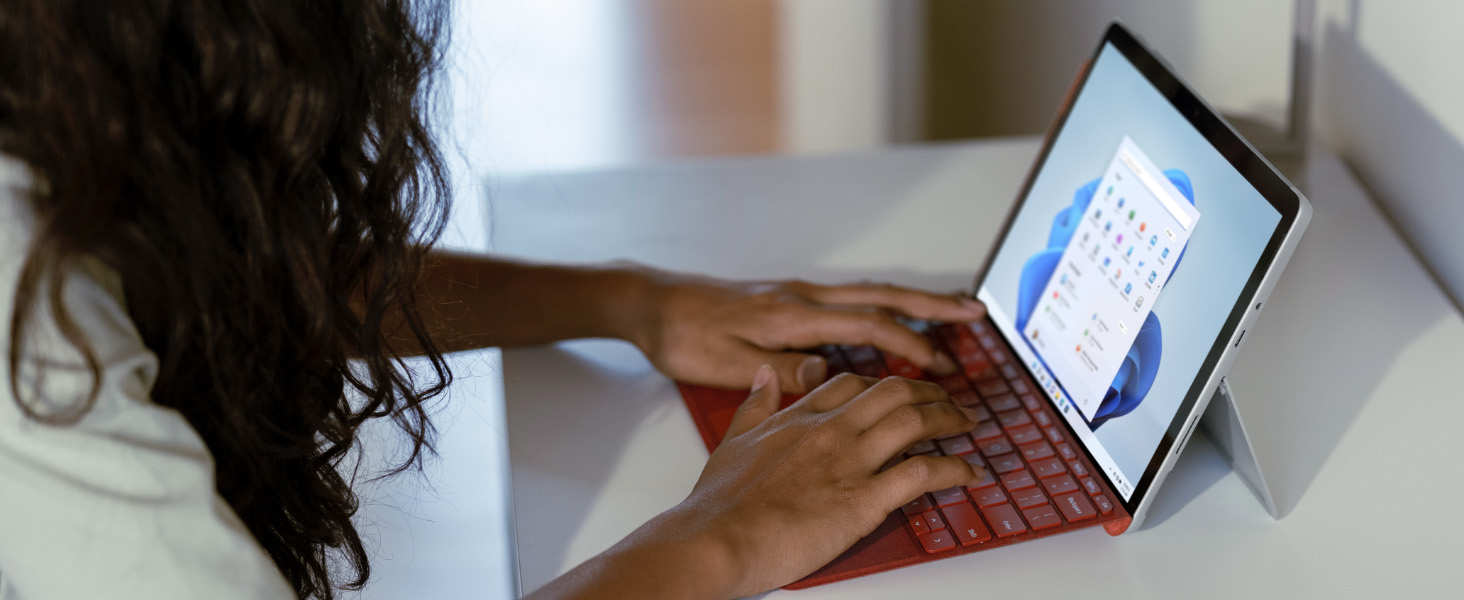
 Speed through homework, browsing, and more
Enjoy your choice of faster Intel Pentium or Intel Core i3 processor. Plus, connect with faster Wi-Fi 6 for better performance around the house.
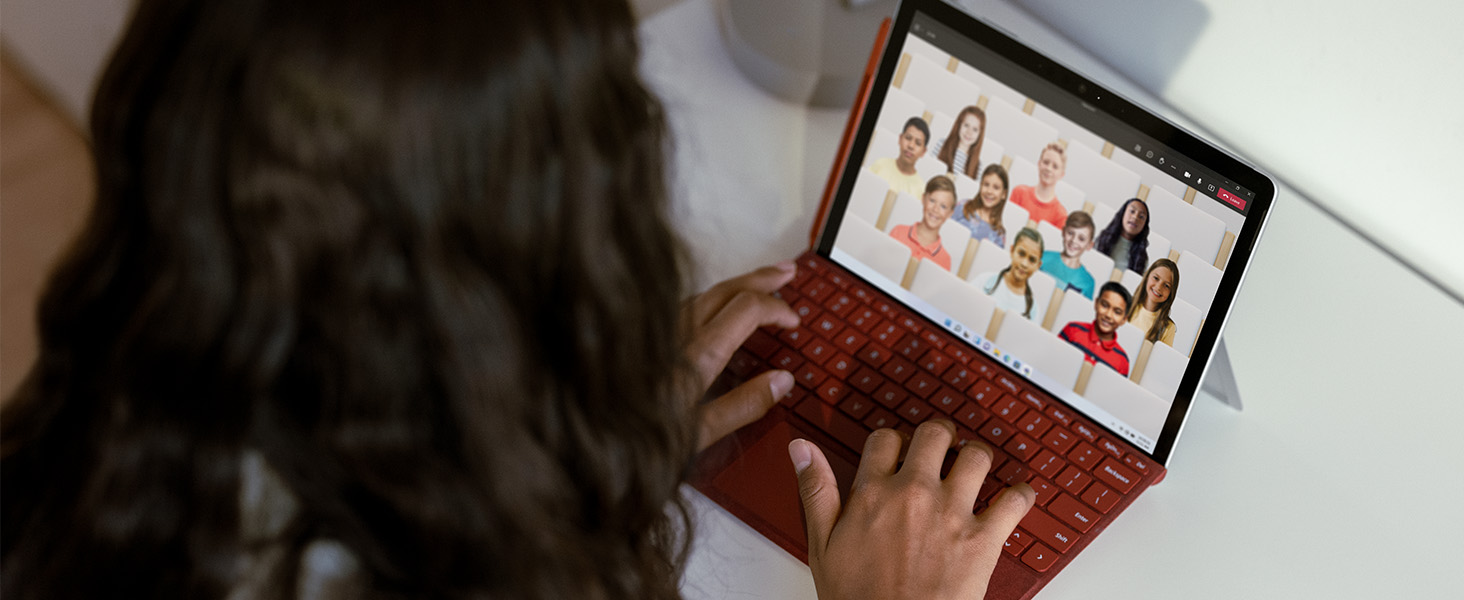
” data-position=”triggerHorizontal” />Amazing video, premium soundStay connected with front- and rear-facing 1080p HD cameras and dual Studio Mics. Experience built-in Dolby Audio that’s perfect for online classes, music, audio books, and your favorite shows.
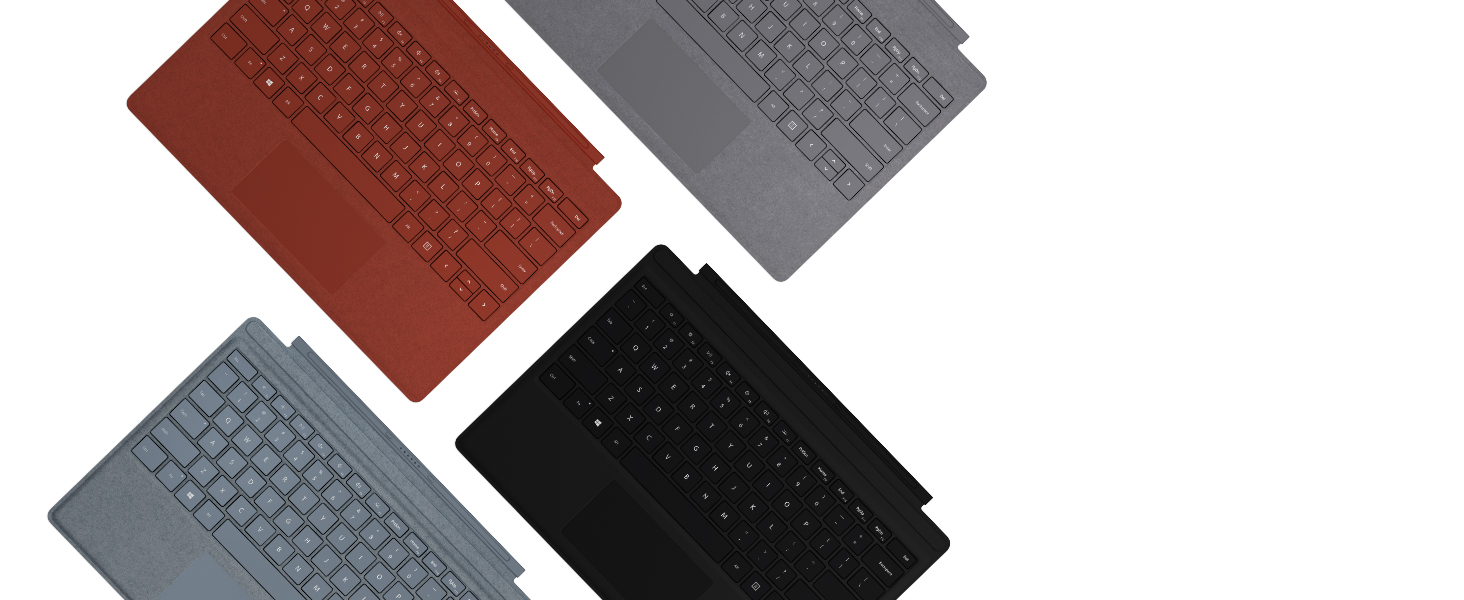
” data-position=”triggerHorizontal” />Surface Go Signature Type Cover
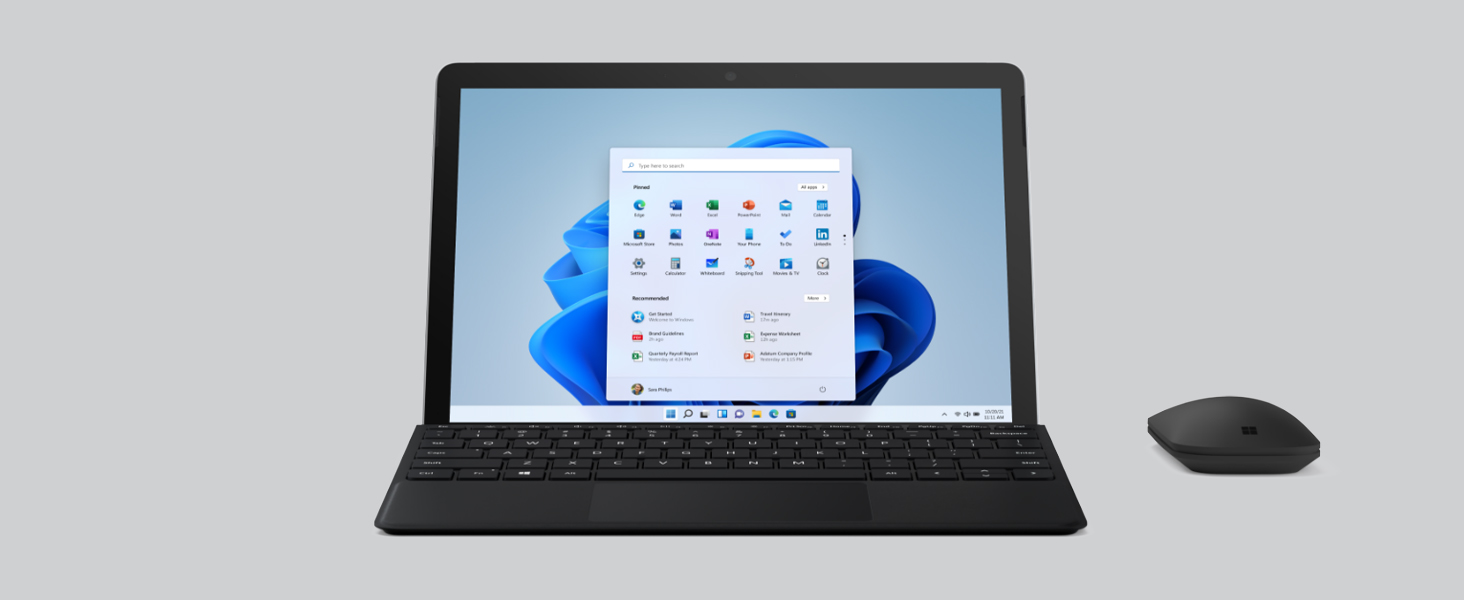
Ultra-slim, yet performs like a traditional laptop keyboard, complete with backlit keys and a large glass trackpad.
Surface Slim Pen 2
Better and faster than ever, with precision ink on one end and a rubber eraser on the other
Surface Mobile Mouse
Lightweight and portable, with smooth scrolling, sculpted comfortable design, and dongle-free Bluetooth connectivity
Surface Earbuds
Never miss a beat with ultra-comfortable design, intuitive controls, and immersive sound.
Complete your Surface with Office apps
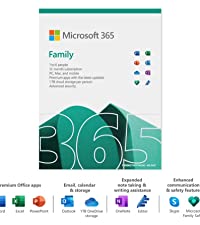
Microsoft 365 Family – 12 months subscription, up to 6 users. installation on 1 PC or Mac, 1 tablet or iPad and 1 mobile phone (Windows, iOS, Android), Premium apps, 1TB Onedrive and more. Sold extra
Compare Microsoft Surface Devices
Surface Go 3
Surface Pro 8
Surface Laptop 4
Surface Laptop Go 2
Office apps M365 Family
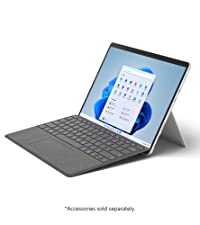
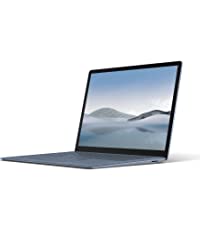
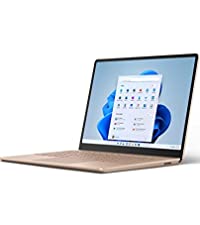
PixelSense Display 10.5” Touchscreen 13” Touchscreen 13″ and 15″ Touchscreen 12.4″ Touchscreen n/a Color Silver Silver, Black Black, Silver, Blue, Gold Silver, Blue, Gold, Green n/a Processor Pentium Gold/10th Gen Core i3 11th Gen Intel Core i5/i7 11th Gen core i5/i7-AMD R5/R7 11th Gen core i5 n/a Memory (RAM) 4GB or 8GB 8GB or 16GB 8GB, 16GB, 8GB n/a Storage eMMC: 64GB SSD: 128GB SSD: 128GB, 512GB SSD: 256GB, 512GB SSD: 128GB n/a Operating System Windows 11 Home in S Mode Windows 11 Home Windows 10 Home Windows 11 Home n/a Graphics Intel UHD Graphics 615 Intel UHD; Intel Iris XE Intel Iris Pro; AMD Radeon Intel Iris X n/a Battery life up to 11 hours up to 16 hours Up to 19 hours Up to 13.5 hours n/a Keyboard Type cover sold separately Type cover sold separately Integrated Integrated n/a




| Weight: | 544 g |
| Dimensions: | 24.5 x 17.5 x 0.83 cm; 544 Grams |
| Brand: | Microsoft |
| Model: | 8V6-00002 |
| Colour: | Silver |
| Batteries Included: | Yes |
| Manufacture: | Microsoft |
| Dimensions: | 24.5 x 17.5 x 0.83 cm; 544 Grams |
Excellent produc
I upgraded from an older model, which I loved, but I love this one even more. It is lightweight, fast, has good memory and lots of storage. It is perfect for what I need – work, writing, reading, and web surfing.
Not tech minded but find how to do what I need when I have to. Was very nervous about replacing my 8-year old surface 3. But took my chance on this one. So far, very happy (Once got used to new layout of Windows 11 home screen!). Found it very easy to set up. (son set up my old one!) Ordered keyboard cover separately – both arrived on due date, securely packaged. Doesn’t take as long to charge as my old surface. and battery seems to last much longer. Overall very happy. Only criticism (so far on old surface when checking battery life left just gives percentage and not actual no of hours/mins left….
Edited July 2022: Used over a few weeks now. For some reason, sometimes after only 2-3 hours use, battery low warning, so have to plug in to continue using. Apart from that, still very happy….
Battery only lasts 4 to 5 hours even when I only use it for mundane tasks like MS Word or Onenote. Other than that, the tablet heats up really fast when watching a movie on Netflix or YouTube. But overall the tablet is amazing and m doing all of my note taking tasks, school and business related tasks with this tablet. The keyboard and the pen, even though extra, are god-sent.
I’m very impressed with this tablet. It is powerful enough for office use and superbly portable with a very crisp screen. Having only one USB-C port is a bit of a hassle, but adding a separately purchased USB-C Hub with HDMI, a couple of USB 3 ports and a USB C port works well. The screen resolution is good, but things are very small, so (a) a mouse or pen really is useful and (b) when not travelling I always plug it in to an external monitor. Great for watching Amazon Prime or Netflix when staying in hotels overseas (I take the HSB-C Hub and a cable to plug into the hotel TV – keeps the family happy!).
The writing and conversion of hand writing to text in Microsoft Notes works well (a key work-related reason this was bought).
Not cheap when you add the attachable Microsoft Keyboard / cover, Bluetooth Microsoft mouse, microsoft Pen, and a laptop sleeve to pop it all in – but worth it!
I was a bit apprehensive abouy purchasing this to replace my 5 year old tablet. The reviews seem to suggest it was a bit sluggish at times and maybe not worth the (heavy) asking price.
Nothing to worry about! As long as you have some knowledge of windows you can get this running smoothly in no time.
Lovely tablet. Well made and robust. Quality.
Recomendations: Use the new Win 11 disc optimiser to keep the HD running efficiently and turn off any menu animation. That speeds things up no end. Keep the apps to a minimum, and save to an SD card any docs/pics etc that you don’t need to clog your HD up with.
Very happy!
Good windows based tablet, there are good accessories available for it, the only thing is the battery life so far is not as I expected but reading other posts this may improve with time.
Bought to replace my 5-year old Surface Pro 4. All I use it for is reading, browsing and playing poker, and it does all that very well. I’ve not used it with any of the MS Office suite, or any other software to see if it copes, so can’t comment on its performance. Battery life is good, I’ve not timed it but I think I get about 6-7 hours out of it. Windows 11 runs well on it, not too much different from W10.
Update April 2022:
After using almost every day for 5 months I’ve noticed the battery lasts 4 hours at the most, well below the 11 hours claimed.
Had the Surface Go 3 for a few weeks now and am impressed so far. Not the quickest, chipset, best graphics Yadda Yadda but I got what I expected, I knew if I wanted blistering performance, oodles of RAM and storage etc I would have to pay a premium. As I don’t play games, do Photoshop, CAD or other intensive programs I only needed basic spec, and this folks, if you just need to browse the web, send emails, do a little online shopping, keep in touch with friends and family & other low end stuff is all you need. Don’t be fooled by the doom and gloomers whining that it is too slow, that’s because they wanted it for intensive stuff but where too cheapskate to purchase the more expensive models.
Getting set up and started was way easier than I thought it would be. Really impressed with it’s battery life and its portability – has been great for my commute to and from work. Bought with keyboard and pen which have been great additions.
At 1st i thought it has a very poor battery life guys, I brought it from Microsoft’s official website. I was getting about 3 to 4 hrs on daily usage for a week but then as I started using it for a while with updates. Now I am getting a battery life of around 7 hrs and 8 hrs on a very normal usage. My battery saver is always active.