GEEKOM Mini IT12 NUC Desktop Computer – Mini PC with 12th
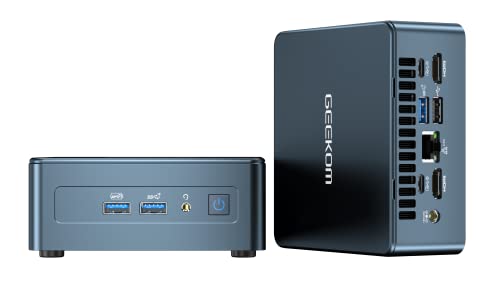
GEEKOM Mini IT12 NUC Desktop Computer – Mini PC with 12th Generation Intel Core i5-12450H, 16GB RAM, 512GB SSD, Intel Iris Xe Graphics, 8K Display Support, Windows 11 Pro
GEEKOM Mini IT12
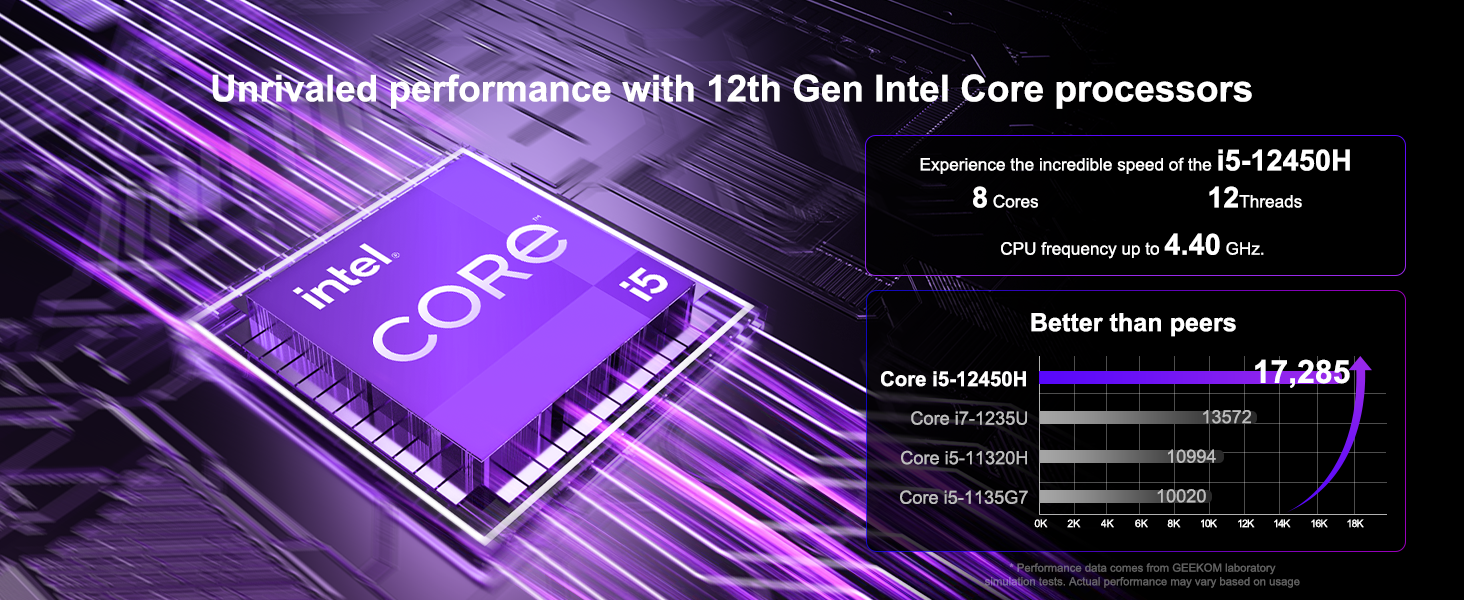
| Processor | 12th Generation Intel Core i5-12450H (8 cores, 12 threads, 12MB cache, up to 4.40 GHz), TDP35W |
| GPU | Intel Iris Xe Graphics eligible |
| OS | Windows 11 pro |
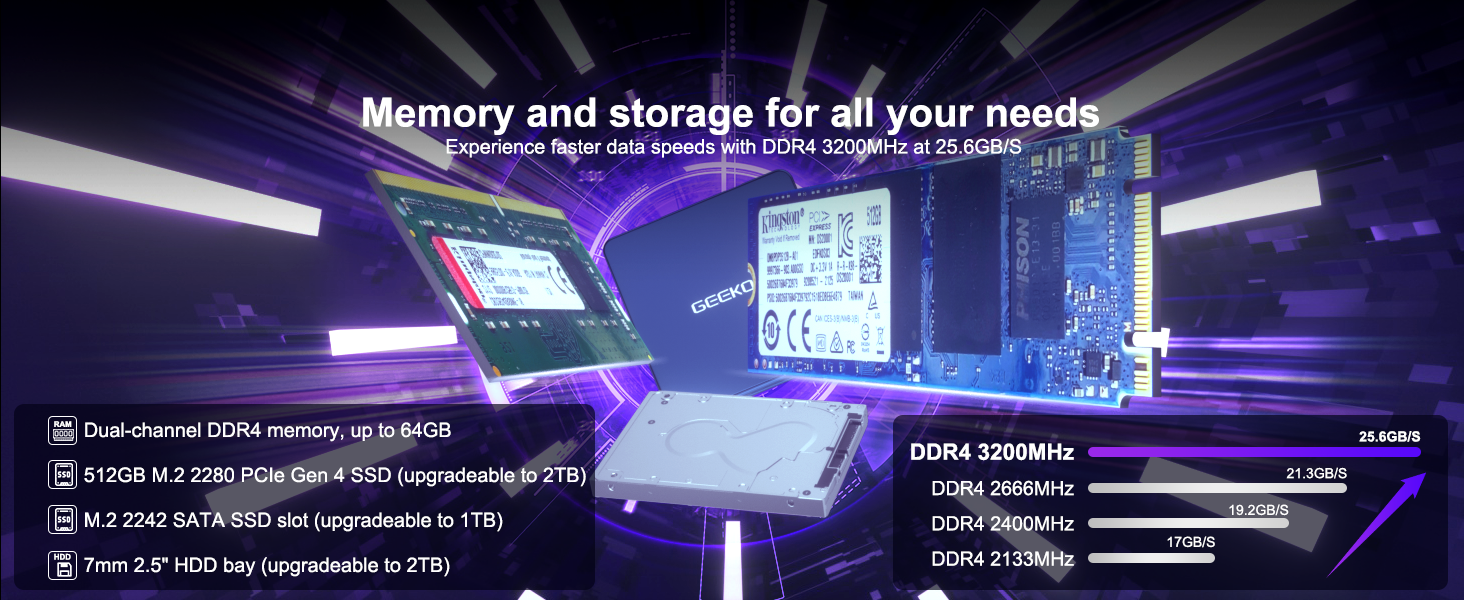
| Memory | 16GB (8GB+8GB, dual-channel DDR4 SODIMM slot, maximum support 64GB) |
| Storage | 1* M.2 2280 PCIe Gen 4 x4 SSD, 512GB onboard, expandable up to 2TB |
| 2 free hard disk slots | 1* M.2 2242 SATA SSD slot, the maximum can be expanded to 1TB. 1*2.5″ SATA hard disk slot (7mm), the maximum can be expanded to 2TB. |
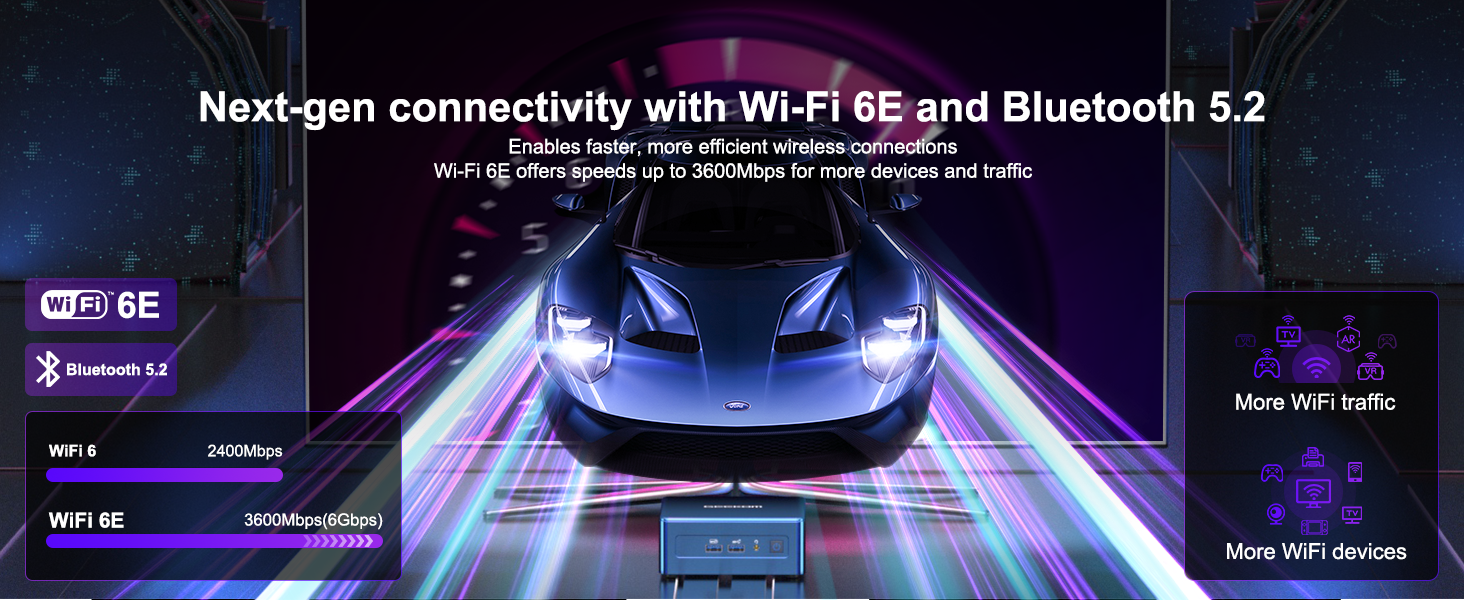
| WiFi | Intel Wi-Fi 6E AX211 |
| Bluetooth | Bluetooth v5.2 |
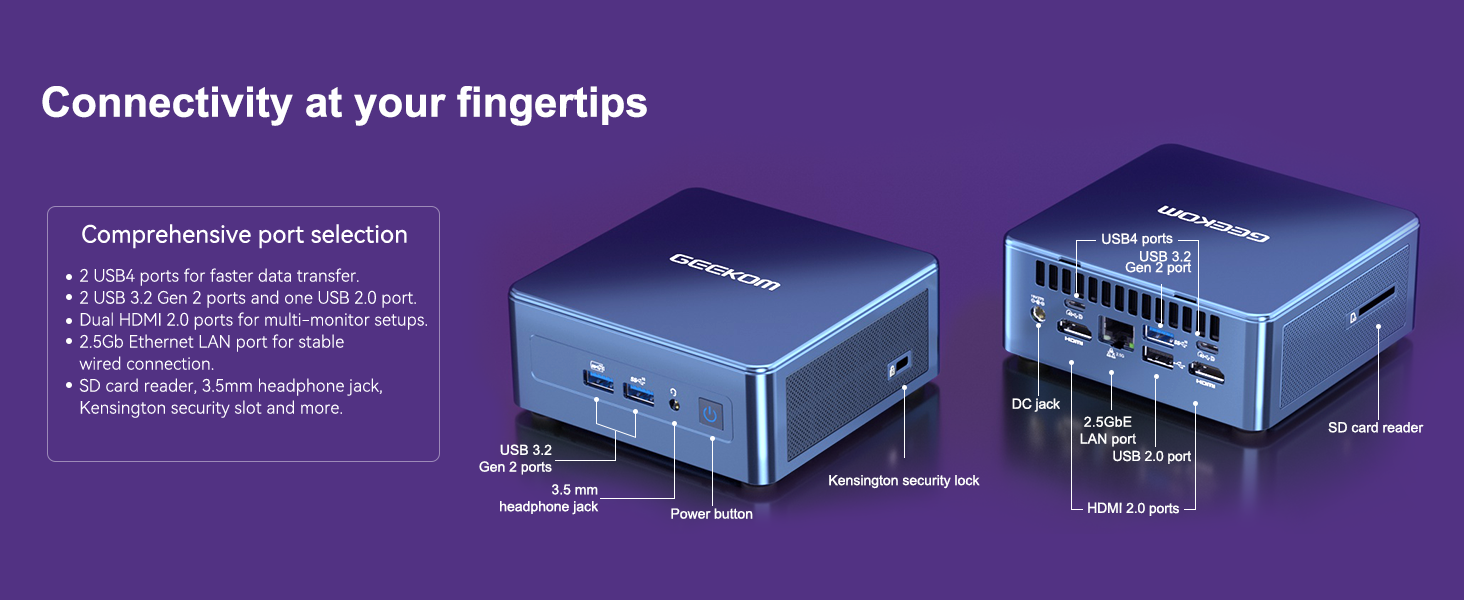
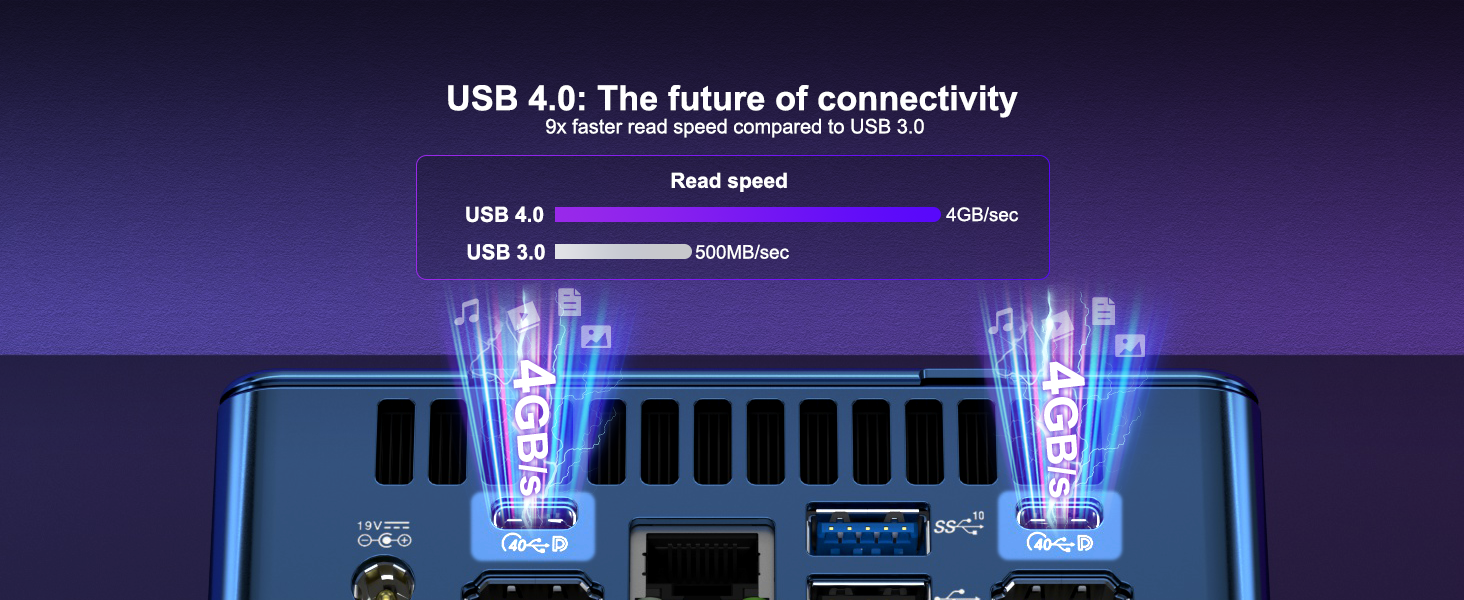
| USB4 | 2* USB4 (40Gbps, 8K@60Hz) |
| Other USB connections | 3* USB 3.2 Gen 2, 1* USB 2.0 |
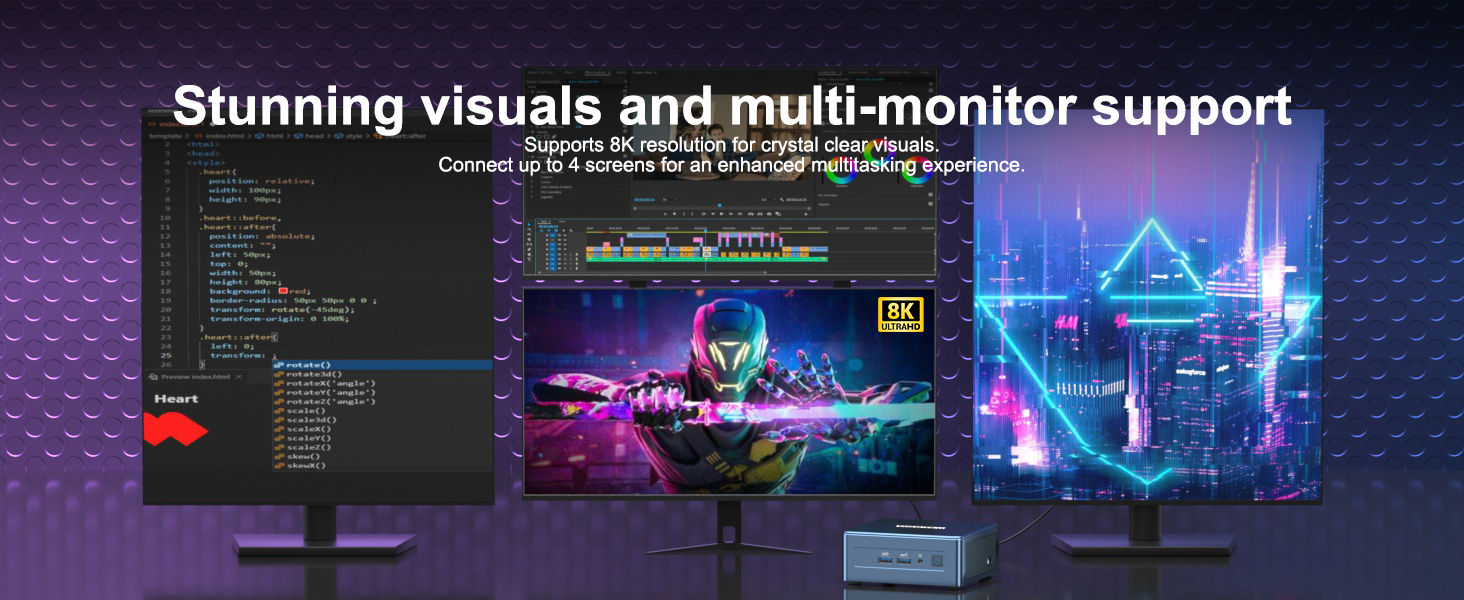
| Video output | 2* USB4 (8K@60Hz), 2* HDMI 2.0 (4K@60Hz) |
| Ethernet | Intel 10/100/1000/2500 Mbps RJ45 |
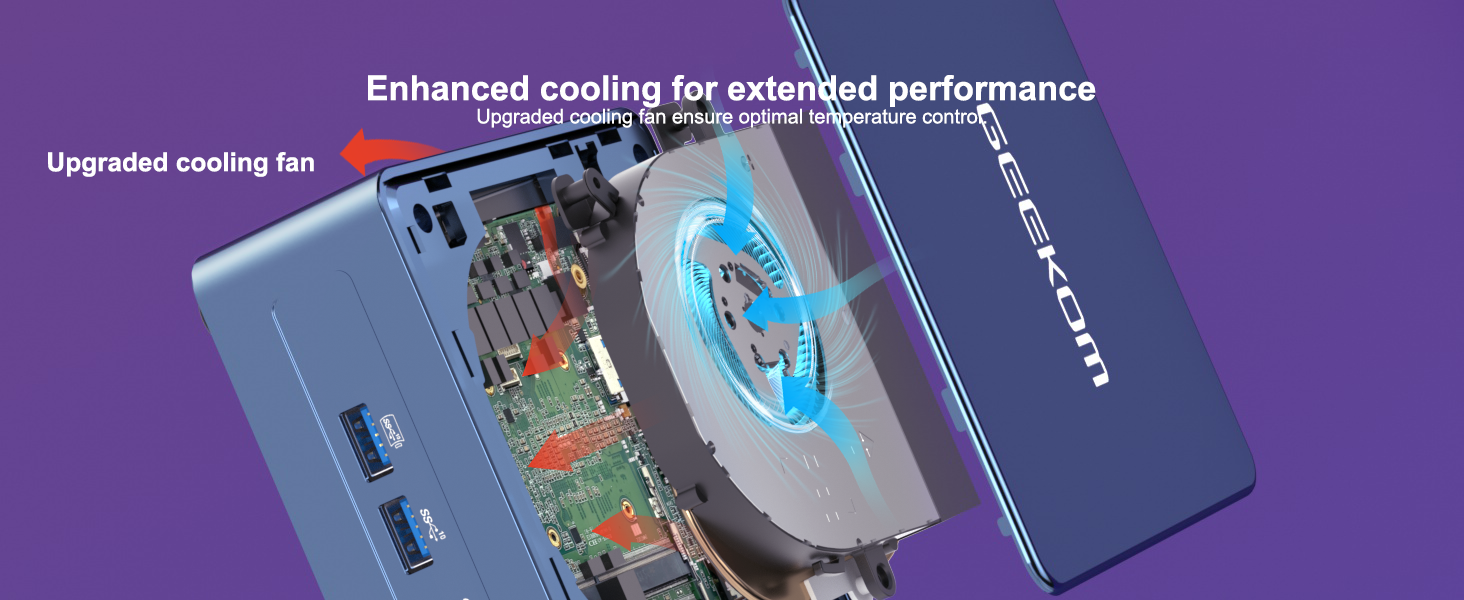
| Other | SD card reader, 2.5GbE LAN port, built-in fan, internal metal frame |
| Dimensions and weight | 11.7 x 11.2 x 4.56 cm, 652 g |
| Adapter | 19V power adapter, 90W, with geo-specific AC power cord (IEC C5) |
| Package | 1* Mini IT12 mini-PC, 1* VESA mount, 1* power adapter, 1* HDMI cable, 1* user manual, 1* thank you card |
GEEKOM Mini IT12 – This mini PC is very efficient!
GEEKOM shrunk my frame _ IT12 mini PC review!
Gaming tests and reviews _ GEEKOM Mini IT12 PC _ Gamer’s compact beast _
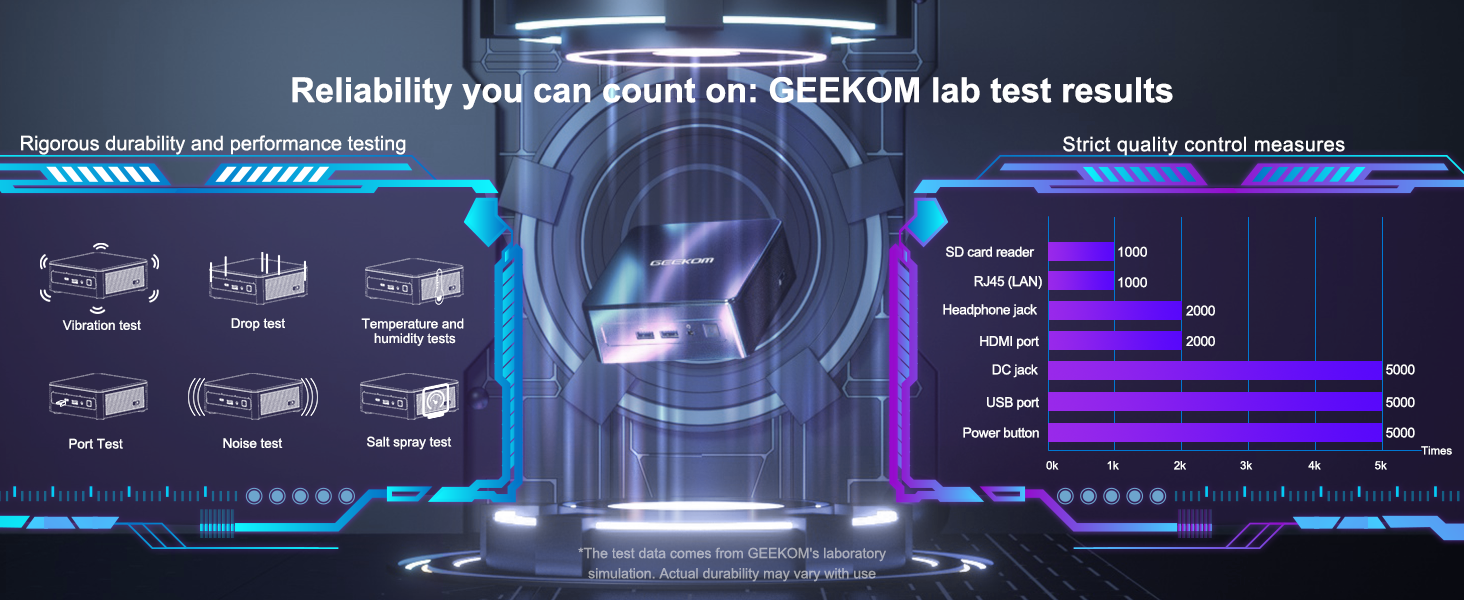
GEKOM mini PCs
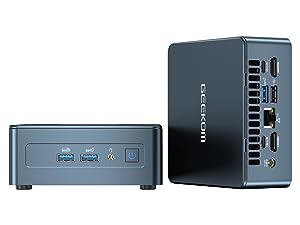 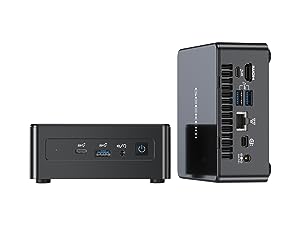 IT8 | ||
|---|---|---|
CPUi5 12450H | CPUi7 11390H | CPUi5 8259U |
GPUIntel Iris Xe Graphics eligible | GPUIntel Iris Xe Graphics eligible | GPUIntel Iris Plus Graphics 655 |




| Weight: | 1.5 kg |
| Dimensions: | 15.7 x 10.7 x 10.2 cm; 1.5 Kilograms |
| Brand: | GEEKOM |
| Model: | IT12-i5-12450H |
| Colour: | Black |
| Manufacture: | GEEKOM |
| Dimensions: | 15.7 x 10.7 x 10.2 cm; 1.5 Kilograms |
Mini PC
Was not impressed with the vesa mount,it obscures one of my hdmi ports.Instructions for vesa mount are poor.The lack of usb ports on this device got tedious very quickly,the usb mouse and keyboard takes up 2 straight away,the other port is for WiFi,it needs at least 2 more ports.I will be buying a usb hub,the way the vesa mount sits on the back of my monitor makes it a faff bending under the monitor all the time just to add a usb thumb drive.It has a slight murmur this mini pc when used,it’s not loud but you can hear it.I think it’s quite quick,it should be with 32 gigs of ram in it,I wasn’t prepared to pay an extra 400 quid for the i9 version but the i9 had more ports.
fan will drive you mad(update in review)
Over all its a good bit of kit but the fan noise will drive you potty apparently there is a firmware update to fix this but getting a response from Geekom support is nearly impossible [ we are not here right now please leave your question] yes no update in three days(Update support have just sent me a link that you put on a flash drive and fingers crossed has made a big difference)
It was so easy to set up and use
This computer was so easy to use straight out of the box and for the first time ever I got a piece of tech gear working perfectly in less than half an hour, it did it all itself really. Absolutely brilliant I will certainly buy all my tech gear from GEEKCOM in future.
Device is showing video artifacts and freezing, after not even a month
The device was initially working great. Not even a month later, it started showing video artifacts and now fails to boot, as it freezes at the boot screen or while trying to load the OS. I reached out to tech support from Geekom on their site, but never got an answer. Never buying from this company again.
Update: After the review, the Geekom team from Amazon reached and replaced the faulty project. It seems Amazon and the site are managed by different teams. I’ve updated the review to 4 stars, and will keep testing the device.
Good Brand
Nice PC but had some problems with the memory. I fixed it on my own as Geekom wernt all that. Recommend well same with anything it’s the luck of the draw really.
First use of a mini computer replacing an old Windows 10 struggling Desktop Large Compute
What a surprise – It’s tiny & light & would fit in a trouser pocket lol.
Windows 11 Pro is pre installed & gets updated as soon as its switched on !
All the connections an average user would need – not used for gaming by me but its quick & easy response outpaces my aging Tower Desktop easily & manages all my basic computer skills & needs – A True delight to use & at an affordable price ! Being so small also makes it portable or it can be fitted to the rear of TVs or Monitors & is truly silent ! Very Impresive device 🙂
I bought a Geekom mini PC and when I saw it was also sold on Amazon, I ordered it through Amazon as a safety measure.
I was absolutely right.
It was delivered the next day. It did not work so I returned it the day after and was reimbursed today Perfect job Amazon
Geekom : how can you sell computers without any support whatsoever?? I plugged it, connected the monitors and the connection never happened. I tried to contact Geekon through :
Chat
email
Whatsapp
Never, ever got an answer.
I am sorry as I was looking forward to using your PC
Great computer, poor suppo
Not only is this a mini marvel in terms of performance, it also has great connectivity and it’s quiet. It won’t suit gamers and video editors, but for office productivity it’s great. It has just replaced one of my ASUS ATX Intel 12th Gen computers running Office. The UEFI BIOS is set for normal performance so fan noise is a whisper. The 2x16GB Lexar memory modules are configured as single channels, therefore graphics are UHD not Iris Xe. GEEKOM have confirmed to me that the graphics are not Iris Xe eligible contrary to their specification. There isn’t a memory channel setting in BIOS so it it isn’t capable of change unless GEEKOM issue a revised BIOS. Although GEEKOM Support wrote that I could try an m.2 NVMe 2230 SSD, the only fixing is for the more expensive 2242. GEEKOM service closed from 29 September until 7 October, are administrative not technical and, glacial in speed. The GEEKOM IT12 i7 32GB/1TB is a great buy, but change the BIOS to dual channel memory and, have technical backup to Support and it would be brilliant. Consider the GEEKOM IT13 as well if you need Iris Xe graphics.
Oltre le aspettative...
Preso su consiglio di un amico, nonostante fossi leggermente scettico.
Invece, mi devo ricredere. Efficiente, silenzioso… se non si hanno le pretese di prestazioni video oltre un determinato livello, potete andare tranquilli.
Excellent little PC
I removed Windows from it and I am running it as an Alma Linux server, but I did have a quick play with Windows 11 first and everything seemed fine.
It runs quietly and efficiently and is surprisingly fast with a decent SSD included.
Great value if you can grab it when it is discounted.
So dumped the desktop and used a laptop instead, that started creaking so I looked for an alternative and this was it.
Well made weighty bit of kit, out of the box it took around 45 mins for Win 11 to load up mess about and be happy.
There is not a lot of bloatware as it’s a straight install.
Performance for most things is quick, boot up is around 10 seconds. And it runs two displays no bother.
Downsides, well the fan which is fairly peaceful comes on in short bursts but as the unit is so small I stuck it round the back of the screens and you don’t hear it.
The one and only C port says data only and I have not had time to see it hat it’ll do.
Overall I can’t believe it runs all my old desktop did. Good value let’s hope it lasts.
I bought this to replace a 5 or 6-year-old high-spec gaming PC I used to create animation. I have absolutely no complaints with the new Geekom, although I have upgraded the RAM to 64gb (available from Amazon: https://www.amazon.co.uk/dp/B07ZLCVKPV ). These were really easy to install and would probably not be needed by most.
The launch speed of the PC is rapid and the operation is silent. I love the tiny size of this, although I have also had to add a four-port USB hub to get everything I need to be plugged in. This is to accommodate 2 external disks I have (backup and previous data) and I am running 2 monitors, a 4K monitor and an XP-pen drawing tablet. All of this runs at high speed with no lag or any other problems.
All in all, I am totally impressed with my Geekom mini PC.
Very fast PC in a tiny package.
Good build quality, no cheap no-name components as far as I can see … all good, well known brands.
Windows 11 boots almost instantly, very happy with performance so far.
I identified a small problem with the PC and on contacting Geekom was requested to contact their dedicated Amazon CS Rep, Shirley, by email which I did.
Shirley responded to me very quickly and worked tirelessly to try to help me resolve the problem.
I’d like to thank Shirley publicly for her professional attitude and help.
An excellent and very powerful mini pc
For the price it’s an excellent mini pc.
* Powerful
* Not too expensive
* Supports 4k video (I am using it as a media box)
* Very fast startup times
* Quiet
* Easy to upgrade ram, ssd
I have a NAS which stores my media. This PC has no problem coping with it.
I had one issue with the one I recieved but after hardware scan/debug it reported there was an issue with the RAM stick installed. I contacted Geekom support and received a reply within 12 hours. Shirley at Geekom spent a couple of days supporting me and eventually refunded 30 so I can simply buy new RAM and replace it myself. This only involves unscrewing the feet and taking off the bottom.
I purchased this product in November 2022, based on reviews. It wasn’t ‘cheap’ but the spec was good, so I took the plunge and got it.
Set it up in the first week of Dec 2022, and I must be honest I was well impressed. However, at the beginning of March, just 4 months afterwards, I started to hear strange noises – at first I thought it was racing bikers in the distance, as I live in a rural area, and we get a lot of speeding bikers in the area. But the noises I heard were at strange times of the day…. Further investigation showed the noises were coming from the Mini PC.
So I contacted Geekom via their website, as it was the only way at first, expressing my concerns. They offered to replace the unit, which I accepted…. They gave me instructions regarding its return, which I followed to the letter, and promised to refund the 45 plus for the postage, they stated that providing them with proof of postage & a copy of the shipping label would ensure the replacement would e sent out within 2 days.
This never happened – I was asked for all the documents, including the one which showed the item had arrived and signed for at the address they gave me. To cut a very long story short, I received many, many requests for the documents I had sent many times!
I was getting worried – would I ever get back the 640 back? Luckily Karen He from HQ got involved, and after her intervention things started to get going – I was offered a replacement, but with half the RAM and SSD capacity of the model I returned! This of course I turned down and asked for a full refund, there were further issues, but eventually Karen got them sorted out. What should have taken 2 days turned out to be 2 weeks of constant daily emails.
The only reason I have given 4 stars is because of Karen He customer service, otherwise it would have been 1 star for the stressful experience, by the way I involved Amazon when I was getting financially concerned, and they were useless. It goes without saying that I would never buy or deal with Geekom again, based on my experience.
This replaced my 10 year old i5 (3rd gen) desktop computer (in the form of a tower) and not only saves space but, with its i7 (11th gen) processor and all-solid-state memory and storage, makes it super fast. Just wish I’d had this 10 years ago! Highly recommended.
Seems a well made unit, compact, silent, powerful enough and expandable.
We got this as a mini PC to help with school work and it’s ideal for that. The unit runs Win 11 very smoothly and is more than powerful enough to run the apps required of it. It’s not for gaming but I’m sure it would cope with some games if you tried but not high-end gaming. It would easily cope with something like minecraft or roblox! I haven’t had to contact Geekom but they’ve emailed to see that all is well and offer support, which is nice. So you just need a mouse and keyboard and a screen for this unit – we’re using a TV with HDMI. Also, its RAM is expandable so should you need more, you can fit it. I hope it lasts many years.
I bought this PC as a secondary PC, to be used only for secure browsing (Chrome) and data storage. As such, I wasn’t looking for it to be good for gaming or video-editing or whatever.
It meets those limited needs well: I added a 256gb SD card as a means of expanding the storage cheaply, and that’s slow but works well for me.
The PC has enough power to run MS Office when I need it to edit something and browses smoothly.
At the price, it’s amazing.
I bought this small mini-PC because my old PC came to retirement age (just the day the mini-PC arrived, the old PC gave up completely 🙁 ). Setup was very easy, Windows 11 is preinstalled, it only has to be customised, anyway, it was easy peasy. The mini-PC comes with a 256 SSD and since I have a lot of films and music stored on my old PC I bought a 4TB external HD what works excellent on one of the 3 USB-connections. I use the internal SSD only for the programs what I had to install and of course the OS. All other things are now on my external HD. The other advantage of this is that I can take it with me if need. (In fact, so I could do with the whole PC since it’s not very much bigger than the external harddrive, but I don’t like to do that).
What else can I say … 3 USB-connections, all work fine and fast; Ethernet connection, what I checked but actually not use; Wifi 5GHz and 2,4GHz; 2 HDMI sockets (one of them is a mini).
All together so far I am very surprised and satisfied. I don’t know about the ability for gaming, since I don’t do that, but I doubt that it’s suitable for that. But for my way of using (office, programming, movies and music) it’s absolutely amazing and worth of considering buying. One last hint: if you would use it to stand on your TV-unit be aware that the green LED light is very bright and sticks into your eyes. I glued a small piece of cardboard over it and now it’s ok. You can see if the PC is on or off on the on/off switch.
I can highly recommend this small PC (but make sure you don’t forget where you put it, you hardly will find it again)
I would recommend for daily use
Very small and quiet. Graphic is nice also as it does support 4k . Good for home and daily use But it’s a little bet slow on windows 11 pro . I wouldn’t recommend for gaming .
A perfect option for me
My old PC had become tired and was not up to spec for windows 11 it was time to look to upgrading. A new processer needs a new motherboard and that requires different grade memory chips too not to mention a new licence for windows11. This was looking to be expensive but then I looked at mini pc’s.
This left me pleasantly surprised, much cheaper than uprading my old pc with newer parts, this tiny machine is ten times faster and with a copy of windows 11 pro installed all ready.
It will fit in your pocket and it comes with a bracket to attatch it to the back of the monitor if you wish.
A perfect option for me and I think for many others too.
very satisfied with the performance of this mini desktop. Good enough for most home office jobs, multimedia, and entertainment purpose (not sure about gaming). Solid design and simplistic, good quality overall and value for money.
I have a previous Geekom Mini PC (IT8, i5 – now used and loved by my child!) but the IT11 is a step up again.
Aesthetically, the IT11 is very pleasing. I have a very small workplace so the option to attach the PC to my monitor is fantastic. It keeps my desk clear and tidy (see attached photo).
The IT11 looks and feels well made and sturdy and is extremely easy to set-up out of the box. Within minutes, I had the PC attached to my monitor (see attached photo) and my Microsoft account all set up in Windows 11.
In terms of functionality, I researched for a long time (with help from my IT whizz son!) and decided to go for the i7 version. I’m impressed; it is incredibly fast and powerful. It is also surprisingly quiet. I do hear the fan kick in when it’s working really hard on something but it’s certainly not at a level that bothers me.
I use the PC primarily for MS Office and Internet but I did watch some Netflix on it last night and it streamed perfectly. My children play games such as Fall Guys, Minecraft and Among Us and the graphics are great.
I am a bit of a nightmare for opening lots of documents and tabs at the same time but this PC can handle it. Everything still loads quickly and efficiently.
The spec is great for the price and I’m very, very happy with this PC. Is it just me who is still amazed by these Mini PCs?!? They are so brilliant!
I’d just like to add that customer service at Geekom is excellent. When I bought my IT8 pc, I had a few queries and they got back to me very quickly. This was another reason that I picked Geekom again for my current PC.