Corsair SCIMITAR ELITE RGB WIRELESS MMO Gaming Mouse
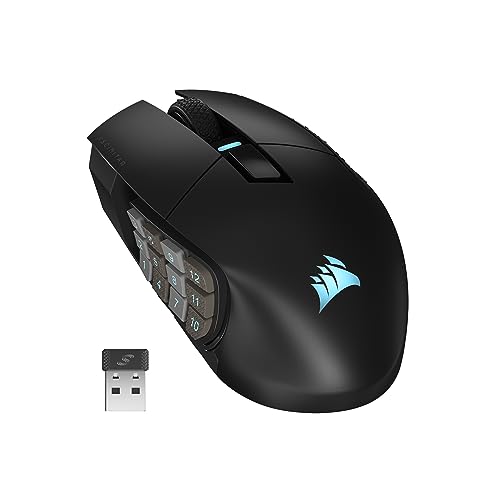
Corsair SCIMITAR ELITE RGB WIRELESS MMO Gaming Mouse – 26,000 DPI – 16 Programmable Buttons – Up to 150hrs Battery – iCUE Compatible – Black

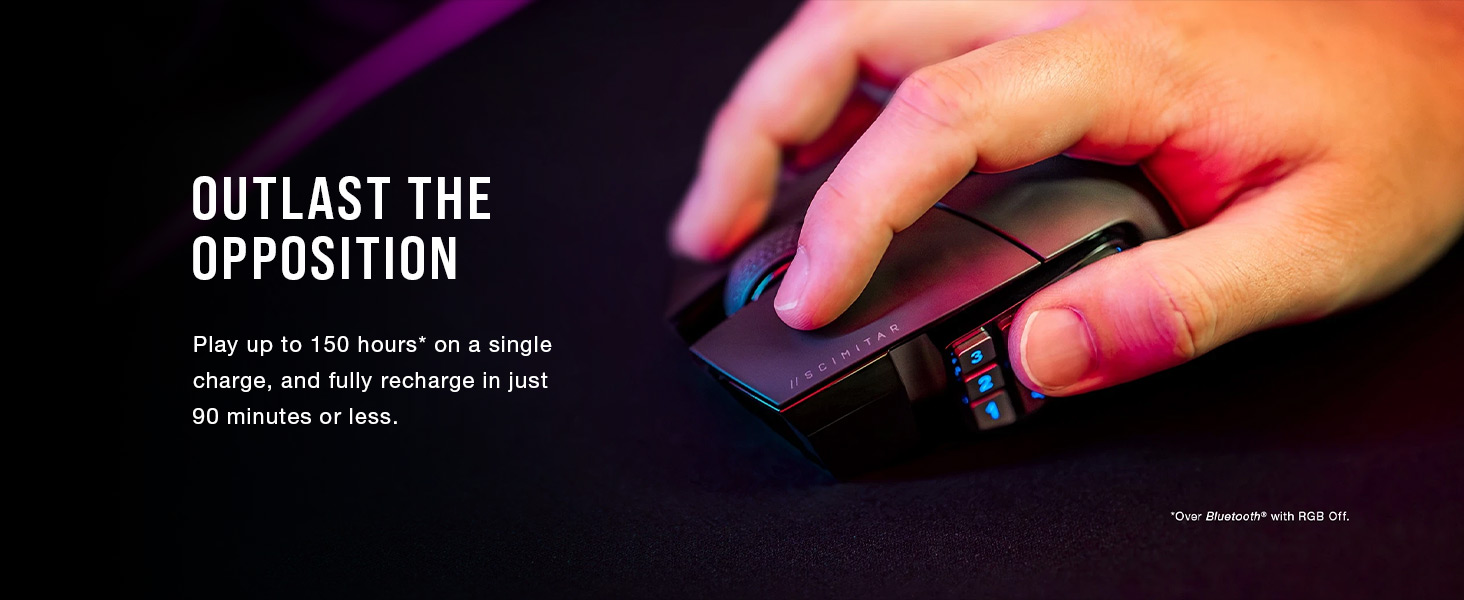

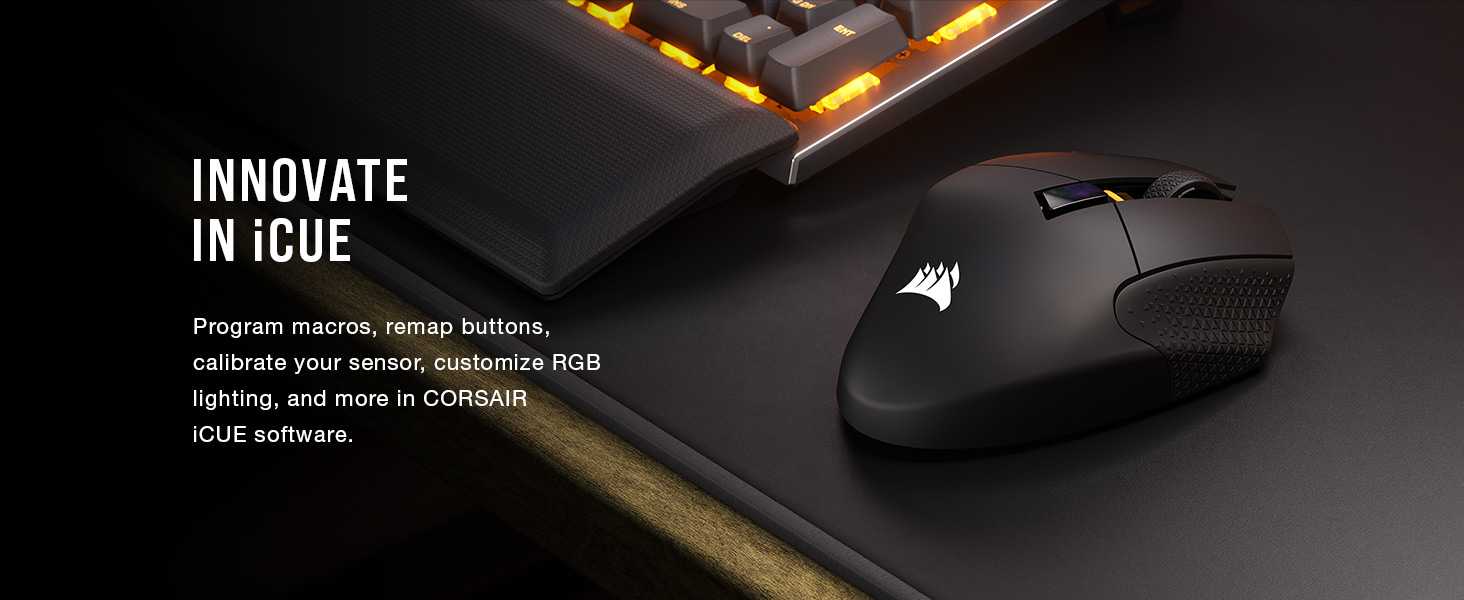
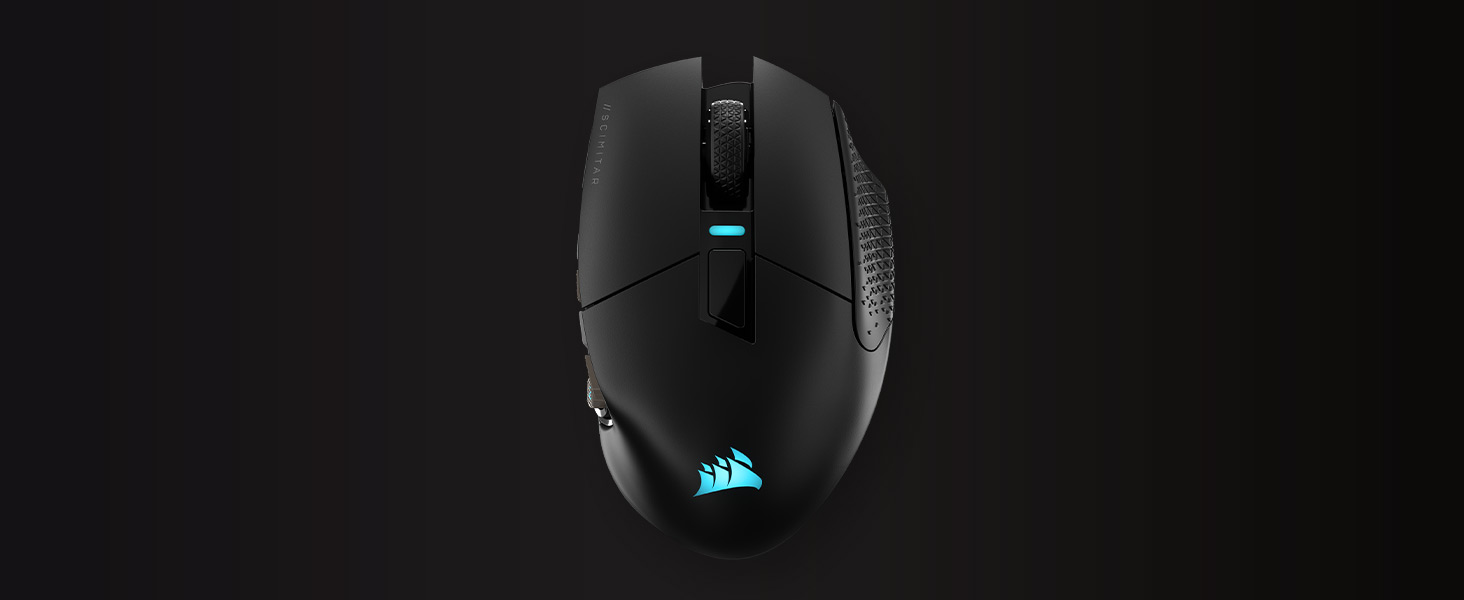 OPTICAL SWITCHES
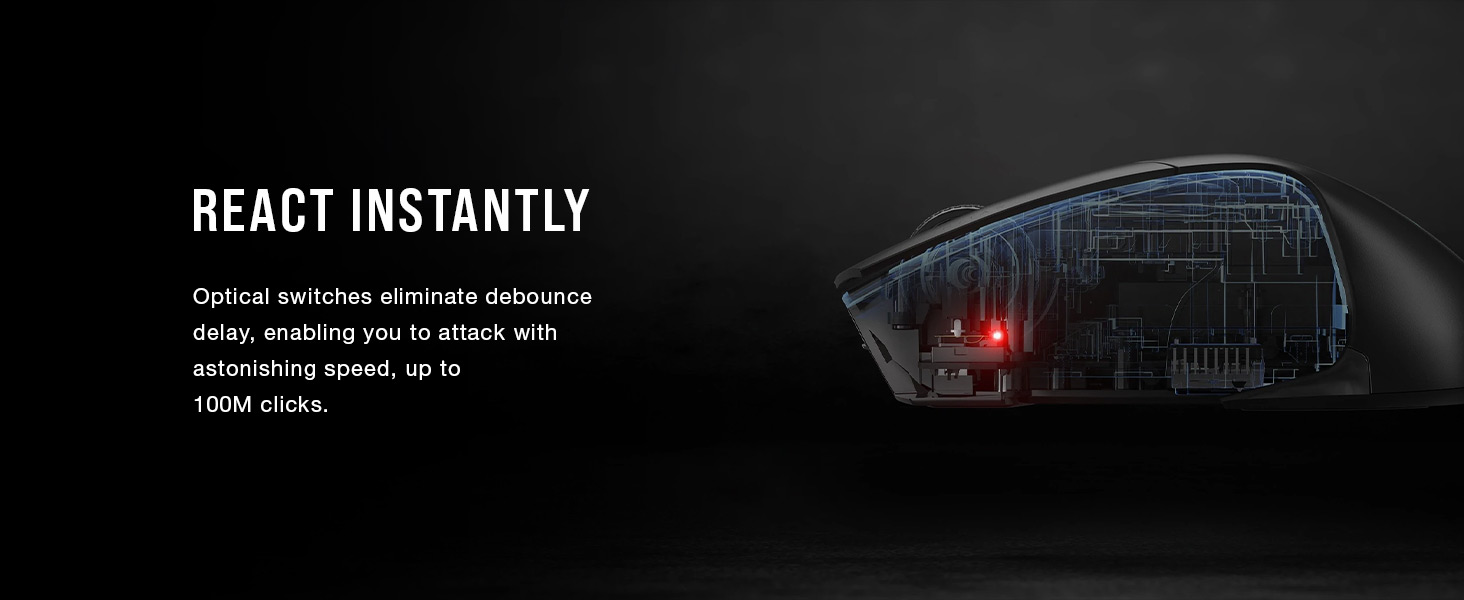
Instant shots and spells, guaranteed for 100M clicks
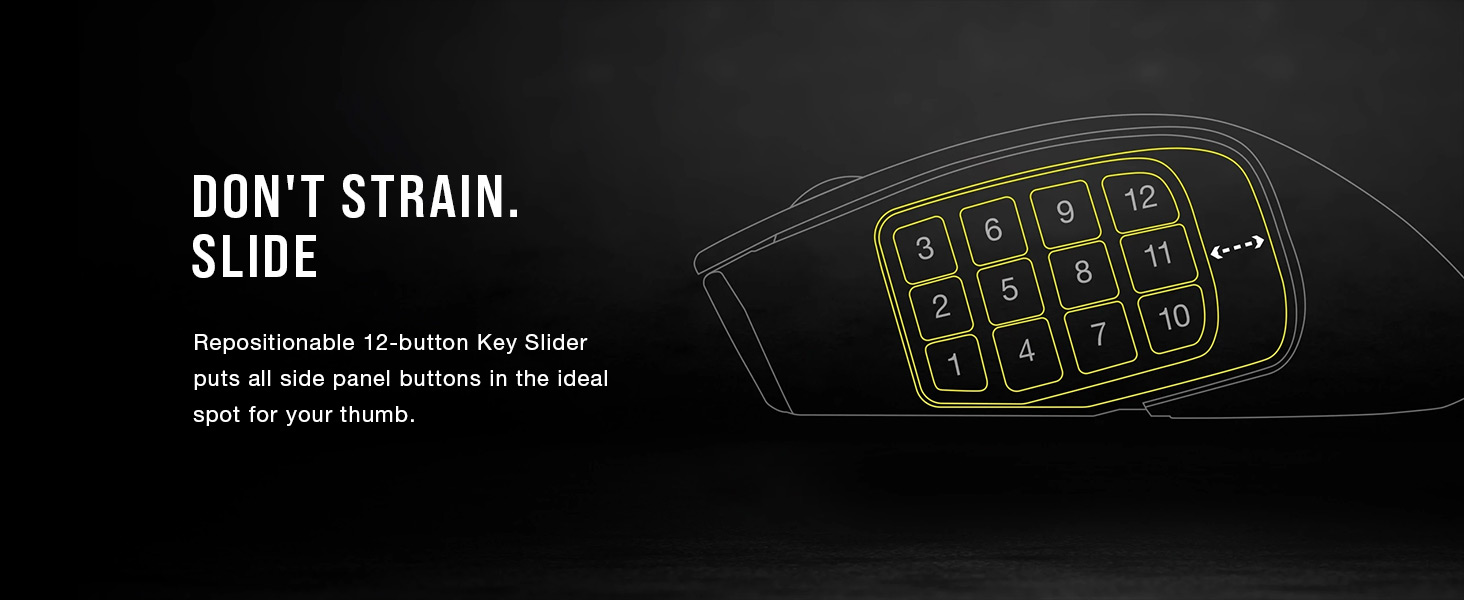
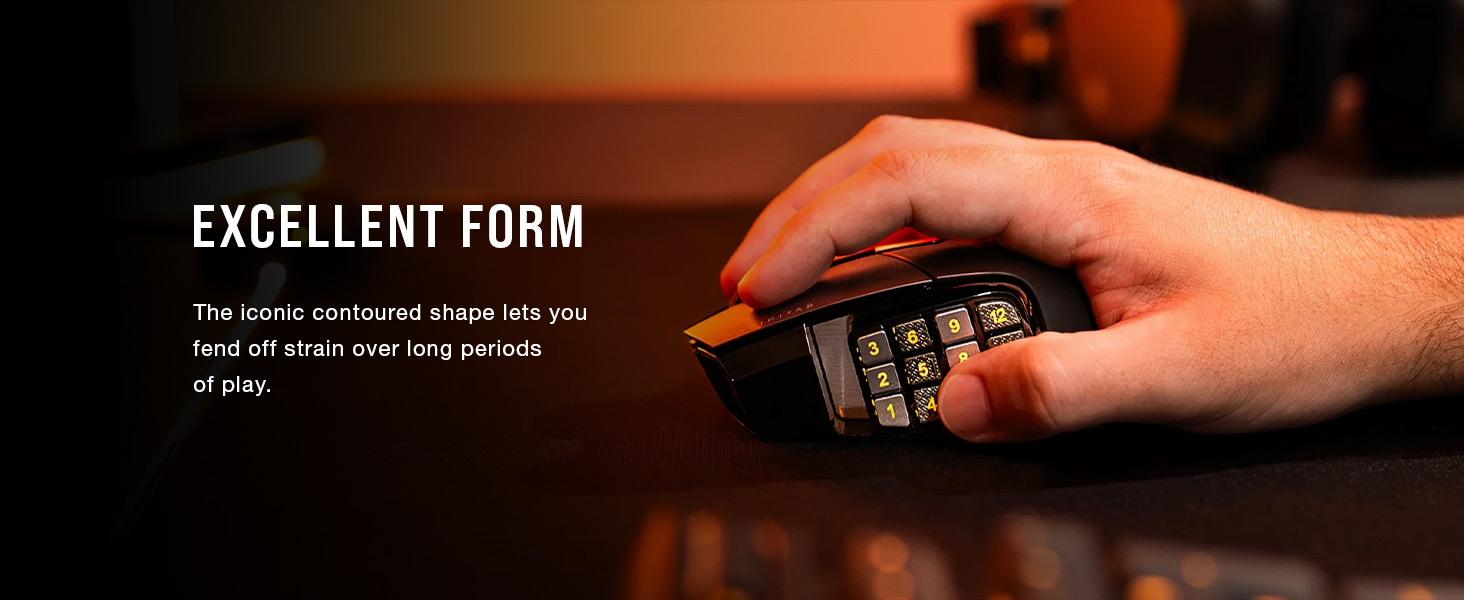
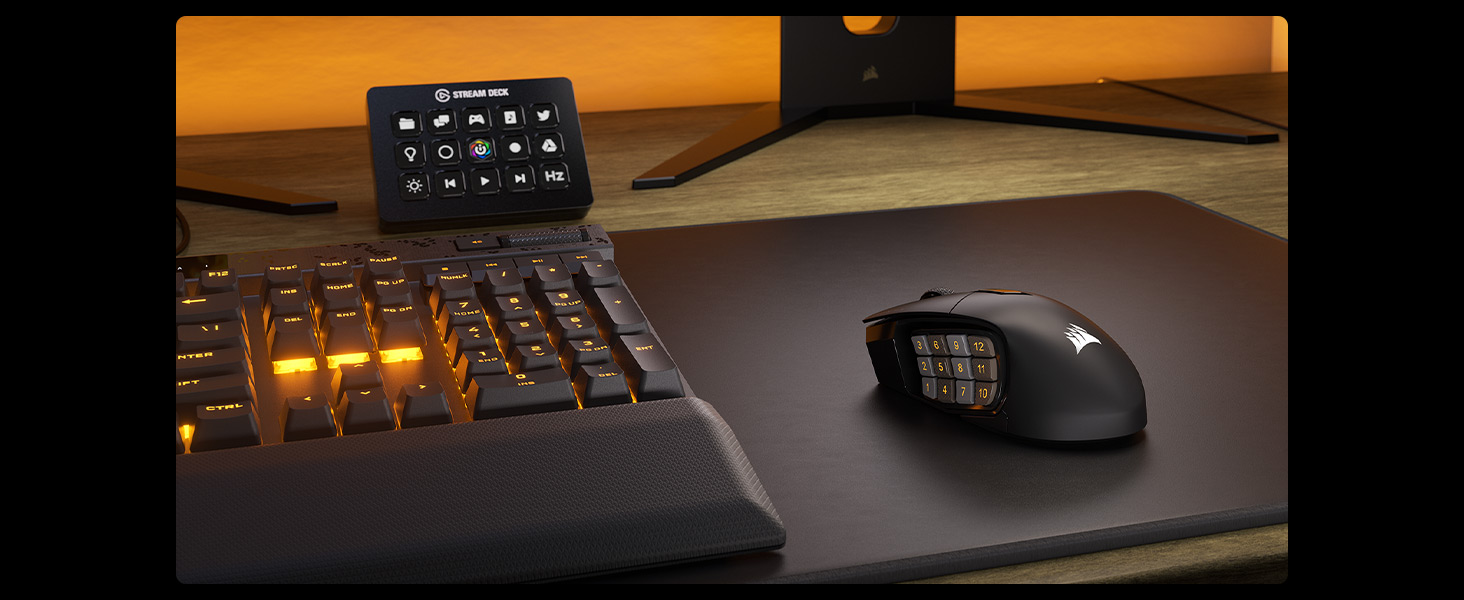
” data-position=”triggerHorizontal” />ADJUSTABLE 12-BUTTON KEY SLIDER SIDE PANELReposition to fit any size hand
” data-position=”triggerHorizontal” />ONBOARD PROFILE STORAGESave and take up to three custom profiles with you
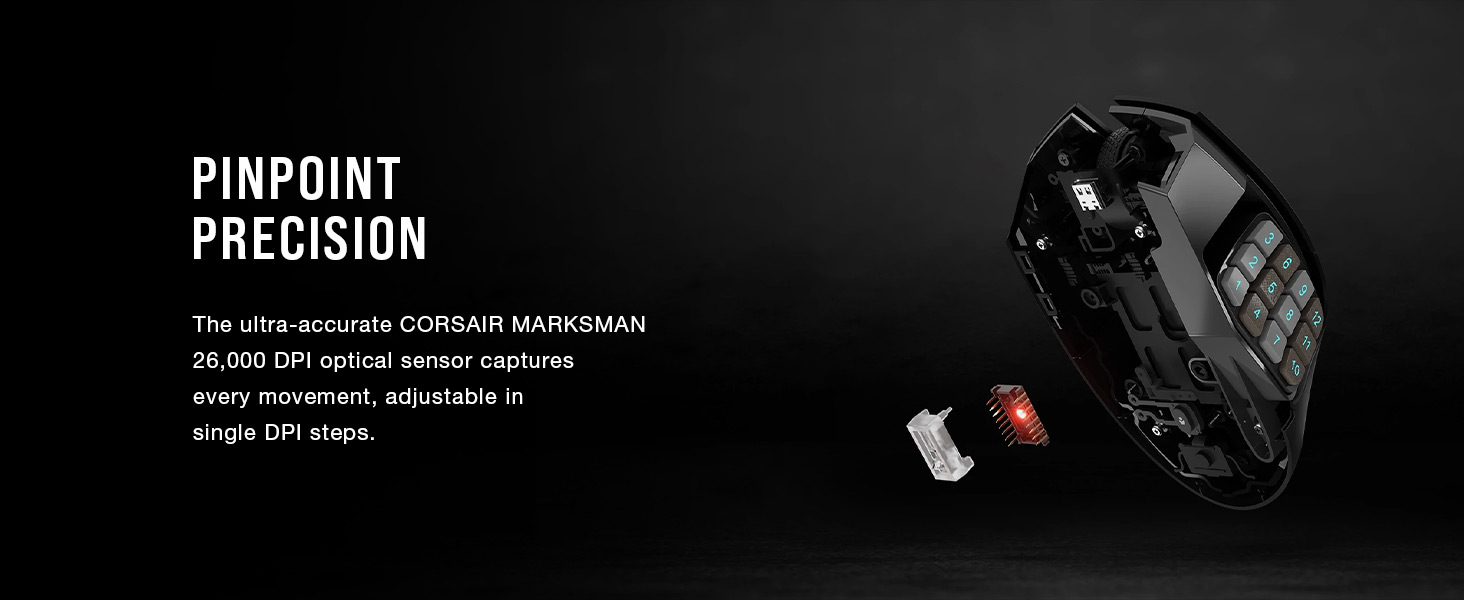
” data-position=”triggerHorizontal” />CORSAIR MARKSMAN 26K DPI OPTICAL SENSORRegister every move with pinpoint precision
” data-position=”triggerHorizontal” />100% PTFE MOUSE FEETExperience ultra-low-friction mouse movements
” data-position=”triggerHorizontal” />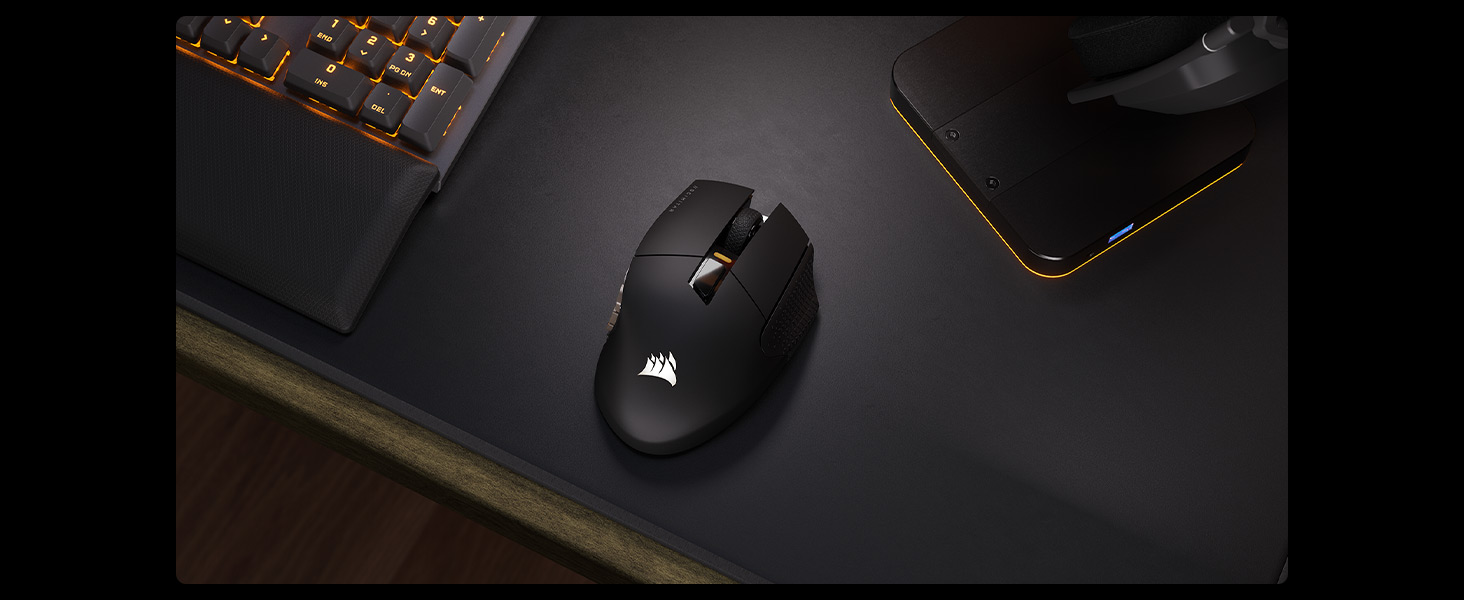


| Weight: | 114 g |
| Dimensions: | 11.92 x 7.35 x 4.22 cm; 114 Grams |
| Brand: | Corsair |
| Model: | CH-9314311-EU |
| Colour: | Black |
| Batteries Included: | Yes |
| Manufacture: | Corsair |
| Dimensions: | 11.92 x 7.35 x 4.22 cm; 114 Grams |
A lovely upgrade from my old mouse!
I used a regular mouse for years and it was ok, I looked at different upgrades over the time and have to say I am so happy with this mouse. It may cost alot but in my eyes it is worth every penny. At first it was weird and took some time to get used to but I don’t regret it at all. Brilliant mouse and fully recommend 🙂
Its alright.
So Corsair do need to learn something with this, the next firmware or ICUE update needs to show a % or estimated battery capacity and duration as well as a mandatory forced low battery notification, as this mouse gives zero warning and just outright dies (an indication saying ‘high’ or ‘medium’ or ‘low’ isnt really all that helpful. If you don’t have ICUE installed and use this then there is no notification or warning or anything, it’ll just die.
Also the charging process is a pretty rubbish.
You can’t charge it on just a wall plug or anything, it has to be plugged in to a PC that’s On or a USB hub connected to said On PC…. if you don’t it won’t start Charging….. it’ll just flash all manner of colours till you turn it off.
Apart from Charging and the Battery Notifications, it works fine and functions fine
Great conditio
Absolutely impressed with this refurbished item! It arrived in stellar condition, functioning flawlessly. The pricing was incredibly reasonable, especially compared to buying brand new. This mouse has significantly improved my gaming experience—I highly recommend it to anyone seeking top-notch performance without breaking the bank. Overall, extremely satisfied with this exceptional product.
An excellent mouse with a long battery life, plenty of customisation. ABOVE ALL COMFORTABLE!
Corsair SCIMITAR ELITE RGB WIRELESS MMO Gaming Mouse (what a mouthful – talk about a long name)
-It feels well built and nice in the hand
-lots of buttons and customisation via the app
-so far the mouse wheel feels smooth
-battery life (via inbuilt battery) is miles ahead of my old RAT 9 wireless mouse
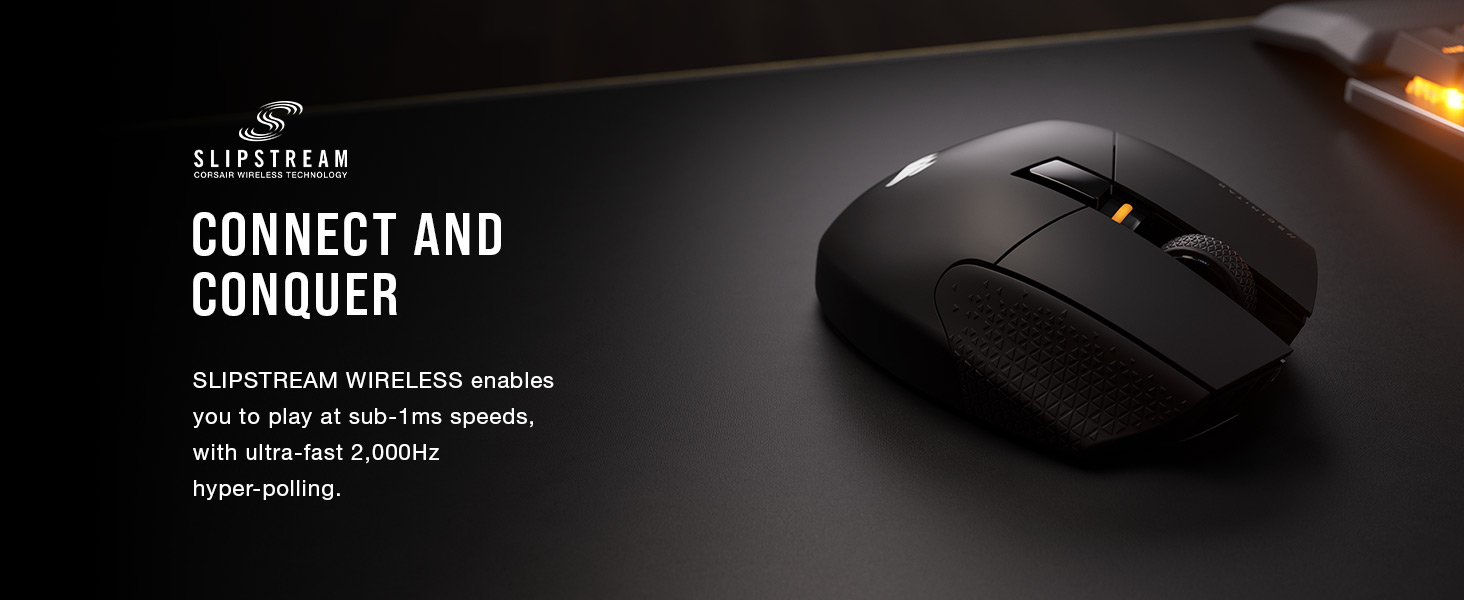
-flexibility of bluetooth or wireless receiver (the usb dongle is neatly hidden in the bottom of the mouse – nice touch)
-ergonomics are pretty good and i love that the buttons have different textures to tell them apart without looking. The side buttons can also be slid closer and further from your thumb and locked in place.
-usable for me as an adult with small baby hands
Negatives
– I miss my pinky and thumb rests from the RAT 9. The corsair has an indented place for the pinky but its not quite as comfortable though Im glad its there. Not something you find on all gaming mice.
-The iCue software took 3 attempts to install for me. Could have been my AV detecting registry entries being made.
-the inbuilt battery is a double edged sword – much larger capacity and charge at the cost of some effort to replace later down the line. Ive made my peace with this but worth thinking about.
The best mouse I've ever used
I bought this mouse as a replacement for my Logitech G502, which means it had pretty stiff competition. The good news is that this mouse holds up against it. The side-mounted numpad is amazing for MMOs, but even in other games it’s pretty great to have extra buttons accessible by the thumb. The “grip pads” underneath aren’t even particularly grippy, so it slides perfectly and gives enough clearance from my desk to keep dust and dirt out of the laser tracker.
My only criticism is that I’ve bought two Scimitars, about a year and a half apart from each other. Both of them suffered issues where the scroll wheel gets gummed up at one specific point in its rotation, particularly in cold weather or if the window had been left open overnight while raining. The issue is well known, so it’s beyond me how this egregious fault hadn’t been fixed. This issue only seemed to happen in the first month of use for me, however, so do with that what you will.
Still the best MMO mouse imo
Got this to replace an older Scimitar that was no longer recognised by the current version of icue – also, surprise, surprise the mouse wheel wasn’t working properly. Will see how this lasts the test of time. Will update my review if it doesn’t las
I first bought this mouse back in November 2020 and then a second time in December 2022.
Don’t get me wrong though, this is my favourite mouse of all time, but the biggest downside is that the scroll wheel response gives out overtime if you’re using it frequently. Yes, it’s still usable, but the amount of fighting I have to do to scroll in/out or up/down when the input decides to do the complete opposite gets super annoying. It only gets worse the more you’re using it often too, and sadly I’ve not found a fix to this issue.
As a TLDR for my honest review on this mouse though.
Pros:
Very nice design, hehe RGB go brr (if you disregard how terrible the ICUE software is)
It fits super well for my hand side, and it has a perfect weight. Doesn’t feel heavy.
Wiring is strong, never had any issues with breaking or threading.
Cons:
The scroll wheel gives out overtime and only gets worse the more you use it.
Buttons are relatively close together so it can be easy to click the wrong ones at times.
I’ve had two of these now and the build quality is brilliant, the adjustable side panel is also great for making it comfortable for most hand sizes. The major issue is the scroll wheel, my first one gave in after a year, where it would sort of scroll but then go the opposite direction to the one you were scrolling occasionally like the mechanism was messed up. Not ideal, but okay, it’s not a massive break the bank mouse like the more expensive Razer Naga Pro, I’ll try a replacement see if I just got a dud. Sadly, the replacement had its scroll wheel end up with the same problem after only three months. Having looked at other reviews, it seems this is an uncommon but noticed issue with this mouse, so buyer be warned. If you don’t use the scroll wheel as much as the games I play, your mileage may vary, but be cautious.
Quality - pity about iCue software though.
Great mouse.
iCue 3 & 4 software is arbitrarily difficult to set up – it needs to be redesigned for ease of use and basic features, such as rgb triggered by audio. The only corsair product that reacts to sound are the headphones – aka the ONLY bit of hardware you cant see when using it !!!! You cant see the RGB LED’s flashing as its on your head!! But all the other corsair products (mouse mat, case lighting, cooler lighting, keyboard, mouse even the stand up lighting stick things – NONE of them react to audio due to it not being an option within the iCue software – how ridiculous ! If I hadn’t already bought the K95 keyboard and found this out first I’d buy the Asus top end keyboard – slight side track there but kuf it – iCue needs “fixing”.
Musicbee audio player does have a free plugin that add’s this to iCue – but it’s a simple plugin with little customization and why should it have lots, it should be part of iCue.
The mouse is good though.
Overall great, loves to collect sweat on the pinky finger grip pa
pretty good all over, does all your mouse stuff, very sturdy, comfortable and was a nice upgrade from a razer naga 2014,
software can be a bit hit and miss in picking up the mouse, but unplug/plug in usually resolves that instantly.
you’ll have to map all the side keys yourself and setup profiles too unless you already have a profile saved.
had it for over 6 months and sometimes it will double click without me wanting it to, though i believe this may be software related, cannot confirm but that appears to be what others online say.
side grip for pinky collects sweat easily and is a bit of a pain to clean.
would I buy it again? yeah absolutely
I tried this mouse after getting it from Amazon, so I’m offering my initial thoughts and feelings about testing this mouse out.
Pros: has a nice texture feel to the mouse. Didn’t feel to large or heavy in my medium sized hand. Scroll wheel felt good and didn’t feel like a fly wheel I’ve had on other mice.
Cons: unfortunately there are several bars here. 1) the software. The icue software although didn’t seem to complicated to me to set up and configure the mouse, it felt like a chore. You have to manually assign each button to what it does, ok fair enough. But the design of the software was slightly puzzling to know what to do. 2) the cable. Yes it’s quite stiff it has very little movement. It didn’t move to well. 3) my biggest gripe and disappointment is the side buttons.
Not only they feel wobbly to the touch, I thought they were too close together they are not separated, and you can easily do accidental clicks on buttons you were not trying to use. Not recommended if you also have nails! I’m mean to the ladies using this mouse. Buttons did not feel tactile they feel squishy and didn’t always activate on time meaning there is a delay going on.
They honestly need to go back and redesign this mouse so the side buttons are not so close together and use better switches. They need to make them also more angled for better touch of feel, and separate buttons a little.
Sadly I’m returning this. Just sorry it didn’t work out, but if you’re going to be in arena’s and PvP using this mouse then don’t. Look else where.
Does the job
As someone with a medium to large shaped hand this is ideal for me. I’ve hardly got any experience with MMO mice having returned a cheaper MMO mouse and opted for this one and I can’t say it’s let me down in the past 7 days I’ve used it.
The adjustable buttons on the side are ideal and the feel of rubber/plastic on the top is great – I just hope it lasts.
I agree with the other reviewers that the software definitely isn’t the most user friendly but fortunately I did find some YouTube guides out there to help me out and as I only need one loadout for WoW – the software isn’t an issue for me and I’m completely tech illiterate.
My only slight concern with it is that the left click doesn’t feel 100% correct, I’m not sure what it is but it feels like it should be double clicking but isn’t – maybe it’s just the mouse and having used cheaper mice for years, it could just be something I’m not used to as the left click doesn’t feel like it needs that much pressure to activate.
I’d definitely recommend if you’re looking for your first MMO mouse.