Crucial X9 Pro 1TB Portable SSD – Read/Write speeds up
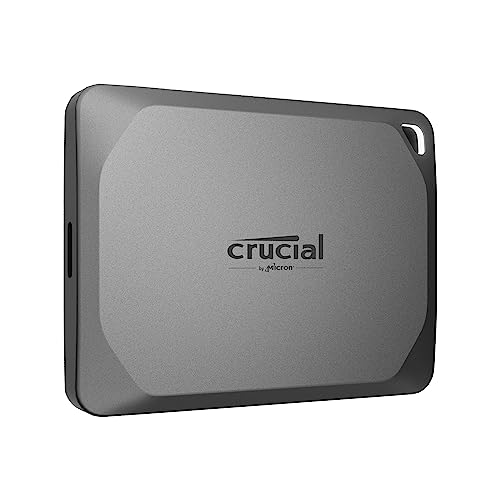
Crucial X9 Pro 1TB Portable SSD – Read/Write speeds up to 1050MB/s – PC and Mac, with Mylio Photos+ – USB 3.2, USB-C External Solid State Drive – CT1000X9PROSSD902
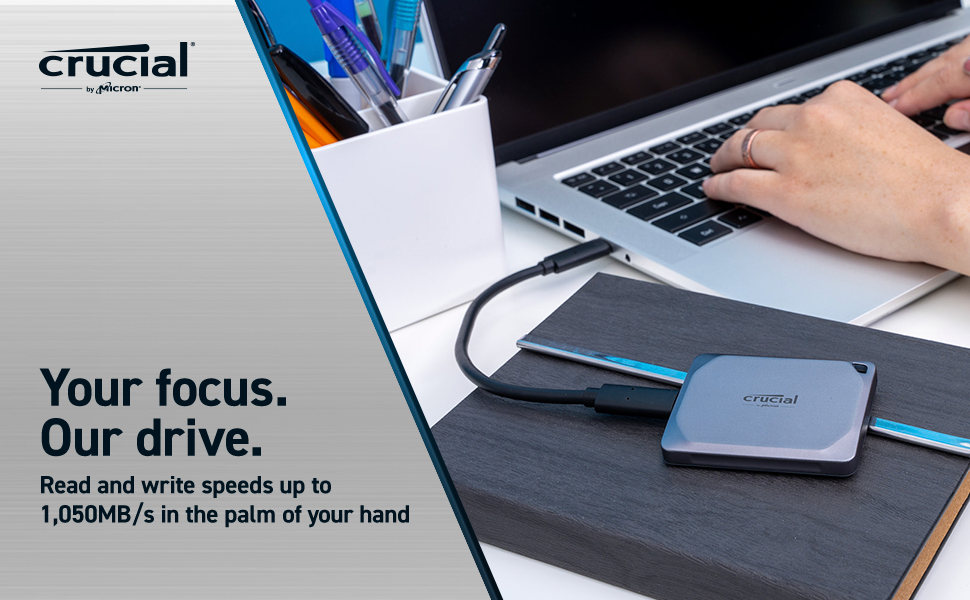
- MB/s speed measured as maximum sequential performance of device as measured by Crucial on a high-performance desktop computer with Crystal Disk Mark (version 8.0.1 for x64). Your performance may vary.
- Some of the storage capacity is used for formatting and other purposes and is not available for data storage. 1GB equals 1 billion bytes.
- Best speeds available with USB Type-C to C cable on USB 3.2 Gen2 supported devices. Use USB Type-A adapter for older devices.
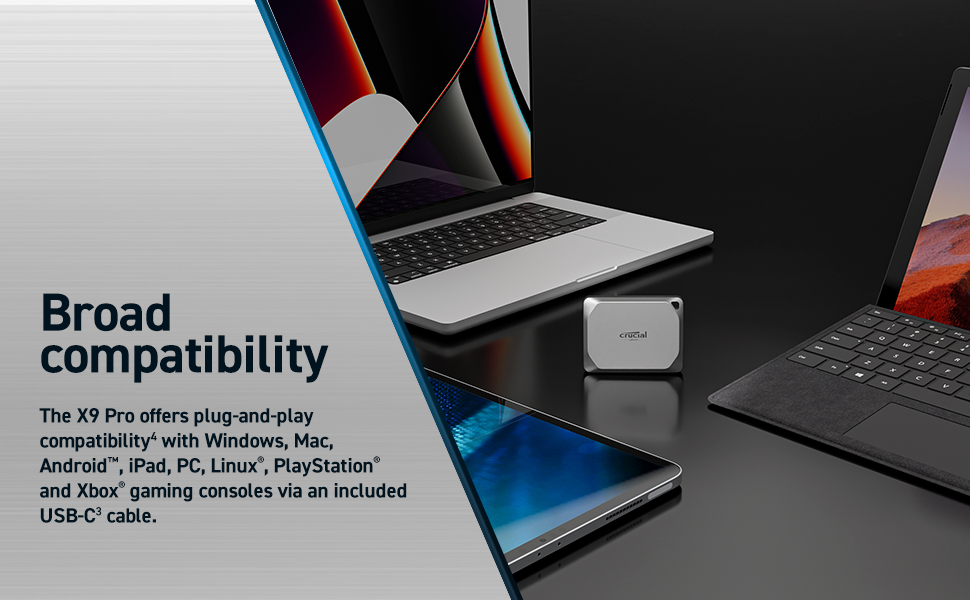
- Compatibility may vary and may be contingent on device formatting and host capabilities. Compatible Android devices must be able to work with USB Mass Storage over OTG. Operating system updates and reformatting may be required.
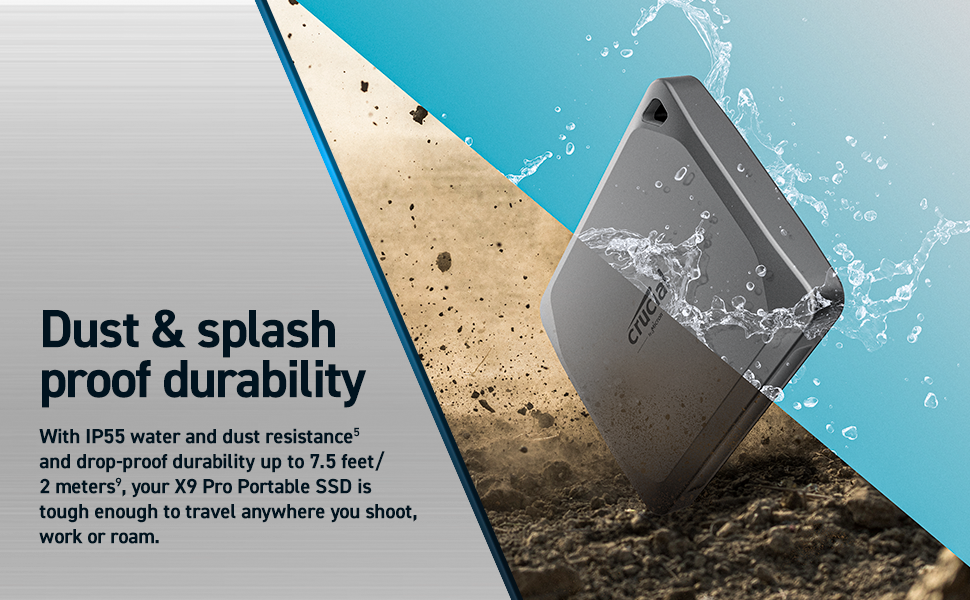
- Protection against dust and water projected in jets against the enclosure from any direction. The X9 Pro should not be submerged in water.
- Ships in exFAT format. Can be reformatted into NTFS, APFS, HFS, HFS+J or other formats. Reformatting will result in loss of data from the drive.
- N/A
- Works with Bitlocker To Go on Windows and FileVault on macOS. Crucial Portable SSD Utility application for Windows and macOS launching September 2023.
- Up to 7.5 ft/2 meters without impact to data on a carpeted floor.
- One-month complimentary Adobe Creative Cloud personal All Apps plan available with eligible Crucial SSD purchase. Adobe Creative Cloud ID and Crucial product registration required for redemption. Eligible Crucial X9 Pro SSDs: CT4000X9PROSSD902, CT2000X9PROSSD902, CT1000X9PROSSD902 must be purchased between July 25, 2023 and December 31, 2024. Offer limited to one redemption per eligible Crucial SSD purchase and registration; up to two per Adobe Creative Cloud user account, subject to acceptance of applicable Terms of Use, while activation code supplies last. Additional terms and conditions may apply. Micron Technology reserves the right to change or discontinue this offer at any time without notice.
- Three-month complimentary Mylio Photo+ subscription available with eligible Crucial SSD purchase. Mylio Photo+ and Crucial product registration required for redemption. Eligible Crucial X9 Pro SSDs: CT4000X9PROSSD902, CT2000X9PROSSD902, CT1000X9PROSSD902 must be purchased by December 31, 2024. Only new accounts are eligible. Subject to acceptance of applicable Terms of Use, while redemption code supplies last. Additional terms and conditions may apply. Micron Technology reserves the right to change or discontinue this offer at any time without notice.
| Weight: | 38 g |
| Dimensions: | 6.5 x 5 x 1 cm; 38 Grams |
| Brand: | Crucial |
| Model: | CT1000X9PROSSD902 |
| Manufacture: | Micron |
| Dimensions: | 6.5 x 5 x 1 cm; 38 Grams |
Fast enough to store video recordings, edit from and store standard pictures. Been using it to store media and let me save 100gb of icloud storage, way better than subscription based cloud storage
Simple to use and setup. I use it on Android 12 to Android 14 with no problems, my phones and tablets.
It’s good to keep all digital on one secure portable device, like an always available backup device.
Got it for my Steam Library
Upon acquiring this storage device with the express intent of housing my collection of PC games, I observed that the process of game installation proved somewhat protracted. However, I am heartened by the fact that this is a one-time undertaking, and I am suitably impressed by the swiftness with which games can be loaded thereafter. That being said, I must acknowledge that the price point of this device is, perhaps, a bit on the steep side.
Can’t believe how small (and sturdy) this drive is! about the size of a match box, but half the width – getting good speeds from it once I changed the supplied cable which is low quality & I personally found it slowed my drive down by about 33%
Ideal for iPhone 60 FPS 4K LOG recording
I bought this when it was on offer for 95, as I’d recently also gotten an iPhone 15 Pro Max, and wanted to make full use of the video recording capabilities.
For the purpose I bought it for, it performs fantastically. It’s even fast enough for me to reliably scrub through footage in Davinci Resolve Studio on my Macbook Pro without having to move the footage off of the drive.
I’d recommend it even as a general external storage drive, but if you’re looking for something specifically for video recording, this is ideal as the port on the iPhone 15 Pro Max provides enough power for the drive.
The Crucial X9 Pro is compact and very well built, was detected on Windows 11 no problem. However one gripe I have is that the supplied USBc Cable is utterly useless for anything if you need any kind of length, it’s about 9″ give or take (I didn’t measure it exactly). You do need a USB-C port to use the supplied cable but any high speed USBc-USB cable will work with it though.
I use the X9 Pro for recording video and taking photographs with my Panasonic Lumix S5iix camera. I decided to give Crucial the benefit of the doubt after having a bad experience with the X6 model, which had sustained write speeds 16x slower than the advertised speed. This X9 Pro doesn’t seem to have the same problem. The build quality is much better than the plastic X9. The size and weight is also a plus, being much smaller and lighter than rivals Sandisk Extreme or Samsung T7 shield.
Loved the size. Perfect for attaching to iphone for direct ssd recording. Whatever the iphone throws at it, it can handle. 4k Pro Res 60 fps? Bring it on.
Best thing I have bought since the iPhone 15 pro max.
The SSD is performing superbly, housing all my (very large) Mac photo libraries. It is advertised as being compatible with Mac and indeed it is. However, it is not made clear that the drive should ideally be deleted and reformatted to APFS for exclusive use with Mac devices. This is the only reason I’ve not given 5 stars. Otherwise all good.
Simplicity itself to set up. Transferring my data ( music, photos ) took a while, there is a lot and my pc has mechanical HDD, once it had completed the transfer, the access and retrival of information from the SSD was very fast, certainly faster than any HDD I have owned internal or external. It is amazing to think that this SSD can hold the entirety of my Barracuda HDD and then some on a devide that is about the legnth and width of a business card, albeit a little thicker. If you are looking for storage with bells on, Crucial X9 Pro 1TB Portable SSD
Very handy to have can use on either Xbox or ps5 or a pc
The appearance is really well made no noise nice size for what it is easy to use have no fault with it at all works really well for the price is well worth getting
The Crucial X9 Pro 1TB Portable SSD is, well, an external hard drive. It performs the function of storing data, and it does it adequately. There’s not much else to say.
In terms of design, it’s a black rectangular box. It’s not an eyesore, but it’s not winning any design awards either. The build quality seems fine — no complaints there. The size is standard for a portable SSD, which I guess is good if that’s what you’re looking for.
Setting it up is a breeze. Plug it in, and it works. No complicated software or fancy features to navigate. It’s a storage device, after all.
Now, let’s talk about speed. It transfers files quickly. I copied some files, and they were copied fast. I don’t know the exact speed, but it was fast enough for my needs. So, that’s a plus.
One thing I appreciate is the storage capacity. 1TB is a decent amount of space, and it suits my basic storage needs. I don’t know about its durability or long-term performance, but I guess time will tell.
In terms of value for money, it’s alright. There might be cheaper options out there, but this one does the job. If you’re not too concerned about flashy features or a sleek design, this could be a decent choice.
Advertised as just plug in and use – and that is exactly what I did – and it worked! I am using this as a back up disk for my iMac. Back up is automatic using Apple’s Time Machine and this now takes a fraction of the time it used to take with my old conventional hard drive disk.
This is a very small unit approx 5 x 6.5cm – which is amazing for a 1TB capacity. Others have commented on the short cable which comes with it – and yes, it is very short, but just long enough to reach from the back of the iMac to my desk. The cable plugged straight into the back of my Mac with no adaptor needed.
205 at time of review Crucial X9 Pro 4TB
Having owned a Crucial X8 2TB previously, which was fantastic, never let me down, but annoyingly whilst on location I gave it to a client, who never returned it, although they paid for a replacement so I purchased a SanDisk Extreme 2TB which was also very good until one day having sat on a shelf for months I plugged it in and it simply never responded, totally dead (I’m sure you’ve read the horror stories online about the Sandisk Extreme bad batch, yep I had one of those!), yes they replaced it no questions asked but I’m not getting burnt like that again, so hello Crucial my old friend!
This has a premium build and finish, all metal enclosure, and as you’d expect it’s fast too. It comes formatted as ExFat, I’m a MacBook Pro M1 user so reformatted it to APFS, which is worthwhile if you’re in a Mac only environment, as the Blackmagic speed tests attest ExFat R855 W920 vs APFS R925 W928.
Next was to use Carbon Copy Cloner, to replicate my Sandisk Extreme 2TB, it took 49 mins to copy 1.65GB, both disks got pretty warm in the process
Hope my review was helpful
I bought 2 of these for photography backups.
They seem nice and quick, copying data from my Macbook Pro I get around 900mb/sec with them encrypted .
They’re a lot smaller than I had imagined and almost look like micro macbooks.
I’ve been using the Samsung T7 Drives which are marginally thinner but bigger overall. I think these will become my goto drives from now on.
It simply wouldn’t work when it arrived. I copied off the files it already held, reformatted it and re-loaded the original files. I have had no problems since.
It is not as fast as I expected but fast enough. Its ultra-portability is the main benefit. It backs up my PC daily and I can always walk away with the latest information for use elsewhere. I hate trusting the cloud, this solves that problem.
I bought this to use with a Macbook Pro and video editing. Had footage from 2 projects on it when all of a sudden the Mac can’t mount the drive (but can see it). Now the drive looks like it’s formatted in NFTS (Windows). Macs should read NFTS drives but not be able to write on them. Anyway, I managed to get the files from the drive by attaching it to my Samsung smartphone (I don’t have a PC) which could read the drive. Then transferred the files from my Samsung to my Mac. Reformatted the X9 Pro to APFS and now it seems to be working… Hopefully it stays that way
I needed another 2Tb SSD for my Linux machine. Initial the SSD drive worked, but odd errors kept on occurring. It appeared the new SSD drive was faulty, however, I order a Ugreen usb-c to usb-c cable from Amazon and use it instead of the cable that came with the SSD drive. My problems went away, and for the past 4 days, the SSD drive is working perfectly.
I wanted an external SSD to transfer literally thousands of photos and videos dating back 20 years and stored on much older external mechanical hard drives.
I initially ordered the Sandisk Extreme 2TB drive, but when I tried to transfer a folder containing 1.3 TB to it, the speed was OK, but within a few minutes the drive got extremely hot (but continued working ok) but then after 2 hours it disconnected itself completely halfway through the transfer.
I then Googled the problem and saw that some other users had experienced the same thing, so I ordered the Crucial X9 Pro instead.
During the transfer of the same 1.3 TB folder, the X9 just got mildly warm to the touch, and completed the job without a problem.
I also have older Samsung T7 drives, which have never given a problem and transferred the same folder without difficulty, albeit about 20% slower than the Crucial, and running a little bit warmer.
The speed of both the Sandisk and Crucial were about the same: the long transfer time was due to the 15 year old hard drive they were transferring from.
And although the Sandisk started working again when I clicked on it after the self-disconnection, I didn’t want the stress of wondering if it would conplete a big transfer overnight without me sitting watching it. So the Sandisk Extreme has gone back and I’ll stick with the Crucial. In fact have ordered a couple more because I have so many historic files to preserve for prosperity. I’ve also tried some heavy duty 4k video editing with the Crucial and it works fine: again staying just slightly warm to the touch.