NEWFAST AC 1300Mbps USB Wifi Dongle for pc Dual Band USB
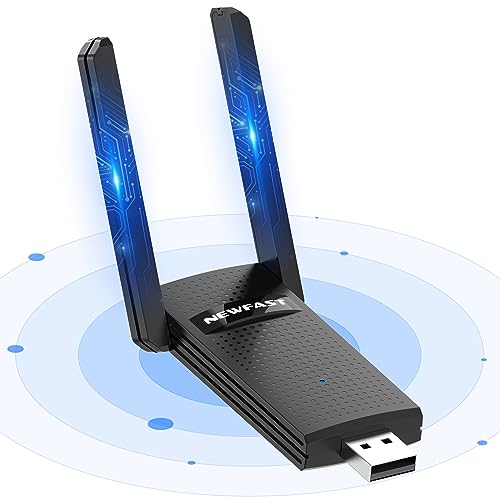
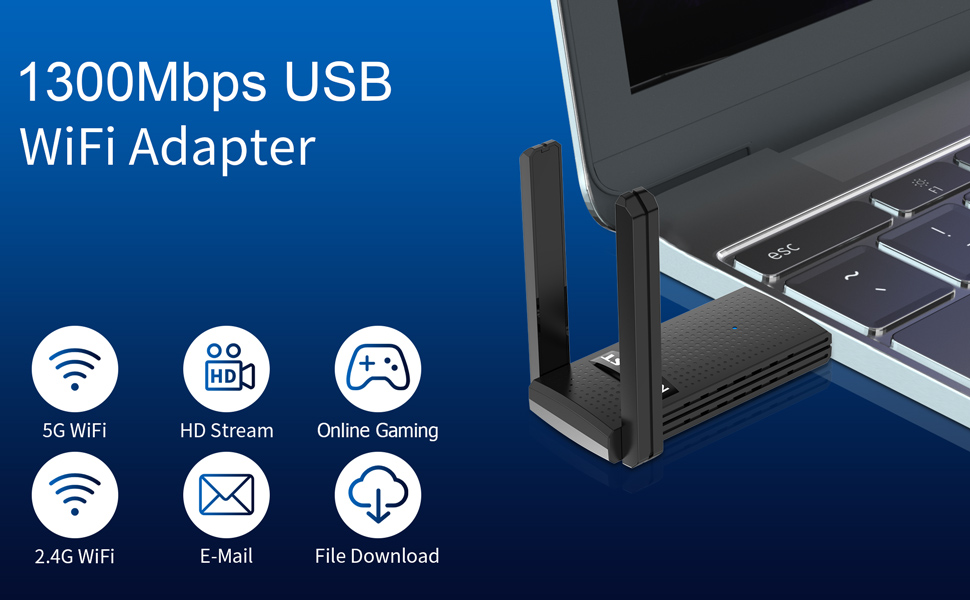
NEWFAST AC 1300Mbps USB Wifi Dongle for pc Dual Band USB Wifi Adapter 802.11ac 2.4/5GHz USB Wifi Computer Internet Adapter for Desktop/Laptop, WPA2/WPA3, Support Windows 11/10/8/8.1/7 Linux, MAC
 |  | 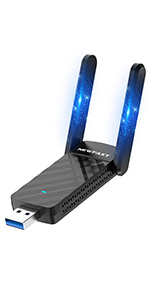 | 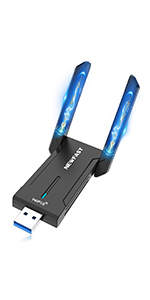 | 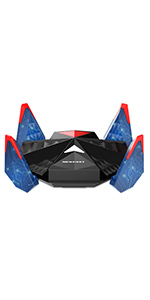 | |
|---|---|---|---|---|---|
| Wireless Protocol | Wi-Fi 5 | Wi-Fi 5 | Wi-Fi 6 | Wi-Fi 6 | Wi-Fi 6 |
| Compability | Windows XP/ 7/ 8/ 8.1/ 10/ 11, Linux (need download driver to install) | Support Windows 11/10/8/8.1 | Windows 10 (32 bit / 64 bit) Windows 11(64 bit) Only | Windows 10 (32 bit / 64 bit) Windows 11(64 bit) Only | Windows 10 (32 bit / 64 bit) Windows 11(64 bit) Only |
| Support USB Port | USB 3.0&USB 2.0 | USB 2.0 | USB 3.0&USB 2.0 | USB 3.0&USB 2.0 | USB 3.0&USB 2.0 |
| Drive Accessory | NO CD | NO CD | NO CD | NO CD | NO CD |
| Antenna | 6dBi High Gain 4x Antenna | 5dBi Dual Antenna | 5dBi Dual Antenna | 5dBi Dual Antenna | 4x High Gain Antenna |
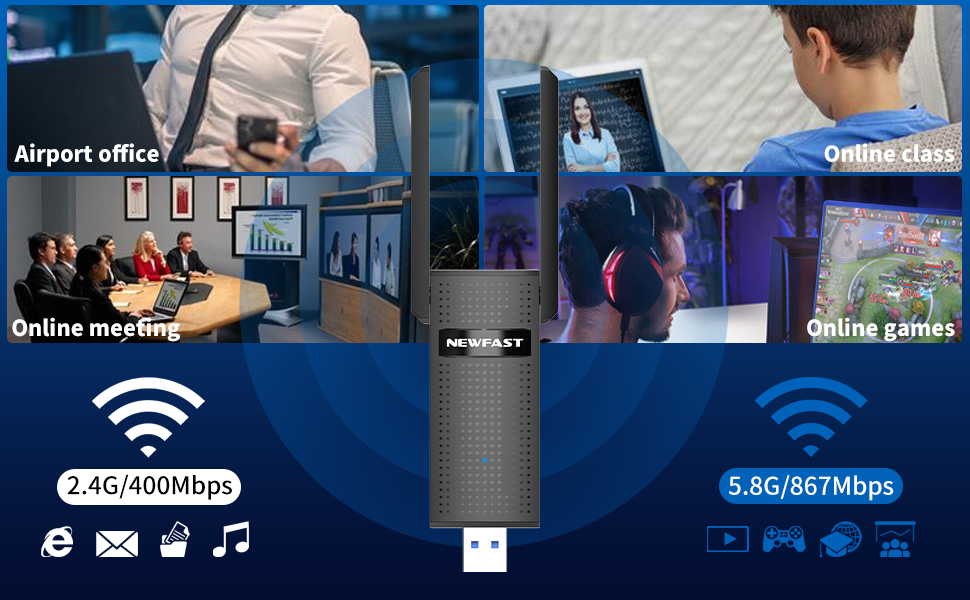
| Speed | 2.4GHz: 400Mbps & 5GHz: 867Mbps | 2.4GHz: 400Mbps & 5GHz: 867Mbps | 2.4GHz: 600Mbps & 5GHz: 1201Mbps | 6GHz: 2400Mbps & 5GHz: 2400Mbps & 2.4GHz: 574Mbps | 6GHz: 2400Mbps & 5GHz: 2400Mbps & 2.4GHz: 574Mbps |
I can see Wi-Fi signals no other device can!
The coverage on this is insane. I wasn’t expecting much, was only ordered to get a non WiFi desktop online. I’ve got all sorts of WiFi antenna / cantennas / beam directors etc, and this picks up signals bother else can. I live in middle of nowhere, and I can pick up my neighbours WiFi and they’re about a third of a mile away!!
Great speed, connects to my RAX200 and is probably quicker than all of my other devices combined.
Fantastic value for money – if you need a WiFi dongle, you’d struggle to find better than this
Almost unbelievably quick.
I don’t quite know what’s going on with this Wi-Fi adapter but according to fast.com, I am getting up to 750Mbps download speed. I don’t know how that’s possible because I only pay BT for a 500Mbps connection. Admittedly, not all tests are this quick but a lot of them are over 500Mbps. I retested with speedtest.net and got much more realistic results. Reliably over 330Mbps after many tests. I guess today’s lesson is: Don’t trust fast.com! Anyway, suffice to say, I am really pleased with how speedy the connection is.
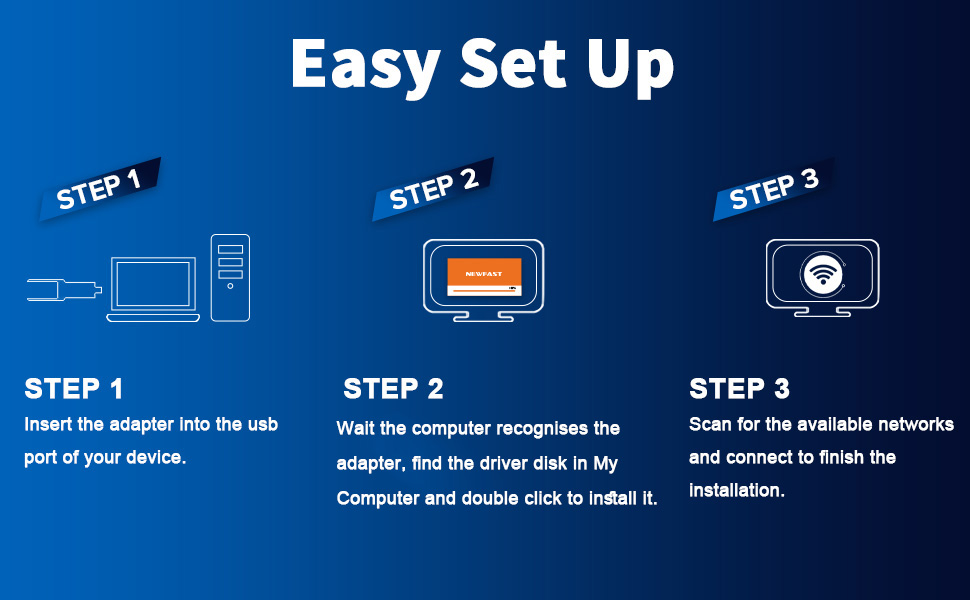
Installation was simple; just plug the adapter into a spare USB 3 socket, wait a little while and a notification will pop up about what you want to do with CD drives. If you don’t see this, just look in File Explorer for a new CD drive, open it up and run setup.exe.
The software seems to exit quietly so you have to guess when it’s finished. Once done, you can connect to wireless normally. I don’t know how driver updates will be handled as the Newfast website doesn’t seem to exist. Perhaps Windows Update will sort things out
Overall, this seems like an excellent wireless adapter.
Super Easy To Install USB Wifi Adapte
My Stepson is a keen Gamer but has somehow managed to damage the internal Wi-Fi adapter on his Gaming PC. It works most of the time, but drops out mid-game which drives him crazy.
This USB Wifi Adapter is a simple plug-and-play unit and installed itself on his Windows 10 PC. I suggest you plug it into the BACK of the PC and not the front USB ports, as the data speed is faster generally on the back ports.
Once installed it worked instantly and he is pleased with it. The signal is top notch and the speed seems very decent.
No more cables around
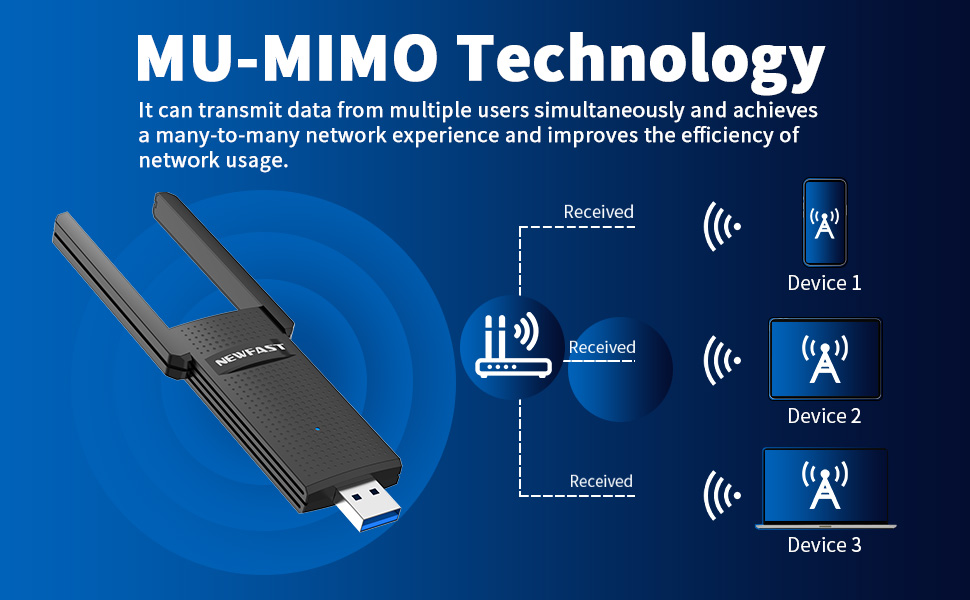
This WiFi adapter does a good job for my work because it allows me to have a good WiFi signal due to its four antennas.
I am not very familiar with the process of installing it, but the instruction manual provided is efficient and I have managed to install it in under 10 minutes.
I simply followed the steps mentioned in the manual, and my computer’s windows recognised it instantly. Since then, I have had smooth and high-speed internet that comes from the WiFi signal that is about 20 meters away and there are also few walls between the WiFi and this adapter.
I am happy with how it performs, it can fit in small places and most importantly it provides the internet speed I need without any compromises. Highly recommend it.
Newfast 1300Mbps USB WiFi Adapte
This product was sent to me to review, as part of Amazon Vine. The below is my own real-world experience of using it.
I picked it up for my husband, who is in need of a wireless connection solution for his workplace.
The unit itself is very robust. The antennas are easy to position, and stay in place during use. The included cable is of a good length and quality.
It has been in use for a few weeks now, and has performed surprisingly well. As you will see from my photographs, the download speeds produced were very close to the wired (Ethernet) speeds that the computer could manage. There has also been no real loss of connection, thus far.
Overall, a very good value item.
Multi antenna USB wifi dongle.
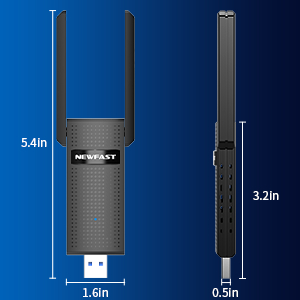
This is an easy to setup, multi antenna WiFi dongle that has great signal potential and seems to give a consistent good throughput. I’ve connected this to my son’s gaming PC and so far he gets far less drop outs and not seems to stay connected to the 5g SSID all the time. The only downside is the size of the base and needs a bigger flat area to stand it on.
Works well.
Arrived as described, as pictured, safe and sound.
This works well and comes complete with a reasonably long USB 3 Micro-B cable. Note, this is not a discreet adapter, it’s quite a size and this is something to consider if you’re short on desk space. Using this I get the speeds I would expect from my home network though it does pick up more distant networks I’ve never seen before especially on the 5Ghz band.
Good speeds and no drops!
I have a bit of a problem when I am in my bedroom on my laptop. It’s the furthest point from the router in the house and so my internal wifi is a bit hit and miss.
I thought this might solve my problems, so I ordered it and thought I would try it out.
First impressions is that it looks really techy and modern, which for a gamer kid would be ace.
I plugged it in and it instantly recognised it. I disabled my built in wifi and connected to my router and instant connection and ever since it’s been really good. It also seems to give me a lot better download speeds now. I am not sure what I have inside the laptop, but it’s nowhere near as quick even when next to the router.
It might seem like a pricey option for a wifi dongle and it is, I suppose, but it’s head and shoulders above what I’ve ever used, so yeah, the price represents good value if you need a speedy and solid connection.
Improved WiFi connectio
My previous WiFi which is PCIe worked on 5g but with a very poor signal even though router was close by. After installing and trying this it gave me 100% signal with no loss.
Very impressive.
Looks good and good build quality.
Is a little expensive for a brand I’ve never heard of though.
But I would still recommend it.
Plug and go
Plug in and go, works really well with excellent range. Our router is at the front of the house downstairs, and the PC upstairs at the back of the house. No problem at all with the signal reaching and receiving decent speeds for a wireless adapter. Very simple to use and does the job just fine
Decent USB wifi dongle
Handy USB wi-fi adapter that worked with my windows PC without requiring drivers or any setup. Just plugged it in and windows detected it. Signal was strong enough to work up in an attic room as well, so overall, a decent product.
Works well
Setting up the Newfast AC USB Wifi Dongle on my laptop was easy. All I had to do was plug it in and install the driver and get it connected to my network. Surprisingly, it works well even when I’m quite far from the router. I did a speed test, comparing my laptop’s built-in wifi with the Newfast dongle, and the Newfast gave me better speeds. It certainly seems to have boosted my signal, making it stronger. Whether I’m streaming videos or playing games, everything runs smoothly without any lag. The dongle itself is super lightweight but quite chunky in design. I like that the antennas are adjustable and sturdy. Overall, the installation was easy, and the dongle delivers a reliable and stable connection. Note that this dongle is virtually incompatible with Mac as it only supports older MacOS10.11_MacOS10.15.
Fast Invisible Connections!
Great reliable top speeds that are blisteringly fast on our fiber internet.
Installed instantly using Windows, I didnt need to install my own driver for this.
Gets a little warm during use but I was putting it through its paces.
Auto works when turning the pc on, so can leave it in the pc and forget all about it.
Recommended.
Dongle
I’m a bit of a tech dinosaur and hate anything I need to install, the instructions were tiny and so hard to read, so I decided to plug in and see what happened, it was so simple!
It has boosted my connection throughout the house so that’s great, can probably do so much more but that’s beyond me!
Worked straight away
This WiFi dongle is pretty much plug and play. My pc picked it up straight away and once the WiFi password was in it was working. I already have WiFi through the motherboard but the aerial is stuffed, there didnt seem to be any drop in speeds I. Comparison. Really pleased
It's OK for day to day use
Well it looks like this has Realtek technology inside the case which is a promising start.
My internet is gigabit and with the Ethernet connection I’m getting around 900 download and 850 upload, this just to show the comparison for the wifi.
I tried three separate USB ports for the test, first was on the front of my rig and it didn’t work, and they did warn about this in the manual.
Second port was a USB3 on the back of the rig, direct into the motherboard, this did work and gave me 222 download speed and 187 upload, not too bad.
The third port was a DAC-UP, this gave better results but not by much on the download at 288 but the upload was way better at 262.
I’m not a heavy gamer so not really sure how well this would do but the PING was good at 5 and 8 which is on par with my Ethernet port connected.
For every day use this is perfect but as I said, not sure about the heavy gamer set up.
Excellent Wi-Fi dongle
I have a Wi-Fi card in my PC, but this needs no technical knowledge.
You simply plug it into a USB socket, Windows recognizes it and away you go.
It works just as well as my wired in card