External CD DVD Drive, USB 3.0 and Type-C Portable CD DVD
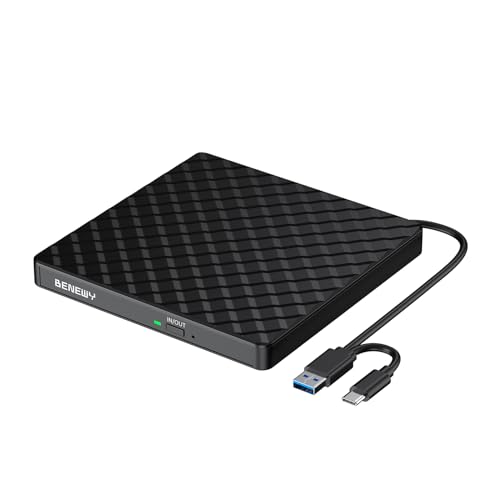
External CD DVD Drive, USB 3.0 and Type-C Portable CD DVD +/-Rw Drive Reader, DVD/CD ROM Burner Rewriter, Slim Optical DVD Drive for Laptop, Desktop, Mac, Macbook, OS/Windows/Linux
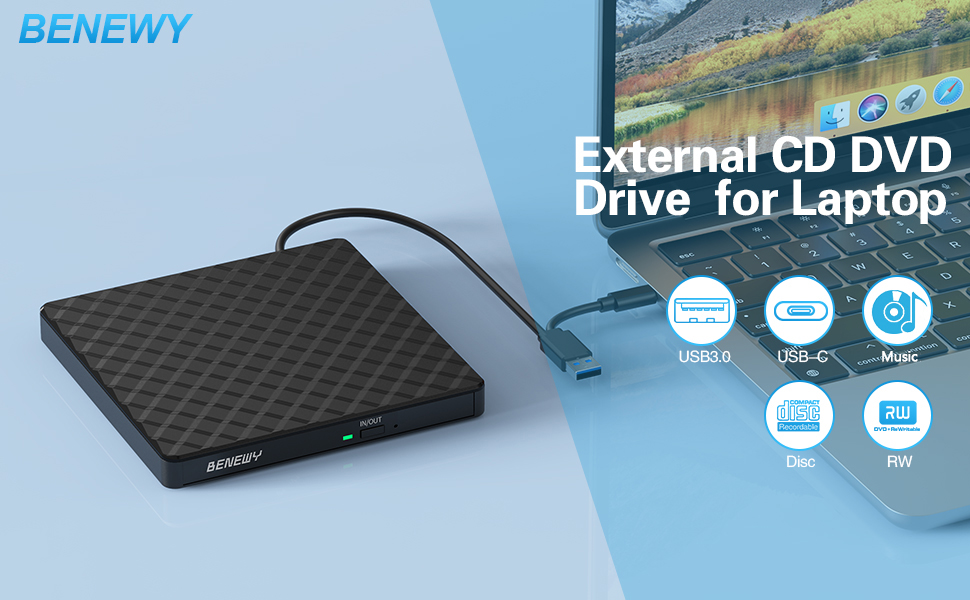
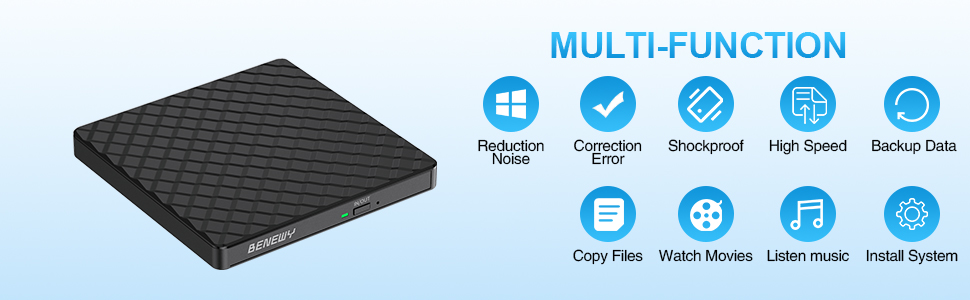
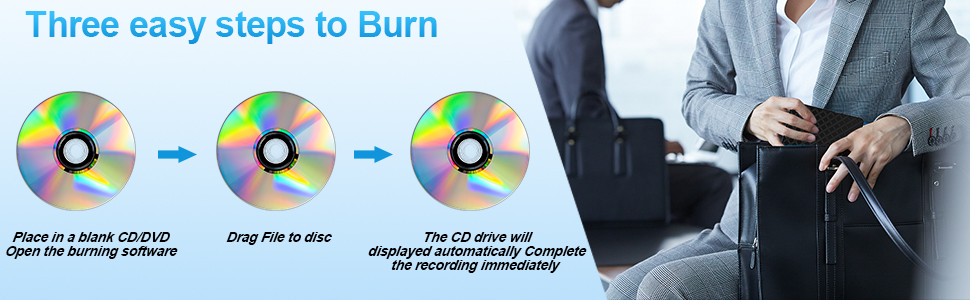
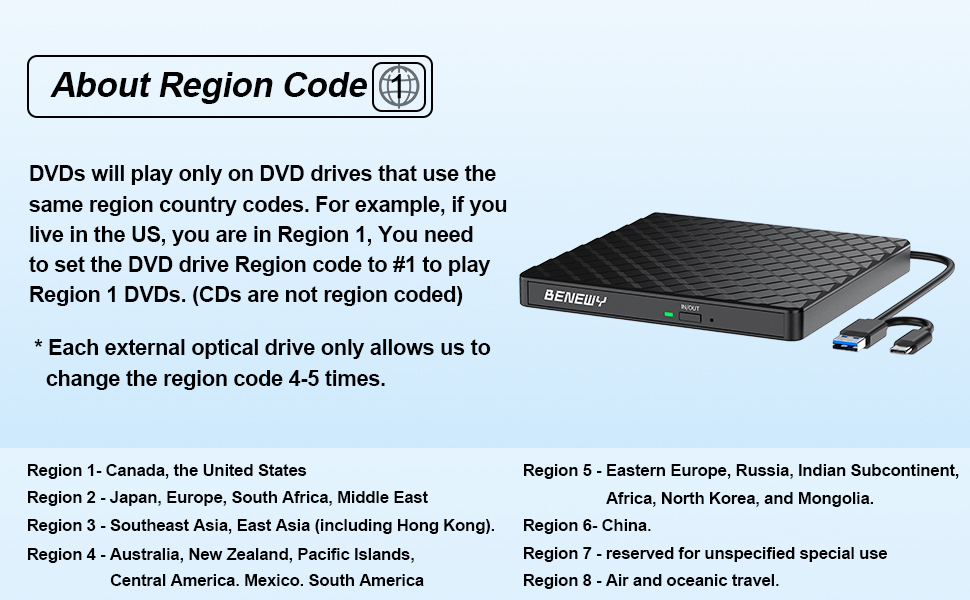
Some things to note about this USB 3.0 external CD DVD drive
1.The dvd drive should be connected with USB port on laptop rather than connect with USB HUB. In addition, please connect the item with USB port behind of computer host if you use a desktop.
2.Ensure CDs is placed well and not scratched. The raised fixing post in the middle of the CD drive tray has three spring buckles. You need to gently press the CD disc into the spring buckles to secure the disc.
3.Make sure your computer’s CD/DVD driver is intact before using an external optical drive. The computer operating system comes with a CD/DVD driver. If the program is damaged or removed, the CD/DVD driver needs to be updated or reinstalled.
4.Once you plug this external dvd player for laptop into your computer, it will bring up your downloaded Media Player, select it, and from that point forward whatever disc you put in will automatically open through it. You download a Media Player program onto your computer if don’t already have one before you hook it up.
5.Remember to set the DVD Region to United States on the player – Windows :This PC– dvd drive- Properties – Hardware Tab – Properties button – Choose Region (US is 1) -Apply. Mac:Menu-System Preference-Language & Region – Region – Select Country – Apply Remember you can only reset the country 5 times.
6.Mac OS computers do not display the device icon before placing a disc into disc tray & drive reads successfully the disc. For Mac OS, use the mac command to eject disc. If eject button/computer command not working, stick emergency hole to force eject a disc.
7.Computers often do not natively support DVD movie playing, so a third-party media player (such as VLC) must be downloaded and installed to watch DVDs using this CD/DVD player. You can download and install a playing/burning software you like. You can also refer to the following software:
No fee playing software: Any Media Player, Any DVD
No fee burning software for Windows OS: InfraRecorder, Ones, Express Disc Burner
No fee burning software for mac OS: Burn for mac
No fee burning software for Linux OS/Unix OS: K3b (KDE Burn Baby Burn)
8.Because the video formats of most computers and mobile phones are not compatible with DVD, you need third-party software to convert the file format to a format that can be displayed on the disc, otherwise, even if you burn the file to a disc, it will not work.
| Weight: | 350 g |
| Dimensions: | 14 x 14 x 1.7 cm; 350 Grams |
| Brand: | BENEWY |
| Model: | SY879 |
| Colour: | Black |
| Manufacture: | BENEWY |
| Dimensions: | 14 x 14 x 1.7 cm; 350 Grams |
Certainly good value for money
It’s very annoying that new laptops and technology don’t use disc drives. I’ve got many old DVDs and CDs that I’d love to rewatch and this gadget solves the problem straight out of the box.
It feels well made and reliable and is small and compact so you can easily take it to different places.
Does the job
Connected to my iMac without problem. No driver necessary.
Wrote a DVD-RW of photos, copied it using Burn then erased it – all without any problems.
Functions perfectly and no problems in use.
Very satisfied.
worked straight from boxbrill
brilliant little player worked straight away.bought it mainly record my cds to memory stick ommitting tracks i didnt require and worked very quickly ,didnt need to download anything it went straight into my windows media. def recommend and not over expensive eithe
Simple and Effective Drive
The positives, the drive is well packaged and slim.
I like that this drive has two built-in options for connecting it to your machine. Whilst USB A is slowly being replaced, if you’re using a CD/DVD drive it’s likely that your machine is a little older and won’t have USB C so this is a nice addition. I also love that the cable can be tucked neatly underneath the drive itself when not in use. A clever touch to ensure this can be stored away easily.
The drive is plug-and-play and works as such. It took a few seconds for it to appear on my Mac (strangely it didn’t work the first time, but seemed to sort itself out once I unplugged and tried again). I tried a few different discs (DVDs, CDs and films) all worked with zero issues.
Great little device to have around if you use CDs or DVDs
Brilliant produc
Had a small but useful guide (not that I needed it) it was a booklet, not just a piece of folded paper. Plugged it in and it worked immediately. Tried it in all my USB sockets including USB3 and it was faultless. Played a DVD film, and installed two programs – very smooth and quiet. Hav not yet written to a cd but don’t expect any issues.
I would recommend this item. In addition to doing everything without fuss, an 18-month guarantee was included.
Succeeded with accessing photos and audio CD but failed with video
Disclosure. This is a review of a product I was sent for free via Vine. All opinions are my own.
Most modern laptops including mine do not have a CD drive, so this seemed an ideal item, if you have files archived on CD that you wish to access.
This CD drive simply plugged into the USB port on my laptop, no installation required, however I was then assuming that it would auto-access the CD, but no, that step needed to be done manually, which I did find rather confusing.
I eventually succeeded okay with viewing a CD of photos and with listening to an audio cd, but I failed to work out how to view a video (.VOB format). Could possibly be my lack of knowledge, so I will continue to attempt to investigate this aspect.
I know nothing about burning CDs, so didn’t even attempt that.
There is an instruction booklet with the CD drive but I didn’t find it particularly helpful.
It comes with both a standard and mini USB combined cable, but I didn’t test the mini one, as that is my power port and the instruction booklet seemed to imply that that I should charge whilst connecting to this CD drive.
However I did like how the cable can be tucked into the underneath of the casing for storage when not in use.
Also it comes with an 18 month warranty, although I haven’t tried activating this yet.
Ok for really old Mac computers
I received this item free of charge in order to evaluate it.
I have only tried this disc drive on Apple Mac computers, so cannot comment on its performance when used on a Windows based machine.
The drive itself is very neat, with a fixed lead with both USB A & C plugs fitted. There is no need for an external power supply, as it picks up the power from the computer via the USB connection.
On the listing it states that the drive is suitable for Mac OS 8.6 – 10.14 which means using a very old computer!, as OS 10.2 came out in 2003 however, on the instructions it states that it’s suitable for all Mac OS, which does not seem to be the case
I Tested it on an old MacBook Pro ( mid 2010) and a similar aged iMac, and all functions performed fine.
However on a new MacBook Air (Mac OS 14.2) it will read and play DVDs , but will not read (audio or data) or write to CDs. ( which my existing 15 year old external DVD/CD drive does perfectly), so if you have a recent Mac, doesn’t look like this is going to work, which is a shame, can only hope that there may be a fix in an upcoming revision of the OS, but why that should be needed when my old drive works OK I don’t know.
As stated earlier, I don’t use Windows, so It may function fully on a new PC running Windows,
Having said that, it does what it says on the listing.