FIDECO Hard Drive Docking Station, USB 3.0 SATA HDD Docking
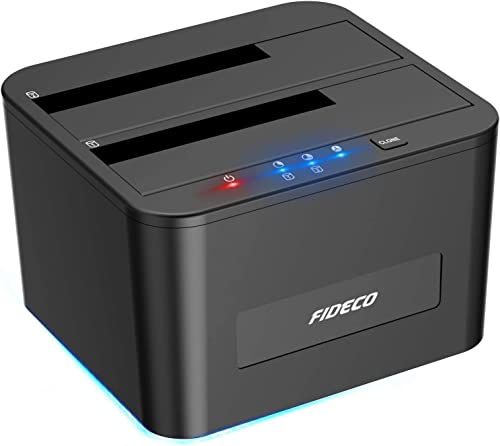
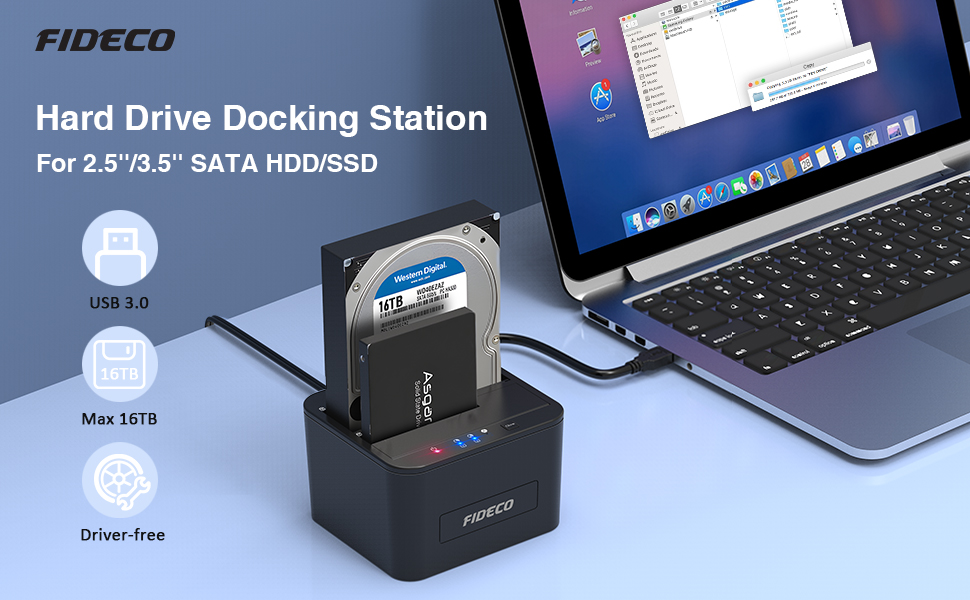
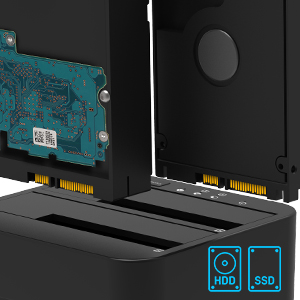
FIDECO Hard Drive Docking Station, USB 3.0 SATA HDD Docking Station for 2.5 & 3.5 inch SATA HDD/SSD, Dual Bay, Support Offline Clone
About Us:
- FIDECO Technology has specialized in computer accessories for more than decades.
- We possess the ability to design & develop various HDD/SSD docking stations, SATA/IDE adapters and M.2 SSD enclosures, etc.
- We believe you can always get one favorite from our store. What we offer is not only the terrific item, but also the best service ever.
Warm Note:
- For new HDD/SSD, please go to “Disk Management” to initialize it first and then your HDD/SSD can be recognized.
- For partition, if the capacity of your HDD or SSD is over 2TB, please choose GPT partition.
- Please back up all your data before formatting your HDD. For Mac OS, the format needs to be set as exFat.
Package List:
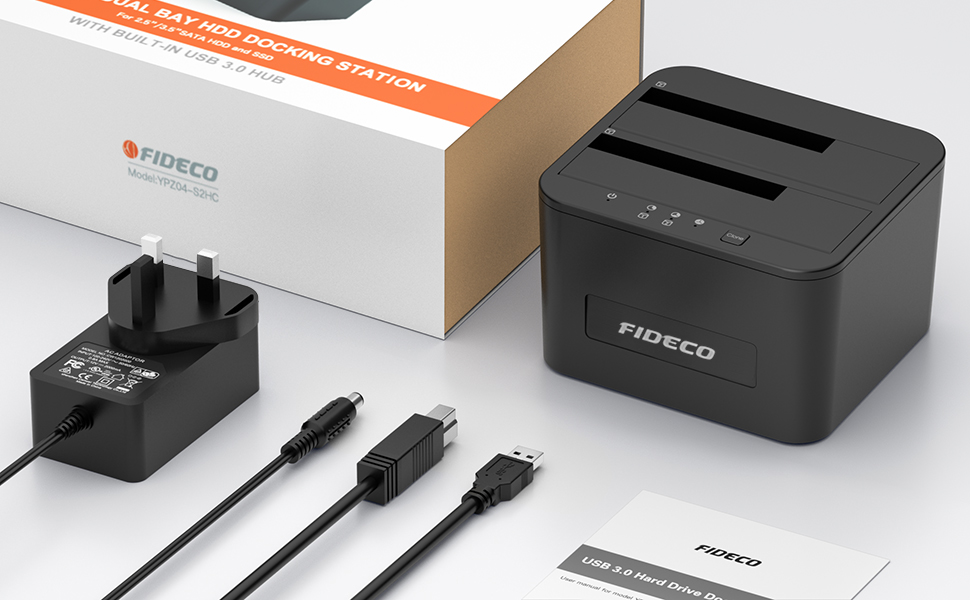
- 1* Hard Drive Docking Station
- 1* 12V Power Adapter
- 1* USB 3.0 Cable
- 1* User Manual
FIDECO Hard Drive Docking Station, USB 3.0 SATA HDD Docking Statio
As a compulsive PC builder with a home network of 6 PCs and responsible for building, maintaining and upgrading several more for grandchildren and others, I found myself with a number of discarded 3.5 and 2.5 inch hdds. Over time I had lost track of what they contained and was reluctant to clear and delete them before disposing. Previously, checking integrity, contents or health of drives necessitated removal from their host PC and connecting them internally to one of mine; a lengthy and convoluted process whose avoidance resulted in the accumulation of hdds ranging from 160 megabytes to 1 terrabyte, all with mystery contents..
This dock allows me to easily check and save important content from these hdds and consign the smaller ones to overwriting and deletion for susequent disposal. Those of 320 gigabytes or more have now been brought into use as repositories for backups of batches of files held on my 2 NAS drives and main PCs.
It will also serve me in good stead for cloning operating systems and boot disks from PCs requiring upgrades of motherboard etc.
So far, works perfectly and I’m very happy.
Excellent value device for accessing old hard drives!
Simple and practical way of recovering files from old drives or simply cloning files to more modern drives.
For its price its very sturdy accepts sata disks both 2.5 or 3.5 has its own power and a decent USB cable in the box. Windows installs drivers automatically the chipset is recognised as a SCSI interface and the transfer speeds are good.
I used the unit to rescue old dynamic disks and for file recovery and its been a worth its weight in that regard, nice product 5 stars.
Worked with 3.5inch HDDs flawlessly.
Used this to transfer data from 4 x 2TB HDDs to a couple of new larger drives. No issues at all.
Speed over USB 3 was as expected.
Plug and play at its best and really useful for moving data around with minimum fuss.
Really simple to use and worked first time.
I had a failing hard disk with spinning disks, so it got really hot and the pc was slow. I took the hd out. I did format the new one first, then popped both in the “toaster” pressed the clone button on the toaster and whilst took a while due to the damaged hd, it worked. I put the new hd in the laptop and it worked first time. Not often that happens with technology. Very pleased.
Smaller then I though
I have only used for few days, so far so good, everything as it should be.
I see 2 drives, but only using 1 usb 3.0 port, speed is great: 150+150 MB/s for my drives, did not try ssd yet.
Power supply is decent for 2 large drive, USB cable is thick, a bit stiff, under 1m, not too short unless you have the pc under the desk without a 3.0 port on the top of it.
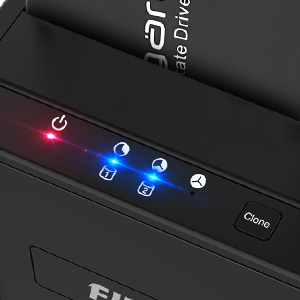
Mechanically stable, not sliding around, has the switch at the back, the cables gives protection from accidentally switching, also has a clone button, I hope I cannot overwrite my disk accidentally…
I use this mainly for cloning HDDs. Usually takes a couple of hours depending on the size and type of storage. Only little niggle I’ve had is if cloning fails, it will continue flashing the progress light indefinitely. Best practice is to run a chkdsk on the source disk before any cloning, that usually sorts out any issues it may run into.
My existing boot SSD was having issues. I tried various applications to copy the drive but nothing left me with a bootable drive. This device did it at a press of a button however it would be better if it had a big white arrow indicating which drive is copying to which drive rather than small black writing (“1” and “2”) on a black background. It would also of been nice if it expanded the copied image to fully utilise the size of the new drive – I cloned a 256GB SSD onto a 2TB SSD but the new SSD is not showing as a 2TB drive. I’m sure there’s a utility to fully utilise the drive but it’s something for me to do.
Bought the first one about a year ago both for convenience (so I could service hard drives easily, without having to open my computer) and to build a cheap nas (It’s plugged to a discarded laptop always on).
It is good, it’s usb 3.0 and both drives are showing separately in linux and windows. I pooled the drives using MergerFS (so both drives appear as one on my system) and it’s working like a breeze.
I bought another one recently to expand my capacity, however I also noticed “issue” related to noise:
The rubber feet are not good, maybe too stiff? Anyway they don’t dampen vibrations enough, so small capacity drives are fine (I had 2x 2TB western blues for a year without any problem), but bigger ones that vibrates more are not dampened enough (I did put 2x 4TB western blues and it is noisy).
I made a makeshift solution using sponge cloth, but I’ll have to buy new rubber feet.
I need to precise that first it’s standing on a badly made laminate floor, and second, it’s under my desk (about 1m away from me when working), so if you plan to use it occasionally, or using it 24/7 further away from your working/sleeping place, this won’t be an issue.