Logitech MX Master 2S Bluetooth Edition Wireless Mouse
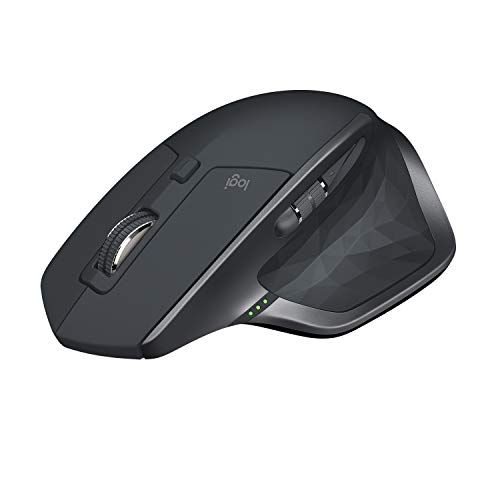
Logitech MX Master 2S Bluetooth Edition Wireless Mouse, Multi-Surface, Hyper-Fast Scrolling, Ergonomic, Rechargeable, Connects Up to 3 Mac/PC Computers – Graphite

Logitech MX Master 2S
The new possibilities machine
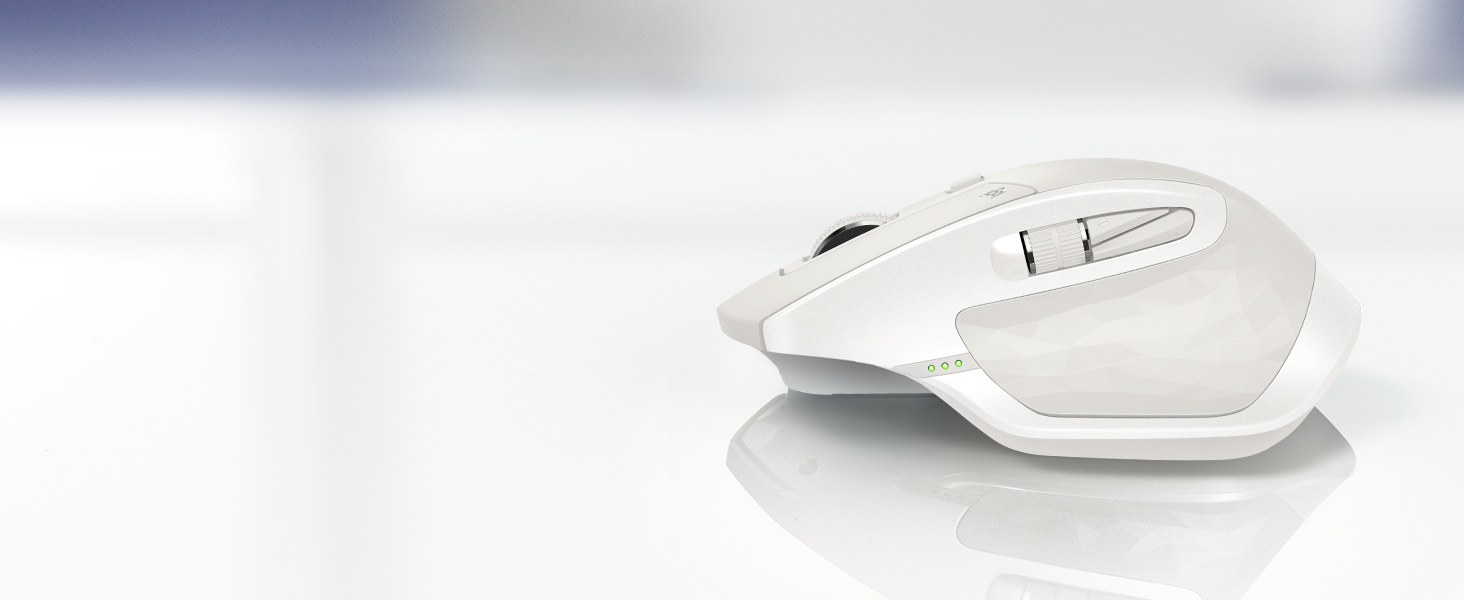
Logitech’s flagship mouse is designed for power users and masters of their craft. Get more done, more efficiently with revolutionary multi-computer control. Combined with other advanced features and a stunning design, MX Master 2S offers a new level of comfort, control, precision and customisation.

Effortless multi-computer workflow
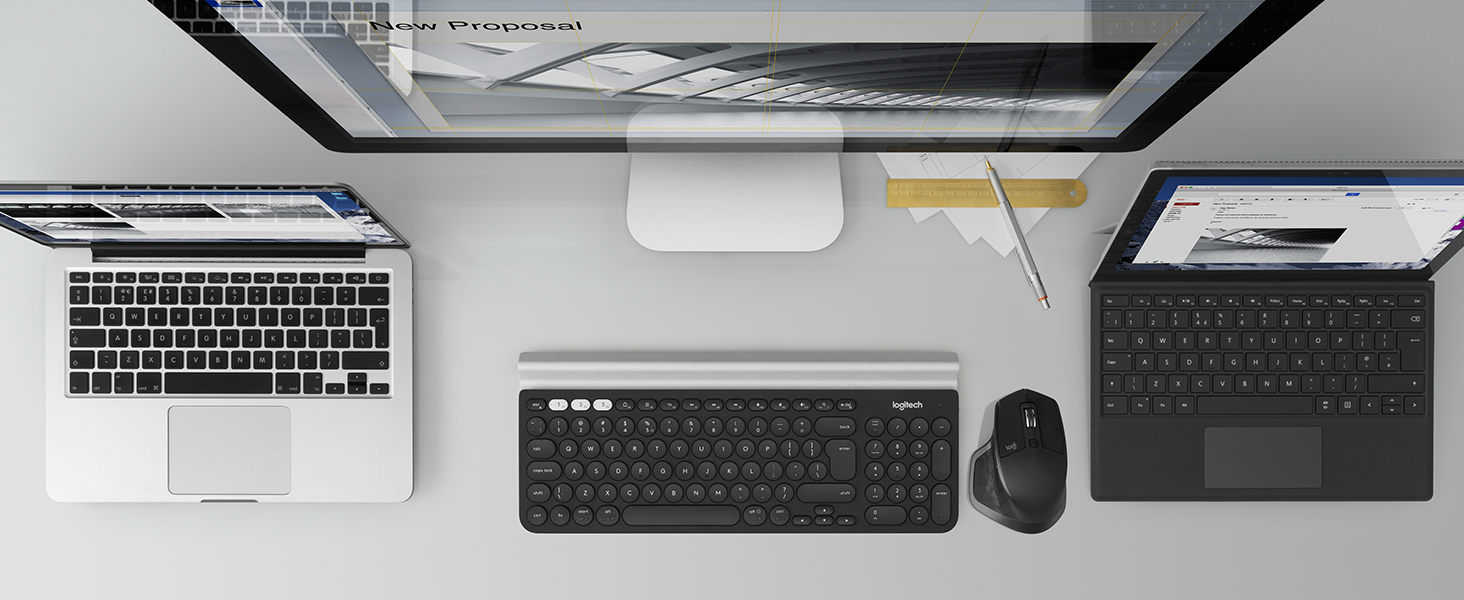
Control up to three computers with one Flow-enabled mouse. Automatically switch between screens by moving your cursor to the edge of the screen. Your mouse flows with you—even between Windows and Mac.
Seamless file sharing
Transfer text, images, and files between your computers effortlessly – just copy on one and paste to the other instead of having to rely on cloud services or sending yourself emails with attachments.
Easy, fast, secure
Use Logitech Options software to easily setup Flow and custom functions. Auto-discovery finds and configures your computers in seconds. Data is transferred with secure SSL and AES-256 bit encryption.
Multiple computers. One mouse and keyboard.
Add a Flow-enabled keyboard to create a central workstation for multiple computers. Your keyboard follows the cursor across screens so you can type on multiple devices in one fluid workflow.
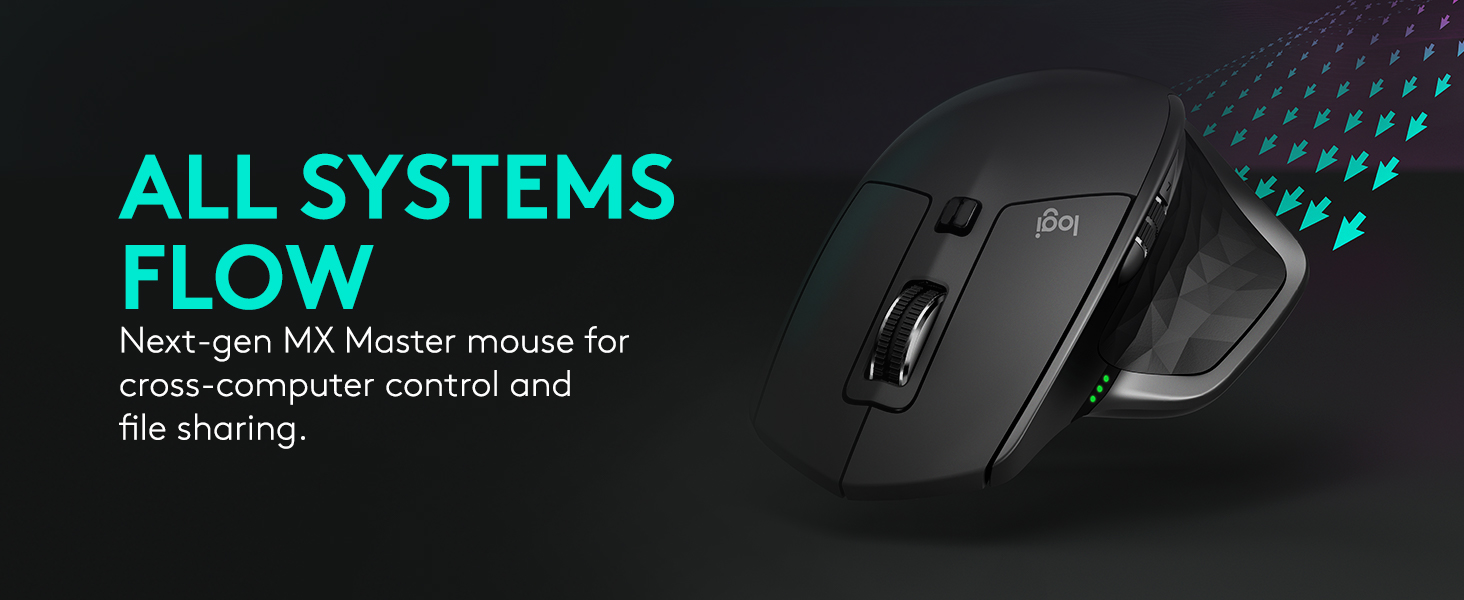




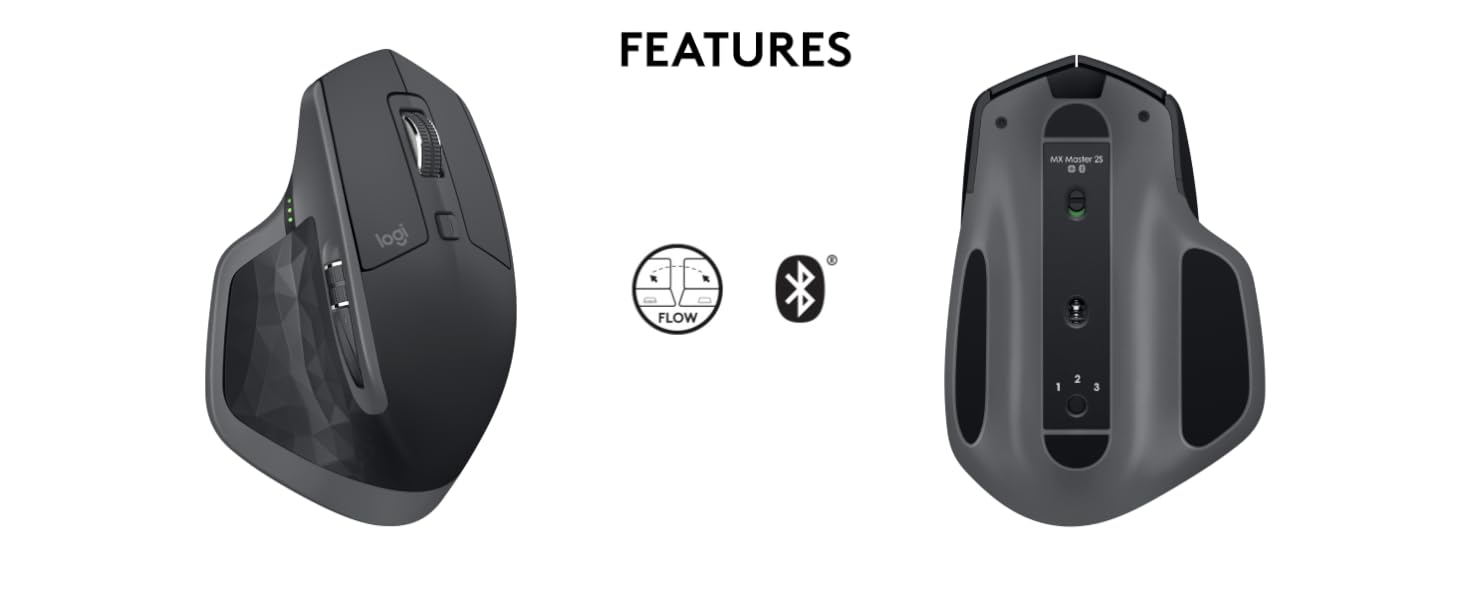 Flow cross-computer control
Move the cursor and copy and paste seamlessly between up to three computer screens.
” data-position=”triggerHorizontal” />Long rechargeable powerGo up to 70 days on a full charge*. Get enough power for a full day in only four minutes or charge while you use the mouse. *Battery life based on user and computing conditions.
” data-position=”triggerHorizontal” />Easy switching between devicesWhen not using Flow mode, switch between three computers at the touch of a button.
” data-position=”triggerHorizontal” />Tracks on any surface
A premium mouse deserves the best quality tracking. So we designed the MX Master 2S with a brand new 4000-DPi precision sensor that tracks on virtually any surface, even glass (min. 4mm thick).
Fast recharging
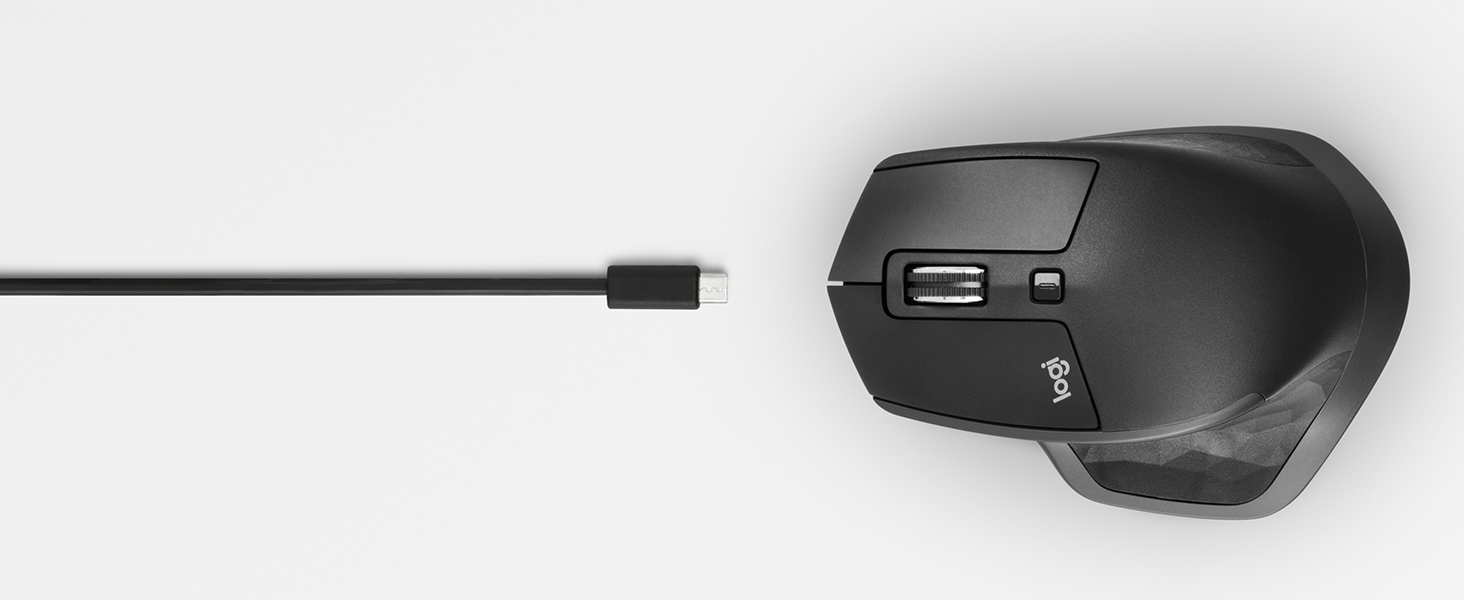
Plug MX Master 2S into your computer with the micro-USB charging cable and in just 3 minutes, it will be charged up and ready to power you through your entire day. A full charge can last over 70 days.
Hyper-efficient scrolling
Scroll through long documents or web pages faster. The speed-adaptive scroll wheel auto-shifts from click-to-click to hyper-fast scroll. A stroke of the thumb wheel, and you’re scrolling side-to-side.
Easy-switch and dual connectivity
Connect via the included Unifying Receiver or Bluetooth low energy technology. Thanks to Logitech Easy-Switch technology, pair up to 3 devices and switch between them with the touch of a button.
Hand-sculpted for unrivaled comfort
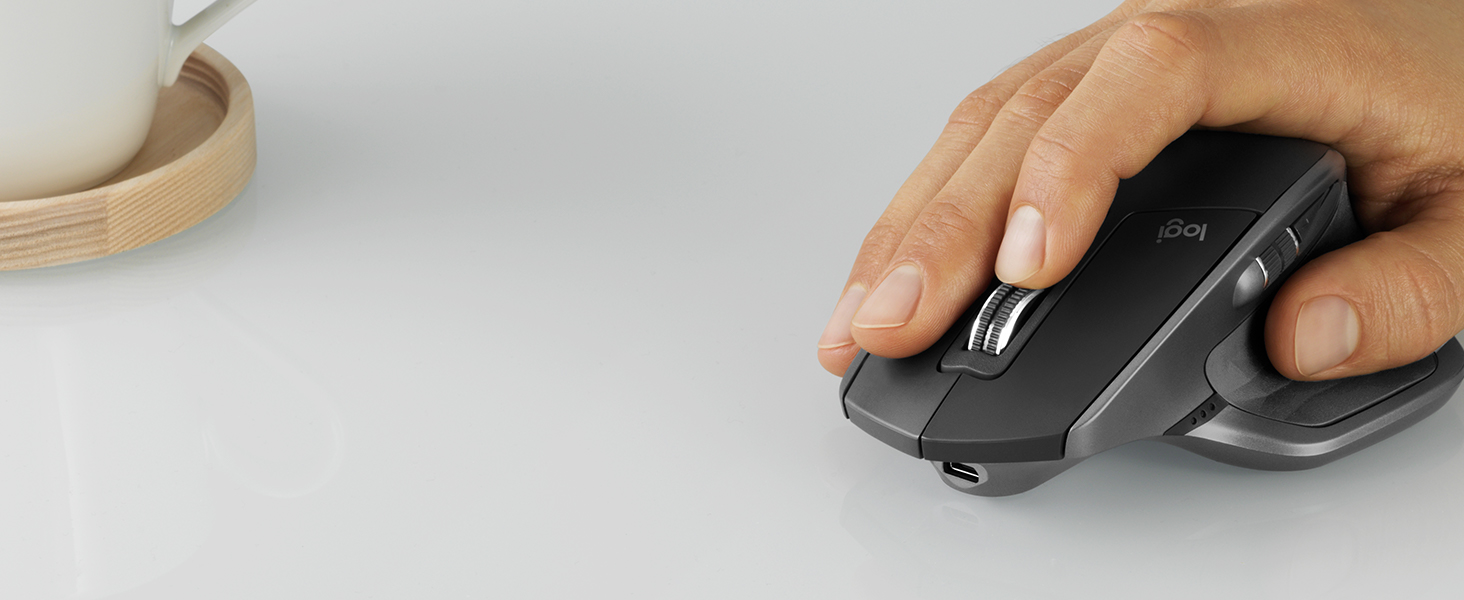
A perfectly sculpted, handcrafted shape supports your hand and wrist in a comfortable, natural position. Experience fine-motion control and a fluid experience with well-positioned buttons and wheels.

Logitech MX Sound Premium Bluetooth Speakers
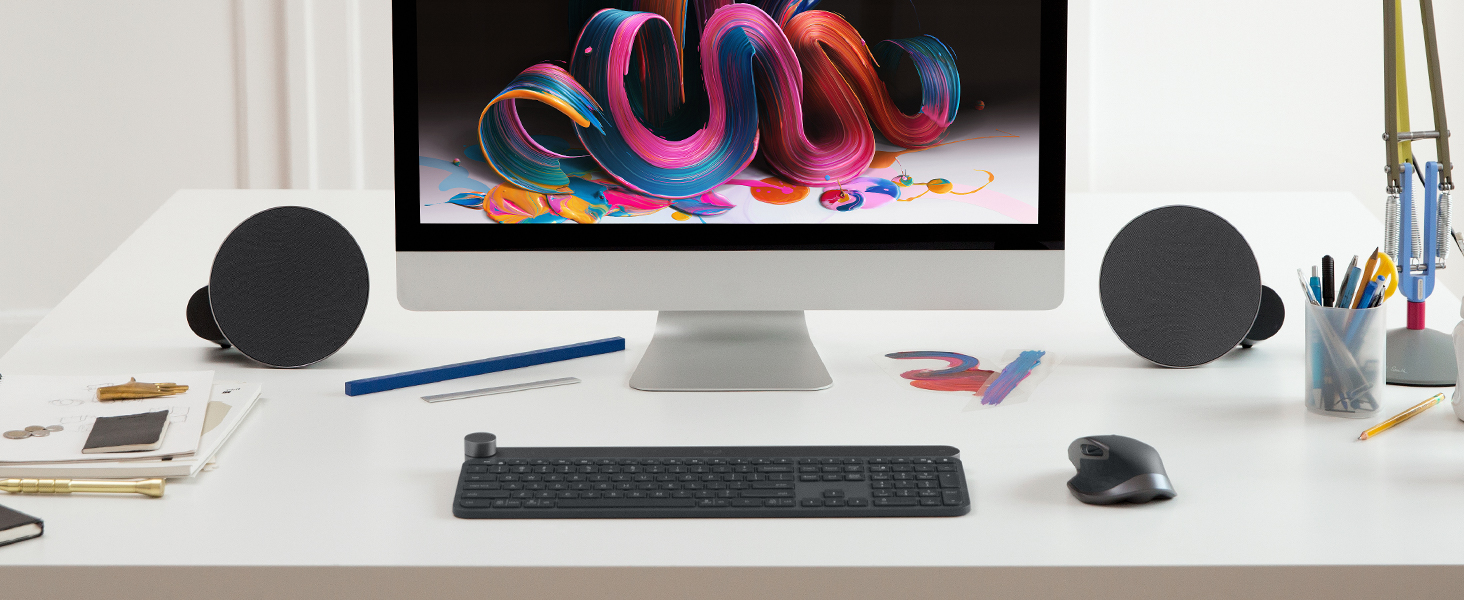
Experience high-end wireless audio at your desk with easy switching between favourite devices like your computer, smartphone and tablet.
Logitech Craft Keyboard with Creative Input Dial
Enjoy a premium typing experience and new creative control in your favourite Windows and Mac OS apps with a turn of dial.
COMPARE MICE
3 computers
Flow control
2 computers
3 devices
Easy switching
3 devices
Ultimate
Laser-grade tracking
Yes
Rechargeable
Max battery life
24 months
Hyperfast scrolling
USB/Bluetooth
Wireless connection
USB/Bluetooth
3 computers
Flow control
3 computers
3 devices
Easy switching
3 devices
Ultimate
Laser-grade tracking
Ultimate
Rechargeable
Max battery life
Rechargeable
Hyperfast scrolling
USB/Bluetooth
Wireless connection
USB/Bluetooth
3 computers
Flow control
2 computers
3 devices
Easy switching
2 devices
Ultimate
Laser-grade tracking
Yes
Rechargeable
Max battery life
Rechargeable
Hyperfast scrolling
USB/Bluetooth
Wireless connection
USB/Bluetooth
- M720 Triathlon
- MX Anywhere 2S
- MX Ergo Trackball


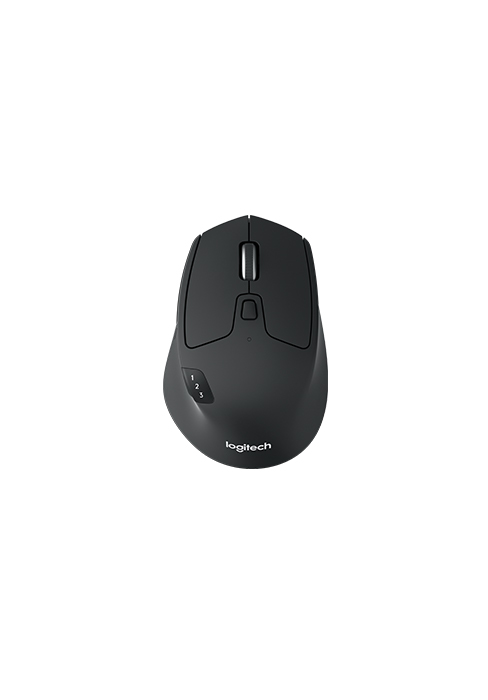
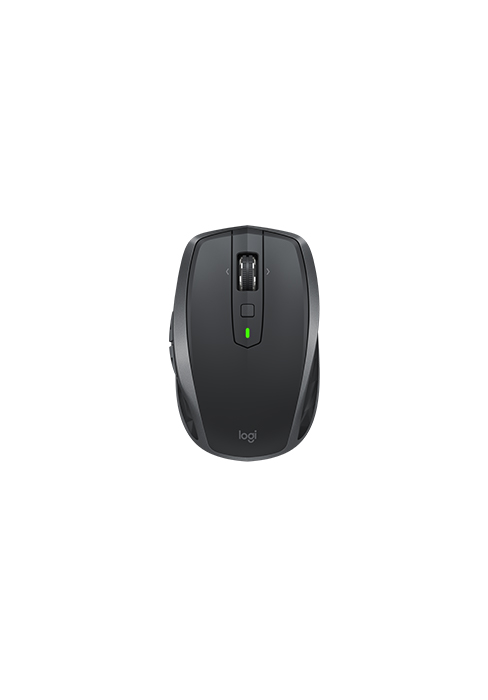
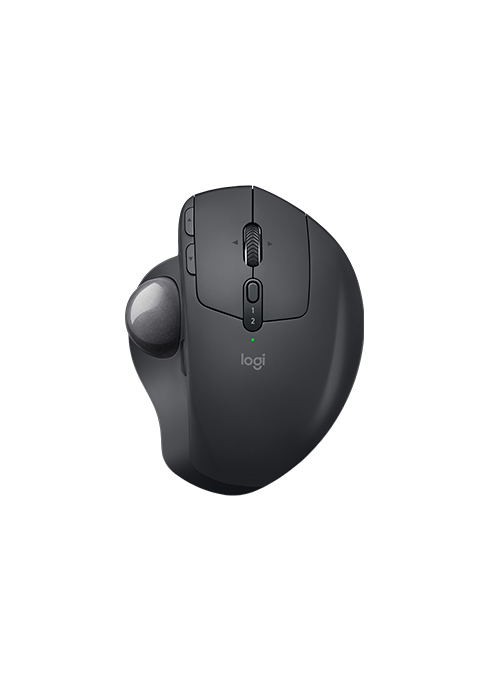
| Weight: | 145 g |
| Dimensions: | 12.6 x 4.84 x 8.57 cm; 145 Grams |
| Brand: | Logitech |
| Model: | 910-007225 |
| Colour: | Graphite |
| Batteries Included: | Yes |
| Manufacture: | Logitech |
| Dimensions: | 12.6 x 4.84 x 8.57 cm; 145 Grams |
Game changer for multitasking
I was using apple mouse for a good while, but had to change on this as apple mouse started to have issues with connection.
Wanted to het good alternative and my friend recommended this mouse.
Do not regret that I changed as this mouse gives more features then Apple Original mouse and I absolutely love it.
I can see that this mouse already have updated version but I decided to try this as it was on special offer.
Great product.
No dongle required!
You know all those cheap mice that are described as ‘bluetooth’ but then can’t be connected to your laptop’s onboard bluetooth and instead demand that you use one of your USB ports for a dongle? A dongle that requires an adaptor on many modern laptops… but not with this one! That means it offers a great alternative to Apple’s own, rather daft little mouse. Look for these when on sale because 90 is a bit steep, but they’re usually available for around 60 once or twice a year.
Why I waited so long to buy it?!
One of the best, if not the best mouse I ever had a pleasure to use. Received it a few days ago any my life became so easier with it 🙂 Ergonomical, fits perfectly to a normal size adult male hand. They’re two scroll whell settings : line by line – and you can hear clicking sound with each time you scroll it OR smooth, without any sound. Make sure you have a Bluetooth receiver turned on in our desktop or laptop.
It comes with a charging cable 🙂
And it literally work on any surface I tried so far 🙂 I can absolutely highly recommend it to anyone who is willing to invest extra few bucks in a mouse that will last for many years
Incredibly Mouse, however no USB recieve
MX Master series is the king of mice. However this product does not come with a USB receiver. Which is fine, however you have to use Bluetooth and that makes things a bit more complicated.
Great productivity mouse but only for bigger hands
This is a great tool for office work. However this is a bit uncomfortable for smaller hands. I had to return this as was not comfortable for my hands. But this is great in terms of battery, quality and useful features with mapable buttons.
Great mouse
Very satisfied with this mouse. I bought it on sale and at the time I was concerned that the new model might be the better choice but don’t have those concerns anymore.
Amazing!
It’s an amazing mouse and feels so comfortable! The best mouse I’ve used and worth every penny. Didn’t realise however that it’s Bluetooth only and is missing the dongle. Just buying an extra one solved all my issues
Great Mouse just make sure its protected whilst travelling.
The overall mouse is great for both productivity and just about everything else that you can throw at it. The only major issue I had with it was that I used to mouse mainly as a student, so it went with my laptop into my backpack and something must have scratched the sensor. Resultantly, the mouse on any surface would begin to jitter and jump around even when not in use, it’s quite a shame because I did like the mouse. When I’ve got the means I’ll probably buy a MX Master 3S but this time make sure to buy a case for it as well.
Logitech MX Master 2S: A Productivity Powerhouse (Except for that Roller...)
Feels like a sculpted dream in your hand. Curves in all the right places, thumb rest heaven, and a satisfying heft that screams quality. Buttons galore for customisation, smooth gliding, and laser-sharp precision — it’s a mouse made for getting things done, no doubt.
But then there’s the “magnetic scroll wheel.” Now, it’s fancy, I’ll give it that. This wheel whizzes through long documents like a greased cheetah, and the automatic switching between clicky and hyper-fast modes is kinda cool. But here’s the thing: that magnetic click feels…unsettling.
Just an amazing mouse
This is a big mouse but it is very, very comfortable, has a lot of fully customisable features and is made of fairly good quality materials. It is on the expensive side at retail but you can often find it heavily discounted so just wait for a sale. I got mine at a hefty discount on Black Friday. I don’t know how good it is for gaming but for every day use is amazing, especially if you work long hours with a mouse. Best mouse I’ve used in 30 years and I’ve tried quite a few.
good not grea
I had another logitech mouse which I used for years, this mouse is not as silent the clicks do click, you can customize the side buttons functionality which is great. The scroll is not great either it’s not too firm and it keeps rolling if you scroll quick and sometimes ends up going up instead of down if you’re going slowly. Connectivity is great, the fact that it’s rechargeable and not a changeable battery. I love how the hand rests on it and over all it’s durable and nice feel. The button to switch to another pc is at the button so it’s a bit annoying having to flip it around to switch unlike my previous mouse but you can pir it with 3 Pcs which is great.
I recently upgraded to the Logitech MX Master 2S Wireless Mouse, and it’s been nothing short of a revelation for my computing experience. As someone who juggles between a Mac and a Windows PC for work, this mouse has been a game-changer, especially with its cross-computer control and seamless file-sharing capabilities.
But what truly amazed me are the seven customisable buttons. The accompanying app is a marvel, allowing me to tailor each button’s function based on the application I’m using. Whether I’m navigating through spreadsheets in Excel or browsing on Chrome, the ability to customise button actions has significantly boosted my productivity.
One of the standout features of the MX Master 2S is its compatibility with multiple devices. The fact that I can connect up to three devices and switch between them with just the click of a button is incredible. This feature alone has streamlined my workflow, allowing me to work on my Mac and Windows PC simultaneously without the hassle of switching devices manually.
Another aspect worth mentioning is the value for money. While the newer MX Master 3S has its perks, the 2S offers an excellent balance of functionality and affordability. It retains the core features that make the MX Master series so popular, at a price point that’s far more accessible.
In terms of ergonomics and design, the MX Master 2S is a winner. It fits comfortably in the hand, and the smooth, responsive tracking makes for an enjoyable user experience. Long work sessions are no longer a strain, thanks to its thoughtful design.
In conclusion, the Logitech MX Master 2S Wireless Mouse is a must-have for anyone who values efficiency, customisability, and seamless cross-device integration. It’s a solid investment, especially for those who work across different operating systems. I can confidently say that it’s one of the best tech purchases I’ve made, and I highly recommend it!
I bought this mouse to use with my macbook and pc and I’m very happy with it. It’s comfortable, precise, and versatile. I love the ability to switch between different computers with a simple gesture, and the Darkfield sensor works on any surface, even glass. The battery life is also impressive, and the fast charging feature is very convenient.
The mouse has seven programmable buttons that you can customise with the Logitech Options software. The scroll wheel can switch from click-to-click to hyper-fast scrolling, and the thumb wheel is great for horizontal scrolling or zooming. The gesture button lets you perform different actions depending on how you move the mouse, such as switching desktops, showing the app switcher, or adjusting the volume.
The only downside is that the mouse is a bit heavy and bulky, so it’s not very portable. It also doesn’t have a storage slot for the Unifying receiver, which is easy to lose if you don’t use Bluetooth. But overall, this is a great mouse for productivity and multitasking, and I would recommend it to anyone who needs a reliable and powerful wireless mouse!
Impressive
Bought in the spring sale for a very reasonable price and I am absolutely in love with it. Feels beautiful to hold and appears to be helping my RSI on my right hand. Ergonomic is=t definitely is and done so properly. Its a little bulkier than most mice but it needs to be in order to fit into your hand properly; i have large hands and I find it very comfortable. The movement is buttery smooth with lots of options for customisation, however the free wheel movement can move freely on occasion but by only a tiny amount and the clue is in the name, but you do have the option for ratchet movement which is better for stable consistent movement if needed. Overall a very premium feel and love the option for dedicated wireless connection via unified or Bluetooth. Fast delivery