Logitech USB Unifying Receiver, 2.4 GHz Wireless Technology
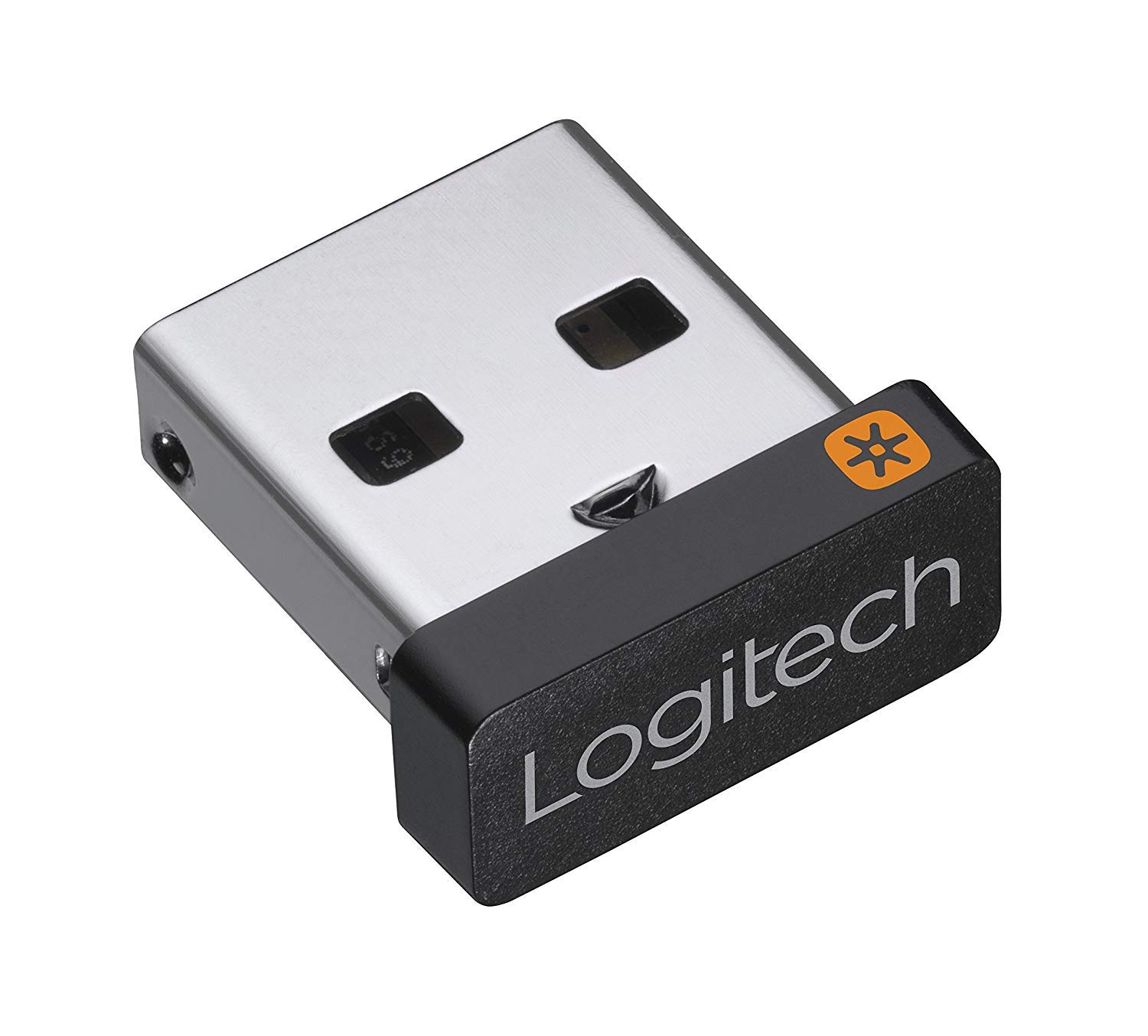
Logitech USB Unifying Receiver, 2.4 GHz Wireless Technology, USB Plug Compatible with all Logitech Unifying Devices like Wireless Mouse and Keyboard, PC / Mac / Laptop – Black

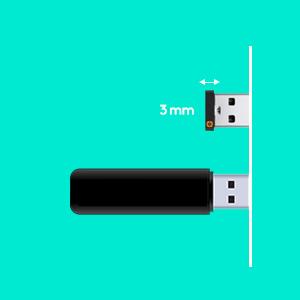

Connectivity
Advanced 2.4 GHz wireless technology provides a powerful, reliable connection up to 33 feet (10 metres) away with virtually no delays or dropouts.
Connectivity & compatibility
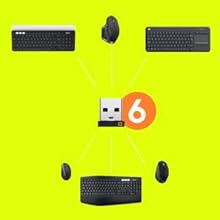
Connect up to 6 Unifying wireless mouses and keyboards to a computer.
Software
Download the software at Logitech.
Security
The advanced encryption standard is a commonly used standard in software and hardware to encrypt sensitive data.
| Weight: | 1.23 g |
| Dimensions: | 0.6 x 0.9 x 1.5 cm; 1.23 g |
| Brand: | Logitech |
| Model: | 910-005236 |
| Colour: | Black |
| Pack Quantity: | 1 |
| Manufacture: | Logitech |
| Dimensions: | 0.6 x 0.9 x 1.5 cm; 1.23 g |
| Quantity: | 1 |
Works fine with Windows 11
I needed to connect a new Windows 11 PC to my Logitech MX Keys and MX Anywhere 2 mouse. Plugged the receiver in and with a bit of fiddling with Logi Options software it works perfectly. I now have my three computers with one keyboard and one mouse. It’s a bit expensive for what it is but I’d rather pay for one that works with my stuff than one that might not if that makes sense. Recommended.
It Works!
I bought a used Logitech K400+ wireless keyboard from a local Charity Shop (goodwill store) which was missing the dongle, I tried using a Bluetooth one I had but it wouldn’t work even after downloading the Logitech drivers, so I read articles online that said you need a genuine Logitech dongle for it to work ,I ordered it from Amazon for next day Prime delivery and it works fine but it is limited to a couple of metres from the usb port.
Have three computers each with a logitech universal dongle so can control all from single mx keys keyboard and m702 mouse. All works perfectly. If you download the software you can tie both the keyboard and mouse to each specific receiver in turn . You can repeat for any other receivers you have on that computer – you dont have to install the software to all the computers you just need it on one to do the set up and then you can remove software if you want. Once you have tied the three devices slots on the keyboard/mouse to each dongle you just plug them into the respective computers. Really usefully it works on BIOS passwords / bitlocker at boot which bluetooth devices dont seem to.
saved me buying a new wireless keyboard
Saved me buying a new keyboard as I had lost the dongle for it.
Just download the software and pair it up. I think it only pairs with Logitech devices because it would not pair with my gaming mouse which is a different manufacturer.
I didn’t see any instructions in the box. Didn’t work right away to connect my Logitech keyboard and mouse when I plugged it in. But once I downloaded a driver it worked well.
Works well with MiSTer FPGA
I paired this using the relevant utility on my Windows-based PC, and the dongle and peripherals stored their pairing, and thus allowed me to insert it into my MiSTer FPGA. Now I can use old home computer software on my MiSTer. Excellent.
Didn’t know that the peripherals you’re trying to connect to had to have the “Unifying” logo on them for this to work but if it does have the logo it’s brilliant.
Got a Logitech MX Keys keyboard as i wanted to use a single keyboard with my home PC and work laptop without the cabling nightmare.
Ordered this which arrived promptly, and after some intervention with my IT department i got it working…
BUT..if you have a wireless Logitech mouse you should not need another receiver. Instead search the Logitech site for the Unify utility and run it..any Logitech 2.4Ghz receiver will work with any Unify capable accessory.
Could have saved myself 10 had i done some research, and to be fair Logitech should make the pairing linking processes easier.
Happy customer though..one keyboard, two computers and a clearer desk.
It works...!!!
After the USB receiver for my M570 wireless trackball ball was damaged courtesy of the family Baskerville I thought I would have to buy another mouse or tolerate my very basic ’emergency contingency’ mouse. While scrolling through Amazon I spotted this unifying receiver and thought it might be what I needed as both my mouse and keyboard were Logitech wireless items. Some of the reviews I read before deciding whether to purchase were a little concerning but the ‘admin’ stated clearly it was compatible with the M570 mouse and K800 keyboard, both items wearing the orange star logo. Bought it, installed it, downloaded software. dead easy as I’m still an IT luddite and it does exactly what it claims on the tin, well, cardboard packing leastways. Over the moon with the product and it has freed up a USB port on my laptop as well plus, I have the capacity to add another 4 mousey keyboardy thingies should I need to.
IT WORKED - AND IS STILL WORKING
NOTHING TO DISLIKE, ONLY TOO PLEASED TO RECEIVE IT, PARTICULARLY AS IT SHOULD HAVE BEEN PART OF THE ENTIRE LOGITECH PACKAGE ORIGINALLY ORDERED – KEYBOARD AND MOUSE ARRIVED – BUT NO USB WAS INCLUDED. DESPITE ALL OF MY EFFORTS I WAS UNABLE TO CONTACT LOGITECH TO ADVISE THEM THAT THIS HAD NOT BEEN INCLUDED. AMAZON WAS ALSO ADVISED BUT —- HENCE I HAD TO PAY A FURTHER 10+ FOR SOMETHING WHICH SHOULD HAVE BEEN PART OF THE ORIGINAL PACKAGE PRICE !!!!
Genuine Logitech product, works with MX Anywhere 2 etc
There’s quite a few clones around plus Logitech’s own ‘nano’ receiver – which is larger than this one. This is the ‘pico’, the smaller product for the lowest profile – great if you don’t want to notice it, e.g on the side of a keyboard or back of TV.
This is similar to the one that comes with the Logitech MX Anywhere series mice and works perfectly well with them as a replacement. But you can also use multiple ones if you have multiple Logitech devices or a device that has multiple channels, such as the MX Anywhere series mice. This can be handy if you want your mouse to control your PC and, say, a smart TV or box on your desk – just put a receiver in the smart TV (most support it these days), and change the channel with the push of a button on your mouse. It makes navigating Netflix, YouTube or Prime much easier if you TV doesn’t have a ‘mouse remote’.
Frustration free blister pack for once – just press it out from the back instead of fighting your way thru the razor sharp plastic.
Seems a no-brainer – get the genuine product with the lowest profile for only a few quid more.
I just lost my original usb receiver during my business trip. I was quite annoyed by myself because i thought I was generating rubbish (the mouse and keyboard) by losing the usb receiver. Then I found this product and watch a few online videos (can find some easily on youtube). Actually found that it can work with mouses and keyboards that are not in the compatibility list. Then I give it a try and it works!. Mine is K260 keyboard and M210 mouse. I think they call it MK260 online. They are quite low end Logitech product that I bought them three yrs ago that maybe just 15. Anyway, the key point is that this unifying receiver was advertised that it would work with devices with receiver originally with the unifying receiver logo. I think it is very misleading and is not true. This unifying receiver can do more! little tips: when using the unifying software for connecting the devices, it maybe better to use ‘advanced’ button instead of pressing ‘next’ (see attached photo). Also, if your device doesn’t have switch to switch your mouse on and off (as described by the instruction on the unifying software), just remove the battery and plug it back in to mimic the switching on. Good luck! hope this helps. I am quite happy that I do not need to throw the mouse and keyboard away. better for environment!
Easy to set up and really tiny!
I bought this receiver to replace my old one which was the older, slightly larger model. The old one got caught on something and broke, but I won’t have that problem again with this one because it is so small- it barely sticks out past my laptop shell and it doesn’t block any ports on the macbook pro retina (early 2013). Definitely worth buying this over the older version if you plan to move your computer around a lot. I already had the unifying receiver software installed so it was quick and easy to set up- I just opened the software, turned the mouse off and on again and confirmed that it was working.
Works Perfectly With the Logitech K330 Keyboard and Mouse Se
Bought a Logitech Keyboard/Mouse set from Amazon Warehouse as “Open Box” but the unifying receiver was missing. Instead of returning the item, Amazon Warehouse gave me a small credit and I purchased this Unifying receiver, still making a very good bargain.
Once I received the unifying receiver, setting up the Logitech Keyboard and Mouse was simplicity itself.
It might be helpful for anyone engaged in Flight Simulators to be aware that if you use a Logitech Wireless Joystick (I have a Logitech Freedom 24) then the Unifying Receiver needs to be at least 6 inches away from the Joystick Wireless Receiver otherwise you may experience input lagging. Additionally, there is a free program called “Caffeine” which is advisable to have – this will stop the Joystick, as well as your Keyboard and Mouse from going into power-saving mode through inactivity.