TomTom GO Navigator car sat nav (Extra-large 7″ screen
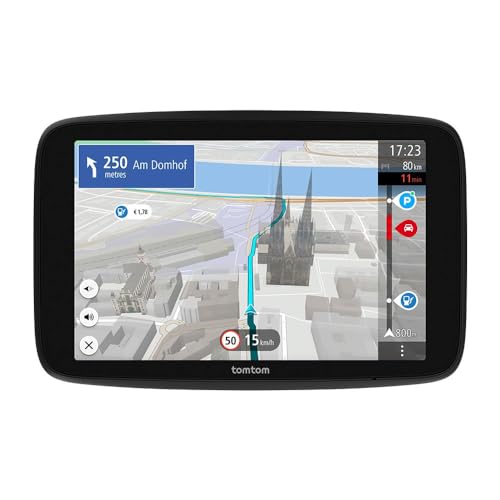
TomTom GO Navigator car sat nav (Extra-large 7″ screen, real-time traffic information, 12-month Speed Camera Alerts trial, Europe maps, Wi-Fi updates, Premium Services, magnetic mount)
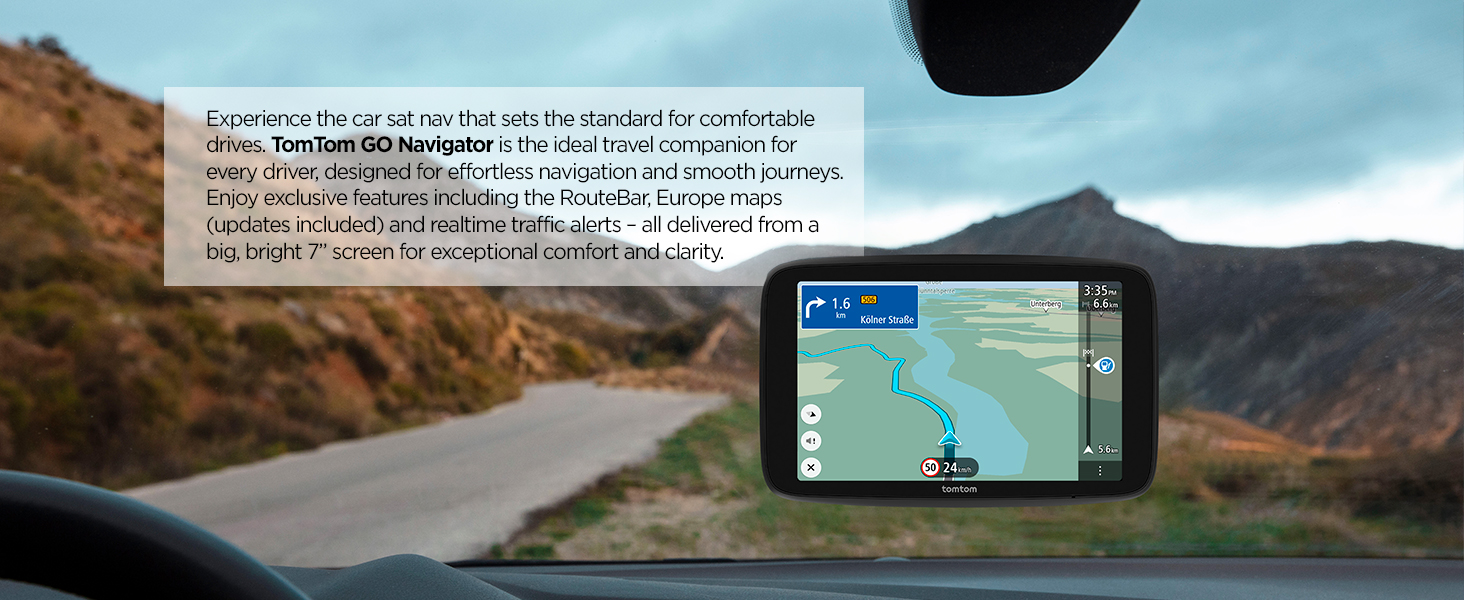
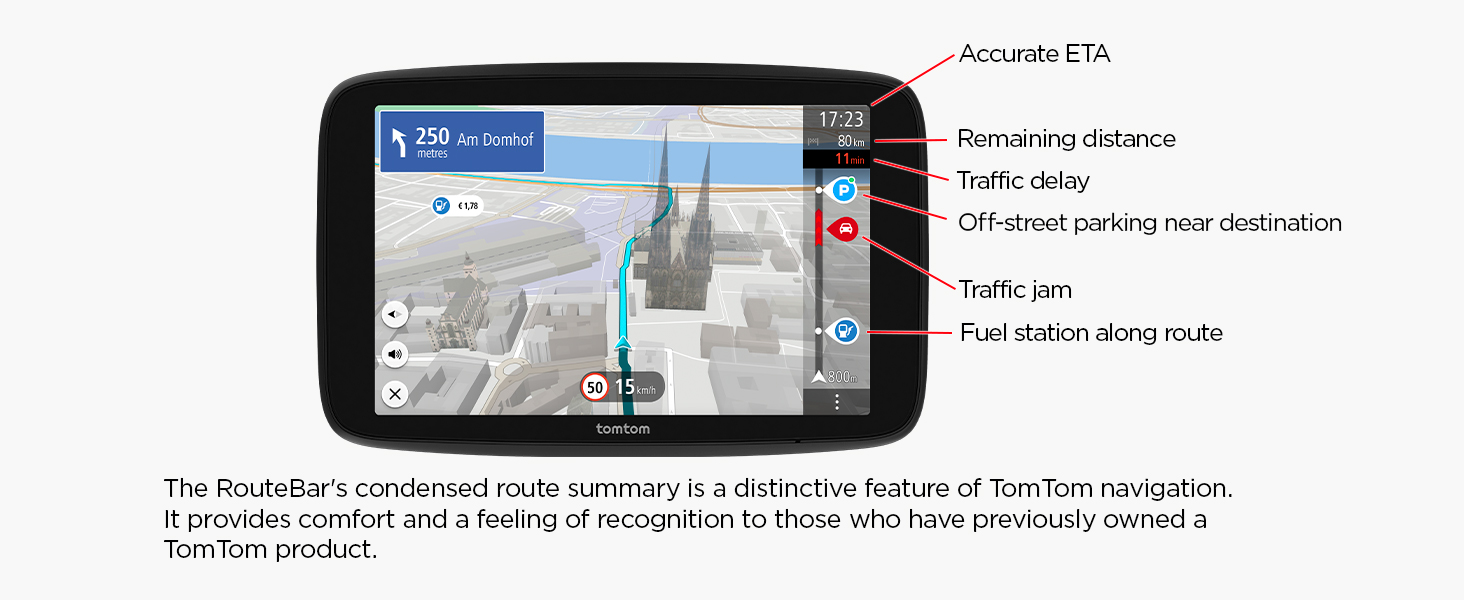
TomTom Traffic
Get there faster
Get detailed alerts on upcoming roadblocks, accidents and traffic jams, and receive accurate ETAs. TomTom Traffic subscription included at no extra cost.
NEW
Enhanced visual cues
Driving without sound? Directions are unmissable and easy to follow, thanks to enhanced visual cues. With this new feature, you receive eye-catching animations that alert you to any upcoming exits, turns, speed cameras or lane changes.
Always in the right lane
Moving lane guidance
Take the correct exit and navigate complex intersections with ease, thanks to crystal-clear lane guidance
NEW
Avoiding low emission zones
Low emission zones can be inconvenient – especially if you drive an older vehicle. But by activating the new ‘avoid LEZ’ feature, you won’t have to worry about them again, as TomTom GO Navigator will automatically exclude these zones from your route.
Free 1-year trial
TomTom Services
Live fuel prices, off-street parking availability, EV charging stations, speed camera alerts and weather information. First year free of use.
NEW
Convenient connection
Sick of cable confusion? GO Navigator sets a new standard with USB-C connection – the industry standard for all portable electronic devices.
Compare with other products
 TomTom GO Navigator 7 | 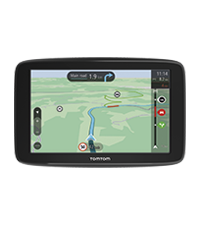 TomTom GO Classic 6 | TomTom GO Classic 5 | 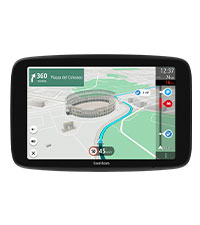 TomTom GO Superior 7 | |
| TomTom Traffic | Via smartphone | Via smartphone | Via smartphone | Via smartphone |
| Speed camera alerts | 1-year trial | 1 Month Trial | 1 Month Trial | 2-year trial |
| TomTom map updates via Wi-Fi | ✔ | ✔ | ✔ | ✔ |
| Map updates availability | Monthly | Quarterly | Quarterly | Monthly |
| TomTom map coverage | Europe | Europe | Europe | World maps |
| Screen size & type | 7″ capacitive | 6” resistive | 5” resistive | 7″ capacitive |
| Responsiveness | 2GB RAM (4x faster) | 0,5 GB RAM | 0,5 GB RAM | 2GB RAM (4x faster) |
| Enhanced visual cues | ✔ | X | X | ✔ |
| Live fuel prices information | 1-year trial | Not available | Not available | 2-year trial |
| Live off-street parking info | 1-year trial | Not available | Not available | 2-year trial |
| Voice control | ✔ | X | X | ✔ |
| Mount | Unique magnetic mount | Integrated, reversible | Integrated, reversible | Unique magnetic mount |
How to get there
A smarter way to search for destinations
If you’ve used older TomTom sat navs, you may remember inputting destination details step by step. Thankfully, with TomTom GO Navigator, that’s no longer the case. Instead, simply search for your destination using key identifiers like its name, street, or postal code. Want to visit the Eiffel Tower? Just start typing ‘Eiffel’, and the rest of the destination will show up straight away. The same applies to restaurants, hotels – anything, really.
How to set-up a Bluetooth connection
Accessing traffic info via Bluetooth
To receive traffic information and TomTom services, you can connect your smartphone to TomTom GO Navigator via Bluetooth. Watch the video for a step-by-step explanation. If you have any questions, please visit help.tomtom.com.
How it’s displayed
The right information at the right time
When it comes to receiving navigation info, timing and context are key. That’s why TomTom GO Navigator sends alerts and updates when they’re relevant, including upcoming traffic, speed cams, rest areas and fuel stations. Estimated times of arrival (ETAs) are insanely accurate, and account for any delays. Plus, 3D buildings help you better orient yourself against your surroundings.
How do you like it
Personalize your sat nav
TomTom GO Navigator lets you personalize your sat nav experience. With customizable map colors, route lines and other elements, you can reflect your own preferences and improve visibility on the road.
| Dimensions: | 21.5 x 15.3 x 10 cm; 890 g |
| Manufacture: | TomTom |
| Dimensions: | 21.5 x 15.3 x 10 cm; 890 g |
A large, clear display and easy to use. The warning of junctions is a great feature. Wifi means that I don’t have to remove the device from the car to update. The wife loves it and she would not forgive me if I did not give a five star rating.
Very good satnav.
Unlike some reviews, I had no problem connecting the device to the internet for updating the maps. It was quick and easy.
The 6″ display is plenty big enough for my car and has a clear display showing a lot of information. The route bar is good and shows any delays ahead with possible delay times.
I haven’t been re-routed yet.
I like the lane guidance display, especially when driving on the Motorway and you can’t miss the graphic instructions!
Nice device for when you need satnav!
After nearly a month of real-world use on UK roads, the TomTom GO Navigator 2nd Gen has proven to be a genuine game changer—especially for someone like me, a newly qualified driver still mastering roundabouts. Its advanced features, including clear visual cues, intuitive lane assist, and precise directions, have been invaluable. Navigating complex road systems, particularly roundabouts and motorways, has become far less daunting with the Navigator guiding me confidently at every turn.
Performance-wise, the 6-inch display ensures that maps are bright and easily readable even in direct sunlight, and the sound output is perfectly tuned: loud enough to capture attention without being overbearing. The touchscreen is highly responsive. Rerouting is also quick and stress-free during unexpected traffic changes. The overall user interface remains straightforward and intuitive—ideal for those who are new behind the wheel and still building their confidence.
On the design front, the TomTom GO Navigator 2nd Gen exudes a sleek and premium feel. However, I believe its aesthetics could be further enhanced by moving away from curved lines. Adopting a design with sharp, straight edges would give it a more modern, streamlined appearance. Despite this minor stylistic critique, the functionality of the device more than compensates, serving my exact needs with flying colors. For new drivers and anyone desiring a reliable, efficient, and premium-feeling navigation solution at an affordable price point, this unit is an excellent choice.
Bon GPS facile à mettre à jou
Tomtom n’est plus prsenter. Les dimensions du 7 sont bien suffisantes pour la visibilit. Le support est pour le pare brise. Si on veut le fixer sur le tableau de bord, il suffit d’acheter les rondelles adhsives qui offriront une surface bien plane.
Si on veutacheter un autre support vrifier la compatibilit car les smartphones 7” n’ont pas les mmes dimensions.
TomTom ist das beste Navi
Ich habe mir ein neues Navi von TomTom gekauft 7.Zoll ist sehr Gro. Was mir nicht gefllt ist wenn ich den QR-Code abscanne und ich das auf deutsch umstelle sind die Videos fr die Einstellungen trotzdem auf englisch und nicht auf Deutsch
Le support uniquement sur le pare-brise
J’ai achet le Go Navigator 6″ parce que les cartes du Go Live 825 avaient 6 ans. L’appareil n’est adapt qu’au montage sur le pare-brise, ce qui signifie que la distance aux yeux est considrablement augmente. TomTom ne propose pas de support pour le montage sur le tableau de bord, c’est pourquoi je cherche une autre solution.
We just bought this new Tom Tom a month ago, after having had one in the past. Prior to this, we tried a Garmin because it was a bit cheaper. The Tom Tom is worth the money, in our view. It provides instructions in a more helpful manner. Yes, providing instructions a bit ahead, but also right before turns, etc. Garmin provided many well before and sometimes that was it, and multiple instructions in one "breath", which was confusing. Also repeat some unnecessary instructions, like staying straight when there was no other road around. On elaborate highways with multiple exists, we'd often make wrong moves and have to re-route with Garmin.
We just bought this new Tom Tom a month ago, after having had one in the past. Prior to this, we tried a Garmin because it was a bit cheaper. The Tom Tom is worth the money, in our view. It provides instructions in a more helpful manner. Yes, providing instructions a bit ahead, but also right before turns, etc. Garmin provided many well before and sometimes that was it, and multiple instructions in one “breath”, which was confusing. Also repeat some unnecessary instructions, like staying straight when there was no other road around. On elaborate highways with multiple exists, we’d often make wrong moves and have to re-route with Garmin.
Gutes Gerä
Mein erster Eindruck nach der ersten Fahrt mit dem Tom Tom GO Navigator ist positiv. Die Navigation ist gut, die Strecke wird gute angezeigt, die Routenfhrung ist gut und verstndlich.
Eins ist jedoch noch verbesserungswrdig die Halterung, so wie es jetzt ist lsst sich das Navi nur schwer von der Halterung trennen. Nach meiner Einschtzung sollte der Magnet nicht unten an Gert sein, sondern oben, darber sollte man mal nachdenken.
Excellent!
A very good satnav, accepts voice commands, when tethering or phone-as-modem, with traffic info, choosing an alternative route for you, if traffic is on the way, designated home and work destinations, other designated destinations in a list, so you can choose later, magnetic attachment, with a stand, easy to detach, and take it out of the car, easy to attach, if the stand is left in the car in the position, etc.