Wireless Switch Controller 1000mAh Compatible
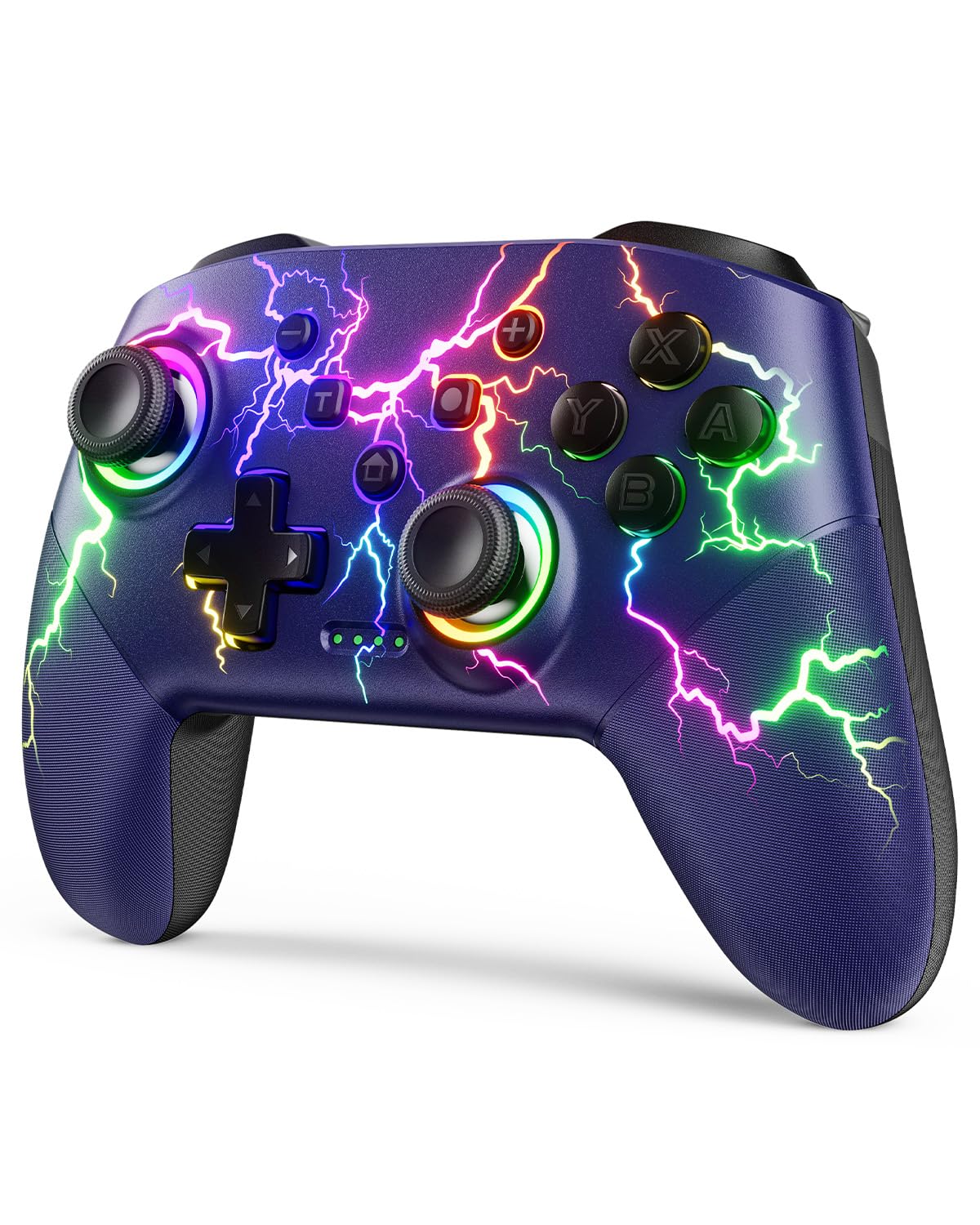
Wireless Switch Controller 1000mAh Compatible with Switch/Lite/OLED/PC/Windows/iOS/Android, RGB Lightning Switch Pro Controller with Programmable/Wake-up/Turbo Vibration, Ergonomic Non-Slip Dark Blue
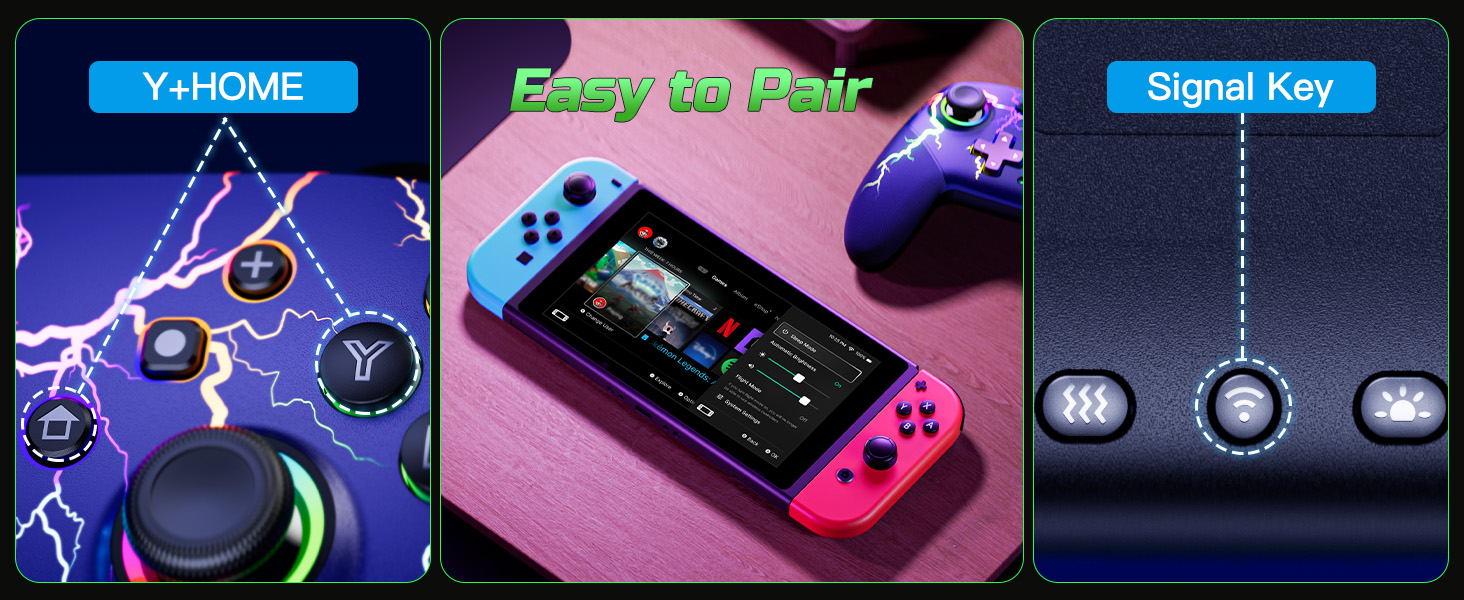
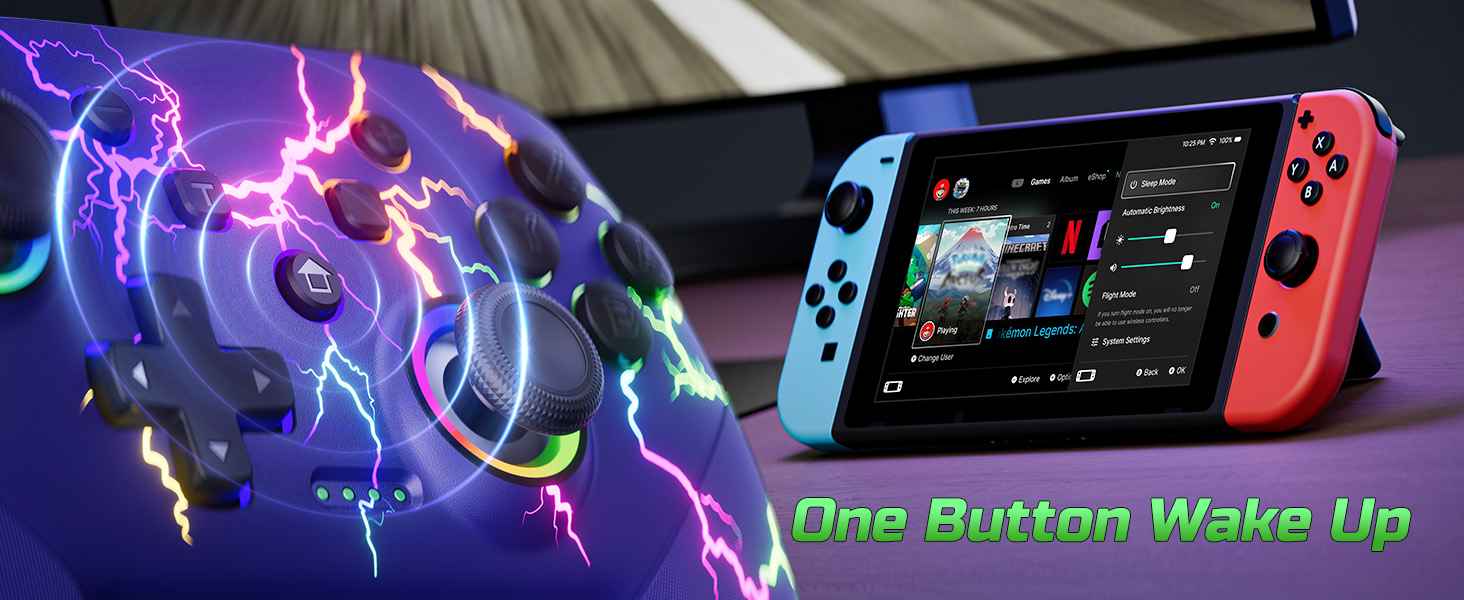
The first way: Press and hold the ”Pairing” button on the back of the controller for 3-4 seconds.
The second way: Press and hold the ”Y” and ”HOME” buttons for 2-3 seconds.

Is it easy to pair this controller to the console?
Yes, very easy to connect. There are 2 pairing method. You can press the pairing button on the back of the controller for 3seconds, or press ‘Y’ and ‘HOME’ buttons for 3s to pair. More details about the pairing, pls check the user manual or ask us.
Can this controller be connected to a PC?
Yes, it can be wirely connected to windows 7/8/10. Not support wirelessly connect to pc.
What is Programmable function?
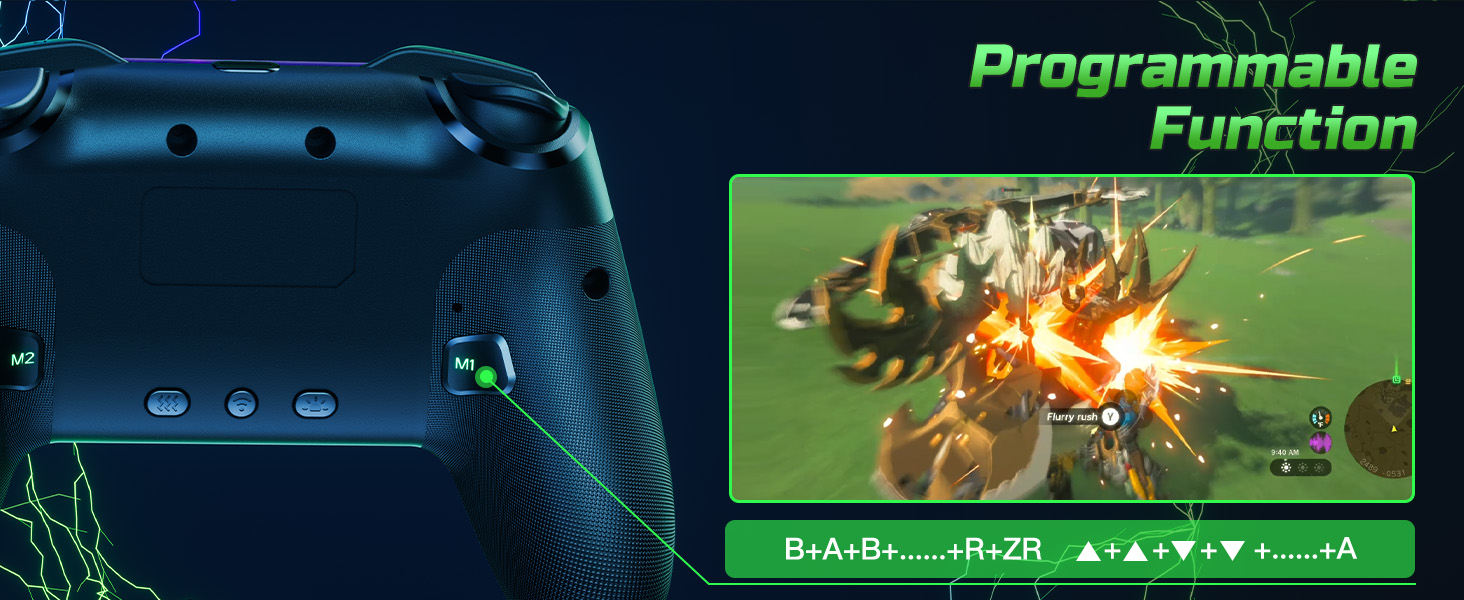
Programmable buttons is useful for specific tasks. You can set up the M1/M2 mouse to have multiple buttons that perform different functions, such as switching weapons in first-person shooters or cycling through skills in real-time strategy games.
Are the LED lights look cool?
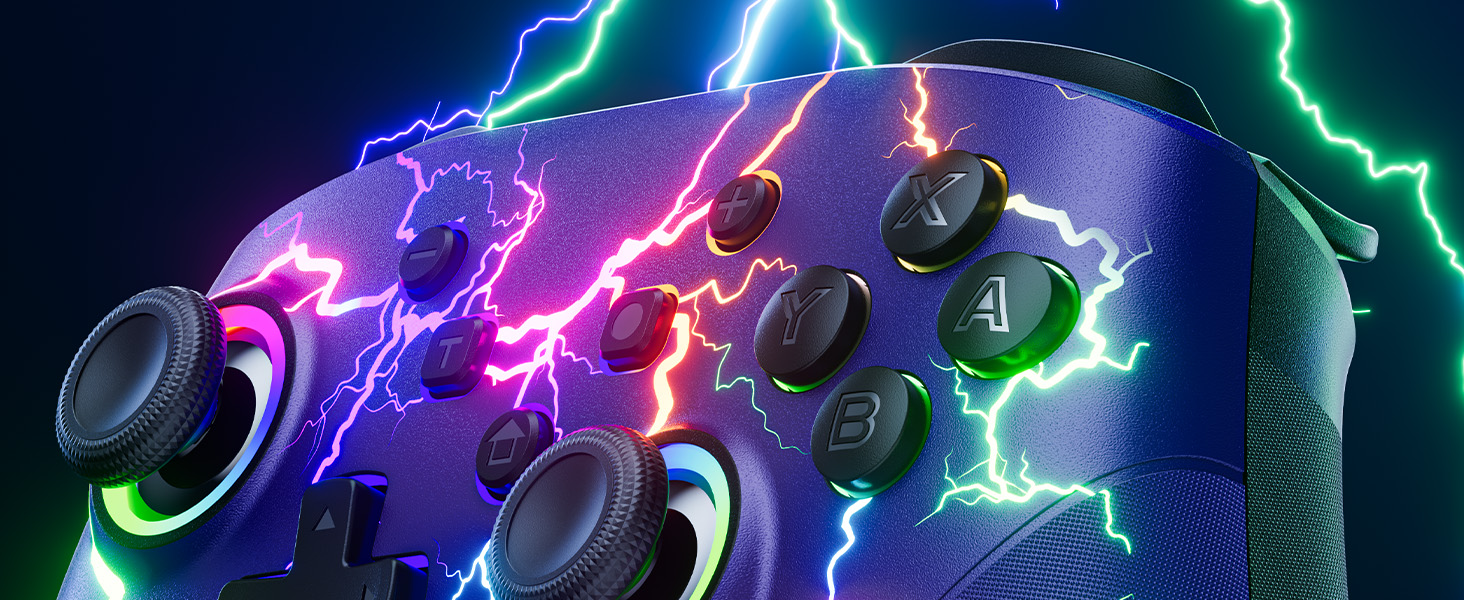
Sure. It’s super cool with 9 lightning light effects and 4 different light modes. You can set the lightning color according to different game screens. Looks so cool when it up at night.
How about the vibration feedback on this controller?
This upgraded pro controller provides better dual vibration feedback. There are 4 modes: off, weak, moderate and strong. Easy to set and just click the vibration button on the back of the controller.
| Weight: | 195 g |
| Dimensions: | 14.99 x 10.41 x 6.6 cm; 195.61 g |
| Brand: | VOYEE |
| Model: | S08 |
| Colour: | Dark Blue |
| Batteries Included: | Yes |
| Manufacture: | Dongguan Chenhao Electronic Technology Co.,LTD. |
| Dimensions: | 14.99 x 10.41 x 6.6 cm; 195.61 g |
A decent size for big hands ...
This is a lovely blue colour Gamepad that has LED effects across the front that can be turned off is so desired .
I have used it with a PC & an android tablet & all was great… It’s a little lighter than an XBOX controller but pretty much the same size … So great for large hands with the thumbsticks and triggers giving good feedback when playing games. The rumble function is great too !
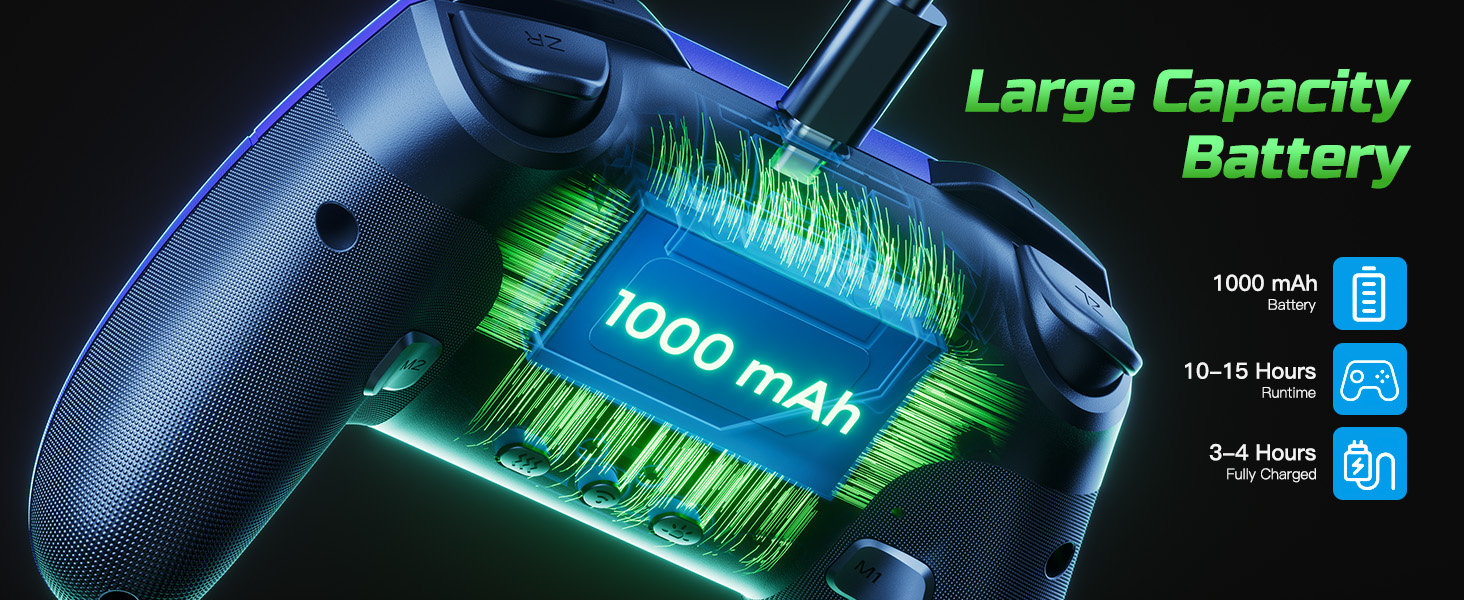
Easily recharged with a USB C cable & this gives hours of gaming (More if the LED’s are off )
I’m happy
Hope this helps …
Feels more expensive than it is.
This Voyee Switch Controller feels more expensive than it is. We’ve used it alongside a Switch, in place of Joycons on games such as Smash. It’s quite intuitive and nice to hold, even for hands that are not yet full size yet.
It’s rechargeable and requires regular charging – a little annoying if you are mid game – but there is little to no lag on level of games we play and cutting down on the hand-cramp that can strike when spamming moves as Pikachu 😀
The diagnosis has gone down a storm with younger family members and the illuminated pattern is really dynamic and special looking. I am not so keen as the lights get turned off to enjoy its full value, and I’m more likely to step on random misplaced lego, but c’est la vie.
A winner.
Awesome gamepad
Good quality pad. Easy to connect and the battery life seems okay for such a lightweight pad. Good value and good performance. Vibrates as you would expect.
Really cool lighting design as pictured. Recommended for people who like things to be full of colourful LED lights.
Comfortable & quality Nintendo Switch controlle
Extremely surprised by the quality of Nintendo Switch Controller. It feels very well made & is great value for money.
It’s easy to charge with the supplied cable & the charge lasts long enough to get you through some good play sessions.
It looks good with the controller lighting up when in use.
Over feels like a very premium controller.
Works as good as other well know brands & looks cool!
I’ve tried this on PC (Steam) with various games & formats. It works just as good as any other Xbox style controller. No problems in any Steam games that support controller, used in various emulators (MAME, SNES, Playstation ePSXe, C64 etc) and all work well & responsively.
I’ve connected it (directly via USB) to my Samsung phone and played native games and MAME4droid. I can get it to work somewhat through bluetooth, but some of the buttons don’t work. This is NOT a fault of this controller, i’ve had this problem with other bluetooth controllers.
Dispite my phones bluetooth issue, this controller works with everything I’ve tried it on and does it well and being half the price of most wireless controllers and a funky colour/light theme, well worth it.
Very good product!
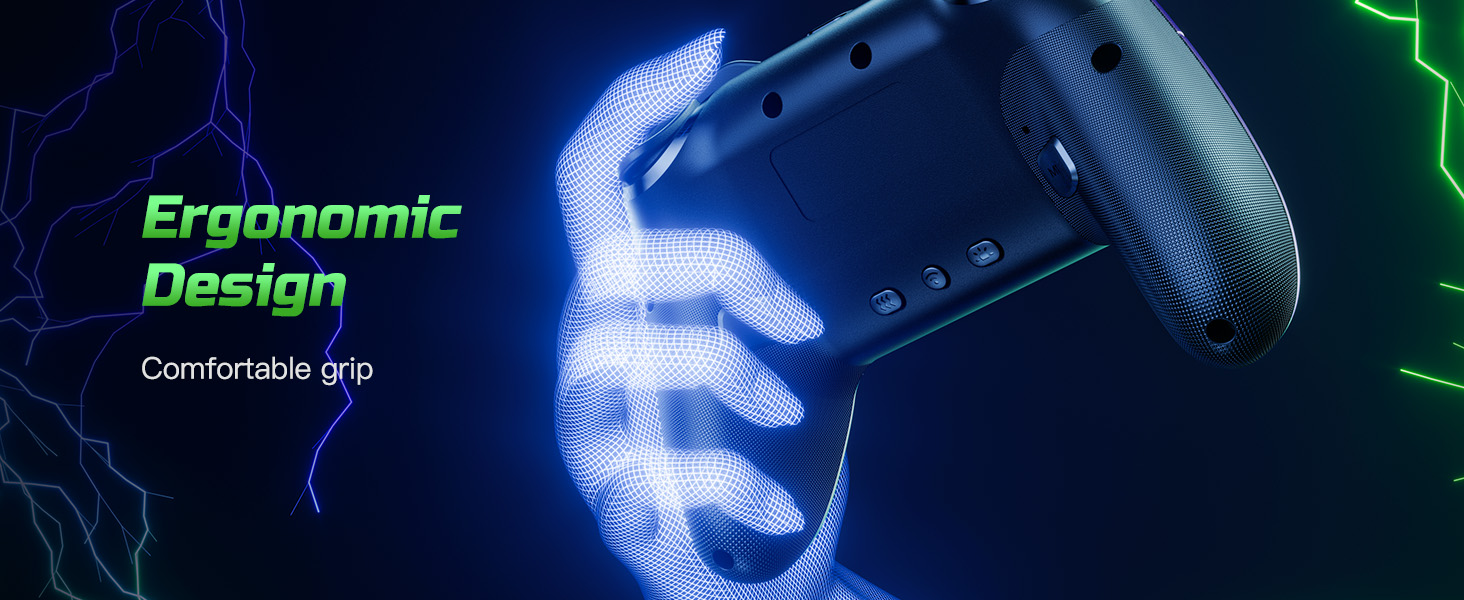
The grip is very good, not uncomfortable like other pro-controllers. The trigger buttons are not spongy or clicky and feel good to press. The colours are very vibrant and the ability to choose from a wide range of colours is a very nice touch. I have yet to program the 2 rear buttons but find them very satisfying to click when waiting in a loading screen. The controller itself has a very nice texture as well, a very small grid pattern. Overall it doesn’t even feel like a cheap controller.
Well made, doesn't feel "cheap"
This is a very well made controller – it doesn’t feel “cheap” to hold.
It has excellent battery life, and charges with USB type-C.
I’m quite the fan of the lightning design, and the leds look great – there’s a dedicated button on the back to switch the colours (and turn them off if desired).
The rumble works great, and can be adjusted using another dedicated button on the back.
Pairing is very easy – again, another dedicated button for this, rather than absurd key combos.
The sticks and buttons all feel nice and response, and the extra M1/M2 buttons at the back of the grips are nice and clicky. I sometime sit there and click them for no reason at all!
Works great on iOS, Android, PC (with extra software to support it) and of course, the Switch.
A lot of thought was put into this, and the end result is a great generic controller.
Great design. Fast and responsive.
Very stylish! I really like the design. It’s clear that a lot of thought has been put into this product, aesthetically. It’s comfortable to use, nicely responsive and is a bit of a looker too.
I’ve had no issues with this at all and am really impressed by the quality versus price.
Highly recommended!
Solid generic controlle
If you’re in the market for a low-price, but decent quality controller, then this might just be the one. The lights are a really cool design, and it’s lightweight and comfy to hold. Great if you like playing for long periods. Some may prefer a slightly heavier controller, but this might be better for longer sessions. You can connect it via a USB cable or Bluetooth, making it compatible with a wide range of systems. Oddly, you can only use a wired connection if using it with a PC. The buttons and stick are responsive and it was easy to set up and start using right away.
Good option for switch or wired with PC
Wireless Switch Controller 1000mAh
Well built wireless controller for switch, its relatively lightweight and though hard plastic is comfortable in the hand. The rear triggers are particularly good.
In use its offers good but noisy vibration, and full set of buttons and sticks – good replacement option.
Great Quality 3rd Party Switch Controlle
Wireless Switch Controller 1000mAh Compatible with Switch/Lite/OLED/PC/Windows/iOS/Android.
For 19.99 at the time of this review, you get a great controller for your money.
Primarily aimed at the Nintendo Switch console, which is what I tested and used it on, it also has full compatibility the PC and Android devices.
The first thing you notice is how well built this is for a cheap 3rd party controller. It feels great in the hand with a soft feel casing and the buttons feel positive and responsive, not overly clicky or spongy and they all worked well as intended.
The casing has quite a striking design with the dark blue covered with a lightening effect.. this patterning can be illuminated in various colours and effects using the internal LED lights, selectable with a dedicated underside button. It looks great but is purely aesthetic so can be turned off if not needed.
An addition this controller has over other similar cheap models is the inclusion of programmable M1/M2 buttons on the underside. I’ve not needed this feature myself so I’ve yet to test it.
There’s also a button that can be used to select a turbo fire in various modes which is very handy for those tough bullet-hell shooters.
Add in the usual gyro sensors and selectable vibration levels and you’ve got a really decent controller at a very low price.
As simple to connect to your Switch console as any genuine controller and the built in rechargeable battery provides many hours of wireless gameplay.
A comprehensive manual is included to take you through all the features this great controller has to offer.
Hopefully this one won’t be afflicted with curse of stick drift, but only time will tell.
Works well and looks stunning.
The blue colour is very luxurious looking, and it’s set off well by the RGB colour effects. This really does look great.
The instruction book is OK, the main parts are labelled, and the translation is pretty good.
I’m using it on a Windows 11 PC connected with USB and it seems to work well. The controls are responsive, and it feels good in the hand. The games I play are a bit on the old side, mainly from GOG or Steam so not all of them support controllers. I also found that some games require the joysticks to be calibrated as they have some drift. I’ve not worked out how to do that yet.
GOod and lightweight controlle
This controller is very lightweight and I had no isses connecting it. It is comfortable to use and I like it’s design. It is well made and I am happy with the overall quality. The price is reasonable too. I really like it
Recommended!
Thank you for reading my review. I hope that you found it helpful.
Very well made controlle
Very well-made controller, comes in a professional-looking branded box, inside is the controller along with a USB-C cable and instructions, as well as the controller.
The controller itself feels smooth and sleek, a good feeling when held in the hands, all the buttons feel responsive to the touch. When pressing the middle power button the controller lights up right away, using the back buttons you can cycle through the different color modes for better customization.
I have not been able to use the Bluetooth function on PC as I do not have it, you need to use the included cable for it to work in wired mode, however, the controller had no issues with pairing with my Nintendo Switch and phone, Ideally, this is best used for the switch.
my main problem is when pressing the pairing button on the back, it will shut the controller off right away, this can be pressed accidentally if you handle the controller the wrong way.
Overall, a great controller!
Nice controlle
Price at review: 29.99
This is a really nice controller. Plugged in to PC with USB it immediately identifies as an Xbox360 controller and “just works” with the first game I tried it with (fortnite) No set up at all was needed.
Every aspect of the controller is nice, how it feels the button and stick responsiveness. It has programmable buttons on the underside which you can map to other buttons or add simple macros to.
The coloured lights are just right. They look very cool but are not garish and gently change colour without being in any way distracting. You can adjust their settings as well.
I didn’t try the wireless functionality myself as I am using it with PC and don’t want to introduce any lag. The supplied cable is a good length and weight so its no problem gaming with it.
Great value responsive controller but you need wires for pc use
This is a pretty nice controller but sadly you need to connect wired if using on a pc. It does say this in the description to be fair but in tiny writing. It looks great but having to use it with wires seems like a step backwards and is a bit dissapointing. Still, it does look good and feels nice to use.
Feels nice
Feels well made, and comfortable in the hands.
Requires 2 different methods for connecting to PC or android over bluetooth. If you try syncing to PC using the android method, it’ll connect but get no button presses registered.
Usage on a Fire Stick is as expected. The bottom button selects, the right button goes back, etc.
Could not test with games, as Luna was running at 2 FPS at the time.
On the PC, it picks up the name as Xbox 360. The buttons work as labelled though. So the A and B are reversed from an Xbox controller, as are X and Y. This is true whether using wireless or wired.
You can also switch from XInput to DInput by holding the home button down for 3 seconds, but makes no difference to how the buttons respond. It does change how the triggers are seen by the PC though. You also lose rumble with DInput.
DInput will also have steam pick up the controller as a PS3 pad.
Would have been better to have just a single bluetooth connection method, and have the DInput have the button orders reversed.