BROTHER MFC-L8390CDW Professional Compact Colour LED
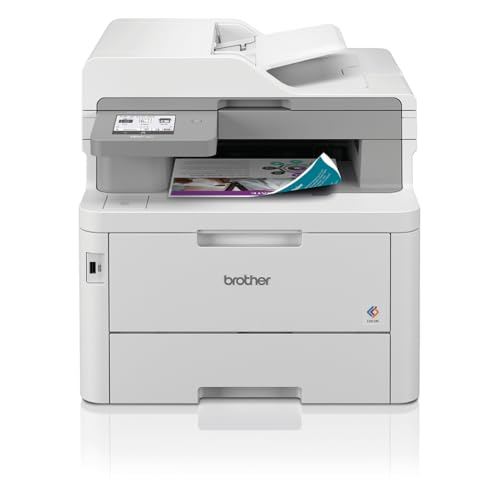
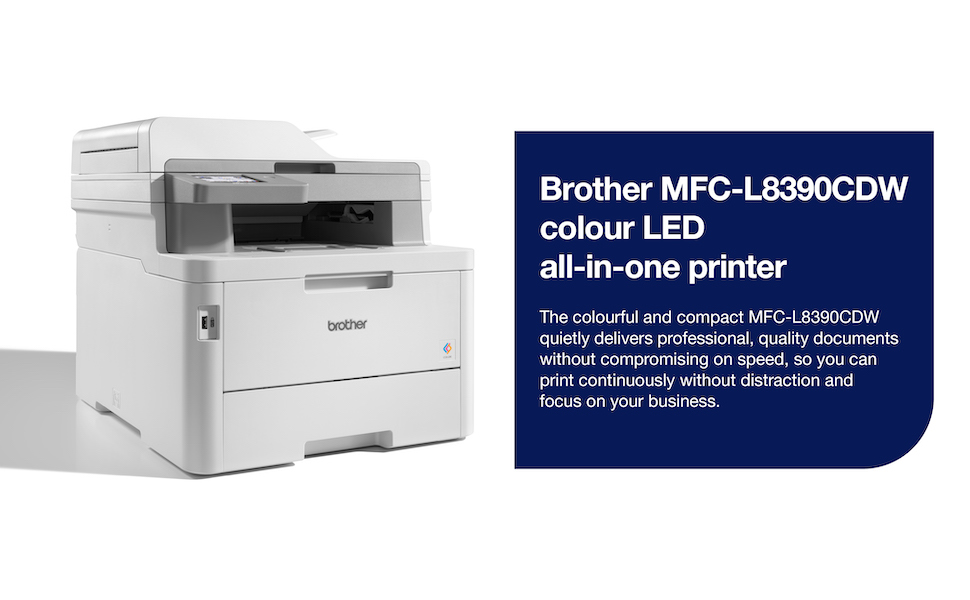
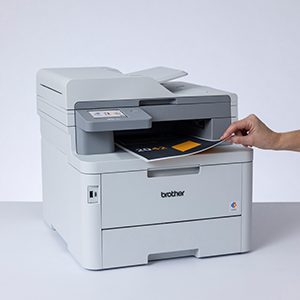
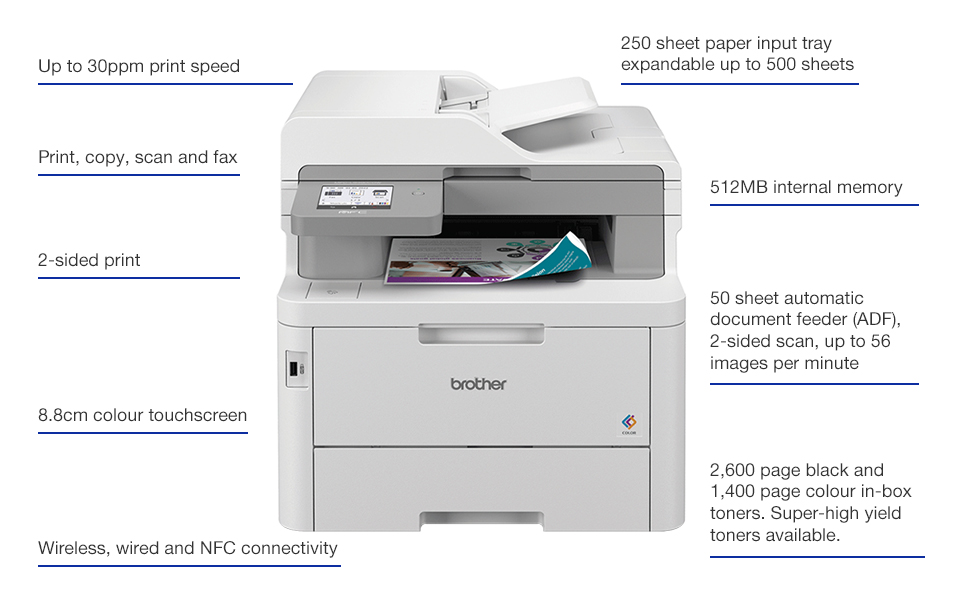
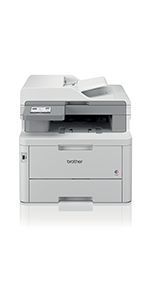
BROTHER MFC-L8390CDW Professional Compact Colour LED All-in-one Printer,Print, copy, scan and fax,Wireless, USB 2.0,UK Plug

Sustainability

100 years of technology innovation
Brother UK supplies and supports a complete range of technology products and services across the business and consumer markets. We are dedicated to helping people work smarter and more efficiently. We create solutions that inspire people to achieve more.
Solutions ready
Brother offers a suite of document management, security and workflow solutions which can be added to devices. These provide additional professional features to improve your business processes.
Brother Genuine Supplies
You can keep running costs down with longer-lasting, high yield toners and the total cost of ownership is lower than comparable competitor models.
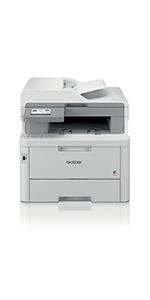 | 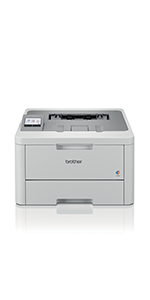 | 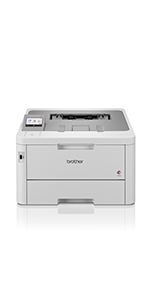 |  | |
|---|---|---|---|---|
| Customer Reviews | 4.5 out of 5 stars 345 | 5.0 out of 5 stars 1 | 4.5 out of 5 stars 345 | — |
| Price | £364.98 | £269.95 | £299.50 | £425.00 |
| Functionality | Print, copy, scan and fax | Print, copy, scan and fax | ||
| Max paper size | A4 | A4 | A4 | A4 |
| Print speeds | Up to 30ppm | Up to 30ppm | Up to 30ppm | Up to 30ppm |
| Display | 8.8cm LCD touchscreen | 6.8cm LCD touchscreen | 6.8cm LCD touchscreen | 8.8cm LCD touchscreen |
| Max paper input | 250 sheets | 250 sheets | 250 sheets | 250 sheets |
| Connectivity | USB, wireless and NFC | USB and wireless | USB, wireless and NFC | USB and wireless |
| In-box supplies | 2,600 pages black, 1,400 pages colour | 1,500 pages black, 1,000 pages colour | 2,600 pages black, 1,400 pages colour | 1,500 pages black, 1,000 pages colour |
| Weight: | 21.9 kg |
| Dimensions: | 46.2D x 41W x 40.1H centimetres |
| Model: | MFCL8390CDWQJ1 |
| Manufacture: | Brother |
| Dimensions: | 46.2D x 41W x 40.1H centimetres |
Does the job just fine
Arrived promptly, well packed and protected. Its quite a large heavy printer. Setup was reasonably straightforward and it was immediately working with a mac once connected to the network. Black print quality is excellent and colours good for a laser. Not as vibrant as an inkjet but it will not dry up like my last 2 printers. It looks well designed and engineered so I expect it to last. Time will tell.
Amazing Printe
I purchased one of these printers over three years ago, and to date, it’s one of the best pieces of kit I’ve ever owned. I’ll be honest, I’ve only ever replaced the toners with non-Brother generic toners, but they work just as well, and they are a fraction of the price. Apart from the fact it doesn’t do A3 paper, which I never need at home (I only need A4) it’s just as good in every way as the huge photocopier/scanner/printer in our work office.
SIze on page is innacurate
12.3D x 19.1W x 16.1H centimetres – this is incorrect!
Printer is 49cm deep, 41 cm wide and 31 cm high. Good printer, but the size on the product page is *wildly* inaccurate
I bought this printer in 2019 and it has been working exceptionally well ever since. My children do a lot of printing for school coursework, and this device is solid and reliable. It works flawlessly, and the affordable compatible toner is an excellent addition. Overall, it’s been a great purchase.
High Quality outpu
This is my third Brother printer, never had any technical problems, just upgraded.
Print quality is excellent, understand, but find having a complicated password on the Admin page annoying.
The colour touch screen is nice, but some functions moved to the web interface…annoying.
Only been using the printer for a few hours…so just my initial impressions.
Arrived quickly
Very pleased with this printer. Colours and print quality are excellent and work straight out of the box. Just connected it to my iMac and it recognised it immediately. I wanted it to print my art prints and greetings cards and the quality is perfect for this. I read a few reviews where people were trying to print photos. As a photographer I would say you need a photo printer for that, and not a document printer, as the colour profiles are totally different and you won’t get the same level of print quality trying to print RGB profile images with a CMYK document printer.! So it’s a 10/10 from me for this quality document printer!
good easy to use printe
Easy to install
easy to use and works well
prints words very clearly, photos not quite as sharp as I expected but good enough for my uses
overall a good printe
So simple to set up; connectivity via wireless, cable etc is really really slick. Print quality exceptional. I’ve had HP inkjets for years and always been a bit underwhelmed – this is a league above and well worth it.
I have bought this colour laser to replace a HP inkjet for printing colour documents. The inkjet often ran dry if it wasn’t used for a few weeks so the cost of printing was high.
There’s no such issue with the laser so far.
Print quality is good. Takes some time to warm up but afterward it’s very quick. Good colours. Crisp fonts.
Not small so needs a suitable place. Not loud but not super quiet either.
It was very easy to set up.
Happy so fa
I got this printer quite recently so can’t really talk about performance but to my surprise as a “used” item it came in the genuine box with all styrofoam bags manuals cables like new. The printer itself looks completely new besides the screen protector is missing but there is no marks on the screen either. Boots up quick. Prints very quick. A4 colour printouts come out instantly. I am very pleased with this purchase. The add says it has lower capacity toner however my cartridge is the larger one (with the reset wheel) but might have less powder in it.
One thing to consider: size
I had all measurements and checked the space in my home office where the old printer was and it seems fine but once I got this mother of brother.. it’s big. It fits thou 🙂
I do recommend!
My first double sided colour laser was a Samsung (think it had tie in with Kyrocera?). It was big. It was fien for text but less good with photos. I used to print a third to a half of documents which were hard copies of PowerPoint workshop presentation for classroom candidates. It accepted non-Samsung toners but photos were even worse; the gradations were blotchy. Nevermind, got a Canon A3 photoprinter to print the certificates for candidates so as to avoid them feeling cheated of their course fees. Years later moved onto an all-in-one printer scanner by Canon. The photos and certificates output were fine especially once laminated but of course nowhere near the A3 photo printer quality. after 12 years the Canon won’t print more than one sheet at a time. It served longer than its useful life and was not worth a service & repair cost.
This was 2021 / 2022 and I was going to buy a HP colour laser as replacement, not cecessarily all-in-one. Had in mind a HP because of all the 40 or so my work assignments sent me to during the previous decades, one by one, brands stopped producing PC’s etc. One by one, Sony VAIO, Toshiba, they disappeared. However HP brand remains the consistent brand one could find in countries few have heard of. But then in computer magazines I came across articles reporting HP (among others) have started putting recognition micro-chip onto inkjet cartridges. So a year later upon reading reviews by others here they kindly reminded me situation is same on laser toners. Thus no rush, spent a few months on and off reading as many reviews as possible to select replacement. It was thanks to other reviews that I chose this Brother for I would not have given Brother another thought. All I knew before this printer was Brother made sewinng machines, well in Asia where Singer didn’t have as big a presence.
Some good points of this Brother HL-L8260CDW. Partly due to it being just a printer rather than all-in-one, I could manually handle it to the first floor office by myself. However, the footprint size is still the same. It is also fortunate that the ventilation slots is on the right hand side because its placement is right angles on top of a filing cabinet (but unfortunately the button are therefore on the inside (butt against a wall)). No worries – saved by the fact that the machine sleeps and wakes very quickly. The Canon multifunction printer used to take couple minutes to wake up, warm up before able to print. This Brother can do it is about 15 seconds, not sure, but certainly far faster than booting up the laptop. So switch it on at the start of day and forget and it won’t use much energy.
The best aspect of this printer ? Yes indeed, it can use non-Brother toners. Amazon cookies popped Cool Toner. It even tempted me to buy it at a discount price of about 60 for a set of 4 colours. When setting up the printer, took out (almost tempted to bin the original Brother toners but didn’t because that would not be responsible); anyway put the 3rd party toner cartridges instead. No complaints. Works fine but of course can’t tell you now how good compared to original Brother toner.
This was going too good to be true.Always wanted to get rid of the cable and cable protector around the office. So let’s try wireless connection for printing. Not being a computer geek, here was the first hurdle. Owing tom company security policies and therefore the privacy settings used with FireFox browser, most things are disabled so as to prevent data leak of clients’ data. Thus could not get onto the website support page indicated by the Brother documention which came with the printer. Nevermind. With different search engines and different browsers eventually found U-Tube tutorials. However, not quite enough tuturials to lead me by the hand to set it up. What is SSID and what is router? Is it any different with was supplied by the ISP? No mention. So using logic and thought it backwards, the laptops, all out laptops, could only connect wirelssly to one connection at a time. So deduced the wirelss printing facility must use this same “circuit”. Thus what the tutorials referred to were what the ISP supplied (as I had not changed them).
Hurray it worked. One after another got each laptop connected. They were Win7-64 Home, Win7-64 Pro, Win8.1, Win10, and Win11 operating systems. All connected 5 hours after unpacking the Brother printer.
Would I recommend it ? Yes with one reservation. When taking old Canon to local municipal tip for disposal, they would not accept it – told me to take it to a waste business machine disposal company. But the local tip would have taken a smaller inkjet printer for disposal. This Brother would be the same but nevermind, the saved on ink by using laser toner would go towards proper disposal come ??? 10+ years time.
Bought because tired of blocked inkjet printers!
Yes, it is much bigger than an inkjet – it is the size of a desktop laser printer! It is a bit heavy, but I had no problem moving it into place.
Make sure it is plugged directly into a mains power supply! It takes too much power to run off an uninterruptible power supply. If you hear a loud beep when you print, that is probably why (yup, tha’s what I did!).
I hard-wired it to my hub with a standard RJ45 patch cable. It worked immediately on my Windows network using standard Windows drivers but didn’t recognise the A4 paper tray (defaulted to “Letter” size). I installed the proper drivers from the supplied disk, then it worked properly. I updated the drivers from the Brother website which seemed to work OK.
I ended up with two copies of the printer on my network – I removed the original default version and all looks good.
I initially tried accessing drivers from information in the paperwork but found myself on a third party website which wanted to charge me for access – beware!
The supplied print cartridges seem to be the proper deal, not “starter size”. I expect that replacing them will seem expensive but I will set that against the cost of a whole new printer if I’d stuck with inkjets!
After printing, the printer goes to “Deep Sleep” from which it awkens automatically on printing to it.
Much bigger than my old all in one Ink Je
It arrived on time, installed easily and seems to work perfectly. My only shock was the size. Even though the dimensions were stated before I bought it, seeing it in reality was a shock. If you have plenty of room it’s not an issue and I just bought a bedside drawer unit and it sits on top of that exactly. I can store the paper in the draws 🙂
The biggest job in setting it up is removing all of the various plastic transportation protectors. Make sure you get them all.
On the first start-up there was an unfamiliar smell from the printer but on subsequent start-ups it wasn’t so obvious.
I don’t use it as often as most people do, (That was one reason I bought it. I was sick of my inkjet drying out the print nozzles) but it’s print quality is amazing compared to my not so old Inkjet all in one.
I only gave 4 stars because I haven’t really used it much so I can’t say how well the toner lasts, or if I’ll run into any issues further down the line.
As of now, I’m very happy with it.
I’ve had this for a couple of weeks now and it’s working just as expected. OK, so i’m not a heavy print user and have done some basic testing and printed some of my regular documents all without issue. I have setup Google Cloud print and can now print from my Android phone almost anywhere – especially useful for printing tickets etc without having to use the computer connected to the printer.
It is quite a big unit in terms of height (i think to accommodate the colour toner cartridges) and a slightly larger footprint compared to the B&W laser printer it has replaced. Speed of printing is good and not too noisy either. Print quality is good and the colours are also good. I’m not expecting to print photos, just documents and flyers etc with a bit of colour.
The printer setup was surprisingly easy – connected to PC with USB cable then ran the supplied CD to install drivers and configure with my home wifi. I was expecting to have to search and enter an IP address but none of that.
A big bonus was the Brother promotion where I received 50 cashback and a free label printer.