Metapen Pencil A11 for iPad 2018-2024 (Quick Button
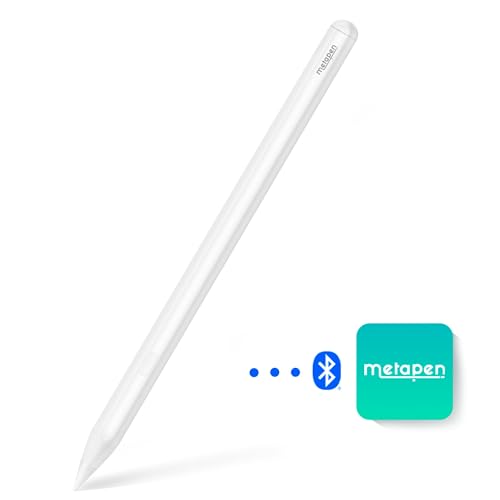
Metapen Pencil A11 for iPad 2018-2024 (Quick Button & Bluetooth), 2X Faster Charge, Tilt Sensitive Stylus Pen Compatible Apple iPad 10/9/8/7/6th Gen, iPad Pro 11″/12.9″/13″, iPad Air 3-6 iPad Mini 6/5

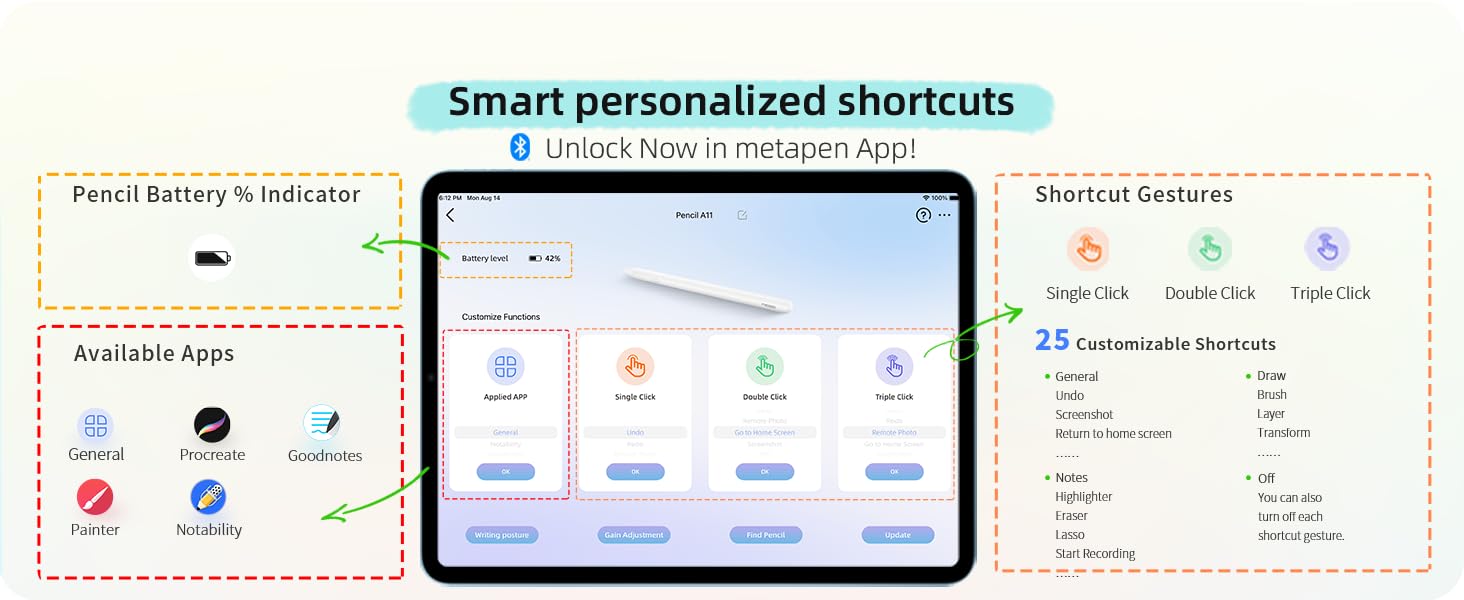
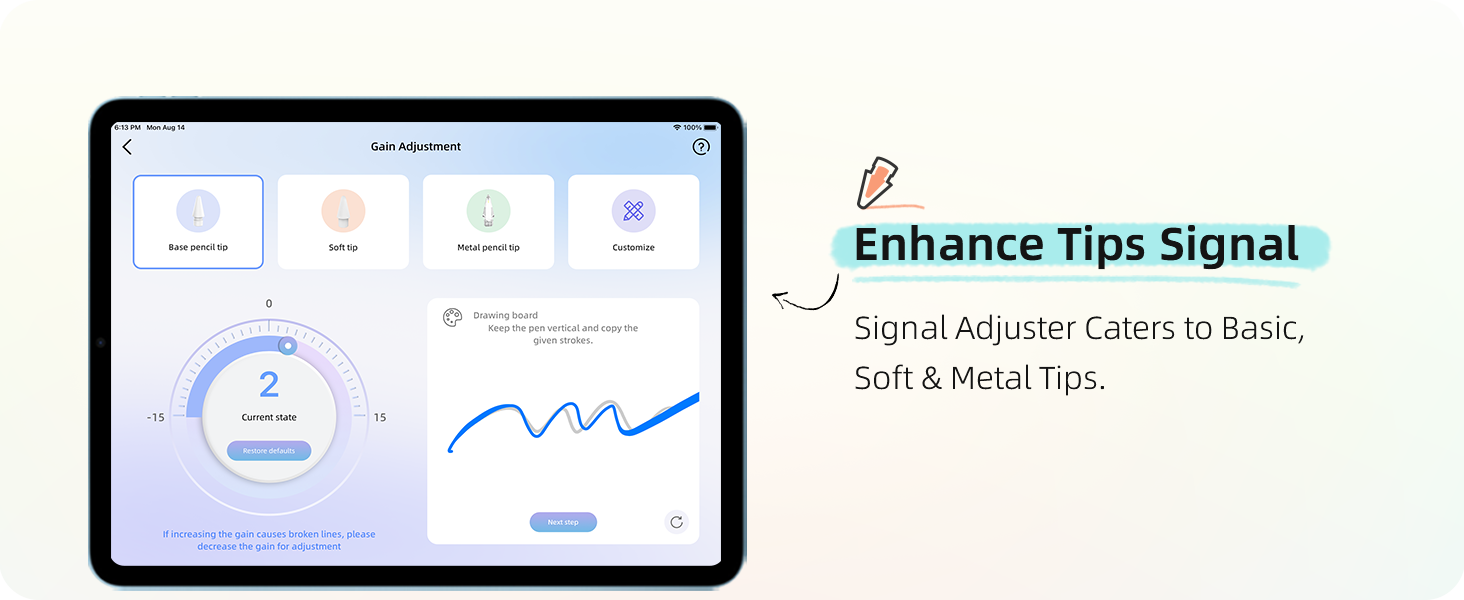
A11’s default shortcuts are available without the metapen APP. If need more functions, can try APP.
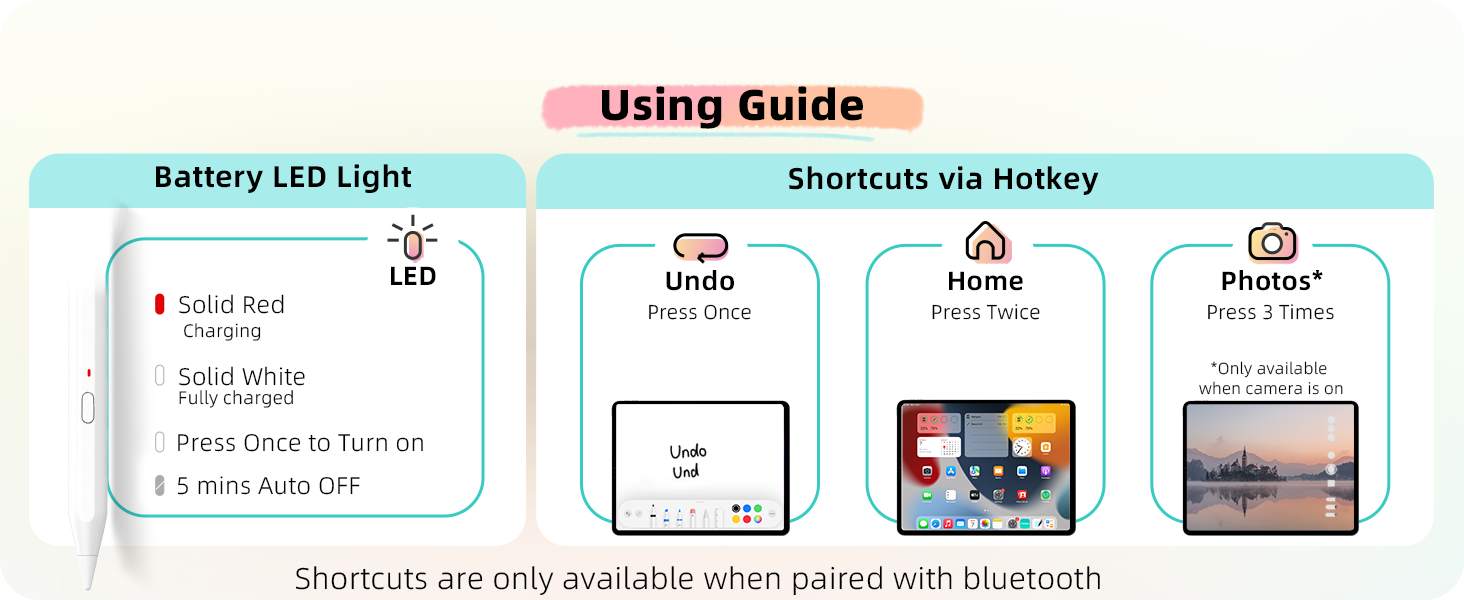 LED Light Guide
Intuitively get the status of the pencil A11
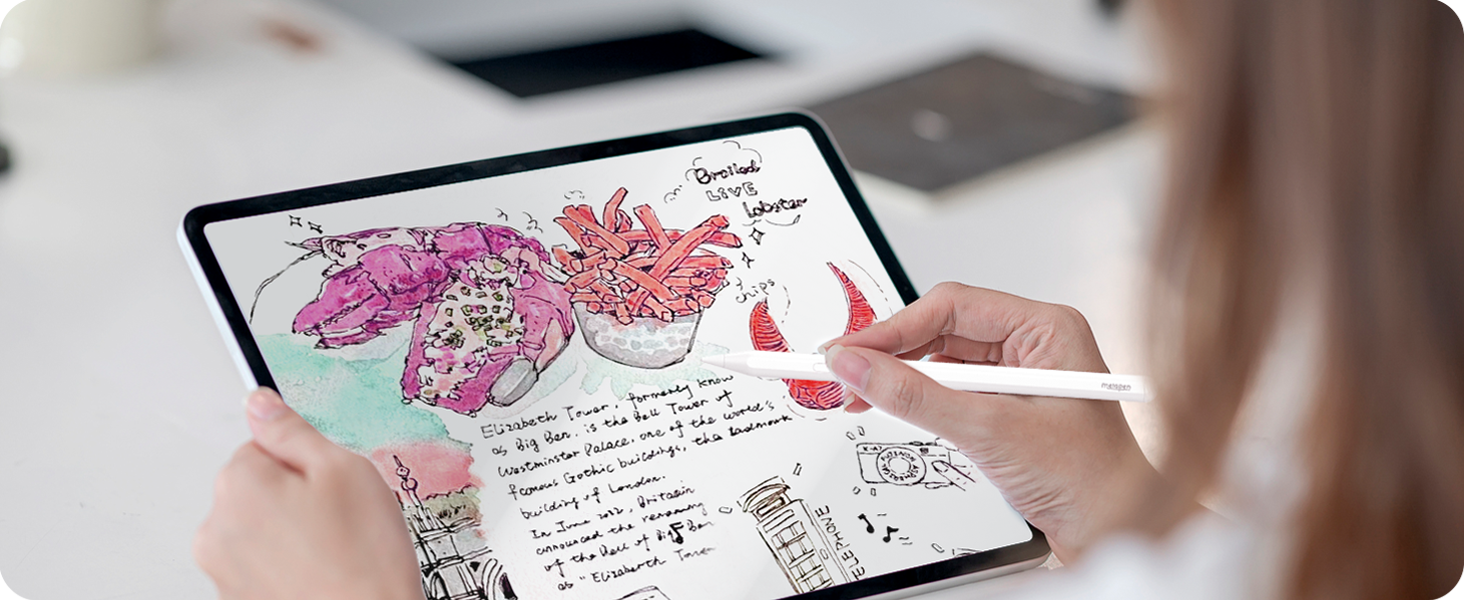
” data-position=”triggerHorizontal” />Vivid Record with Sketches & Words
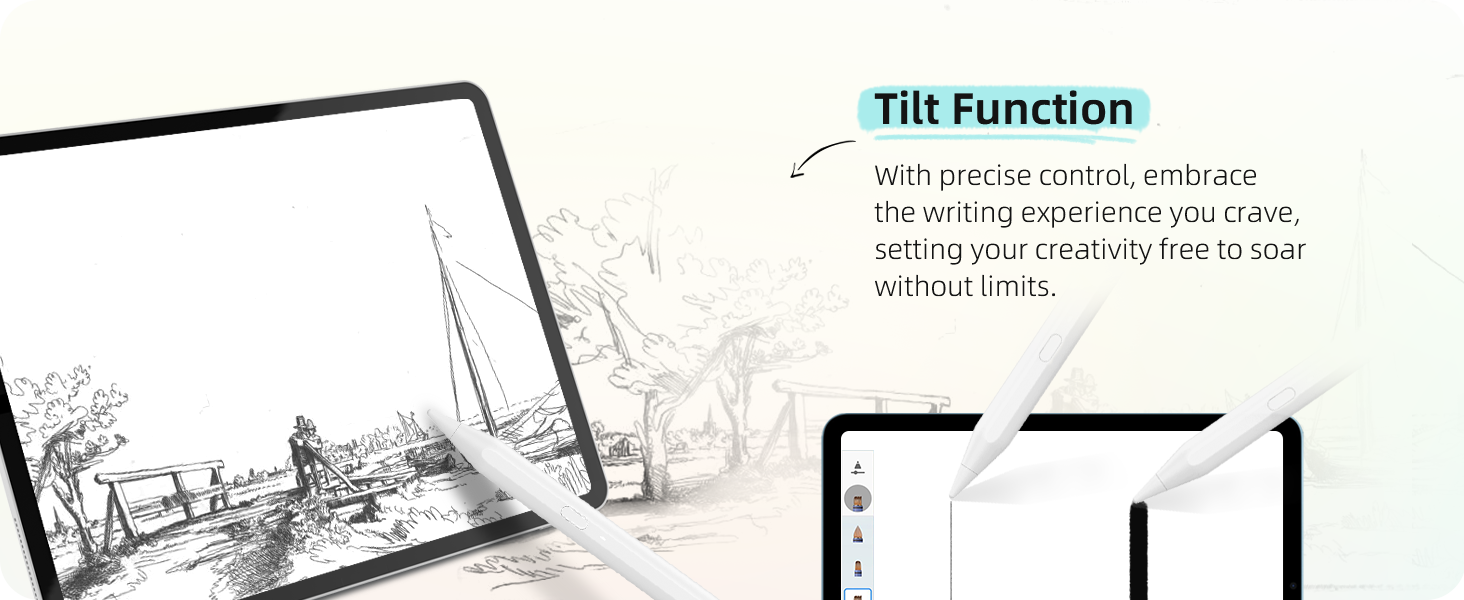
The 0.1mm Pixel Precise Pencil A11 makes drawing & writing easy and enjoyable, bringing more possibilities for creativity.
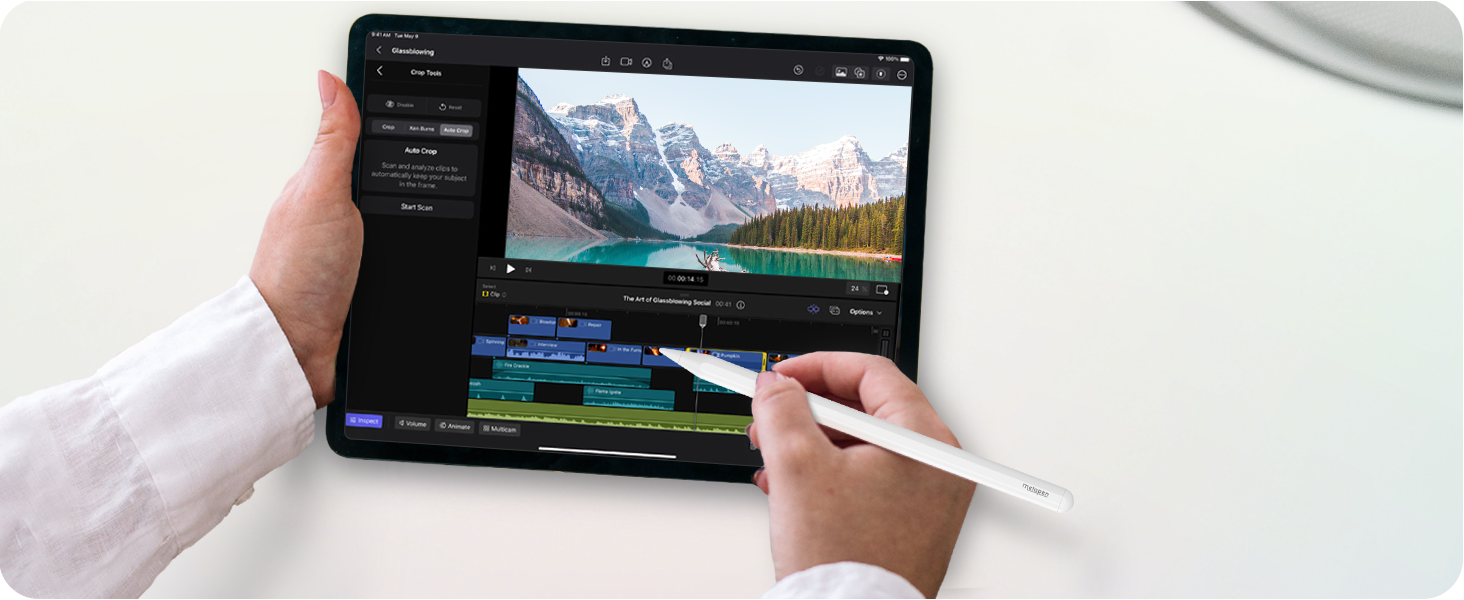
Improve Your Video Editing Efficiency
More nimble than your fingers, A11 helps you fine-tune the video and achieve all amazing effects.
The Best Partner for Team Discussion
A11 with shortcuts allows you to quickly record team brainstorming.
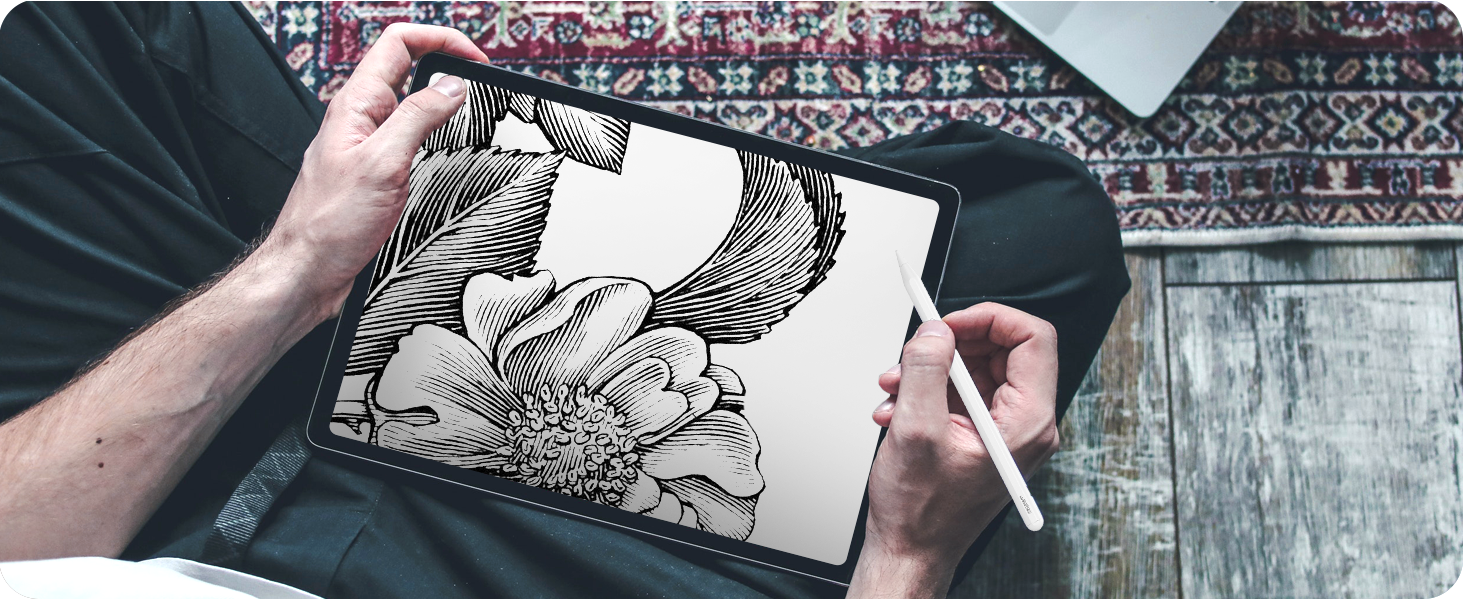
Unleash your Artistic Inspiration
High-precision without delay, A11 is the perfect tool to show your ideas and skills.

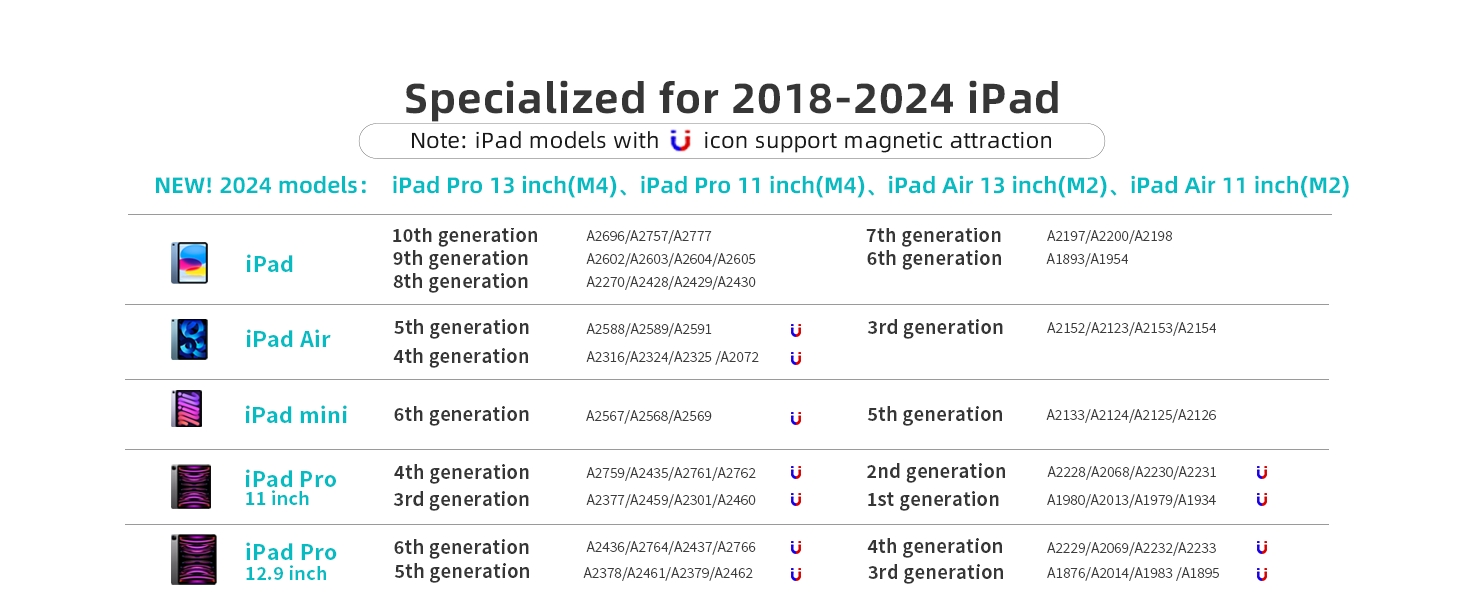
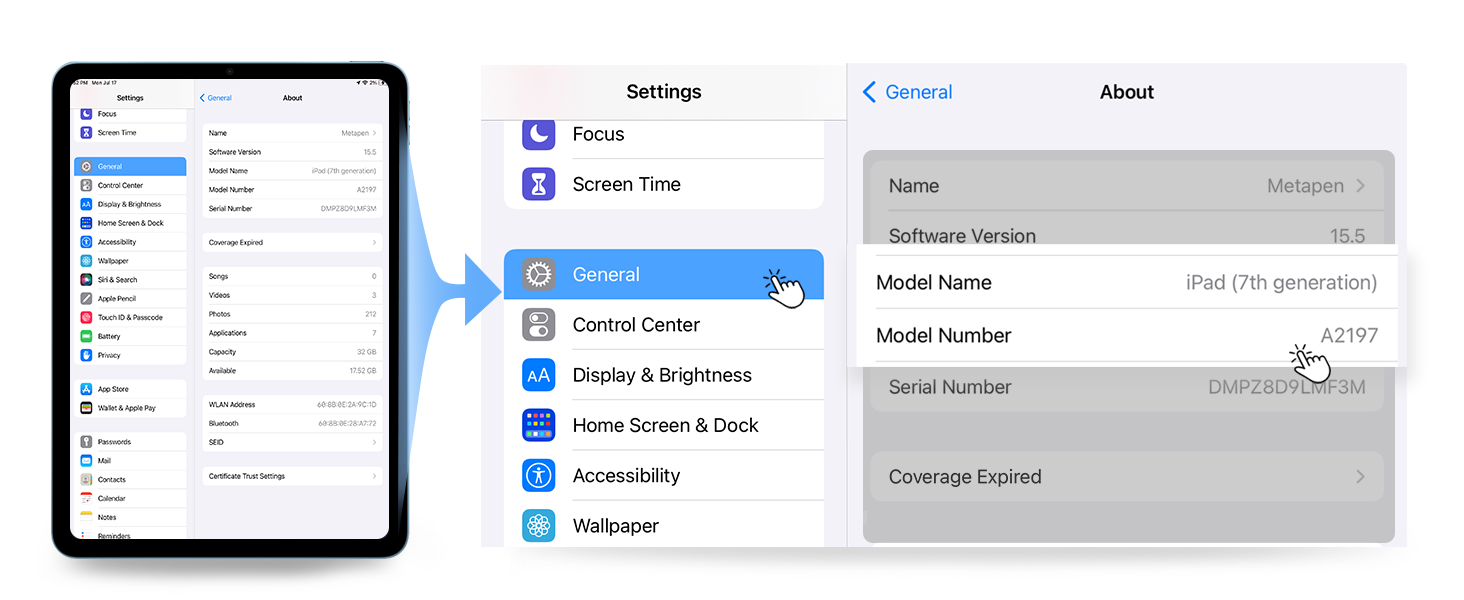
My iPad is compatible with A11, why it doesn’t seem to work?
Before first use, please charge A11 for 10 minutes and make sure the settings are right: 1. iOS system is updated to iOS 12.2 or above. 2. Disconnect Apple Pencil (if you have). Go to Settings > Bluetooth > Find “Apple Pencil” to Forget This Device.
Can A11 work without pairing it with an iPad?
Yes! Basic writing functions do not require Bluetooth pairing, just press the button once to turn it on for immediate use. However, if you want to use shortcuts and metapen APP, you should connect A11 via Bluetooth.
How can I see the instant battery % power of the A11?
To see the instant battery %, long press any application icon you downloaded > Tap Edit Home Page > Add Batteries Widget.
I pressed the hotkey for 5 seconds to disconnect A11, why can’t I reconnect by clicking Pencil A11 in my Bluetooth list?
If you disconnected Pencil A11 in this way, please tap the “Pencil A11” that appears in the OTHER DEVICES list to reconnect it. Do not select the one in MY DEVICES.
Do A11 has pressure sensitivity?
NO. Only original iPencil have this feature. However, popular apps can simulate pressure sensitivity like Procreate, Goodnotes and Noteshelf with their own brush effects and customizable brush size, flow capacity and etc.
Early days but works fine
It was easy to charge, linked to my iPad and works fine. However, it is early days. I hope it will be durable and all right in long run as well.
Great Apple iPad tool
Does exactly what you need from an Apple pen but much cheaper. Ready to use, simple to charge and easy to use as a writing tool. Also fits perfectly into the slot in iPad covers sot it doesn’t get lost.
Great for new Ipad air 2024
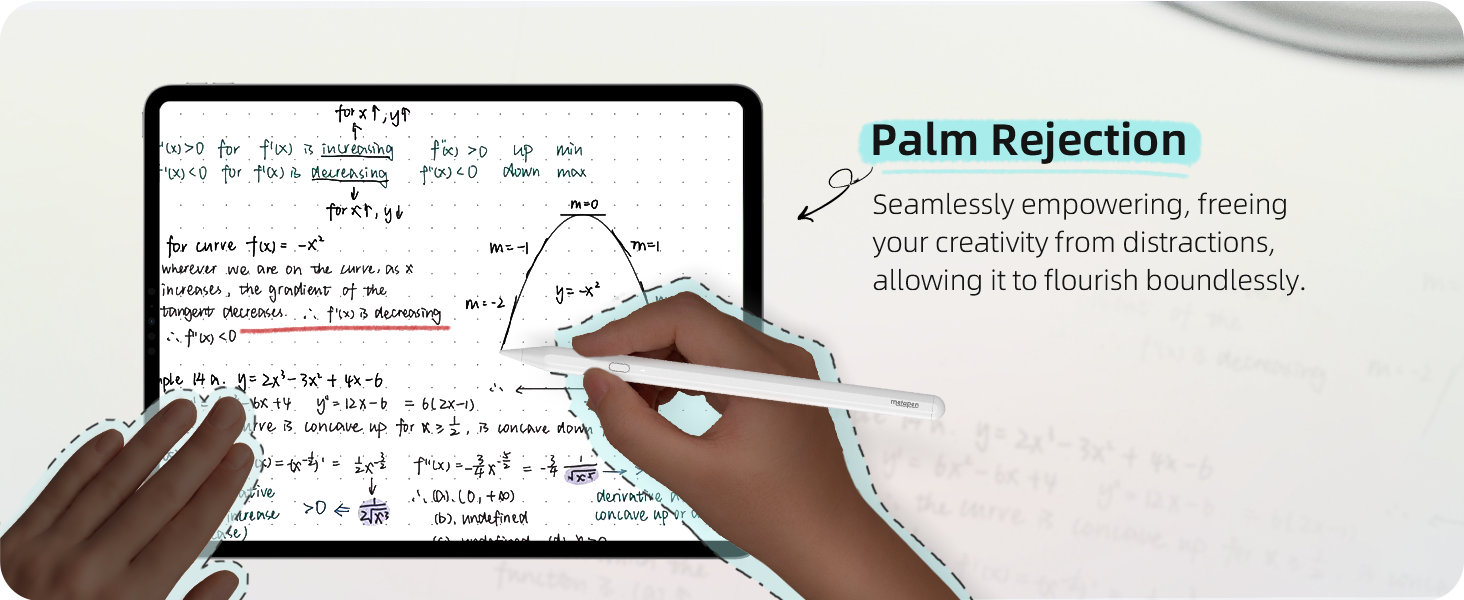
This worked straight out of the box and was so easy to pair using the Bluetooth settings on the iPad. It’s great to hold, very responsive and the palm rejection works. Very happy with this product and it’s such good value for money.
Wow Fantastic
I dont normally write reviews, but wow what awesome pen and value for money this item is. I have had a apple pencil in the past and this is just as good if not better! It works with all ipads unlike the apple one. It is magnetic and charges via usb C. It writes great super responsive! Im not a artist and use to to write notes so maybe apple one is better in this area. But for everyday users 10/10 You can buy 10x of these compared to 1x apple pencil!
Just as good as the big brand
Good and a fraction of the price of the big name pen.
Takes time getting used to but definitely makes notes and drawings easier.
Battery life is no problem and the magnetic connection to the iPad pro is a welcome plus.
Does become slightly frustrating if your using the pen for a long period of time. Bit too smooth to hold.
2nd type of this I've had
The first one just stopped working after a year or so, so I was a little hesitant to get another one. But they are still the cheapest option and did work really well with my iPad. This new one comes with a dust cover and so far it is working great. For the cost I would highly recommend.
This company are really great the pencils I bought didn’t meet my needs so they sent me others free of charge and stand over the quality of their products. I use them for editing photos and have just a normal cheap stylus for using my iPad gaming writing etc. Highly recommend Metapen products you won’t be disappointed
The pencil is a fraction of the price of the Apple pencil. Looks and feels great. The only downside is that it doesn’t hold its charge as long. Other than that… a very reasonable alternative.
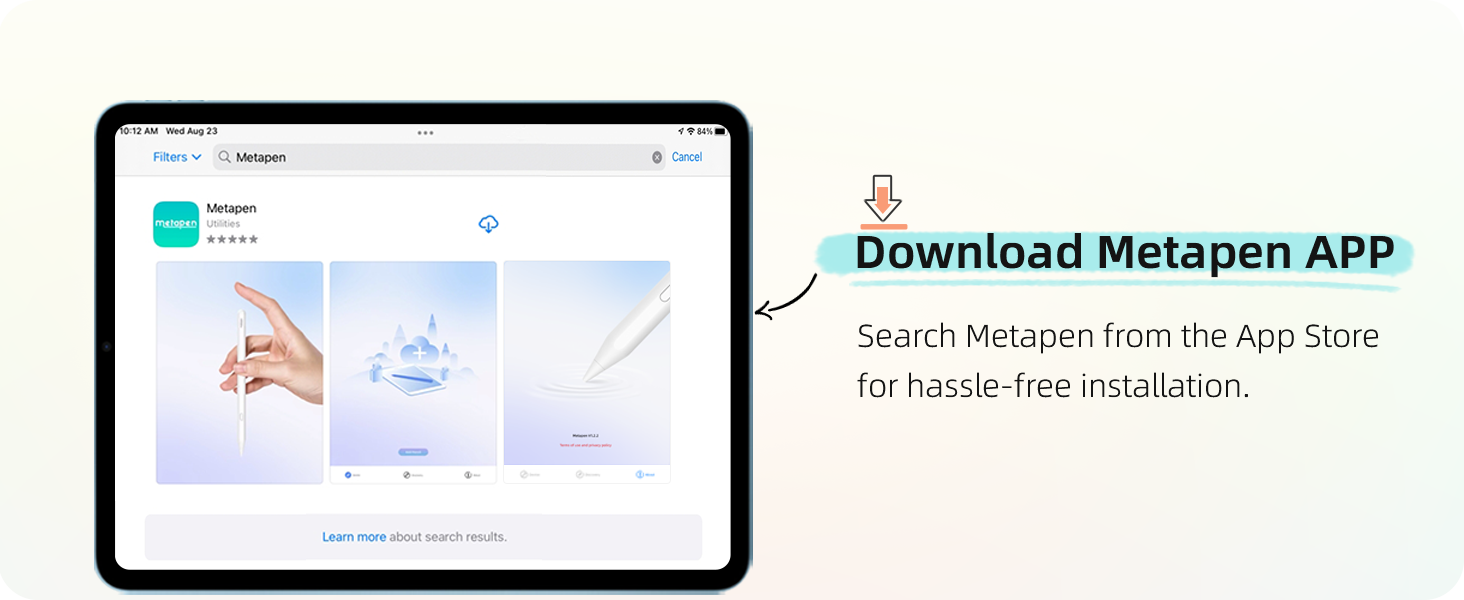
So this turned up 10 mins ago, connected to my ipad pretty much instantly (the Metapen App I’d recommend downloading to get the settings just right).
Scratching out handwritten notes is incredibly easy. I use Evernote for pretty much all my task-making, note-taking organisational stuff (for Uni, Work and Personal stuff) and this pen has already changed the user experience. It’s comfortable to hold (I’m not a long duration writer so I possibly won’t experience the ‘slide’ that others have talked about), very responsive on the screen and comes with a few different nibs.
I wish I’d bought one years ago, I 100% wouldn’t pay full whack for an Apple Pencil but the 13 I spent on this feels like an absolute bargain.
This worked straight out of the box with no issues at all, and feels good. No pressure sensitivity but thats expected. However after 3 months of very light the battery started to fail after 25 mins or so. Contacted them and was sent a replacement immediately, so great customer service and the new pen battery is great so fa