uni USB C to HDMI Adapter, (8K@60Hz 4K@144Hz) Type C to HDMI
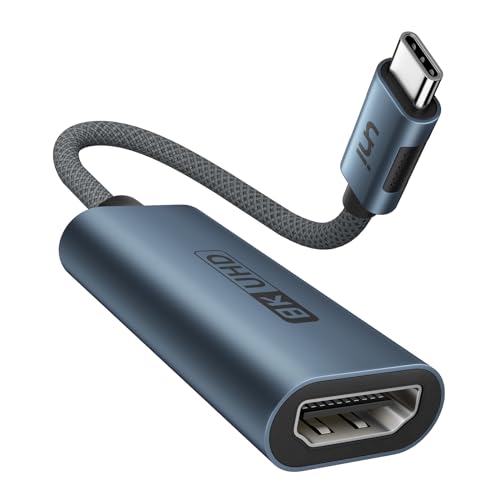
uni USB C to HDMI Adapter, (8K@60Hz 4K@144Hz) Type C to HDMI 2.1 Converter Support 48Gbps, HDR10+, FreeSync&G-Sync [Thunderbolt 3 Compatible] for MacBook Pro/Air, Galaxy S21, XPS, iPhone 15 Pro
uni USB C to HDMI 2.1 Adapter | 8K@60Hz
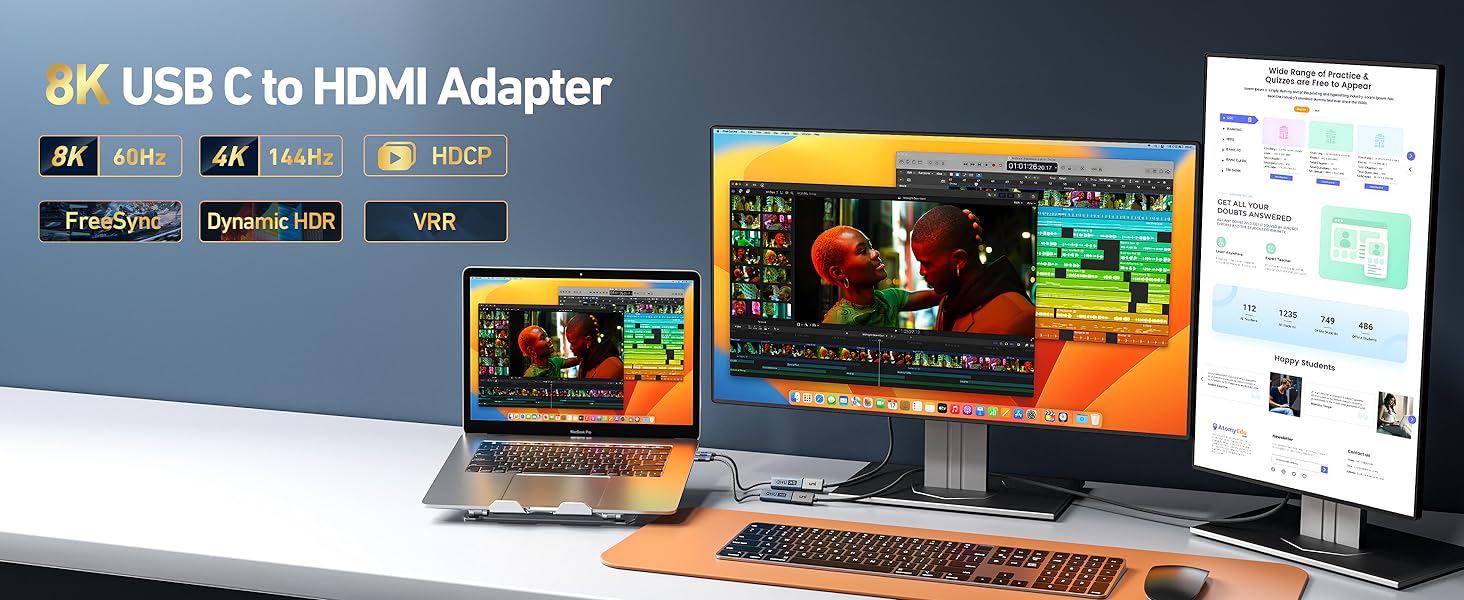
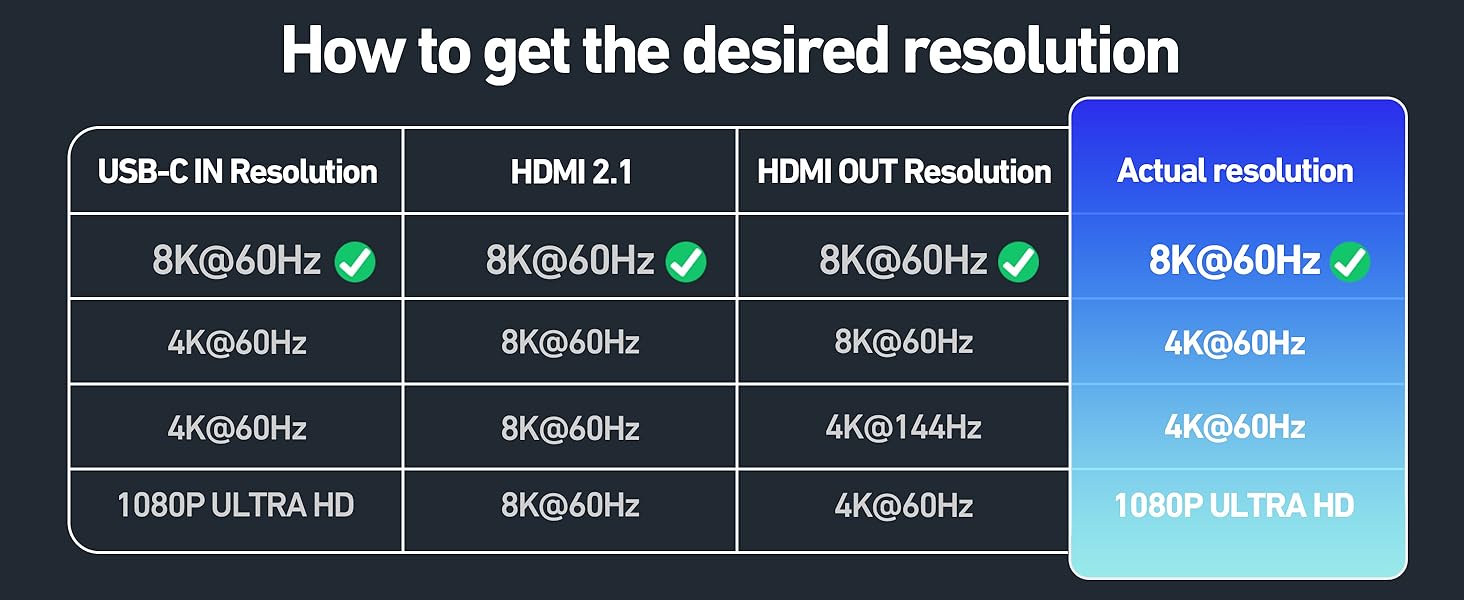
*Note: MacBook series only supports 4K@60Hz at max when connected to any USBC to HDMI adapter due to limitations of the macOS system itself.

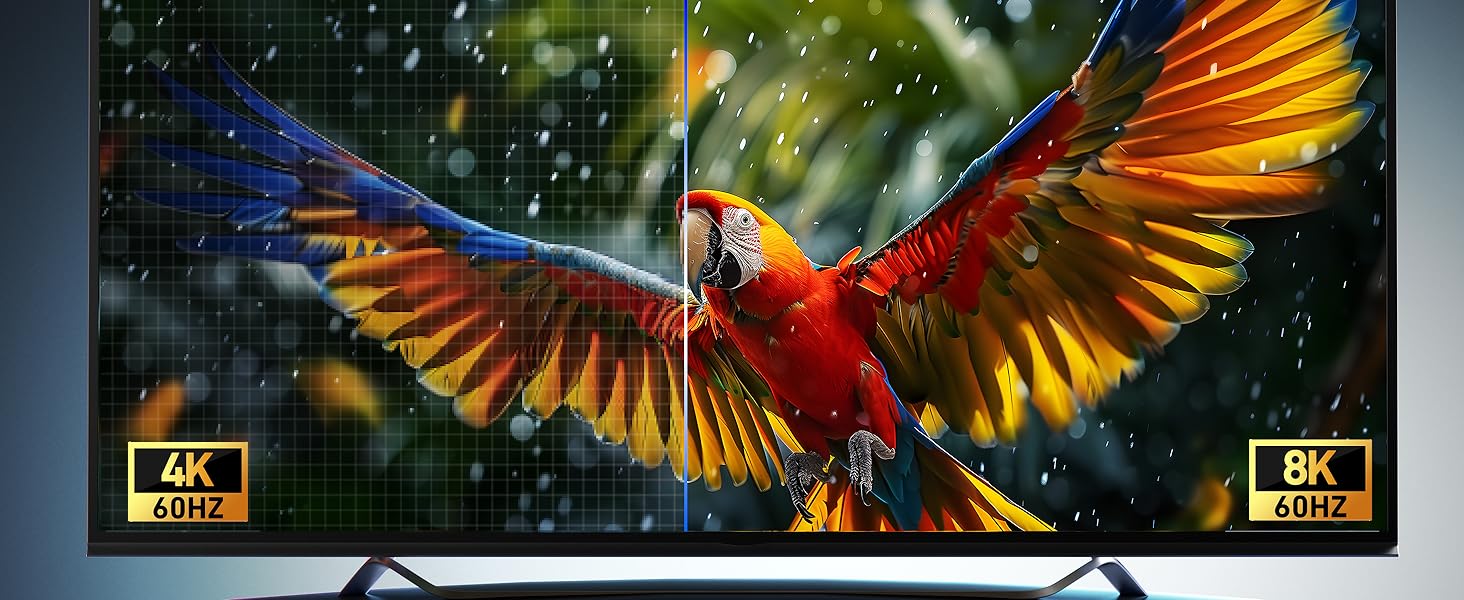
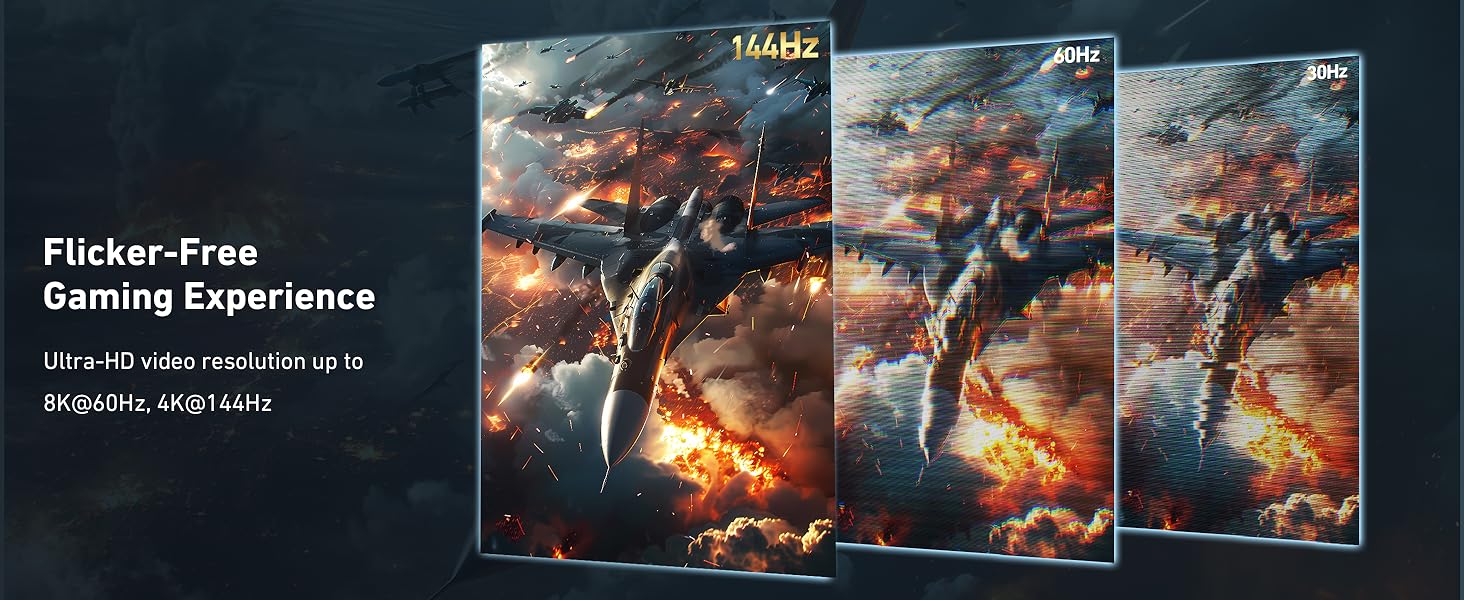
8K UHD Visual
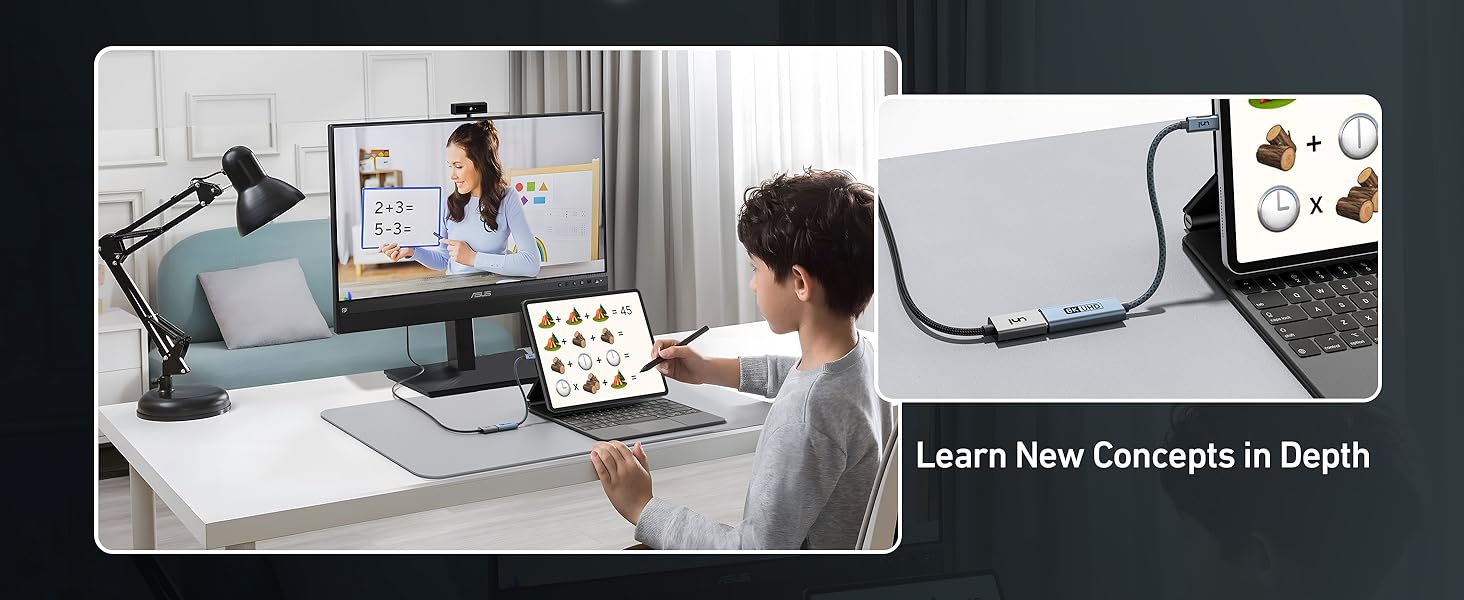
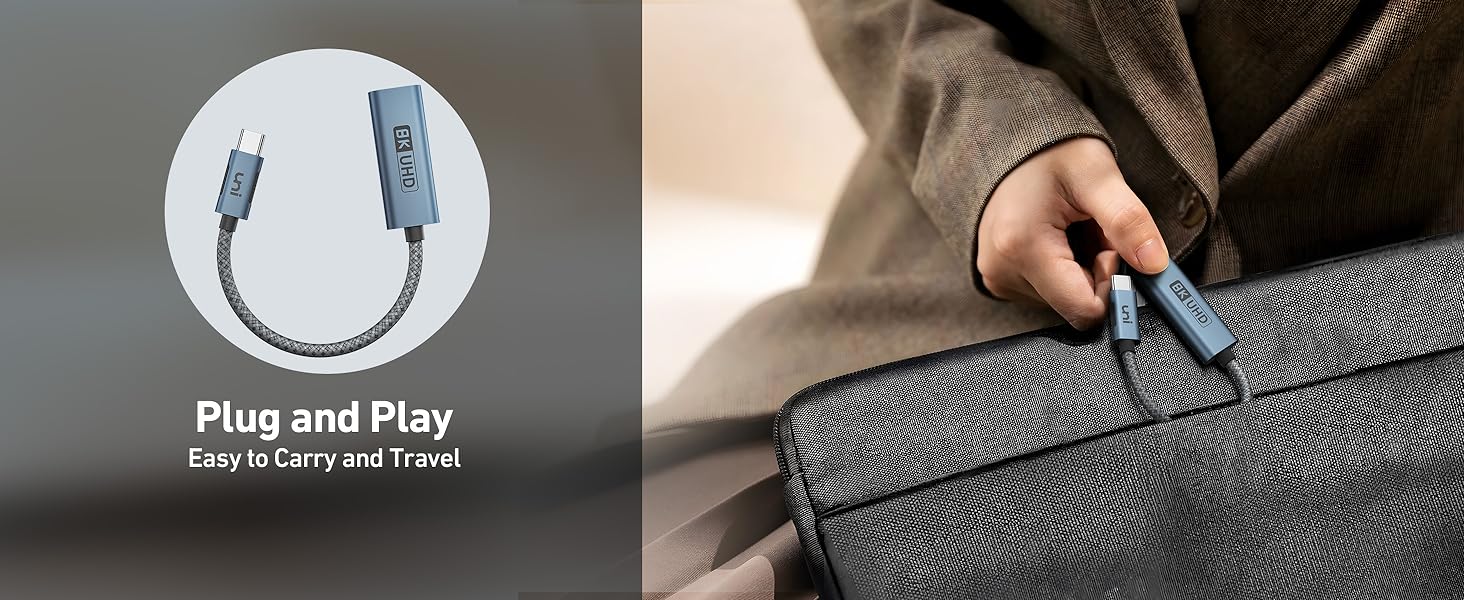
Matters for Attention
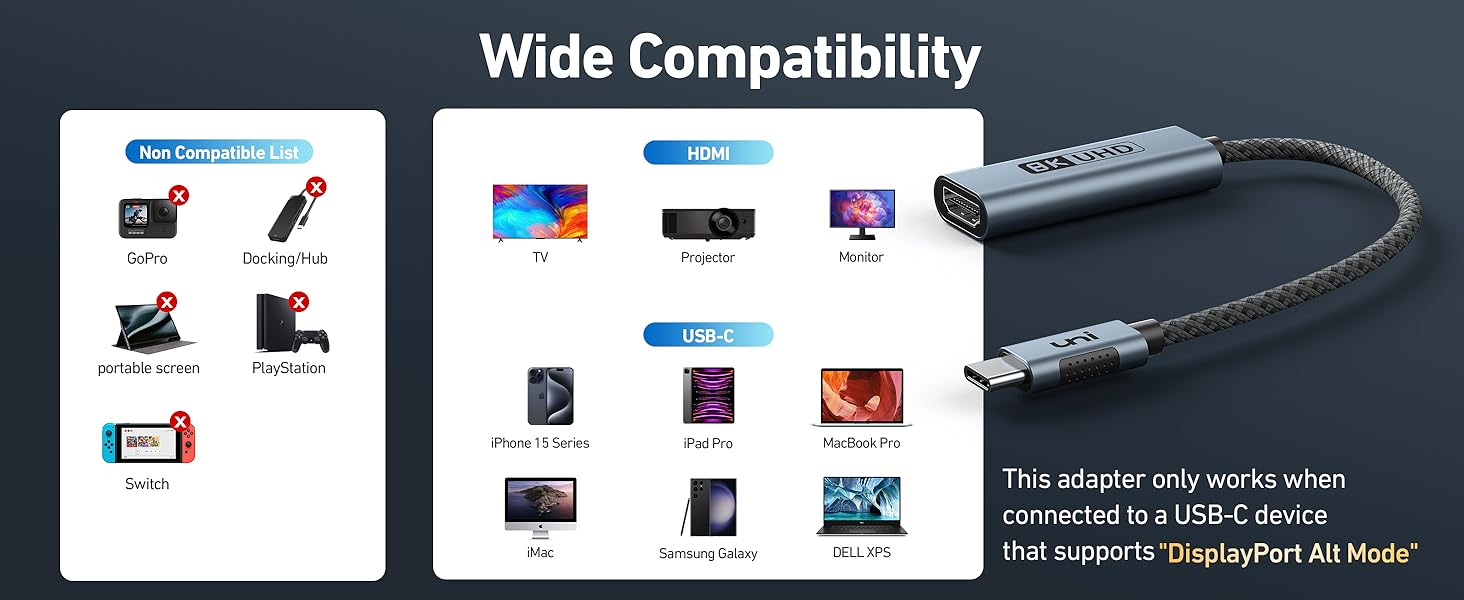
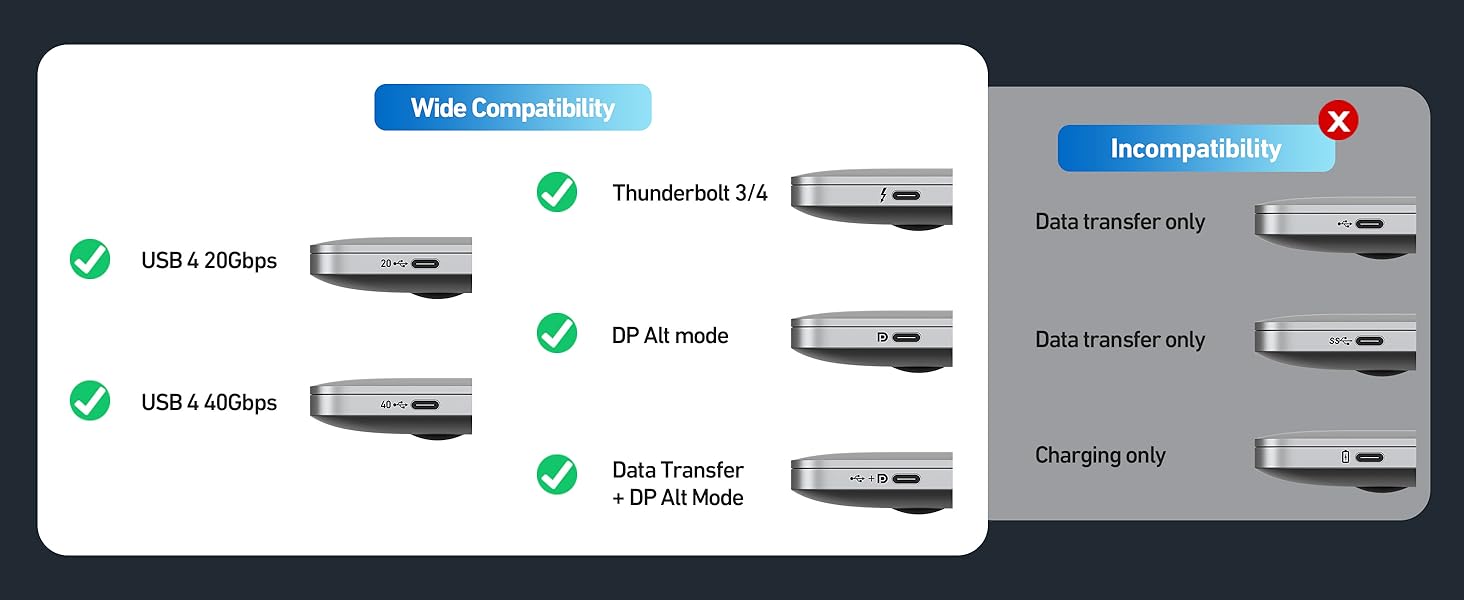
| ✔ Laptop | Compatible With USB-C 3.1 or Thunderbolt 3/4 port interfaces which support “DisplayPort Alternate Mode”. |
| ✔ MacBook (4K@60Hz Max) | MacBook Pro 2023/2022/2021/2020/2019, MacBook Air 2022/2021/2020/2019, iMac, Mac Mini, etc. |
| ✔ iPhone (4K@60Hz Max) | iPhone 15 Pro Max/15 Pro/15 Plus/15 |
| ✔ How to get 8K@60Hz? | First, Make sure both input/output devices and HDMI cable support 8K@60Hz or you can only get 4K@60Hz if one of your devices is only 4K@60Hz. Second, Check whether your output devices have been adjusted to 8K@60Hz. |
| ✘ Is it bi-directional? | No, this product is USB C to HDMI unidirectional. And this adapter doesn’t support charging. |
| ✘ Samsung | ALL Samsung Galaxy A Series; Samsung S6 / S7 / J6 / J7 / M20 / M30, Samsung Galaxy Tab A / 10.1 / 10.5, Galaxy Tab S3 etc. |
| ✘ Handy | OnePlus 2/3/3T/5/5T/6/6T; ALL Motos Handy, Moto G60; Lg Stylo; iPhone (lightning), Google Pixel 7 pro, Pixel 3 etc. |
| ✘Other | Laptop Screen Extender, Lenovo V15G2-ALC Type 82KD; 𝖭𝗂𝗇𝗍𝖾𝗇𝖽𝗈 Switch; Xbox series X; GoPro; MacBook Air 7.2, 𝖠𝗆𝖺𝗓𝗈𝗇 𝖪𝗂𝗇𝖽𝗅𝖾, 𝖠𝗆𝖺𝗓𝗈𝗇 Fire-Tablet, Surface Dock 2 etc. |
Well made adapte
This USB C to HDMI adapter is fantastic! I used it to connect my laptop to my monitor, and the quality is stunning — super sharp and smooth. It supports 8K at 60Hz and 4K at 144Hz, which is perfect for gaming or high-res videos. The setup was quick and easy, just plug and play. The build quality feels solid, and the connection is stable with no lag or flickering. If you need a reliable and high-quality adapter for your devices, this one is definitely worth it.
Not cheap but really useful
I have been travelling a lot recently and this little lead has become my go to lead whenever I role up in a hotel room and want to watch my own movies without having to mess around with the hotels offering. In a nutshell I just plug a HDMI cable in to this, there is often one attached to the TV for use with other kit, and then plug this into my Macbook Air. Then, select the source on the TV remote, and I am good to watch whatever streaming service I like as the content is coming from my own computer. This is great as it saves me having to login on someone else’s equipment and risk it remembering my username and password, and it means I can watch whatever I want, i.e. I don’t have to rely on the hotels TV set up at all. As long as it has some kind of HDMI connection then I am good to go. The lead is made to a very high standard, so although it might seem expensive, it is a very high quality piece of kit and the fact that it caters for 8k and 60 hz is awesome.
High performance adapte
In a nutshell:
Things I liked:
+ High performance adapter. HDMI output absolutely fine at 4K (60Hz) and 2K (165Hz). No issues, flickering or artefacts.
+ Compact, nice design.
Things I didn’t like:
– Perhaps a little pricey, although that is to be expected for the rated spec.
Do I recommend it?
Yes, if you need 4K 144Hz or 8K 60Hz. Also recommended if you want a future-proof adapter that you’ll be able to use in a few years’ time when 8K may be a bit more mainstream. Uni’s cables and adapters have always been good, I’ve used a number of their products over the years.
Crisp picture, Easy setup
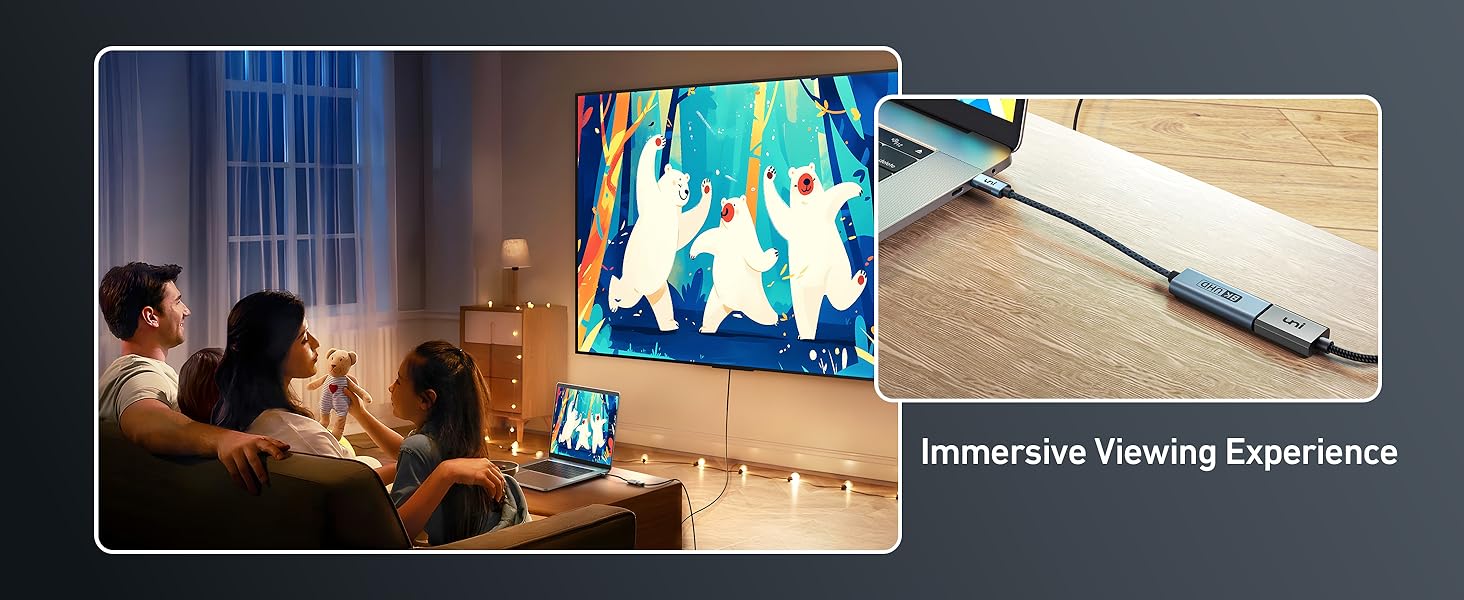
This compact adapter flawlessly connects my laptop to my TV, delivering a crisp picture quality. Setting it up was a breeze, and I haven’t encountered any lag or connection issues during use. It’s a perfect solution for extending my laptop’s display onto a bigger screen, whether for presentations, movie nights, or just browsing the web in comfort.
Subtle energy boost and mental clarity
I’ve always been interested in supplements that support overall well-being, and this one seems to be a good option. I’ve noticed a slight increase in energy levels and a bit more mental clarity since starting it. I appreciate that it’s vegan and gluten-free, as I have dietary restrictions. I haven’t been taking it long enough to comment on the long-term effects, but so far, I’m pleased with the results.
Well-built handy little adapto
Picked this up to connect my new Samsung curved panel to a Dell XPS machine. Happy to report back, that it works a treat and I get the full 4k/144hz over the connectors.
The metal enclosure feels a lot more solid than others I’ve used and the overall size seems a bit smaller as well – so a plus. Have now had a few bits from ‘uni’ and must mention that build quality seems to be worth the extra with them – good stuff.
Specialist Piece of Kit.
When I ordered the uni USB C to HDMI Adapter, I assumed (wrongly) that it was simply a way of turning the USB C port on my devices into an additional HDMI output. However, on receipt I discovered that is was a more specialist piece of kit that would only work when used in conjunction with devices with specific features.
As none of my devices met those requirements, I tried my wife and son’s devices. My wife’s Samsung Galaxy S23 mobile connected immediately and the TV screen became an enlarged version of her phone screen. She was then able to navigate the larger screen using her phone as a touch pad. Video and audio quality was very good.
However, when I tried to connect to my son’s iPhone 15 Pro Max and his MacBook Pro, I was less successful. Both devices registered the presence of the TV, but neither was able to connect fully with it.
Having spent some time trawling through the Instruction Leaflet and the Amazon page, I was unable to remedy this issue. I was left with the conclusion that this adapter is intended for users with specific requirements (e.g. gamers) and who have the right equipment required to make use of its full potential.
Having said that the uni USB C to HDMI Adapter is well made of durable materials and appears robust.
On the basis of the video and audio quality when using my wife’s phone, I would recommend the uni USB C to HDMI Adapter, but only to those who have need of its capabilities. Cheaper USB C to HDMI adapters are available for those with lesser expectations.
The uni USB C to HDMI Adapter is competitively priced with comparable products.
Compact and convenient for on-the-go use
Having multiple devices with different ports can be frustrating. This adapter seemed like a convenient solution for connecting my USB-C laptop to an HDMI monitor. It works flawlessly, delivering crisp 4K visuals without any lag or distortion. It’s compact and easy to carry around, making it a handy tool for presentations or watching movies on a bigger screen. It’s a reliable and affordable adapter for anyone who needs to bridge the gap between USB-C and HDMI.
Functional
This does exactly what it says it does, 4k60hz from my M1 air worked perfectly. There are ways to get 4k120hz with the M1 air, using similar adapters that have the VMM7100 chipset and flashing custom firmware. Would recommend searching MacRumours to learn more about that. This does not get recognised as having the VMM7100 chip when plugging it into the Mac sadly, so no 4k120hz for me. But it does output 4k60hz perfectly. It also works great with an iPad Pro, and any other USB C video output devices. The adapter itself is premium feeling, and whilst it can get hot, most other adapters also do too.
Overall, it’s a good and simple option.
Impressive 8K HDMI adapte
The uni USB C to HDMI 2.1 adapter is fantastic! It effortlessly supports resolutions up to 8K@60Hz or 4K@144Hz, delivering crystal-clear visuals. Its universal compatibility and plug-and-play design make it super convenient to use with any USB-C device. Also, the adapter’s sturdy construction and small size guarantee dependable functioning when travelling. All things considered, it is essential for anyone wishing to improve their display experience. Strongly advised!
Works great!
This USB C to HDMI adapter is a great thing to have in your suitcase. Good use cases would be if you want to use an iPad or MacBook with an HDMI only screen or projector.
The build quality is really good, it feels premium, and the actual cable feels very durable too. I’ve found it works without issues on my MacBook and iPad. It apparently also works with the new iPhone 15 Pro with the USB C Port, but I sadly can’t test that. I’d recommend checking compatibility in the list published before buying though, as apparently there’s older MacBooks it won’t work with and it doesn’t work with a lot of android phones. But luckily the devices I’ve got are on the list of compatibility.
It works as intended, giving me a 4K output. Apparently with some devices it’s even capable of 8K, but I don’t have 8K screens to test personally. But it’s nice to know it’s future proof despite not being super expensive! You never want the limiting factor to be your adapter, so although 8K 60 and 4K 144hz aren’t common right now, I’d rather have an adapter that’s capable while the rest of the technology catches up.
It just works!
excellent build quality, metal parts with a nice thick braided cable which is unlikely to break over time. Plugged my Surface pro into a 4k TV and it just worked right out of the box, which is really what you want with a device like this — 4k movie playback was flawless. An essential for anyone using smaller laptops / tablets without a dedicated HDMI out port. Highly recommended!
If you want the highest video quality from your TV, this is what you need.
I recently upgraded my Mac from an Intel Mac to an Apple Silicone one, specifically the M1 Max. The thing that bugged me about my previous Mac is that even with the upgraded GPU it couldn’t handle 10-bit HDR on my LG CX at 4k 60Hz let alone 120Hz over USB-C via an HDMI adapter. However, Apple did one really annoying thing on these Macs in which they nerfed the HDMI port and instead of giving us HDMI 2.1 to get those sweet higher refresh rates, they gave us HDMI 2.0 ports that are capped at 4K 60Hz. I read online that to unlock those higher refresh rates you need a USB-C to HDMI adapter like this Uni adapter.
Therefore when this popped up I had to give it a try, but also I’ve noticed that a lot of the other adapters that I’ve tried have claimed to offer 10-bit HDR, and in part this is true, but they only do so at slower refresh rates.
But this adapter… is different from the rest. I plugged it into one of the USB-C/Thunderbolt ports on my Mac, and a few seconds later my LG CX TV was happily accepting 10-bit input at the full 60Hz. Viewing the VRR information I could see that the adapter was working at native 3840x2160p resolution at YCBCR 4:4:4 at 10 bits with a 4L6 (24Gbps) HDR10 connection. It does what it says and more. It even managed 8K on my Samsung QN800B 8K TV which was mind-blowing, validating its 8K claims.
Unfortunately, I didn’t manage to achieve 4K 102Hz on my MacBook but this is due to my Mac and not the adapter, the adapter says it’ll achieve 144Hz at 4K and I don’t doubt it. If I could test this with my gaming PC, I’m sure it’d manage just fine. There are ways to achieve 4K 120 on Mac with a lot of workarounds and chip flashing, but I cannot be bothered with that. I guess I’m stuck with 60Hz until I get an M3 MacBook Pro :/.
If you have a device that can output high refresh rates at high resolutions at a high bitrate and you need an adapter like this then I could NOT recommend this enough. It has a beautiful Apple-like design incorporating a shell in a space-grey colour with a braided cable that looks and feels lush, it feels high quality and well made. My only criticism is that it gets very hot, but I guess it’s unavoidable when you’re pushing this many pixels. With that mentioned, the aluminium shell acts as a heatsink so that’s one thing they did to aid heat dissipation.
All in all, it may seem expensive for a simple adapter, but with the feature set that this thing is equipped with, it easily makes up for the price. 5/5 without a doubt.
quality adapte
This adapter is boasting high resolutions 8K@60Hz, 4K@144Hz, with HDR support.
It supports high resolutions and stunning visuals on my displays.
It offers high refresh rates, and it gives me smooth presentation.
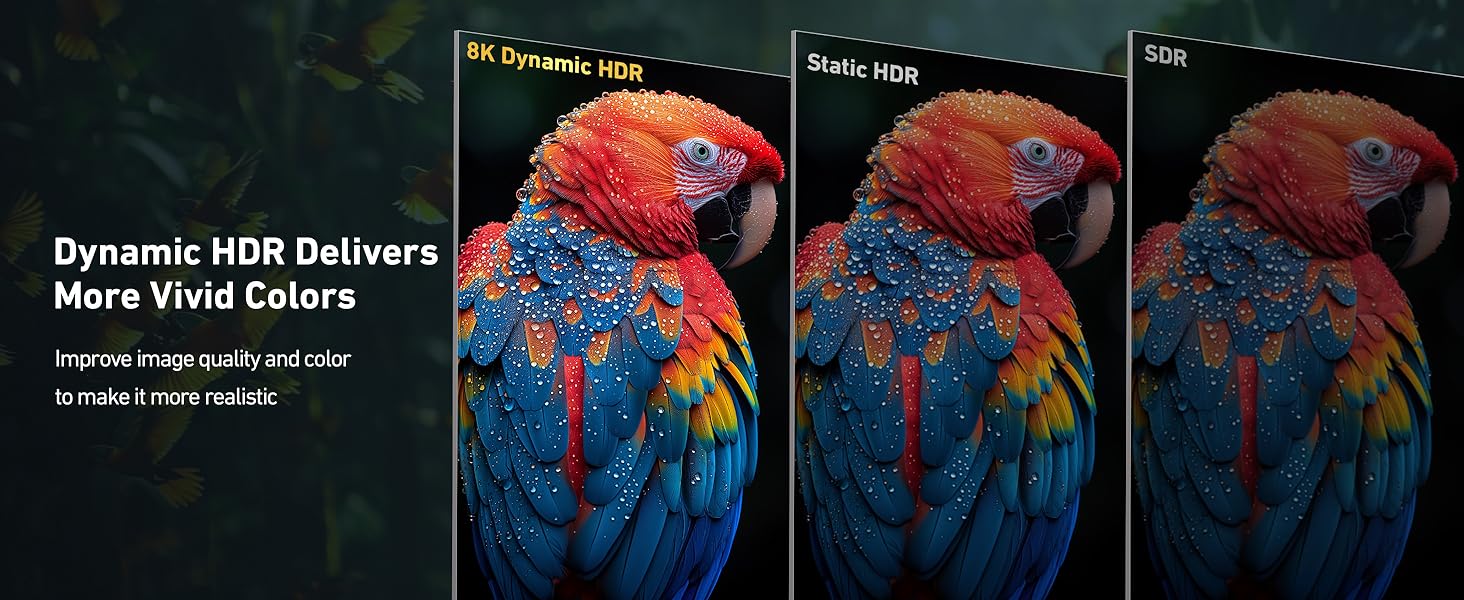
HDR provides enhanced dynamic range for vibrant colours and deeper contrasts on my display.
There is no stuttering. It works perfectly with my MacBook Pro and files on iCloud on my iPhone (on the go).
Cable length could be longer in my opinion.
Also some adapters, especially at high resolutions, might generate heat but this one is doesn’t.
Overall, this USB-C to HDMI 2.1 adapter is a powerful tool for connecting your USB-C device to an HDMI display with high resolutions, refresh rates, and advanced features.
Future proof high bandwidth USB-C to HDMI adapte
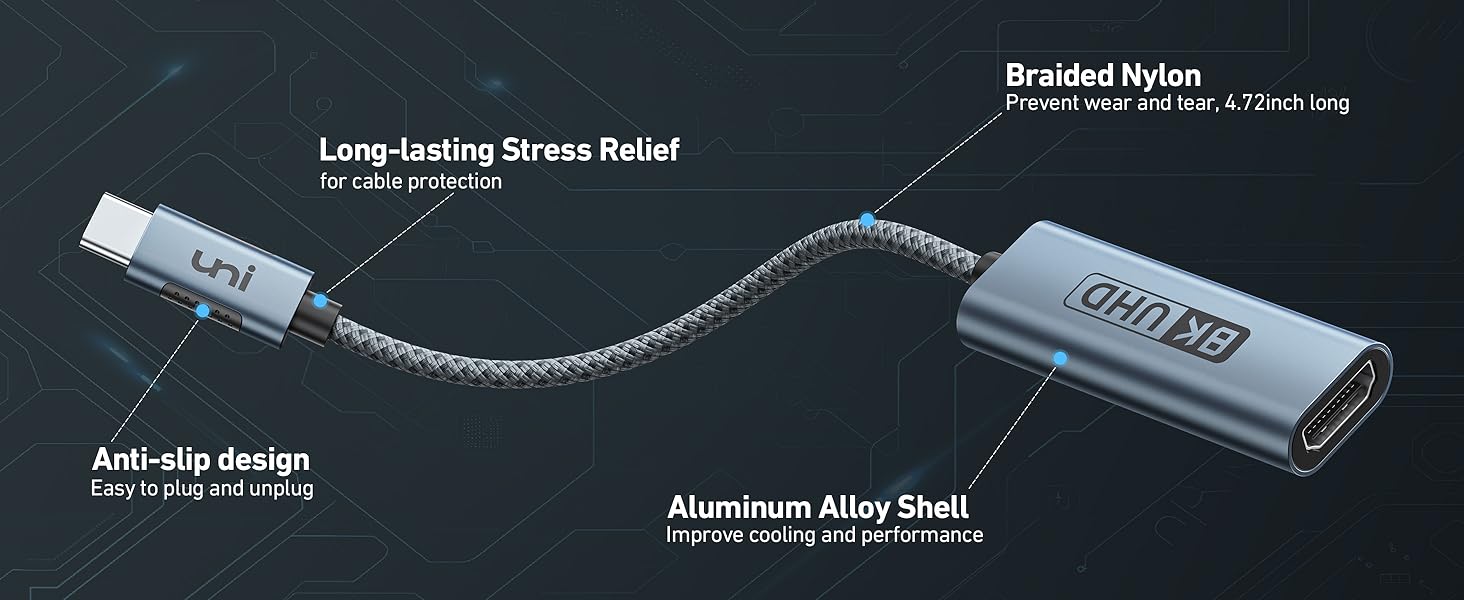
The Uni USB-C to HDMI Adapter appears to be well made, it has metal shells around the two connectors which are connected together by a thick nylon braided cable.
The adapter claims to support 8K video at 60Hz and has a bandwidth of 48Gb/s, these are pretty good specs, unfortunately I do not have any equipment that has such a high resolution. I did test the adapter using an 8K HDMI cable and a laptop to connect to a 4K 60Hz TV and not surprisingly, it worked very well with excellent video and audio.
It is a little on the expensive side but you get an adapter that is future proof.
plug and play nice and easy
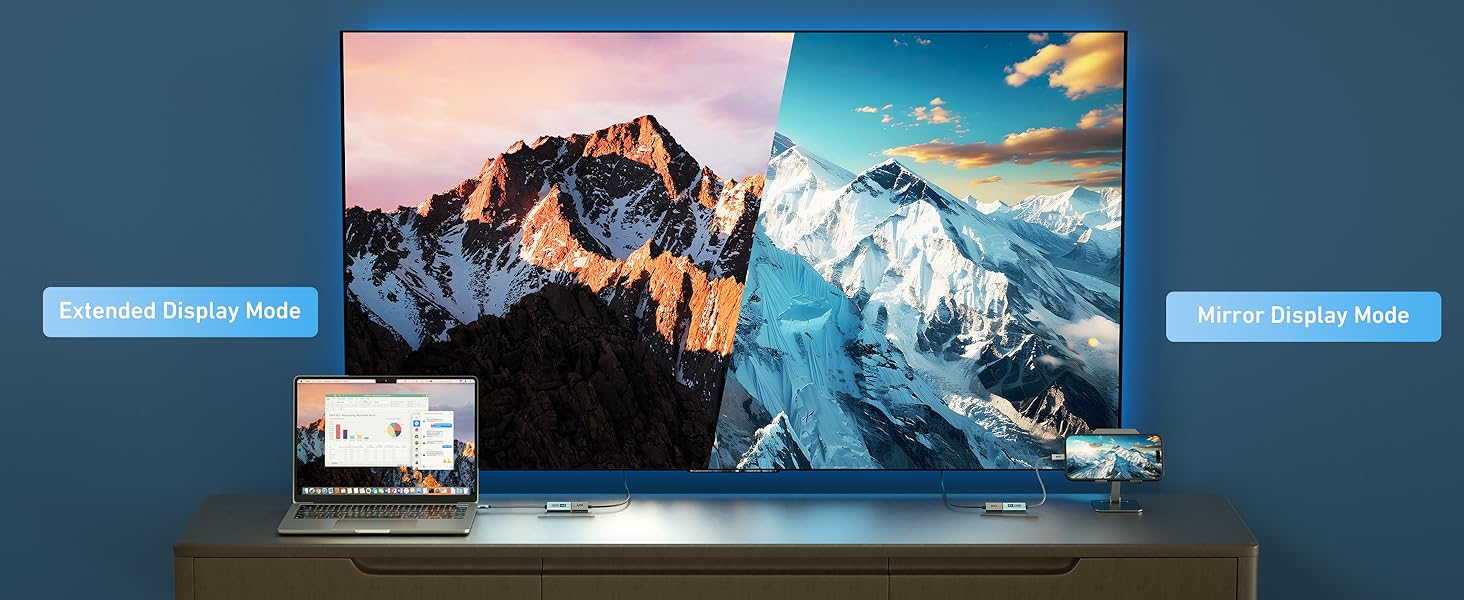
I wanted to connect a tv / monitor to my laptop to extend the screen and this worked really easily.
I have windows 11 and a dell laptop, just a case of plugging in and connecting to the tv.
Packaged in a box with some instructions. Can only comment on the software and hardware i have, no issues for me and the process works.
Very happy overall.
I want to give it more stars! 10bit HDR @ 60Hz output on my Intel NUC11TNi5 ! 😎
I recently purchased an Intel NUC11TNi5 mini PC and while it was all good, one thing has bugged me since purchase, Intel nerfed the onboard HDMI outputs to only support 8bit HDR, this is annoying as the Iris Xe graphics fully support 10bit HDR, but only over the USB-C/Thunderbolt ports.
When this popped up I had to give it a try, other adapters that have cropped up on Vine claimed to offer 10bit HDR, and in part this is true, but they only do so at 30Hz.
This adapter is the real deal, I plugged it into one of the USB-C/Thunderbolt ports, and a few seconds later my LGC2 TV was happily accepting 10bit input at the full 60Hz. A few tests show there is a slight but noticable difference when playing back suitable content. The NUC also has less work to do by no longer needing to downconvert 10bit content to 8bit.
If you have a similar Iris Xe powered device and it supports USB-C/Thunderbolt displays, this will let you get the most out of your device when paired with a suitable TV or Monitor. For other things such as Phones and Mac’s this should work equally well allowing the best signal those devices can provide to be displayed.
Would give 10 out of 5 if I could.
a cracking little adapter that works a trea
I was looking to be able to connect an external monitor to my laptop using HDMI to give a second external screen to the EliteBook laptop
This compact unit was great, connected the cable from the monitor and then to the laptop and … no problems experienced, it just works, no faffing about. I was then able to setup the laptop to utilise this extra screen so it’s perfect when I’m working on a large spreadsheet, doing document comparisons and making life easier.
When I’m travelling to the office, this adpter is perfect for slotting easily to the laptop case, so I’m ready for connecting up when in the office
Really like i
Well made and very compac
uni USB C to HDMI Adapter
Very compact well made converter with braided cable and decent quality USB-C and female HDMI port. Offers support for HDMI 2.1 with 8K@60Hz or 4K@144Hz.
I’m struggling to see the main advantage over just using a USB-C to HDMI male cable – but I guess if you want to travel light and know the monitor/TV has a HDMI lead already attached – this does offer some benefits. Though you might want to consider a USB-C hub supporting 8K HDMI as a more flexible alterntive.
Arrives with information leaflet in branded box.
Nicely built and HDR support works
Tested this with an iPhone 15 Pro Max to view HDR videos on a 5K TV. It works perfectly with 5k 60fps HDR videos. The TV identified the HDR content, the picture clear, crisp and with the correct colour profile.
Very good quality aluminium body and USB-C Connector.
Runs warm when in use but nothing unexpected for the work it’s doing.
A great use for several devices
In a test run between my mobile and main home display, the quality of the videos and images was perfect — no lag, distortion, or any noise was seen.
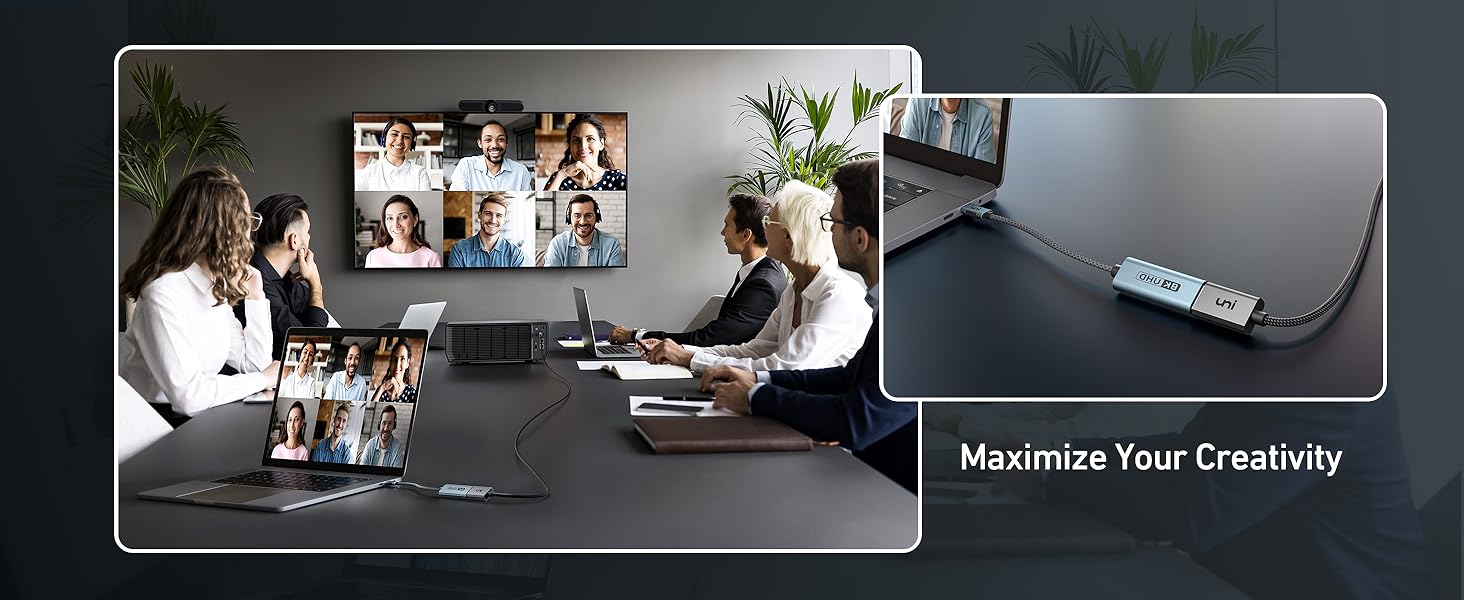
When travelling and the equipment you come across does not support wireless/modern presentation, then adapter will allow you to quickly share your items via a projector or large screen, or even from your moble phone. There’s no need to lug a laptop around unless one absolutely needs to; so you can put all your files in a work cloud storage or on a phone, as mentioned, just grabbing this cable and are good to proceed.
This Uni branded adapter is great physical quality, definitely not flimsy in any way, arriving in a bag which was of a higher quality than is usually seen with these types of adapters.
Offers HDMI 2.1 and excellent build quality, but expensive for just a HDMI one port adapte
uni USB C to HDMI Adapter, (8K@60Hz 4K@144Hz) Type C to HDMI 2.1 Converter — Review
This USB C to HDMI adapter is of excellent quality. It is made from blue aluminium and feels super durable and quality. In my testing, the HDMI worked well and I was able to get HDMI 2.1 output with 4k@144Hz. The performance and build quality/design are amazing on this adapter.
Unfortunately, the value is not great, as at the time of review this adapter is 22.99. This is pricey for just a single port adapter. Due to this, I’d only recommend this adapter if you require HDMI 2.1 support. If HDMI 2.0 is sufficient for your use case other offerings provide lots more features for this price.