Cunsieun External DVD CD Drive, USB 3.0 & Type C CD/Dvd +
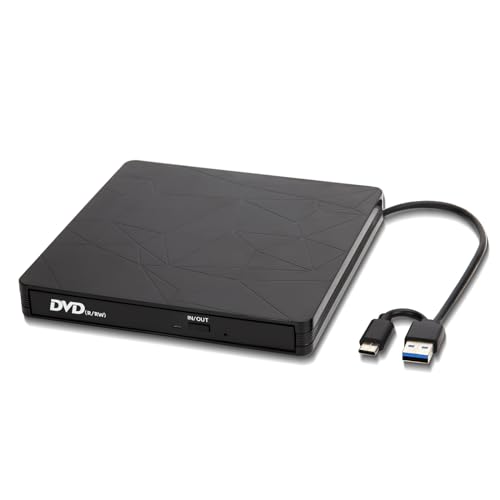
Cunsieun External DVD CD Drive, USB 3.0 & Type C CD/Dvd +/- RW burner, Portable DVD CD Burner Reader +/-RW ROM for Laptop/Desktops MacBook Apple OS /Win11/10/8/7
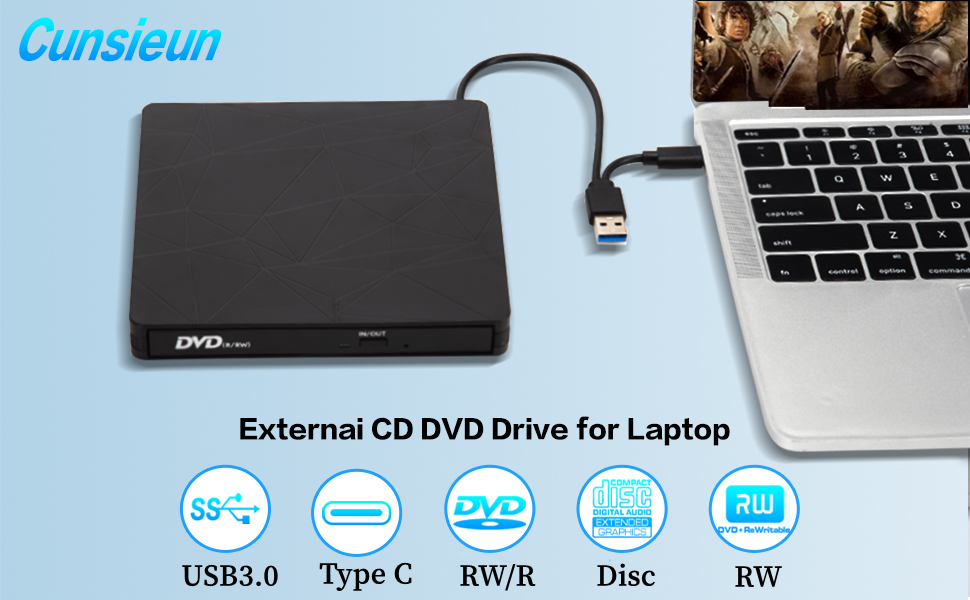
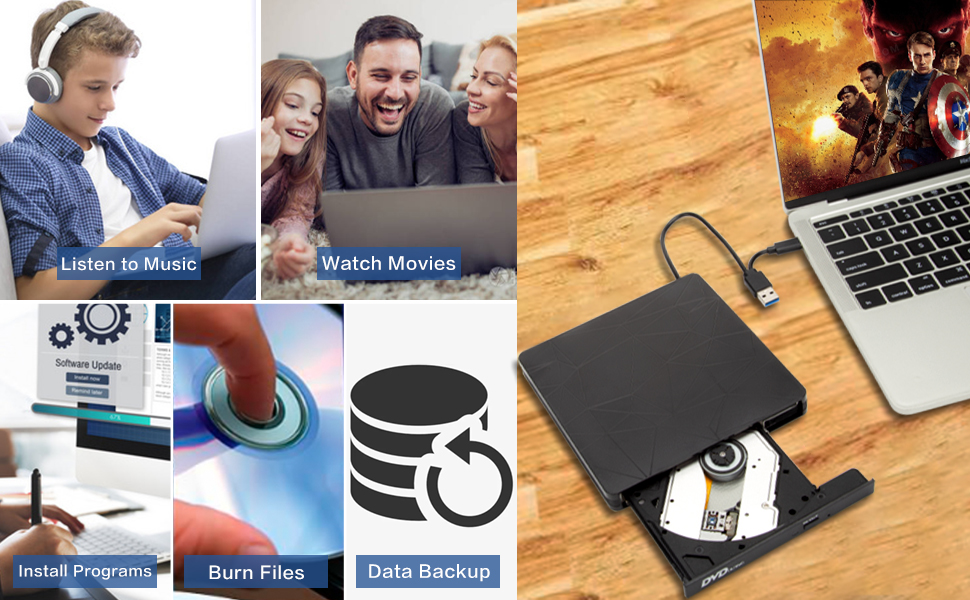
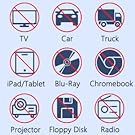
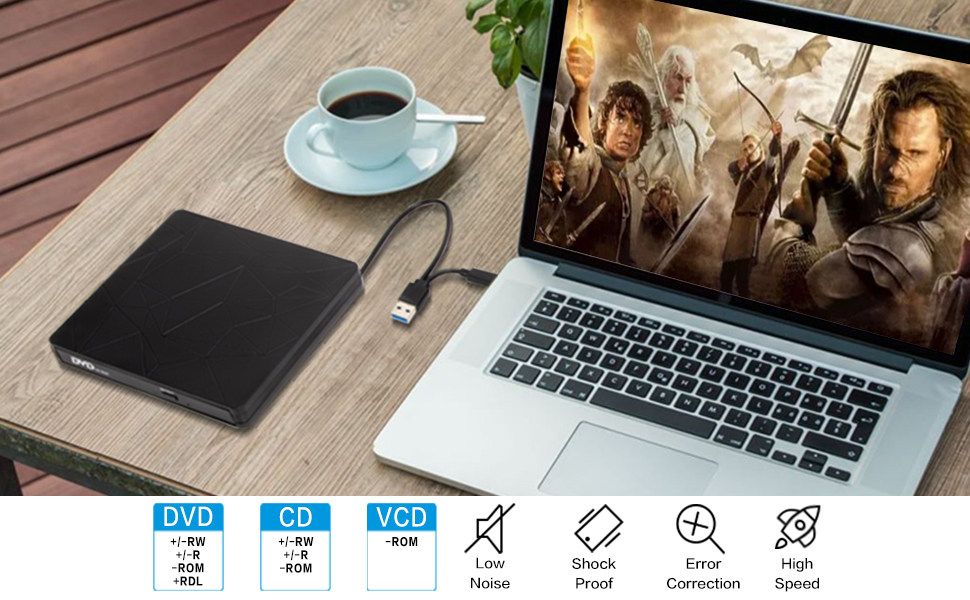
Some things to note about this USB 3.0 external CD DVD drive
1.The dvd drive should be connected with USB port on laptop rather than connect with USB HUB. In addition, please connect the item with USB port behind of computer host if you use a desktop.
2.Ensure CDs is placed well and not scratched. The raised fixing post in the middle of the CD drive tray has three spring buckles. You need to gently press the CD disc into the spring buckles to secure the disc.
3.Make sure your computer’s CD/DVD driver is intact before using an external optical drive. The computer operating system comes with a CD/DVD driver. If the program is damaged or removed, the CD/DVD driver needs to be updated or reinstalled.
4.Once you plug this external dvd player for laptop into your computer, it will bring up your downloaded Media Player, select it, and from that point forward whatever disc you put in will automatically open through it. You download a Media Player program onto your computer if don’t already have one before you hook it up.
5.Remember to set the DVD Region to United States on the player – Windows :This PC– dvd drive- Properties – Hardware Tab – Properties button – Choose Region (US is 1) -Apply. Mac:Menu-System Preference-Language & Region – Region – Select Country – Apply Remember you can only reset the country 5 times.
6.Mac OS computers do not display the device icon before placing a disc into disc tray & drive reads successfully the disc. For Mac OS, use the mac command to eject disc. If eject button/computer command not working, stick emergency hole to force eject a disc.
7.Computers often do not natively support DVD movie playing, so a third-party media player (such as VLC) must be downloaded and installed to watch DVDs using this CD/DVD player. You can download and install a playing/burning software you like. You can also refer to the following software:
No fee playing software: Any Media Player, Any DVD
No fee burning software for Windows OS: InfraRecorder, Ones, Express Disc Burner
No fee burning software for mac OS: Burn for mac
No fee burning software for Linux OS/Unix OS: K3b (KDE Burn Baby Burn)
8.Because the video formats of most computers and mobile phones are not compatible with DVD, you need third-party software to convert the file format to a format that can be displayed on the disc, otherwise, even if you burn the file to a disc, it will not work.
| Weight: | 330 g |
| Dimensions: | 14 x 14 x 1.8 cm; 330 g |
| Brand: | Cunsieun |
| Colour: | Black |
| Manufacture: | ALANA EAGLE LTD |
| Dimensions: | 14 x 14 x 1.8 cm; 330 g |
Plug and play, easy to store. Works great.
A well priced little CD/DVD drive. Got it for those odd occasions you need specialist software over CD/DVD. The USB-C and USB-C connectors means you’ve got easy connectivity to multiple devices. Plug and play (Windows at least) with no setup needed. It’s rather compact. Good value. Recommended.
Works
Using to rip CD’s onto a MacBook Air (Apple M2 chip, running on Sonoma version 14.5) into Music. Does it practically automatically. Very easy. Yes it’s a bit slow importing but at this price that’s ok.
I find that, in some cases, to get track names / album artwork correct I need to be connected to the internet before I put the CD in the device. I may be wrong on this, but that’s what I find, so I do this every time now. No big deal.
Only gripe – would have preferred a bit more protective packaging given that it was small enough to be dropped through the letterbox. Luckily mine survived the fall, but time will tell.
Otherwise am happy after the first 20 CDs ripped.
Works great.
The textured effect looks smart, and the build quality appears to be good. It has some weight, and the plastic doesn’t creak when the drive is gently twisted. I’m not a fan of captive cables as they are usually the first point of failure especially as it needs to be twisted 180 degrees from its storage slot to fit in the notch in the base when the drive is in use.
It seems to cope well with dirty and scuffed discs and everything I inserted was accessed quickly. DVDs play back without any problems with buffering or skipping when plugged into a USB 3 socket.
A device of this sort has been on my wish list for some time, and I’m pleased to own this one.
Handy for the modern laptop
With the modern laptops now omitting the CD/DVD rom drive, this is a handy little addition for the old school in me that won’t let go of the CD.
I do like to write mu music collection to CD to play back in my car, I appreciate the higher quality you get from CD over Bluetooth or USB stick.
I do also have a load of DVDs that I need to rip to my NAS drive for digital storage, so this came in handy for this task. It was a bit of a task fining the compatible ripping software, but I have managed to find one
It’s not the fastest writer out but it will suffice for my needs.
Works flawlessly on Win 10 Ideal if you want to set up a second drive for a different regio
Cunsieun External DVD CD Drive, USB 3.0 & Type C CD/Dvd +/- RW burner
I tried this via a USB2 port on my PC with Windows 10
It was instantly recognised as a drive with its own drive letter. I tried it by playing a DVD (Downton Abbey – A new era!) using Media Player Home Classic Home Cinema and the DVD was recognised and played fine.
I did try plugging it into a Raspberry Pi5, but the available power was not enough for the drive. It may be possible to get around it by using a powered hub, I’ll have to try it later.
I didn’t have any recordable CDs or DVDs to hand, so I didn’t test the recording capabilites. However, I don’t see why it shouldn’t record.
This external DVD drive can be handy if you need a temporary 2nd drive for a PC or if your PC / laptop doesn’t have one.
Another use is if you want to play DVDs that are from a different region. The DVD drive is set at Region 2 (UK) by default. This can be changed (I think it can be changed four times before it locks into the last set region) via:
Computer Management Storage Disk Management
select the DVD drive then right click Properties DVD Region
Although actual DVDs aren’t as common as they used to be, it’s still possible to pick up (or buy) the occasional Region 1 (USA) DVD. A Region 1 DVD won’t be recognised on a Region 2 DVD player, but if you change the Region to Region 1 then it will. DVD players like this one are so cheap, you could keep one permanently set on the Region you want.
Note – the USA TV format is NTSC (UK is PAL). Most media player software should play NTSC format DVDs OK.
Works well
No issues with this so far, needed it to backup some old pictures from dvd’s I wrote back when my PC actually had a dvd drive in it. Does the job and is fairly quiet too.
Affordable External Drive
Cheap external USB-A 3.0 & C DVD/CD Drive for most O/S and some devices.
Very handy and portable. Plug and play, and great to have as a backup if anything else.
“DVD+R, DVD-R, CD-ROM, DVD-ROM, CD-R, CD-RW. Max DVD read speed 8X; Max CD read speed 24X and max CD burn speed 8X , strong error-correction ability, plays music and movies with no lag or distortion.”
Recommended