Elgato Game Capture Neo – USB Portable Capture Card 4K60
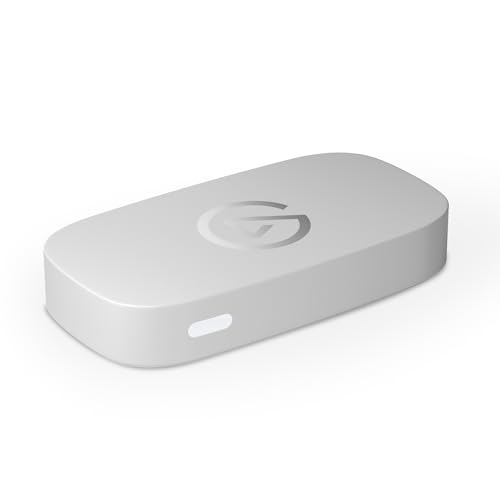
Elgato Game Capture Neo – USB Portable Capture Card 4K60 HDR Passthrough, 1080p60 Video Recording – For PS5/Xbox/Switch/iPhone – In OBS, Quicktime and more – Plug & Play/Works on Laptop, PC, Mac, iPad
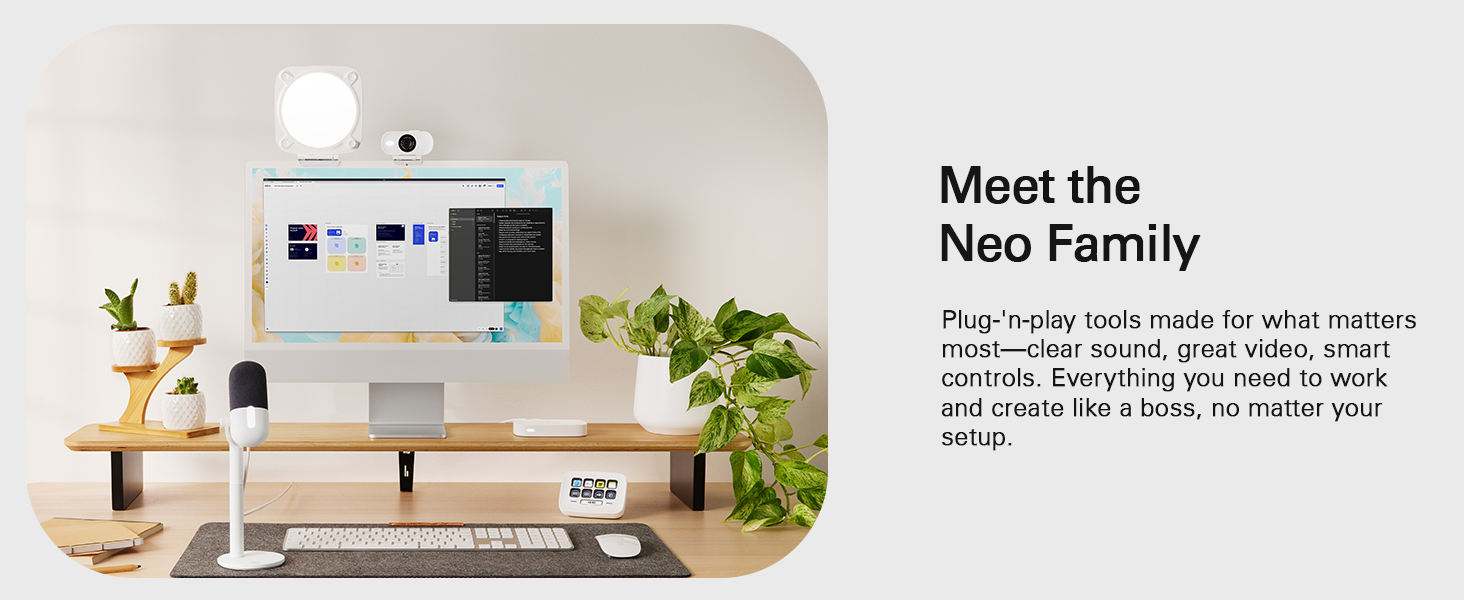

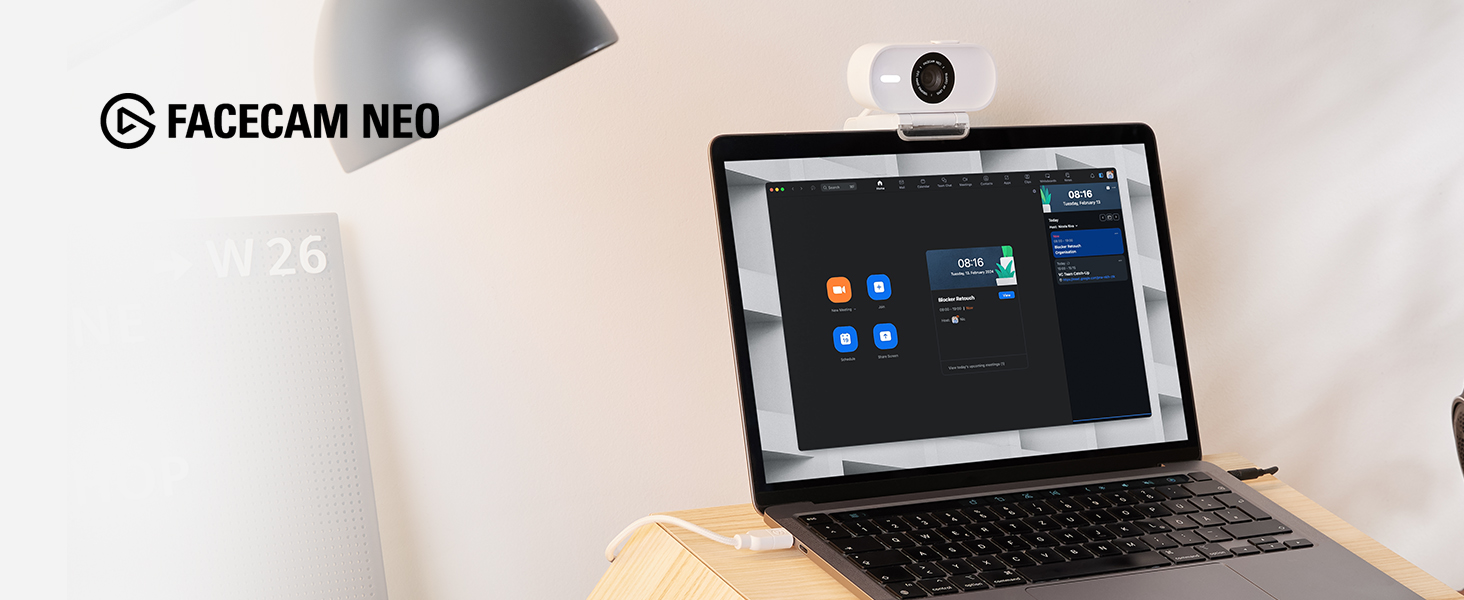
Super-sharp detail. Oh-so smooth movement. Facecam Neo captures video in ways built-in laptop webcams can’t, so you look like real life.
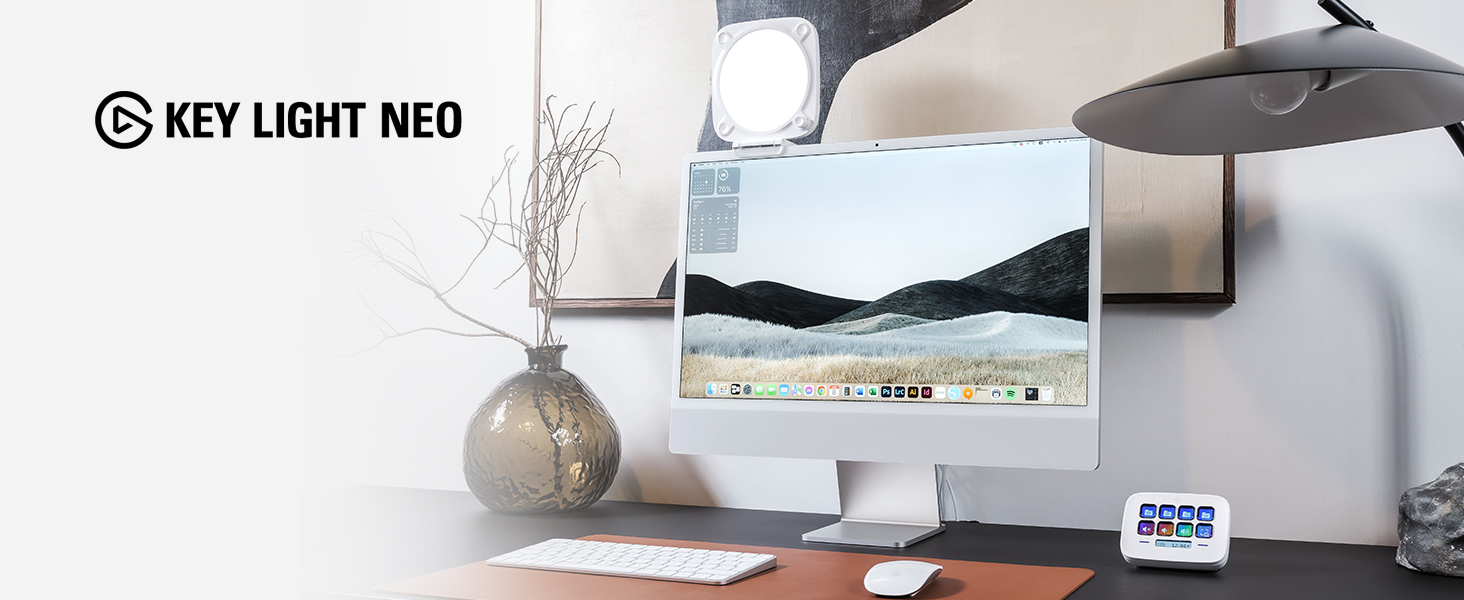
A compact LED panel that mounts to your monitor, Key Light Neo casts a soft, even glow that flatters skin tones without straining the eyes.
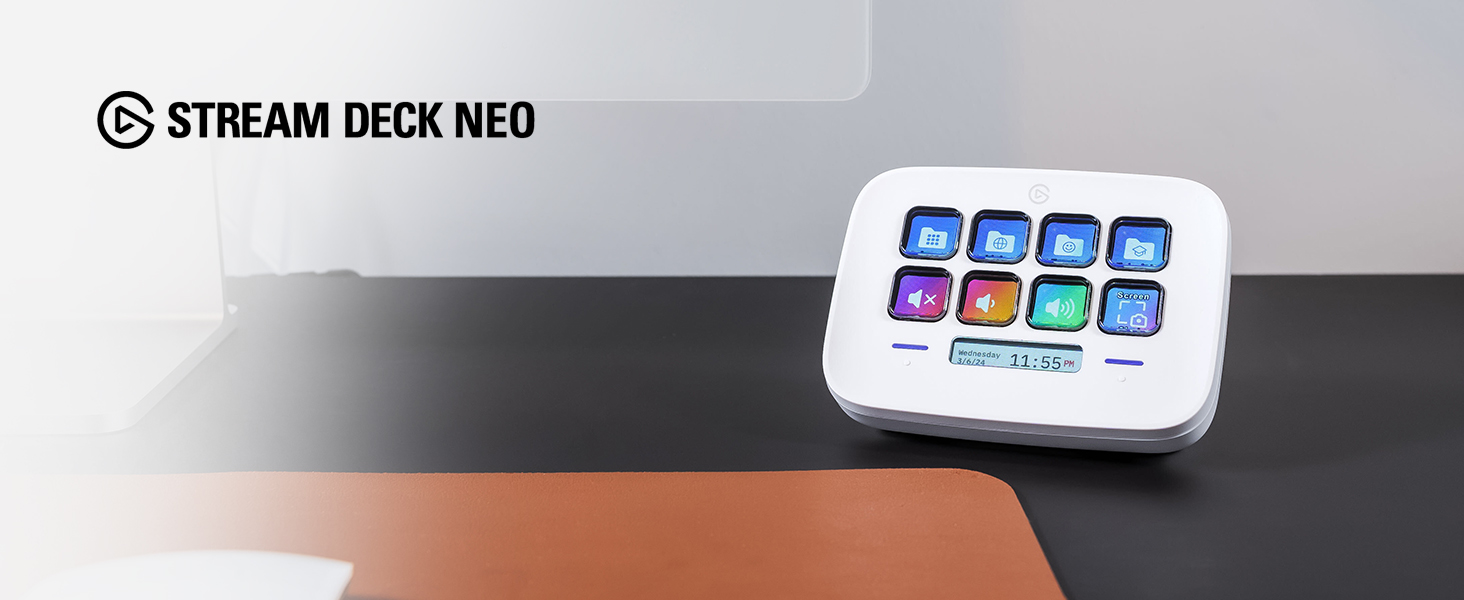
At the heart of your setup, Stream Deck Neo makes everyday tasks fast and fun. Just drag and drop actions onto its eight customizable keys.
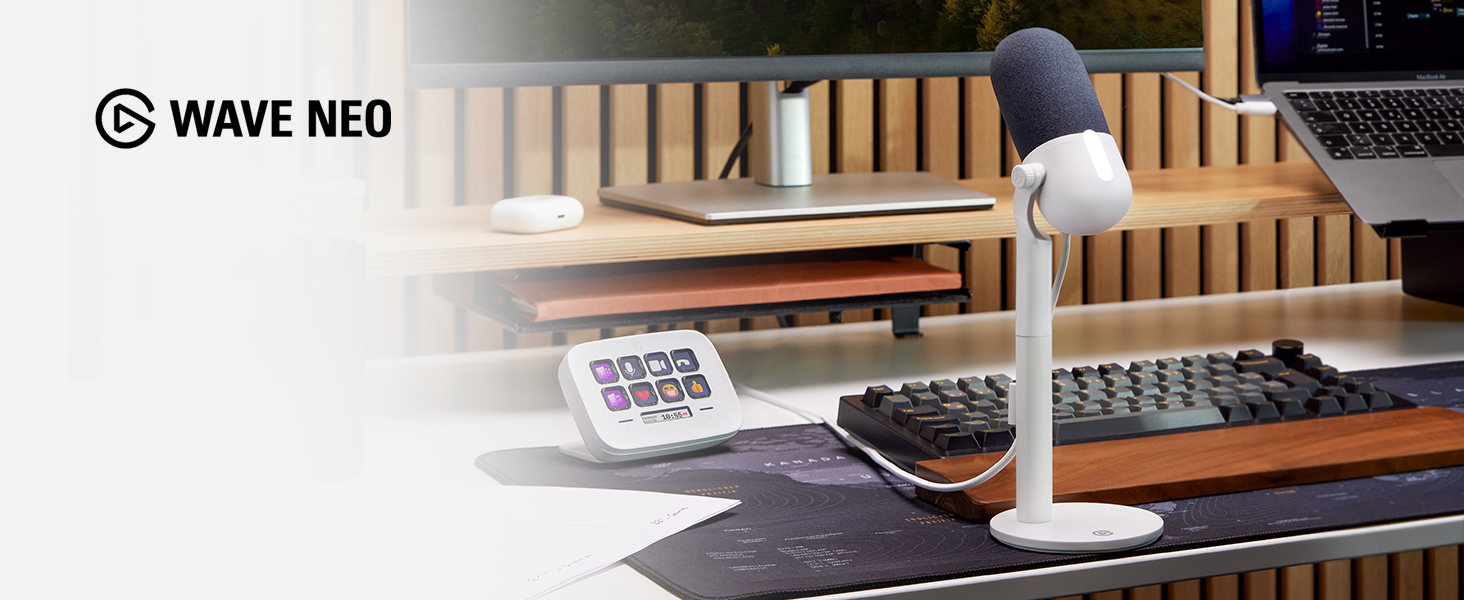
Capture your voice as it really sounds, without the distortion of laptop or earbud mics. So listeners hear you loud and clear, every time.
How quickly can I get set up?
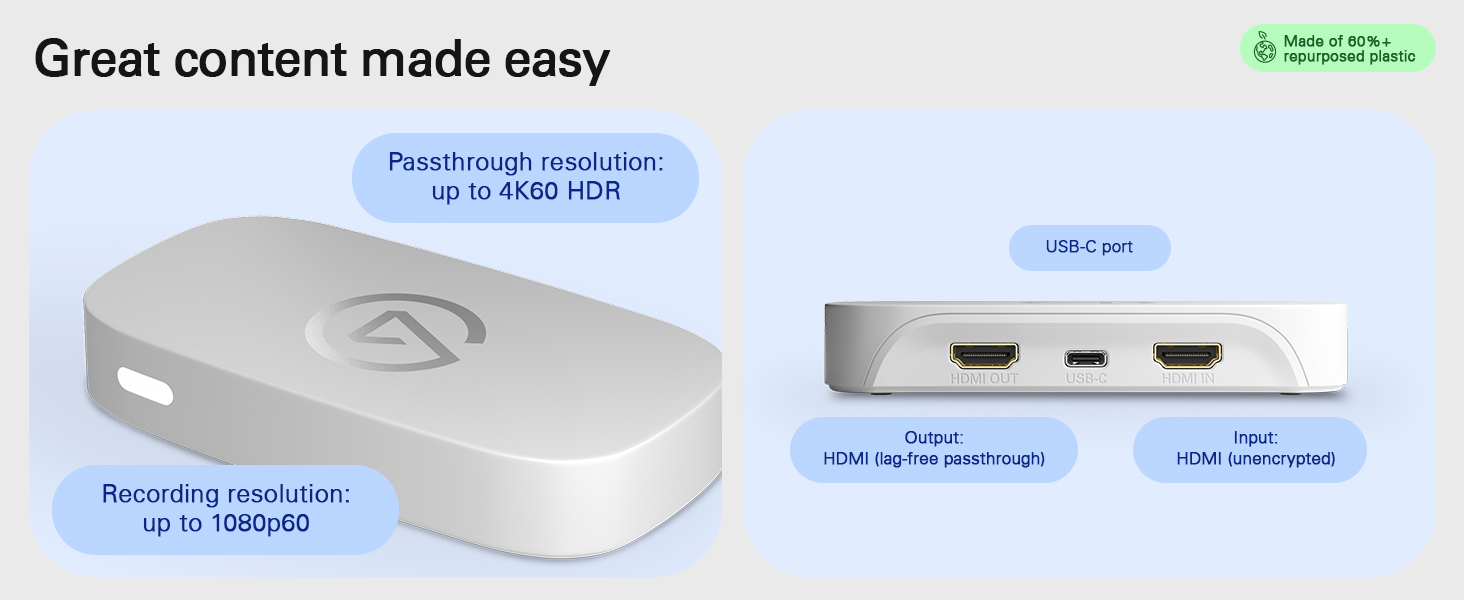
Get started in a couple minutes. Just connect your console to the HDMI-IN port, your gaming screen to the HDMI-OUT port, and your computer to the USB 3.0 port. Then select Game Capture Neo as a video source in your recording or broadcasting app.
Why use Game Capture Neo if my console has built-in capture?
Your console’s share feature is fine for short clips, but it limits what you can do with your footage. Game Capture Neo offers superior video quality and unrestricted broadcasting capabilities—the foundation of professional-grade content.
Do I need special software?
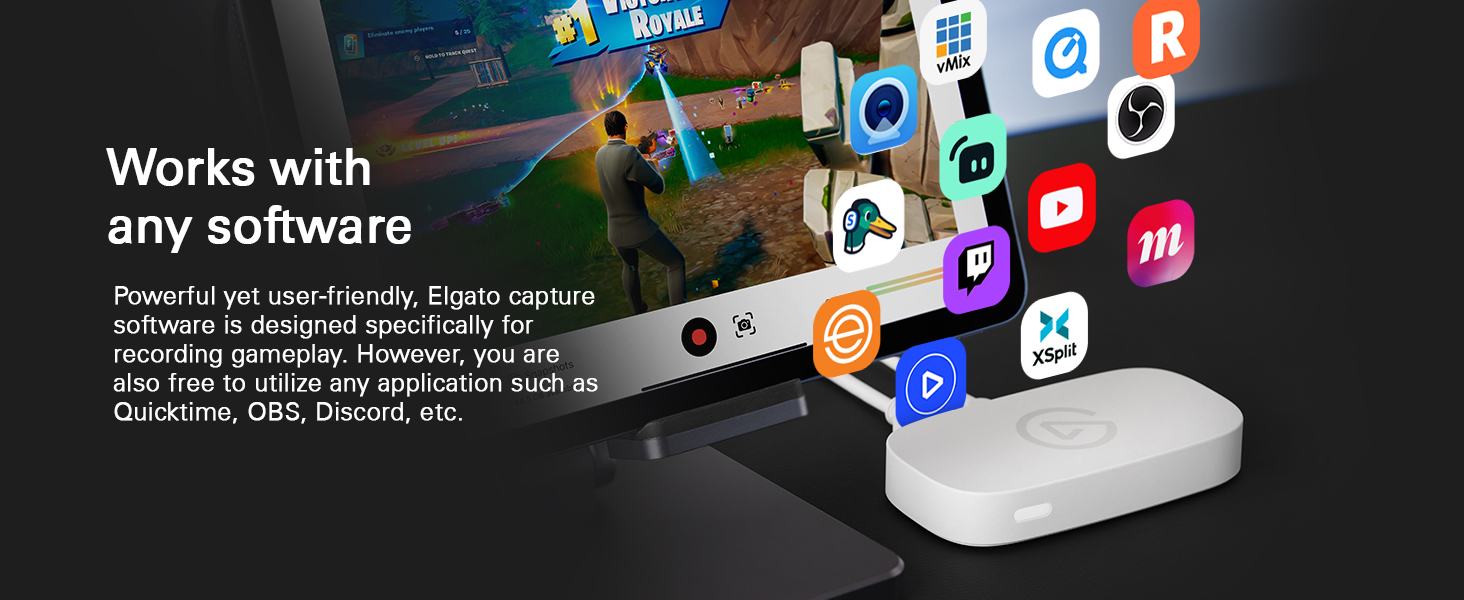
It depends on what you want to do. For simple recordings, you can use any app that supports video recording. Better yet, download our capture software—it makes professional recording effortless.
Is my USB setup compatible?
Got an open USB 3.0 (or later) port? That’s all you need to connect Game Capture Neo to your laptop. You can connect to a USB-C port using an adapter (not included) or USB-C to USB-C cable (not included). We do not recommend connecting a USB hub.
Technical Specifications
Input HDMI (unencrypted) Output HDMI (lag-free passthrough) Passthrough resolution up to 4K60 HDR Recording resolution up to 1080p60 Dimensions 123 x 65 x 20 mm / 4.8 x 2.6 x 0.8 in Weight 90 g / 3.2 oz System requirements Windows 10 (64-bit), macOS 12, iPadOS 17 (Requires USB-A to C adaptor or Dock) or newer / 6th generation Intel Core i5 CPU (i5-6xxx) / AMD Ryzen 7 (or better) / Apple M1 or Intel i5-4xxx quad-core or better / Apple M1, AMD or NVIDIA / NVIDIA GeForce GTX 10xx (or better) / USB 3.0 port
| Weight: | 90.7 g |
| Dimensions: | 6.5 x 12.3 x 2.1 cm; 90.72 g |
| Brand: | Elgato |
| Model: | 20GBI9901 |
| Colour: | White |
| Batteries Included: | No |
| Manufacture: | Corsair |
| Dimensions: | 6.5 x 12.3 x 2.1 cm; 90.72 g |
It's good but not the bes
If you want any frames above 60fps get the better model. As for recording 1080 60fps it does a great job, although it does get hot if not placed on a cool surface (I keep mine suspended mid-air).
Top! Elgato ebe
Habe an diesem Produkt meine Canon R50 angeschloen. Tolles Bild, keine Verzgerung, wie man es von gnstigeren Capture Cards kennt. Arbeitet top an meinem MacBook Air und an meinem Win 11 Rechne
Easy to set up and can connect to ps4/ps5/switch/laptop/desktop pc. Quality of recording is spot on. The size of game capture is quite small and sits nicely on the desk and would recommend if just starting out to record games for YouTube
Prodotto ottimo, ma problemi tecnici con l’audio
Ho acquistato l’Elgato Game Capture Neo per trasmettere le mie sessioni di gioco con la Nintendo Switch su OBS Studio tramite il mio Mac mini M2.
Il video viene catturato perfettamente e la configurazione iniziale stata semplice. Tuttavia, ho riscontrato problemi con la cattura dell’audio: a volte funzionava, altre no, e quando era presente, risultava “corrotto”.
Nonostante numerosi tentativi di risoluzione, il problema persisteva, cos ho contattato l’assistenza clienti di Elgato. Sono stati molto disponibili e professionali nel cercare di risolvere il problema riscontrato.
Con la scadenza del periodo di reso imminente, ho dovuto restituire il prodotto. Tuttavia, la mia esperienza con l’assistenza stata molto positiva e spero che il problema venga risolto in futuro. Credo molto in Elgato e sicuramente considerer di riacquistare l’Elgato Game Capture Neo e altri loro prodotti.
Why do I like about this? Of course was the price point it was super affordable for me to start content creation for platform I used regularly. It’s very small and simple to use. I think future content creators will used this as there first capture card for a while or maybe a long time. Is there anything I dislike so far??? The only thing I dislike is no instruction manual but I can look it up on YouTube to figure out how to set it up. That’s the only complaint I have with it. But everything else runs smoothly
I bought this to have more options other than streaming direct from the PS5. Such as using OBS to add to my stream, or use other consoles such as the Switch or retro machines. For this it is very good, my stream looks really sharp & clear.
The only issue I have is with the passthrough. All in all it looks “fine”, & certainly latency is either non-existent or so slight as to be undetectable to the human eye. So, perfectly useable. However, the colours appear to be less vivid than coming direct from the console.
I did download their app & play with the settings, & this did make a noticeable improvement. But still, s little less vivid.
Now, this may be just because I have an older LCD TV, or exploring the settings further may help.
It’s only a slight annoyance, & the actual output to YouTube is pretty much perfect.
Also it is very easy to set up, for someone like me who has to re-watch multiple tutorials to use programs like OBS & Resolve.
All in all, I would probably still buy this if I had a chance to road test it first.
Simply bes
A very good capture card. Had a cheap one before and it had problems which put me off from investing in another. But as they say, you get what you pay for. The connection and software works great and the footage is excellent. Can’t recommend enough…but as time of writing this, an updated model has been released. If your budget allows it, consider newer model…if not, this one works great for current consoles.
The Elgato HD60 X is a true game-changer for content creators, streamers, and gamers seeking top-tier performance and versatility in their capture and streaming setups. With its ability to stream and record in 1080p60 HDR10 or 4K30, coupled with ultra-low latency, this device has earned its well-deserved 5-star rating.
The standout feature of the HD60 X is its impeccable video quality. Whether you’re capturing gameplay footage, streaming live content, or recording video for later editing, the 1080p60 HDR10 and 4K30 capabilities ensure crystal-clear visuals with vibrant colors and dynamic contrast. This level of visual fidelity is a game-changer for those who prioritize high-quality content creation.
Ultra-low latency is a critical aspect of any capture card, and the HD60 X excels in this department. The minimal delay between gameplay and the captured footage is crucial for streamers and gamers, ensuring a seamless and responsive experience. This responsiveness is especially valuable for live streaming, where immediate interaction with the audience is key.
The device’s plug-and-play design adds a layer of convenience, allowing users to get up and running with minimal hassle. The simplicity of the setup, combined with Elgato’s user-friendly software, makes the HD60 X accessible to both seasoned content creators and newcomers to the streaming scene. The inclusion of a USB-C connection enhances compatibility and data transfer efficiency.
The build quality of the HD60 X is exceptional. The compact and sleek design is not only aesthetically pleasing but also practical for those with limited desk space. The device feels robust and durable, promising longevity even in demanding usage scenarios.
The Elgato software suite, including the powerful Game Capture HD and 4K Capture Utility, complements the HD60 X seamlessly. The intuitive interface and feature-rich controls empower users to customize their streaming and recording setups, providing the flexibility needed to produce professional-level content.
Furthermore, the HD60 X is equipped with advanced features such as Flashback Recording, allowing users to retroactively capture gameplay moments without missing a beat. This feature is a testament to Elgato’s commitment to providing innovative tools that enhance the content creation process.
In conclusion, the Elgato HD60 X is a 5-star performer that sets a new standard for capture cards. Its 1080p60 HDR10 and 4K30 capabilities, ultra-low latency, and user-friendly design make it an indispensable tool for content creators and streamers aiming for excellence. Whether you’re an aspiring YouTuber, professional gamer, or streaming enthusiast, the Elgato HD60 X elevates your content to new heights, delivering a premium and immersive experience for both creators and their audiences.
The Elgato HD60 X Capture Card has truly stepped up my game when it comes to capturing and streaming gameplay on my PS5, Xbox, and Nintendo Switch. Setting it up is a breeze — just plug and play. I appreciate the flexibility to use either OBS or Elgato’s software for streaming, but personally, I find OBS to be the superior choice.
What I love most about this capture card is its straightforward approach — no subscriptions required, just seamless connectivity to both my gaming console and streaming PC. The inclusion of HDMI and USB-C cables in the package is a thoughtful touch, though it’s crucial to ensure your computer supports USB 3.0 or above for optimal performance (note: it doesn’t work with USB 2.0).
The HD60 X’s powerful passthrough is a game-changer, offering up to 4K60 HDR10 passthrough or high frame rates at 1400p120 or 1080p240, ensuring I get the best visual experience while gaming or streaming.
While the overall experience has been fantastic, the instructions that come with the card are a bit basic, especially considering the price point. I’ve used cheaper capture cards in the past that either failed or didn’t work at all, making the reliability of the HD60 X a standout feature.
If you’re into recording or streaming games like Animal Crossing, Minecraft, or Spider-Man, the Elgato HD60 X is definitely worth considering. I’d give it a solid 4 stars — it would have been a perfect 5 if the instructions were more detailed.