Elgato Prompter – Teleprompter with Built-in Screen
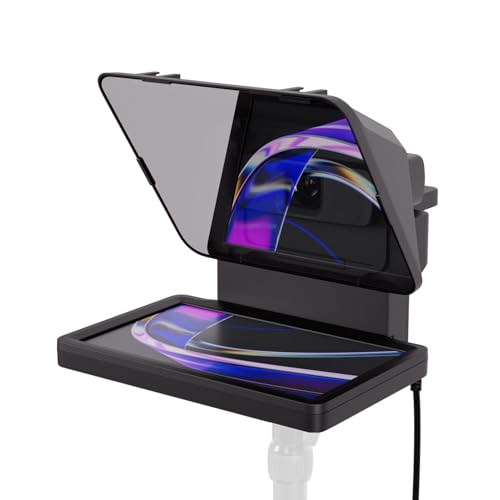
Elgato Prompter – Teleprompter with Built-in Screen for YouTube, Twitch, Zoom, MS Teams and more, Supports DSLR/Webcam/Smartphone, Drag & Drop Monitor Display, Works with Mac/PC & Stream Deck

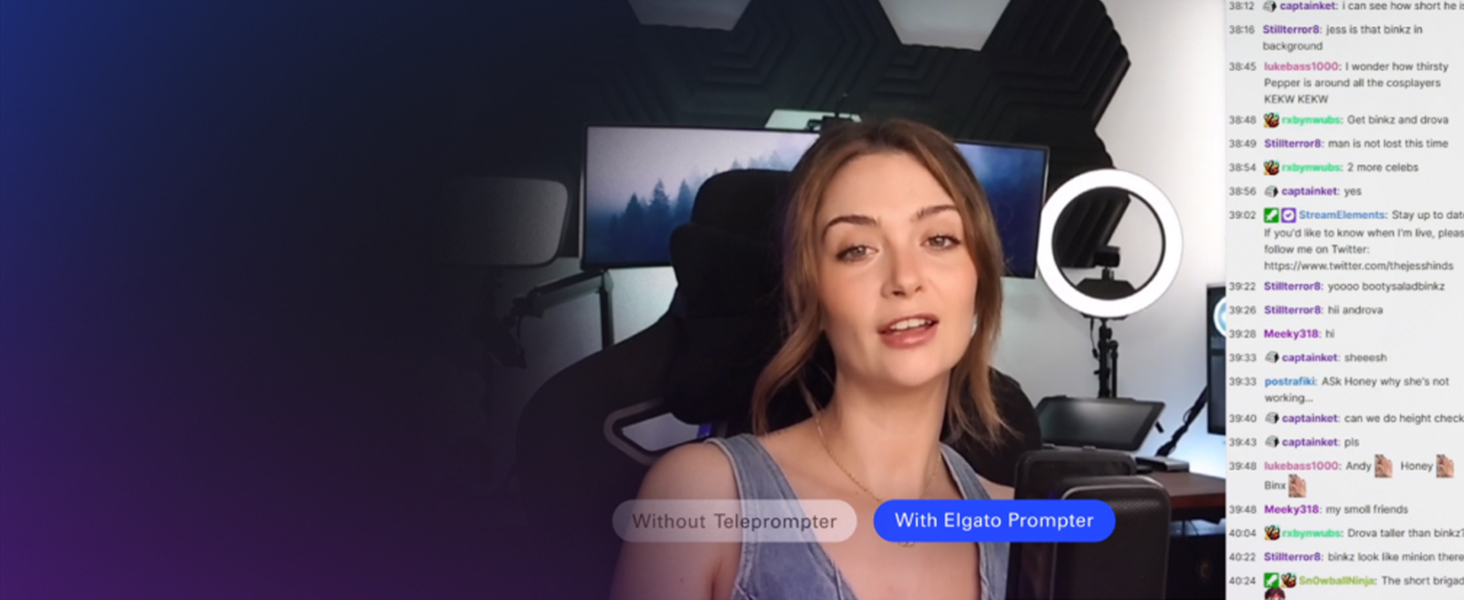
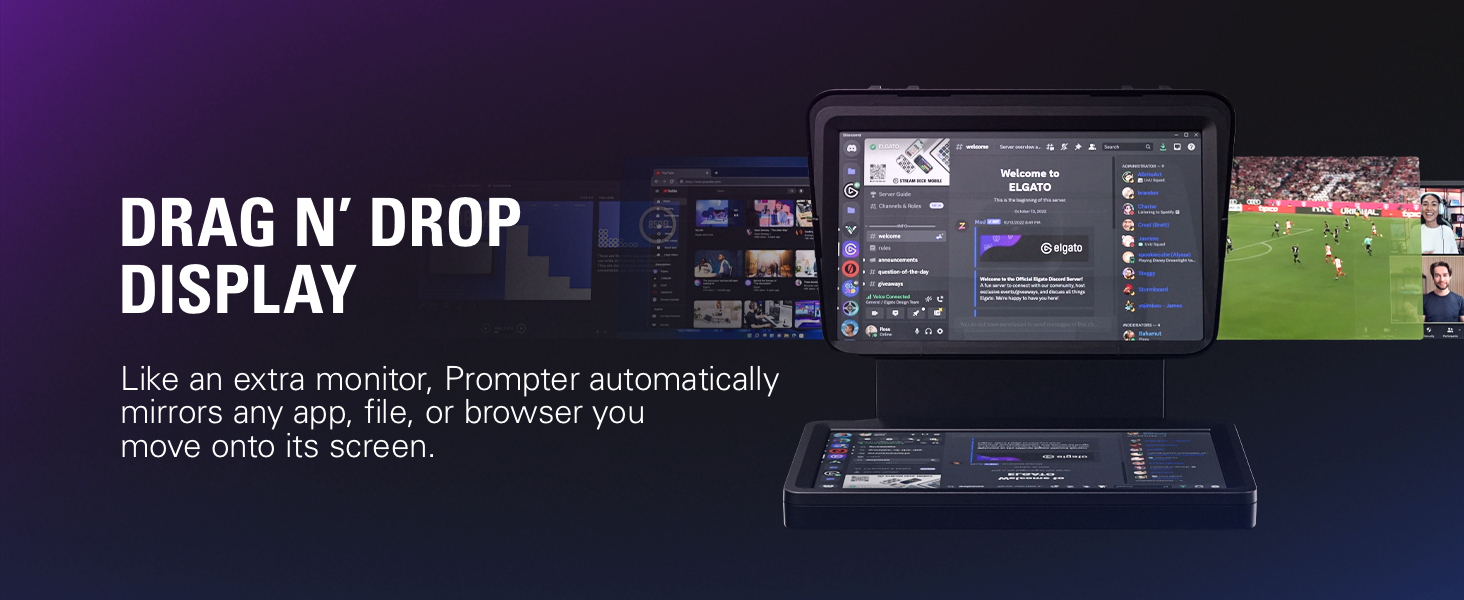
TALK TO CHAT (NOT YOUR MONITOR)
Make every livestream viewer feel seen and heard.
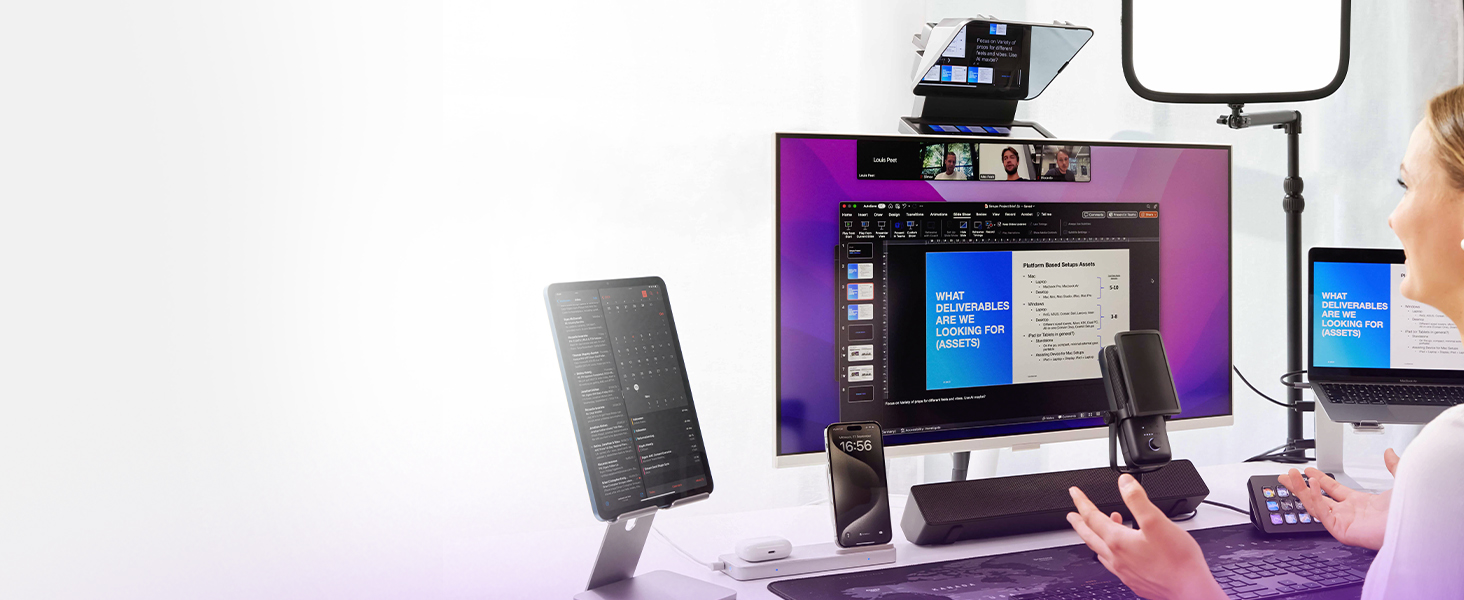
MEET FACE TO FACE
Connect with colleagues like you’re in the same room.
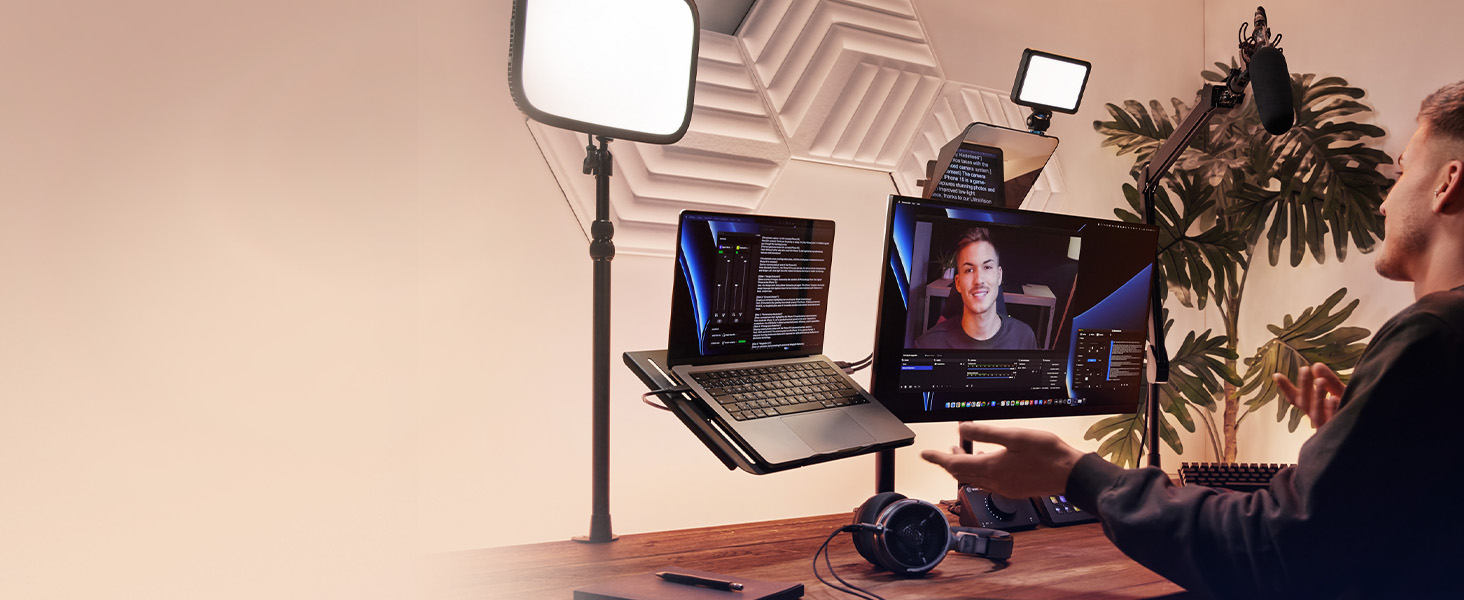
ENGAGE YOUR AUDIENCE
Record content with a clear, genuine message.
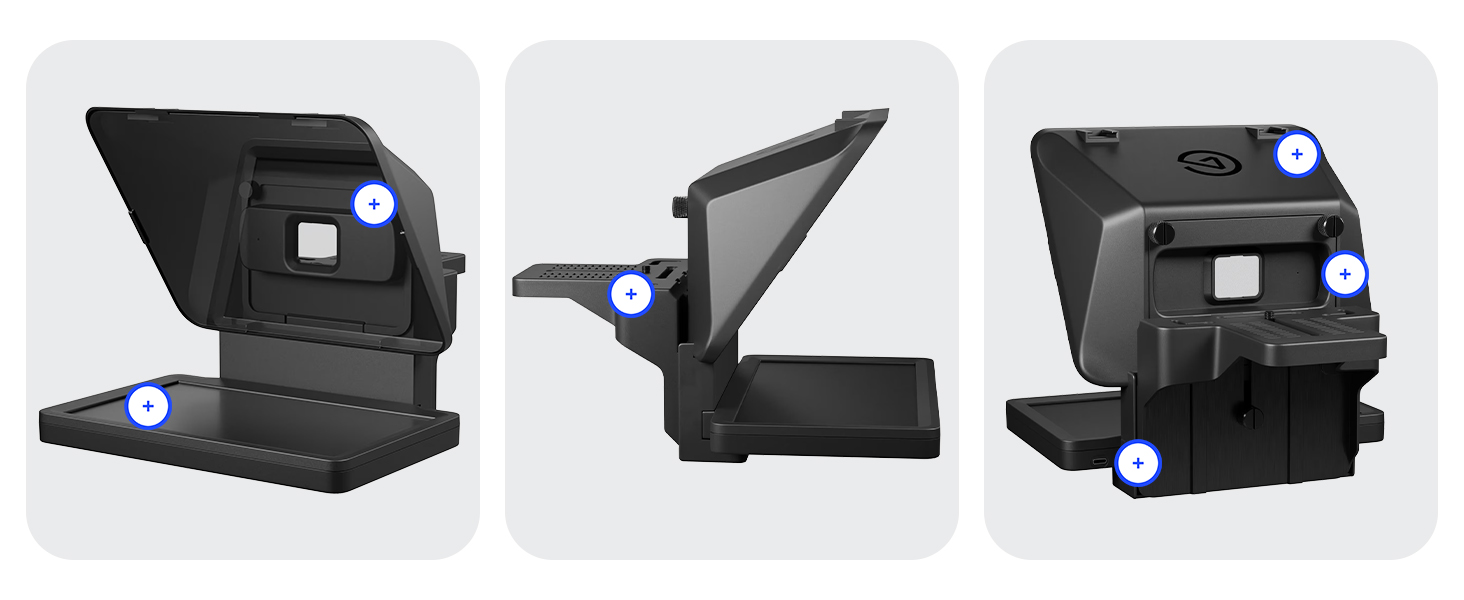 Beamsplitter Glass ” data-position=”triggerHorizontal” />Cold Shoe Mount ” data-position=”triggerHorizontal” />USB-C Connection for power and data ” data-position=”triggerHorizontal” />
YOUR WORDS, YOUR WAY
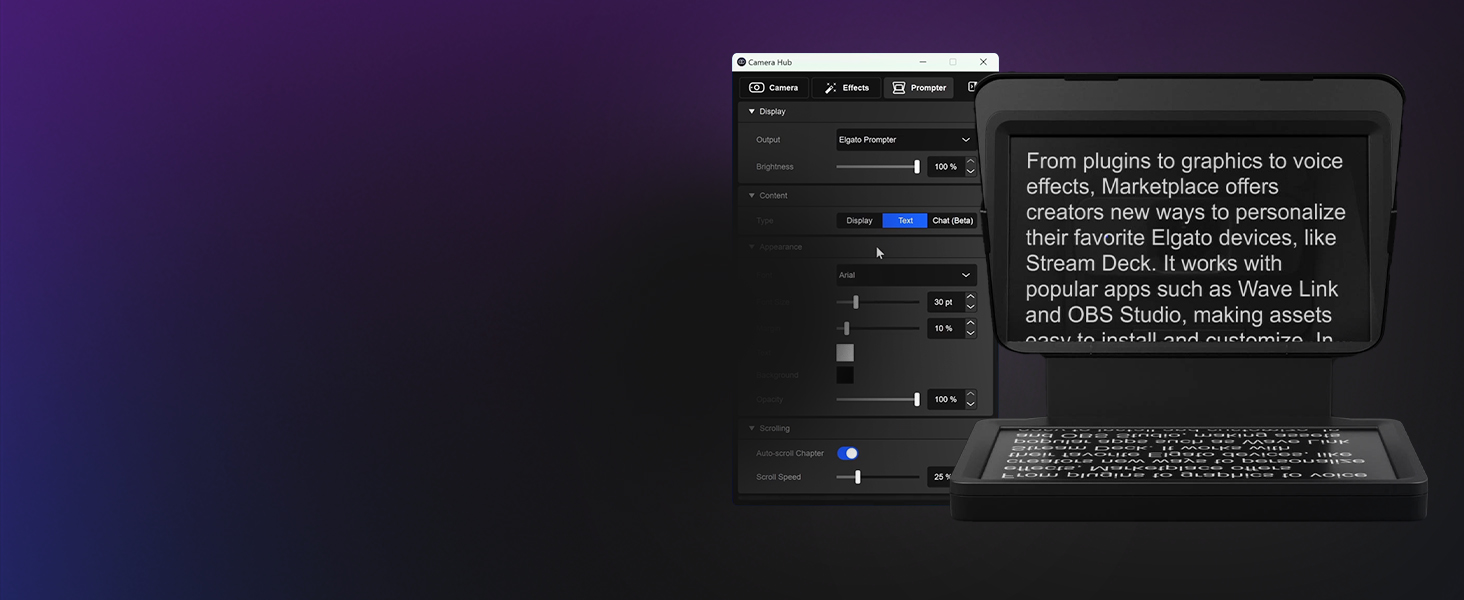
Only in Camera Hub, included free with Prompter, you would manage the style and format of your script, organize content into chapters, manage scroll speed, and more.
STREAM DECK CONTROL
Manage Prompter’s display on the fly with a key press, a dial turn, or a tap of your foot.
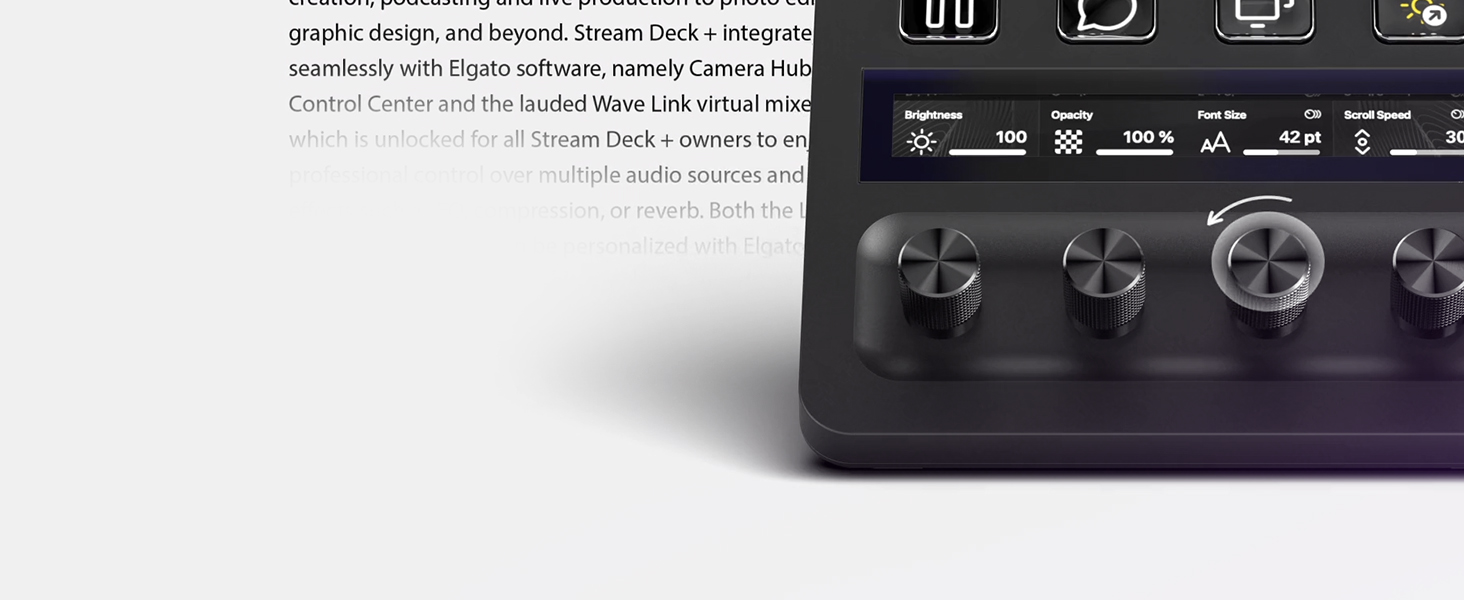
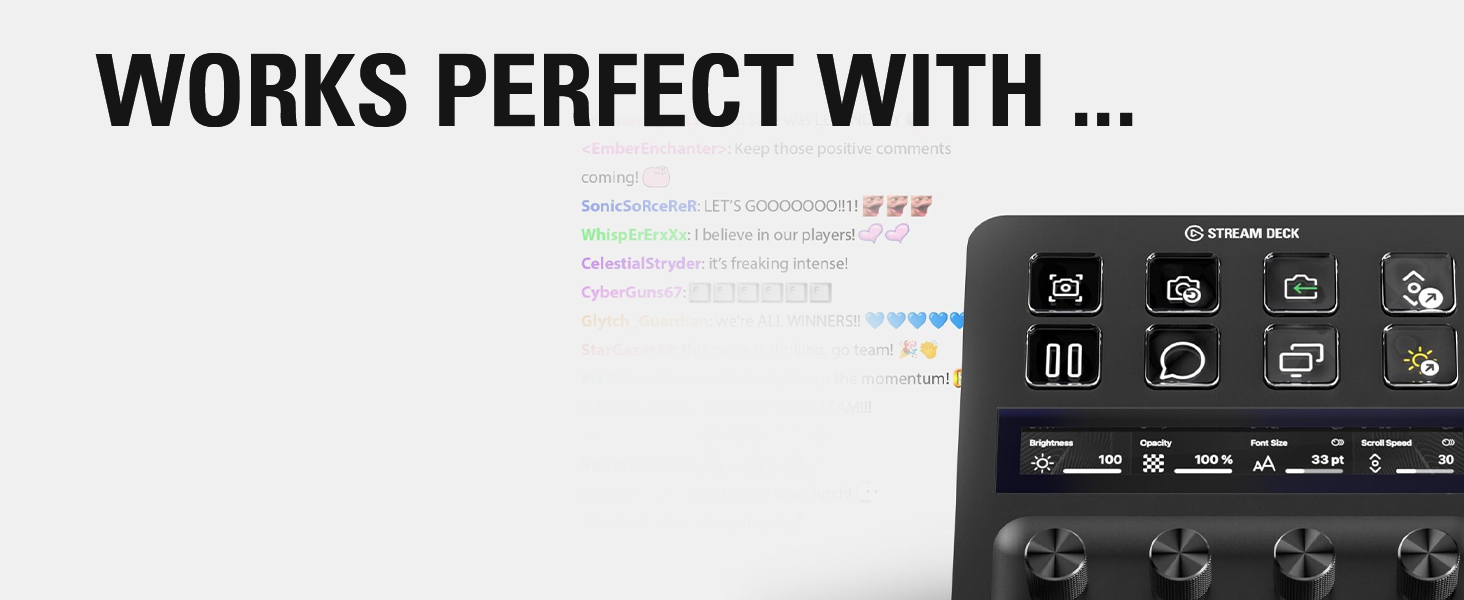
STREAM DECK +
Iconic Stream Deck tech with customizable LCD keys, dials, and touch strip. Stream Deck + is your audio mixer, studio controller, production console – anything you want it to be.
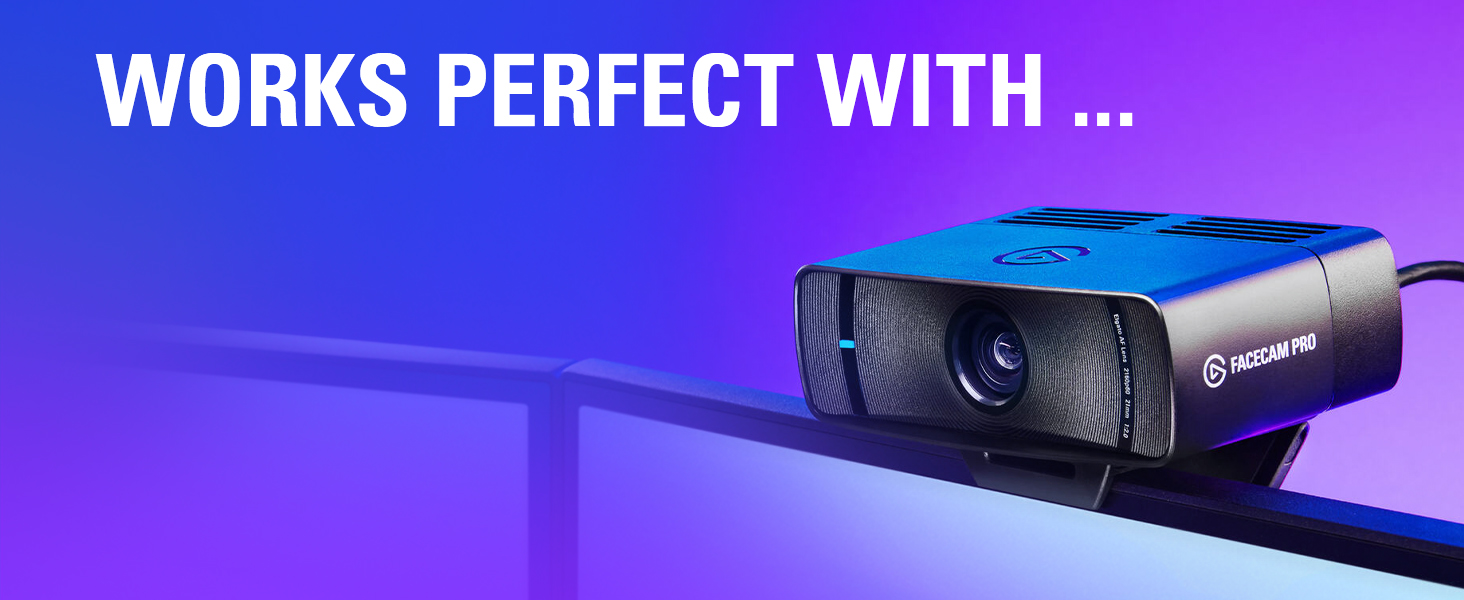
FACECAM PRO
The world’s first 4K60 webcam and a first-of-its-kind teleprompter…It’s almost like they were made for each other.
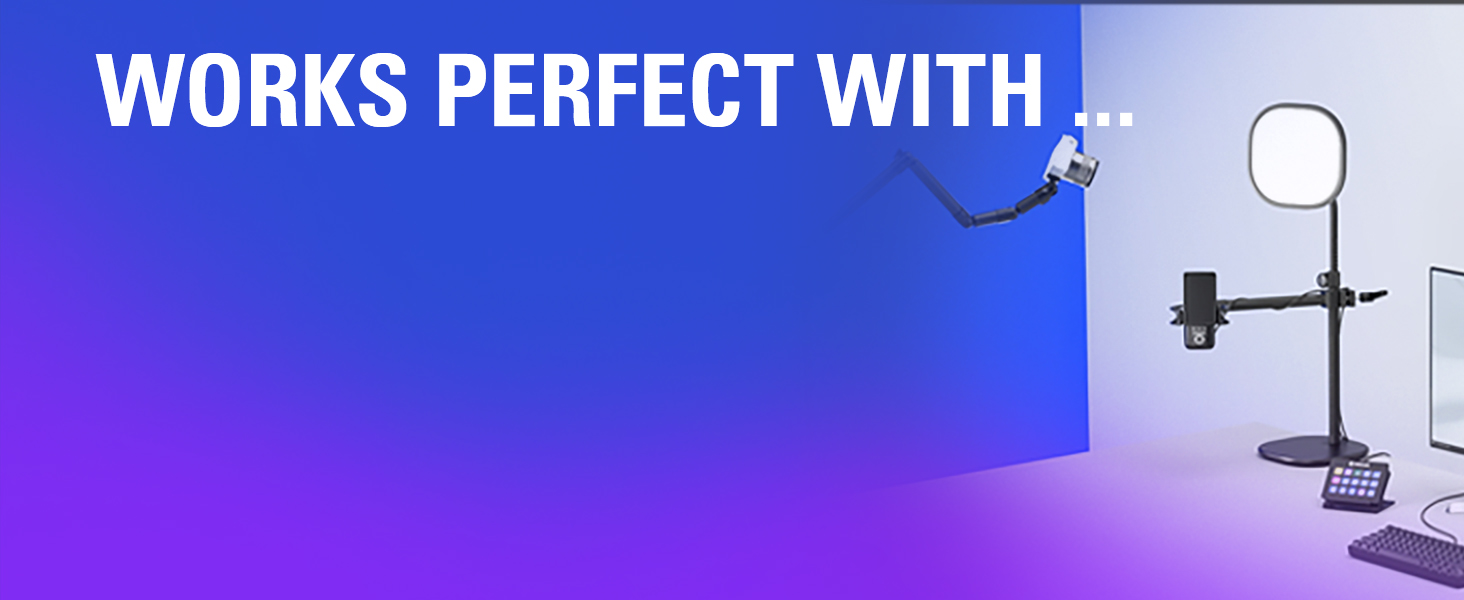
MASTER MOUNT
Multi Mount is a modular rigging system that lets you mix components to match your workflow. Lights, cameras, phones and more.
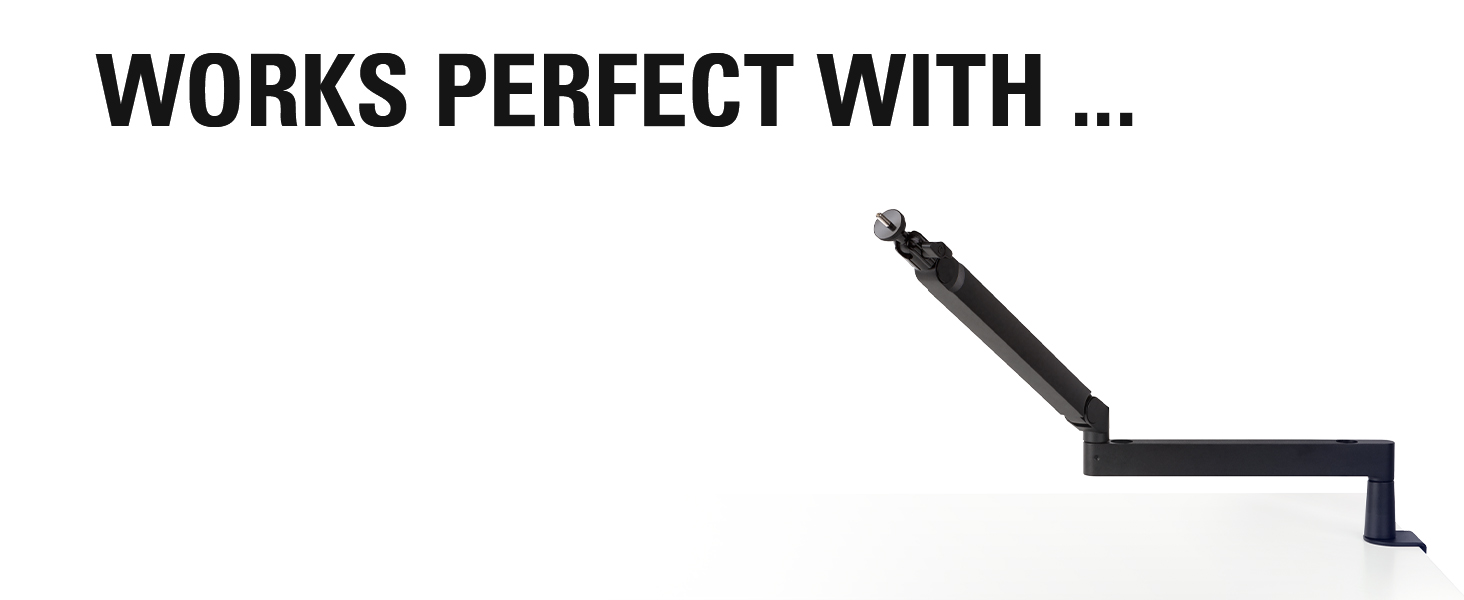
LOW PROFIL ARM
A studio grade, swivel mount for your Prompter.
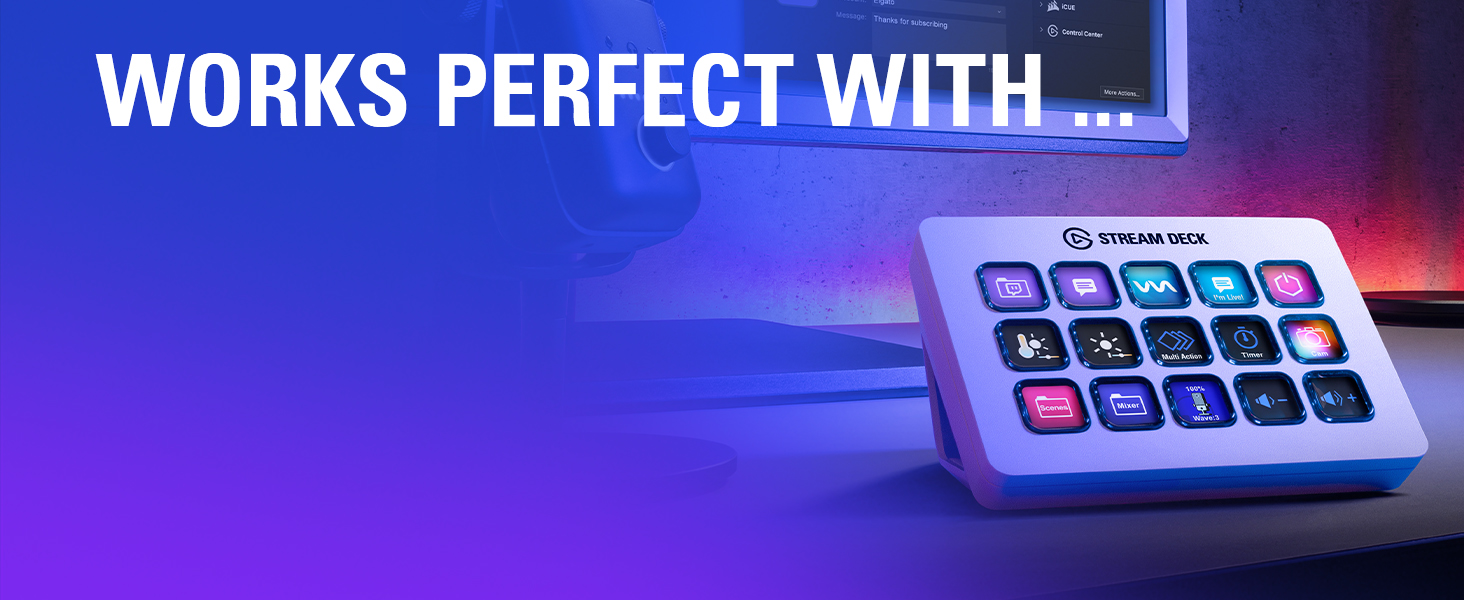
STREAM DECK
Stream Deck features 15 customizable LCD keys to control apps, audio, video and platforms. Hit the store for app plugins, icons, tracks plus effects.
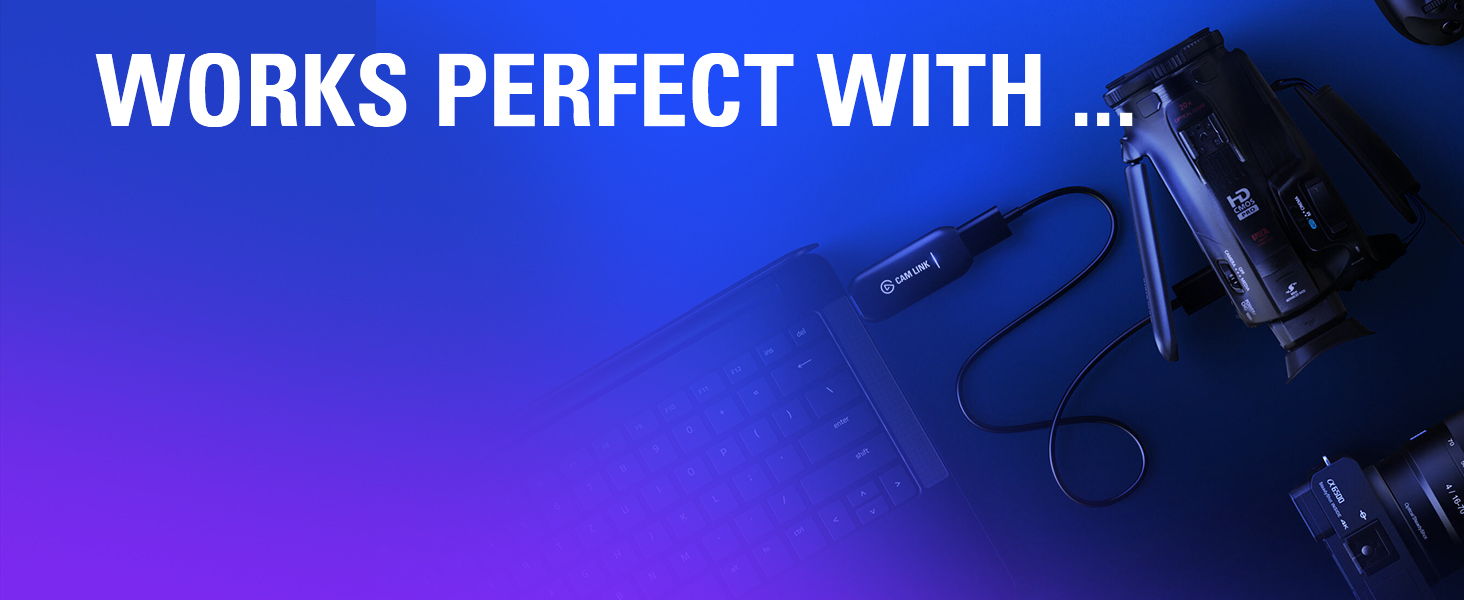
CAM LINK 4K
With Cam Link 4K, use your DSLR, camcorder or action cam as a webcam on your PC or Mac. And broadcast live via any platform.
TECHNICAL SPECIFICATIONS
Weight 690 g | 1.52 lb (without accessories) Interface USB-C Display 9″ 1024 x 600 px Step-up rings 49, 52, 55, 58, 62, 67, 72, 77, 82 mm Dimensions W 224 x H 219 x D 282 mm / W 8.88 x H 8.62 x D 11.10 in (with universal bracket) System requirements Windows 10 (64-bit) or newer, Intel or AMD CPU / macOS 11 or newer, Intel or Apple CPU / USB 3.0 Type A Android 11 or newer / DisplayLink software required on Mac (free to download) / DisplayLink Presenter software required on Android (free to download)
| Weight: | 689 g |
| Dimensions: | 28.19 x 22.4 x 21.89 cm; 689.46 g |
| Brand: | Elgato |
| Model: | 20WAD9901 |
| Colour: | Black |
| Batteries Included: | No |
| Manufacture: | Corsair |
| Dimensions: | 28.19 x 22.4 x 21.89 cm; 689.46 g |
Great all rounded Teleprompte
It has the perfect weight to not exert pressure on your camera lens when mounted. But i wished there was an ability to fold it up for easy traveling. Also the fact that don’t show you how to set it up correctly for macs is a problem.
So if you have a macbook and you’ve installed the Elgato camera hub software and you’re struggling to get it working do this
On your mac, open settings, privacy and security, screen & system audio recording, turn on Display link manager and elgato camera hub. if you don’t see these options, just tap the plus button and add them.
It would solve that issue
Fr so kleines einen Teleprompter ist super, aber die Software nervt schon manchmal.
Da knnte nochmal ein Update drber laufen.
Ich betreibe den Prompter an meinem CalDigit TS4 ohne Probleme.
Even though it is quite pricey I believe it is worth it if you are trying to talk to the camera. It is easy to set up and works without issues.
Even though it is quite pricey I believe it is worth it if you are trying to talk to the camera. It is easy to set up and works without issues.
Initial Review 5 stars
Dont believe other reviewers that says it does not work with the M3 MacBook Pro. I have lots of Elgato accessories (2x streamdeck, capture card, mic, etc) all plugged into a USBC hub connected to my MacBook using 1 wire only. It works perfectly!
========================================================================
Update after one month of using 7/3/2024
TLDR: This prompter is best on dark mode and mostly show black on the prompter
Still 5 stars because this has became a second and smaller screen I didnt know I needed. I sold my second monitor and now have more space on my desk. The image I have has the prompter on 10% brightness but still very visible.
I use mine with an insta360 link webcam and its AI features still works, but there is a glare like what everyone says depending on how much bright color you show on the prompter. For example, if I look at myself full screen in the prompter while wearing a bright colored shirt, I can see the glare with the color of my shirt. I was able to address this by doing 1-2 of the following
1. Making anything bright colored as small as possible
2. Lowering the brightness
3. Pointing the camera highe
Absolute game changer!
The Elgato Prompter has been an absolute game changer for me! As someone who films a lot of scripted content, I always struggled with memorising lines while maintaining eye contact with the camera. With the Elgato Prompter, I can smoothly scroll through my lines, keeping my focus on my audience. Being able to adjust the font size and scroll speed is a really nice feature and allows me to go at my own pace. When I’m not filming content, it’s super easy to use the Prompter as another screen, or to display my chat when I’m streaming.
The initial setup did take me a bit of time as the prompter was a bit larger than I anticipated, but once I got the positioning worked out, it was seamless to connect it to my camera and set it up through the Elgato Camera Hub software.
If you’re a content creator or streamer looking to level up your setup, definitely check out the Elgato Prompter. I honestly didn’t realise how helpful it would be, and now I can’t imagine making content without it.
Easy to Use
It was really easy to set up the prompter with the Camera Hub software & it provides a lot of adjustments to set it up to suit individual preferences.
The text clarity on the screen is great, its super easy to read, I thought my room lighting would affect it but it didn’t and it comes through clear. Don’t worry about it affecting the camera picture, it remained unchanged & as clear as before. The sleek design fits well with my set up and fit straight on my existing webcam pole.
Its been super convenient not having to break eye contact to look at notes or others on my second monitor since it can all be displayed on the prompter itself. Highly recommended if you are looking to up your stream game.
Some Software on Mac
The Camera Hub software has a few issues on Mac. But if you get the latest 1.9.0 beta update, most have been resolved.
Also you can’t simply open the Camera Hub software, and work on a script, unless the Prompter is attached, which is annoying.
Overall, it’s a great product.