CRKD Neo S – Wireless Collectible Controller Designed
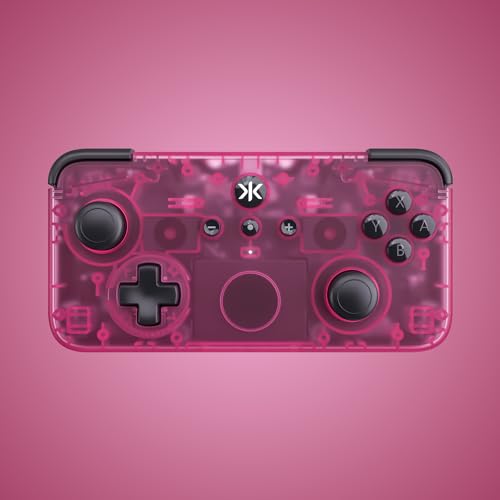
CRKD Neo S – Wireless Collectible Controller Designed for Nintendo Switch, PC, Mobile & Smart TV Gaming (Electric Pink)
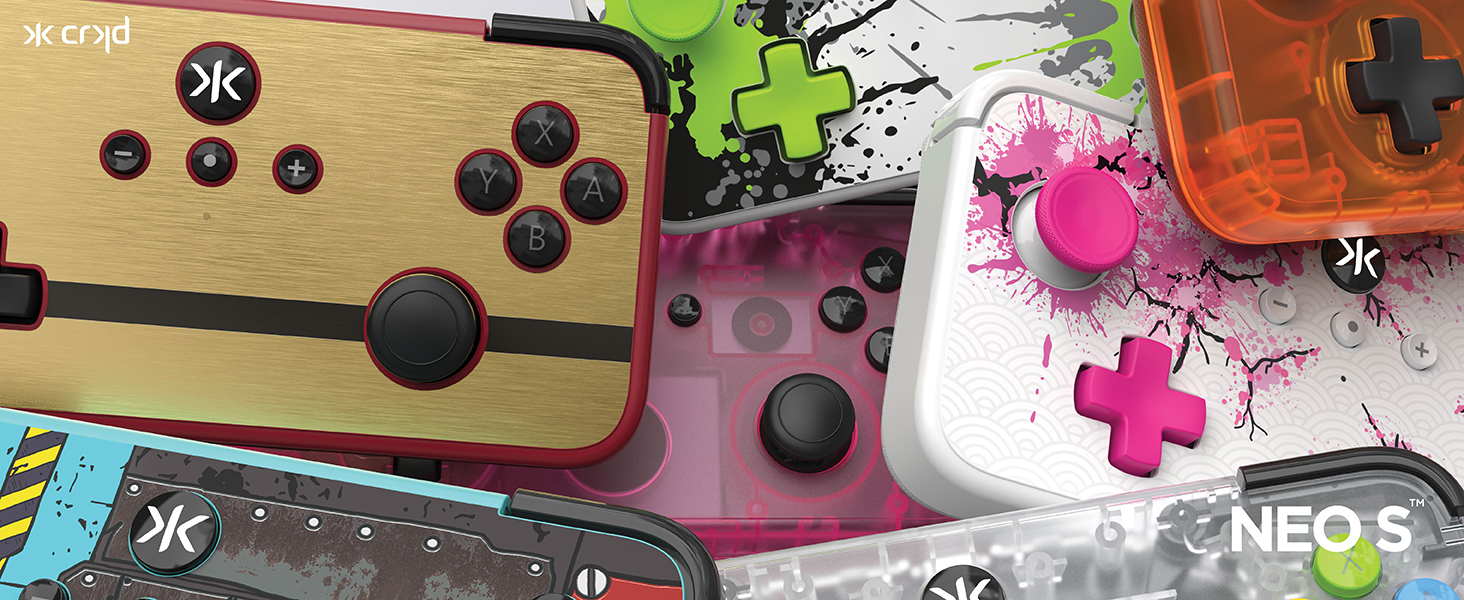
Introducing NEO S
The Wireless Collectible Controller designed for Nintendo Switch, PC, Mobile & Smart TV Gaming
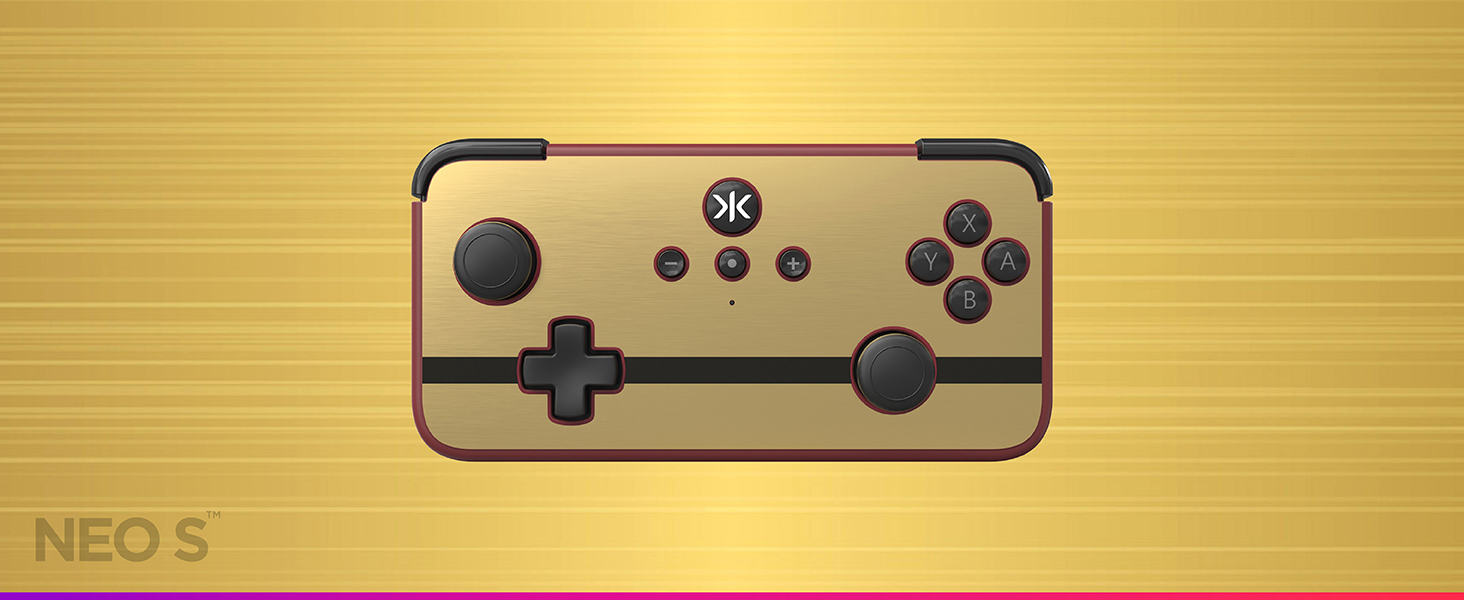
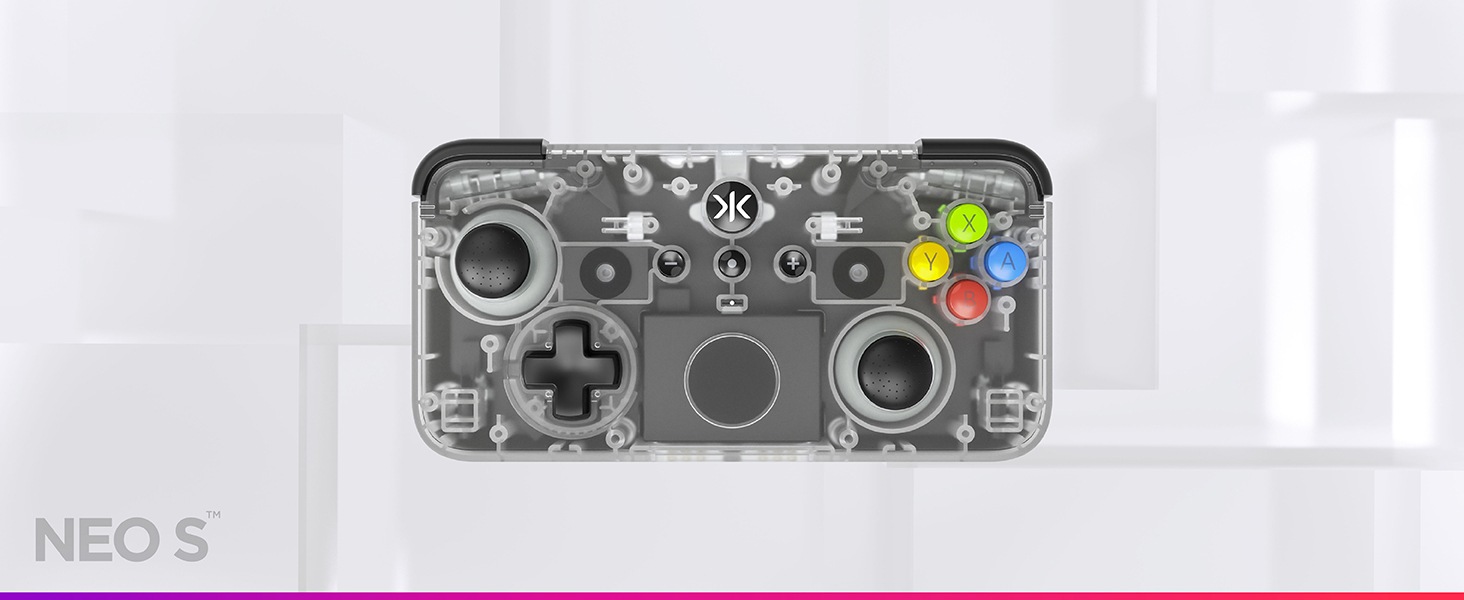
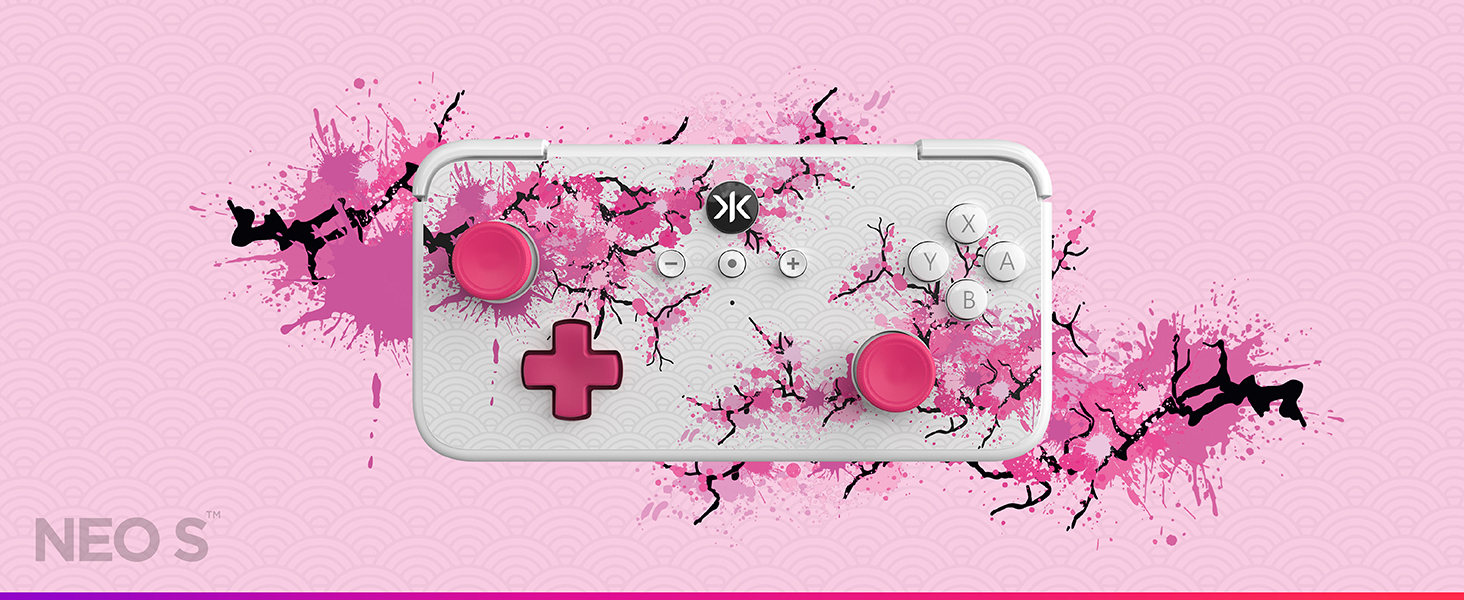
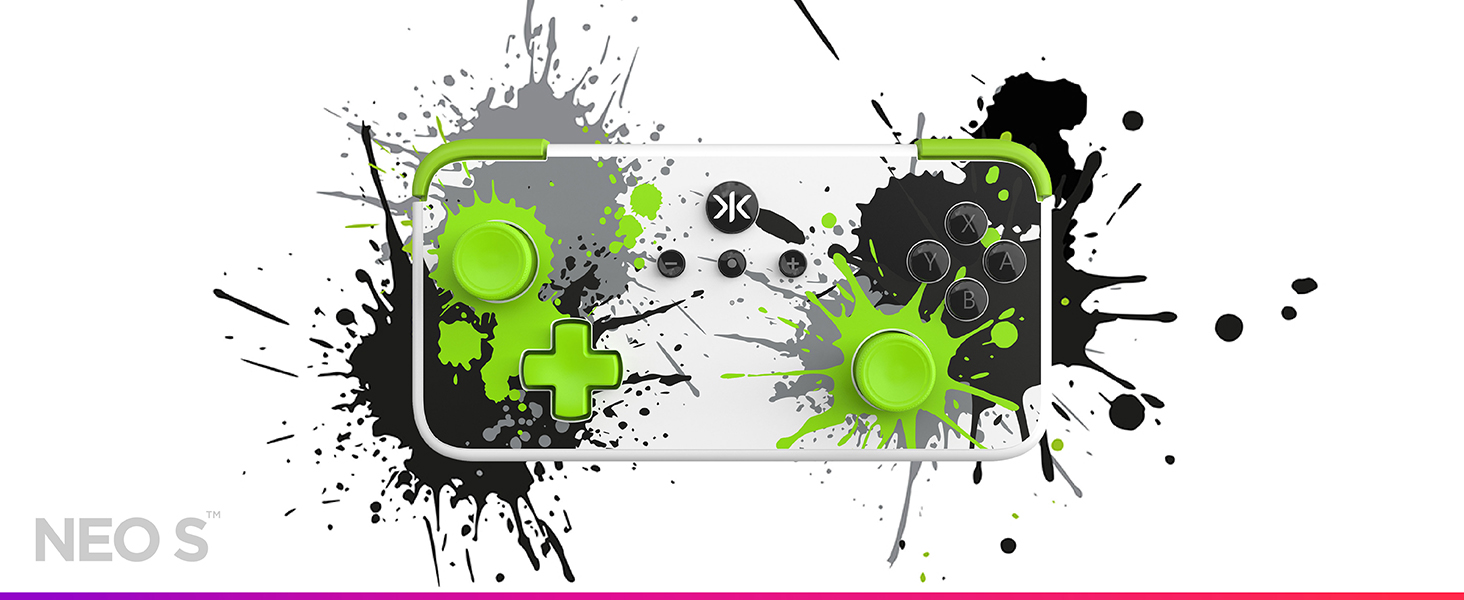
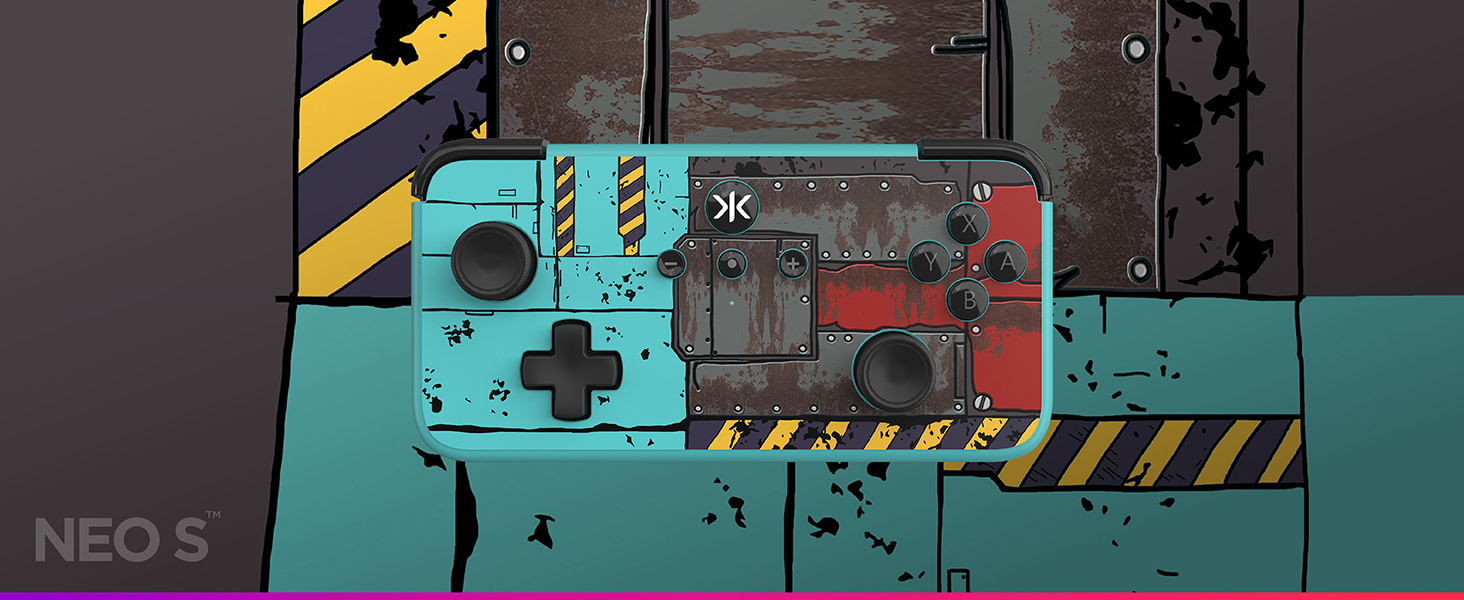
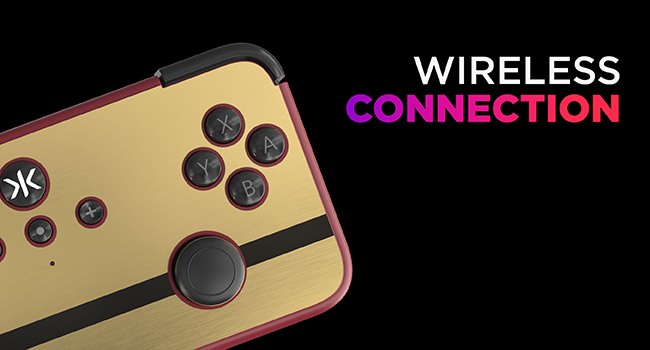
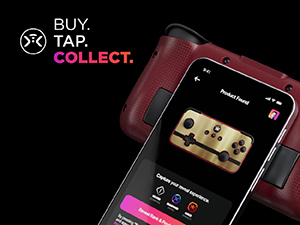
BUY.TAP.COLLECT
Compatible with our “True Collection System” revealing the product # and rarity rank of your controller.
Accessorise your NEO S
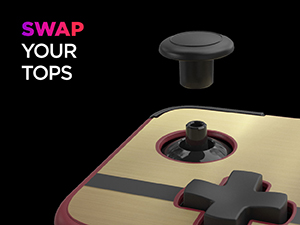
 Midnight Stick Tops | 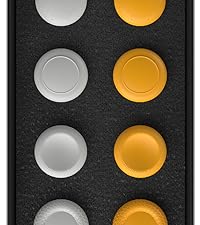 Retro Stick Tops | 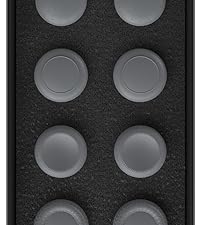 Dust Stick Tops | Midnight Stick Tops | |
| Customer Reviews | 4.9 out of 5 stars 19 | 4.6 out of 5 stars 14 | 4.5 out of 5 stars 2 | 4.9 out of 5 stars 19 |
| Price | £19.99 | £14.99 | £14.99 | £19.99 |
| Main Colour | Black | Light Grey / Yellow | Grey | Black |
| Fits the NEO S | ✔ | ✔ | ✔ | ✔ |
| Fits Other CRKD Product? | ✔ | ✔ | ✔ | ✔ |
| Looks Great On | Retro Gold, Classic Clear | Splatter | Junkyard | All |
| Quantity Included | 8 | 8 | 8 | 8 |
Feels great, looks grea
The controller is perfect, brings back the nostalgia of the Xbox crystal controller, easily paired to my PC (hold up and the centre button until it flashes) and instantly connects
I use the Bluetooth Controller on everything. I use it mostly for Steam games. But I've also used it on my Nintendo Switch. Easy to use and to take everywhere.
I use the Bluetooth Controller on everything. I use it mostly for Steam games. But I’ve also used it on my Nintendo Switch. Easy to use and to take everywhere.
The G.O.A.T.
This is my new daily driver. The app is easy. All three modes work great (Switch, Xbox, Generic Gamepad. Gyro feels nice. No dead zone feature, really means no dead zone. It really feals premium. Make sure you download the manual. Lots of good tidbits.
One odd thing is that it when I put it in Xbox mode on Android (COD Mobile) it blinks the whole time. Not a huge deal but a bit annoying. Also if the developers are reading these comments, please add capacitive thumb sticks on your next iteration. Would really love to activate the gyroscope (in Steam) like this.
i loved this thing so much i bought a second one so i could swap them out when i needed to charge the other one. the only negative thing i have to say is the back buttons are pretty sensitive sometimes while just holding the controller with my finger resting on one the back buttons it’ll trigger a button press. sure you can turn them off but i don’t always remember to do that. instead of having them mapped to A and B by default maybe have them unmapped to start then let the user manually map them if they want.
I like this controller it has become my travel controller thanks to its low-profile design. The only thing that prevents this from being a 5-star controller for me is left and right bumpers are too easy to press accidentally. It might just be my hands but still I don’t have this issue with any other controller I use.
Also, I am a PC gamer primarily. I wish they offered controllers with the Xbox layout.