Waveshare PCIe TO Gigabit ETH Board (C) For Raspberry Pi 5
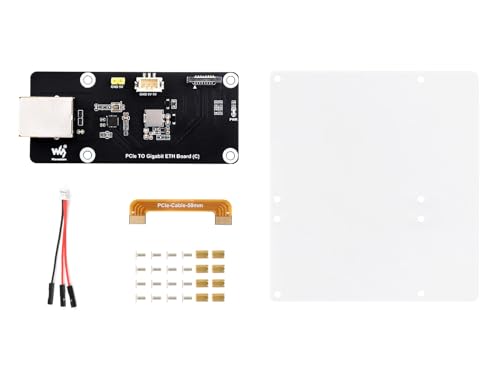
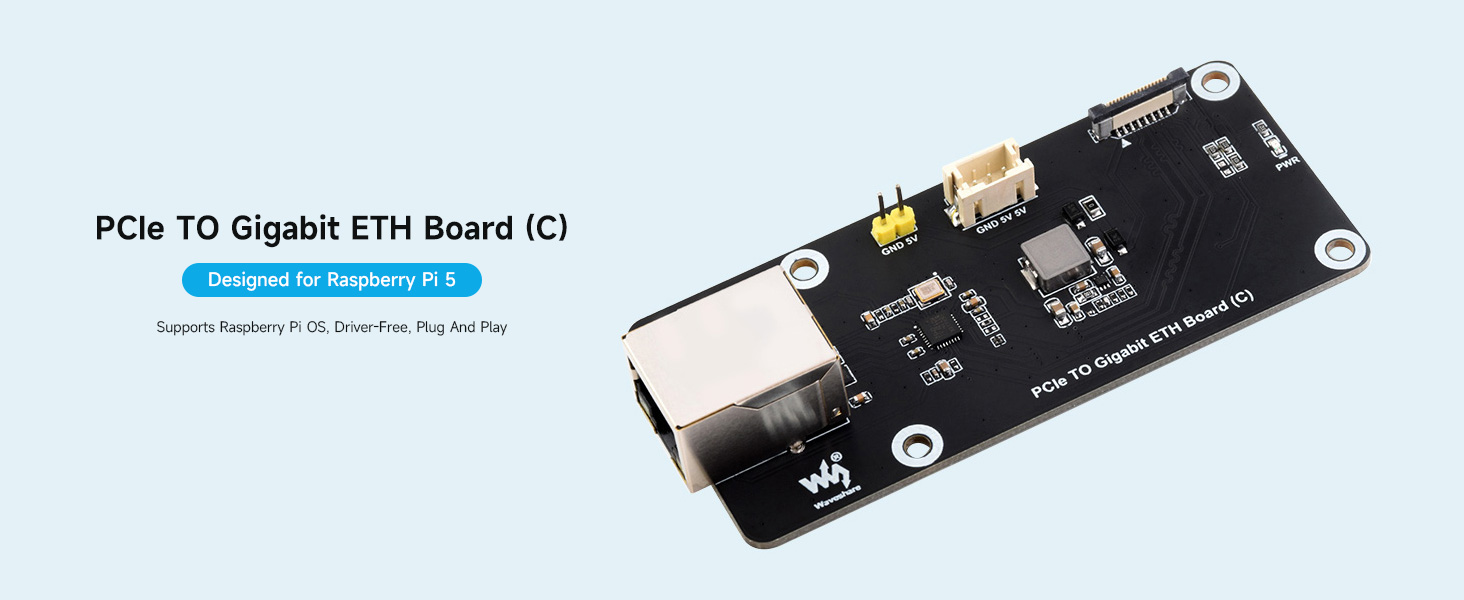
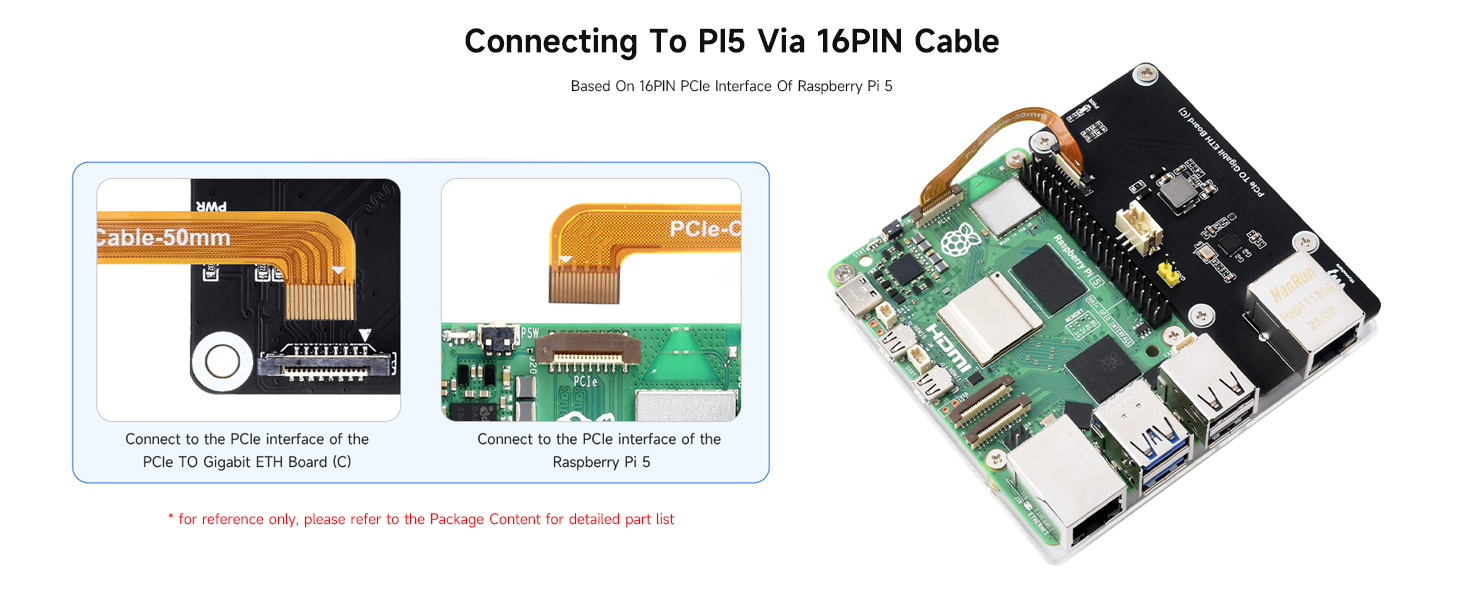
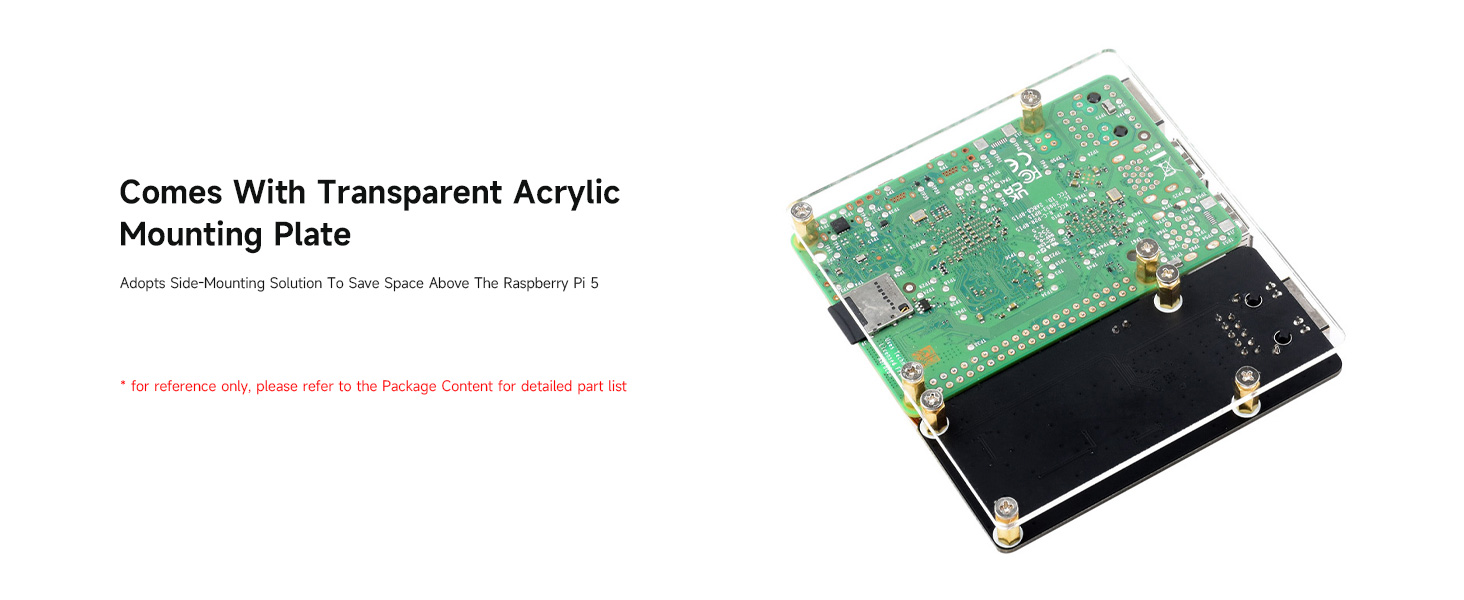
Waveshare PCIe TO Gigabit ETH Board (C) For Raspberry Pi 5, Driver-Free, Plug And Play, Raspberry Pi 5 PCIe Adapter, With Transparent Acrylic Mounting Plate, Side-Mounting Solutio
| Weight: | 77.1 g |
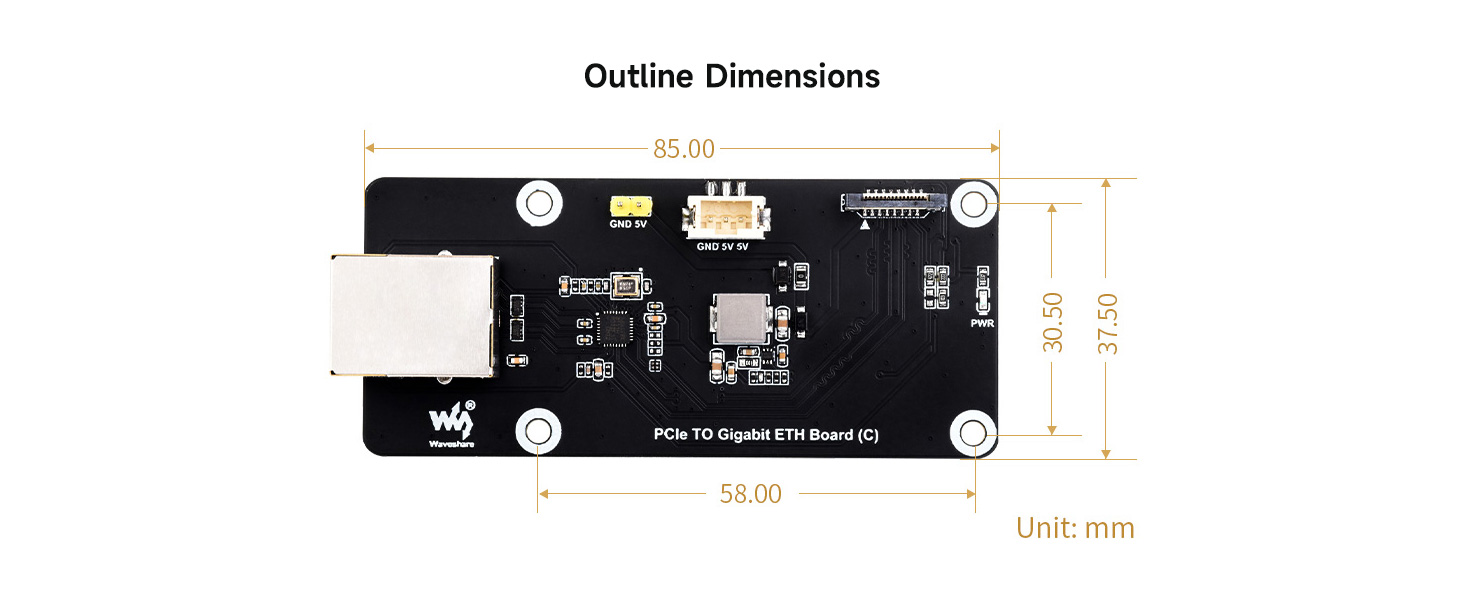
| Dimensions: | 10.41 x 10.41 x 2.54 cm; 77.11 g |
| Brand: | Waveshare |
| Model: | PCIe TO Gigabit ETH Board (C) |
| Batteries Included: | No |
| Manufacture: | Waveshare |
| Dimensions: | 10.41 x 10.41 x 2.54 cm; 77.11 g |
OpenWRT install notes
** Note that you will need the official Pi 5 power supply or a 5V @ 5Amps supply otherwise the board will not boot up! **
It works out of the box with the latest Raspberry Pi OS. For OpenWRT, since there are no stable release for Pi 5, you’ll need to download the daily snapshot. Snapshot build do not include the web interface as well as additional network drivers, so you’ll need to add the kernel module before download.
Under firmware-selector.openwrt.org , select snapshot build, then search for “Raspberry Pi 5”. Then on the next page, select “Customize installed packages” and add the following inside the “installed packages” area:
” kmod-r8169 luci luci-ssl ”
Click on “request build”, then you can download the image which will work with this card.
This Waveshare PCIe to Gigabit ETH Board (C) is a fantastic addition to my Raspberry Pi 5. It provides a reliable and convenient way to add Gigabit Ethernet connectivity to my Pi, eliminating the need for a USB adapter. The driver-free setup was a breeze – I simply plugged it in and it worked flawlessly with Raspberry Pi OS.
This Waveshare PCIe to Gigabit ETH Board (C) is a fantastic addition to my Raspberry Pi 5. It provides a reliable and convenient way to add Gigabit Ethernet connectivity to my Pi, eliminating the need for a USB adapter. The driver-free setup was a breeze — I simply plugged it in and it worked flawlessly with Raspberry Pi OS.