HUE HD Portable USB Camera for Video Conferencing
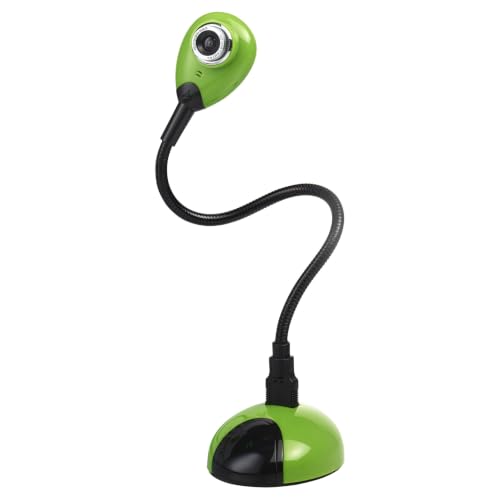
HUE HD Portable USB Camera for Video Conferencing or Classroom Use, Green | Full HD 1080p Flexible Visualiser for Teaching/Streaming, Built-in Microphone, Windows/ChromeOS/MacOS/iPadOS 17+ Compatible

Flexible
The camera’s adjustable gooseneck allows you to choose the perfect position for whatever you’re doing.

At school
Whether you’re teaching remotely or using a document camera in lessons, this affordable classroom resource can be used across the curriculum.
At work
Take snapshots, share ideas, sketches and notes in real-time to support discussions and make more efficient decisions.
At home
Ideal for homeschooling, online tutoring or video calls with family and friends. Connect the camera to a USB port and use it straight away.
At play
If you’re gaming, animating, vlogging or streaming you can set the camera up as a facecam, handcam or keyboard cam. The microphone makes it easy to share audio from other gamers around your table, or to capture ambient sounds.
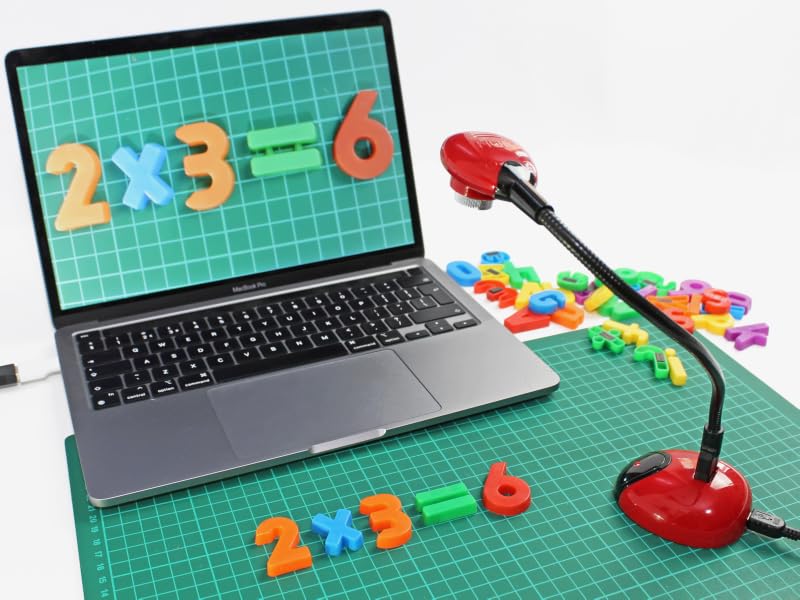

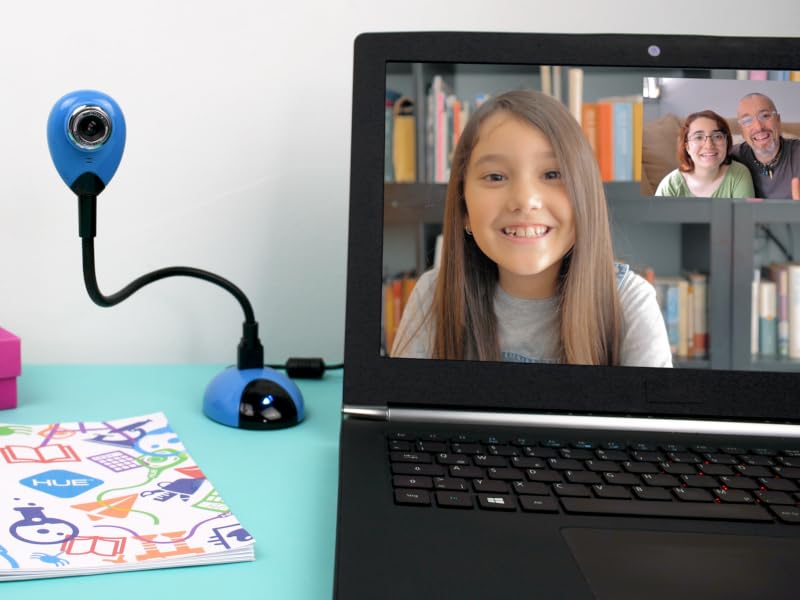
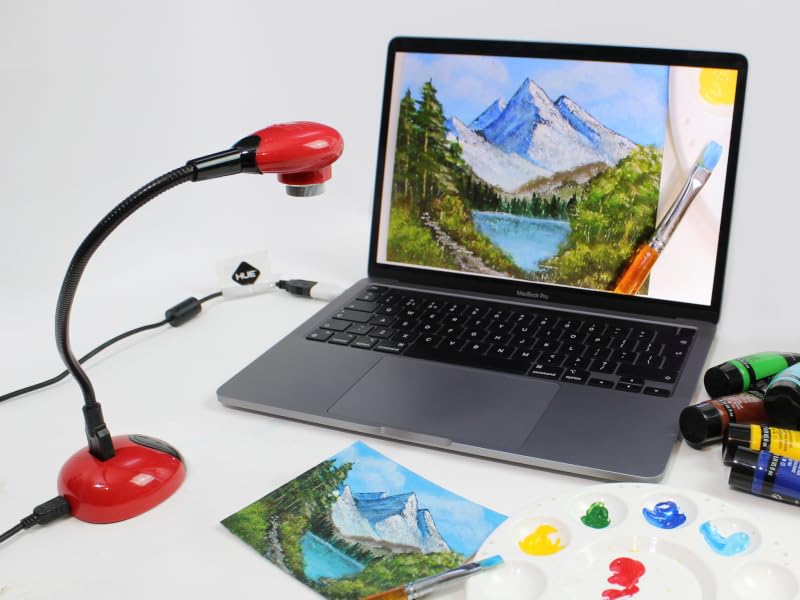
Wherever you go, whatever you do…


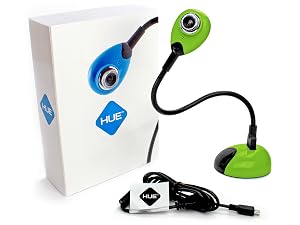
Package contents
– HUE HD camera
– USB camera base
– USB to mini-USB cable
| Package contents | HUE HD camera. USB camera base. USB to mini-USB cable. |
| System requirements | Works on any device that has a USB port which supports UVC ‘Plug & Play’ cameras. Available USB Type-A 2.0, 3.0 or 1.1 port. Works with USB Type-C adapters. Microphone requires a compatible sound card and speakers. Can be plugged directly into an interactive flat panel display if the panel has its own built-in operating system. |
| Camera features | Integrated microphone. Full 360 degree rotation. Manual focus. Plug & Play (UVC compatible). Available in a choice of colours. Capture half-page images (A4). Optional base. Fully compatible with third party software in Windows (XP SP2 and later), macOS (Mac OS X 10.4.3 and later), Chrome OS, and Linux distributions with UVC support. Universal Mac compatibility: works with Silicon, Intel and PowerPC Macs. |
| Camera specifications | 1080 HD (1920 x 1080) video capture and supports frame rates up to 30 fps. The microphone features noise reduction/cancellation, a sampling rate of 8000/16000Hz and accuracy of <5 PPM. The optical lens has a focus range of 5cm ~ infinity. |
I did not get any software with the camera. How do I start using it?
HUE cameras are Plug & Play and will work with any application that recognises a USB video device, such as built-in camera apps on an interactive display or the camera apps included with Windows, Chrome OS, macOS and other operating systems.
What size area can the camera capture?
Optimal image capture with the camera in its base is an A4 page (US letter size). The camera can be placed on a higher surface if a larger capture area is required.
Is it possible to rotate the camera’s orientation?
Many third party camera apps have options to flip and mirror the live video but if you are regularly rotating the image or capturing larger areas, the HUE HD Pro model (see comparison chart) may be a better choice.
Which video conferencing apps does the camera work with?
Zoom, Google Meet, MS Teams, Skype, QuickTime, Seesaw, Loom, FaceTime, Discord, Twitch, Slack, OBS, Webex, Chime and many more. HUE cameras work with any software which supports USB devices.
I did not find an answer to my question. How can I contact you?
We are happy to answer any questions through Amazon or directly. All HUE products come with multilingual after-sales support.
Find your perfect HUE product
 HUE HD Camera | 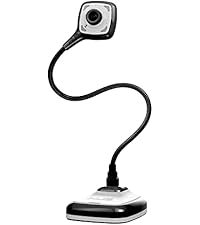 HUE HD Pro Camera | 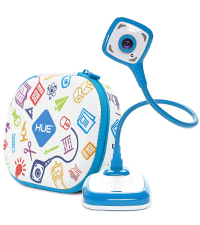 HUE HD Pro Camera + Case | 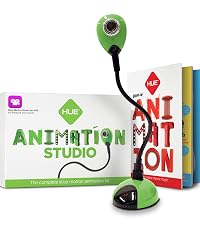 HUE Animation Studio | 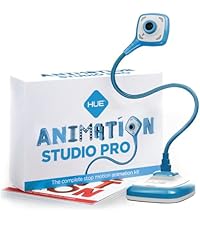 HUE Animation Studio Pro |  HUE Animation Toolbox |  HUE Clay | |
|---|---|---|---|---|---|---|---|
| Customer Reviews | 3.8 out of 5 stars9 | 4.3 out of 5 stars409 | 4.6 out of 5 stars24 | 4.1 out of 5 stars9 | 4.2 out of 5 stars23 | — | 4.3 out of 5 stars72 |
| Price | £54.95 | £75.70 | — | £64.95 | — | — | £11.99 |
| Type | Visualiser / Document Camera | Visualiser / Document Camera | Visualiser / Document Camera | Complete Animation Studio Kit | Complete Animation Studio Kit | Ultimate Animation Creator Kit | Non-Drying Modelling Clay |
| Colour Options | Black / Blue / Red / Green | Black / Blue / Red / Green | Black / Blue / Red / Green | Black / Blue / Red / Green | Black / Blue / Red | Blue | A Range of Rich Colours |
| Suitable For | Teachers / Classrooms ✓ | Teachers / Classrooms ✓ | Teachers / Classrooms ✓ | Stop Motion Animation ✓ | Stop Motion Animation ✓ | Stop Motion Animation ✓ | Suitable for Animation ✓ |
| Capture Resolution | 1920 x 1080 (1080p) | 1920 x 1080 (1080p) | 1920 x 1080 (1080p) | 1920 x 1080 (1080p) | 1920 x 1080 (1080p) | 1920 x 1080 (1080p) | Reusable / Never Dries Out ✓ |
| Maximum Image Capture | A4 (8 x 11″) | A3 (11x 17″) | A3 (11x 17″) | A4 (8 x 11″) | A3 (11x 17″) | A4 (8 x 11″) | Pliable and Versatile ✓ |
| Wide-angle Lens | ✗ | ✓ | ✓ | ✗ | ✓ | ✗ | Firm and Smooth Consistency ✓ |
| LED Lights | ✗ | ✓ | ✓ | ✗ | ✓ | ✗ | Professional Grade Clay ✓ |
| Camera Height | 224 mm (8.82″) | 326 mm (12.84″) | 326 mm (12.84″) | 224 mm (8.82″) | 326 mm (12.84″) | 224 mm (8.82″) | — |
| Shockproof Case | ✗ | ✗ | ✓ | ✗ | ✗ | ✓ | — |
| Suitable For Ages | 7+ | 7+ | 7+ | 7+ | 7+ | 7+ | 5+ |
| The Perfect Gift | ✓ | ✓ | ✓ | ✓ | ✓ | ✓ | ✓ |
| Brand: | HUE |
| Model: | HX0003 |
| Colour: | Green |
| Manufacture: | HUE |
| Origin: | China |
Une camra HUE HD polyvalente pour lenseignement et le streaming
J’utilise cette camra pour le streaming et les cours distance. L’image est nette, le micro est correct, et le design flexible est vraiment pratique. La compatibilit est bonne. Je recommande.
Good enough but with quirks
To begin with, I thought this was broken. It’s Plug and Play, so why wasn’t it plug and playing? The answer is a conflict with the webcam which is part of my Lenovo monitor. I had to disable that before the plug and playing, plugged and played. Annoying. Once upon and running, it does a decent enough job. It works well on documents and images, although not as a webcam. Which meant disabling this to use the inbuilt webcam. Annoying reprise. It is competitively priced but it’s really a 3.5/5.
Useful plug-and-play document cam
I got this for work because I do a lot of training and wanted a document camera for showing reports and paperwork. The gooseneck design is handyt asits easy to reposition, reaches a decent height on the desk, and does not need a separate stand.
I was not sure about the look at first, as it is quite colourful – but there is a more formal black colour which is less garish. The camera quality is sharp and works well for documents. The default image is quite harsh, but I was able to adjust the settings in my software to make it warmer. It is proper plug and play. I did not need to install any software, and it worked with Teams and other software on my computer.
Thumbs up
* Sharp HD image
* Gooseneck is easy to position
* Good height for desk use
* Works well for documents
* No software needed
* Worked with Teams
Things to note
* Design is quite bright and colourful but other options available
* Default image is a bit harsh
* Focus is adjusted manually
Surprisingly good camera with manual focus
I was surprised how good this camera is. At first glance, the specifications look quite average for a camera, however, the 1080p resolution does not paint the full picture.
Included in the box is a fairly weighty base unit, a good quality 1.8metre / 6 foot USB lead, and the camera itself on a flexible neck.
The camera has a manually adjustable focus lens., and the lens is better quality than the usual webcam type resulting in very sharp images. It works very well with documents and static objects, producing clear and vibrant images. Colour rendition is also above average for a small webcam.
When used as a webcam for meetings, it’s not quite so successful. As there is no autofocus, focus has to be set manually, which is fine as long as you stay pretty much still in front of the camera. Any movement backwards or forwards results in a softening of the image, which is noticeable given the very good sharpness and colour rendition.
That said, that application is not really what the camera is designed for. Where it does excel is on static objects or documents, pictures, etc, and then it really works very well. The flexible neck works very well, so you can place the camera exactly where needed, and focus the image easily. Once focussed, it doesn’t drift either. There is a blue light on the base and on the camera head itself to let you know the camera is on, and it is a little bright for my taste, but nothing that can’t be fixed with a bit of tape if needed.
There is an inbuilt microphone in the camera itself, and it works acceptably. It would be fine for an occasional video call if needed.
I haven’t used it with a Mac, but with MS Windows it works instantly without the need for any drivers, and every application I have used it with has worked without issue.
At the time of review, this camera costs around 55, so expensive for a USB camera. However, the cost reflects the quality of the lens and image produced, so if you need a camera for teaching or a specific use where the flexible neck and manual focus are needed, then this is a very good option.
Brilliant. Manual focus is a godsend! Bit pricey
This is a simple USB camera
High definition etc. Good quality images
What sets it aside in most ways are the following
Mounting. It’s set upon a gooseneck, about 30cm long
This is not the most stable mounting, nor that easy to adjust accurately…
But it is, literally, very flexible, point it in any direction
The gooseneck itself plugs into a fairly heavy base
Focus
This has a manual focus.
In the past I have had to disassemble fixed focus webcams to get to the internals to create a short focus
This just has a twisty adjustment that pulls the lens out.
If you remember your school physics, the closer the object, the further the lens is from focal plane
The lens can come out to around a 5mm focal distance
Unfortunately my Camera app won’t save pictures, aargh!
A bit pricey tho for a basic webcam
Fantastic, Versatile Little Camera
What I Love:
The Flexible Gooseneck: The bendable neck is by far the best feature. It stays exactly where you put it, making it effortless to switch between a standard eye-level webcam view and a top-down view of documents, artwork, or presentations.
Crisp 1080p Video: For a camera this size, the video clarity is impressive. It natively supports up to 1920 times 1080 at 30 fps. The colors look natural, and it performs surprisingly well in average room lighting.
Manual Focus Ring: The manual focus ring around the lens allows you to get things incredibly sharp, whether you are focusing on a tiny detail up close (it handles macro distances down to 1 cm wonderfully) or pointing it across the room.
2-in-1 Design: I love that you can plug the flexible neck directly into a laptop’s USB port for a compact setup, or slot it into the weighted base to use it comfortably on a desktop.
True Plug-and-Play: Zero hassle setting it up on my PC. It was recognized instantly as a standard UVC camera without needing to hunt down frustrating third-party drivers.
A Few Things to Keep in Mind:
Manual Focus Only: There is no autofocus, so if you frequently change the distance between the camera lens and your subject, you will need to manually twist the ring to readjust the clarity.
Audio is Decent, But Basic: The integrated microphone is perfectly adequate for quick calls, remote learning, or online meetings, but if you are doing professional voiceovers or high-quality audio recording, you’ll still want a dedicated mic.Highly flexible, crisp 1080p video, and incredibly easy to use!