LG UltraGear Gaming Monitor 27GS85Q, 27 inch, 1440p, 200Hz
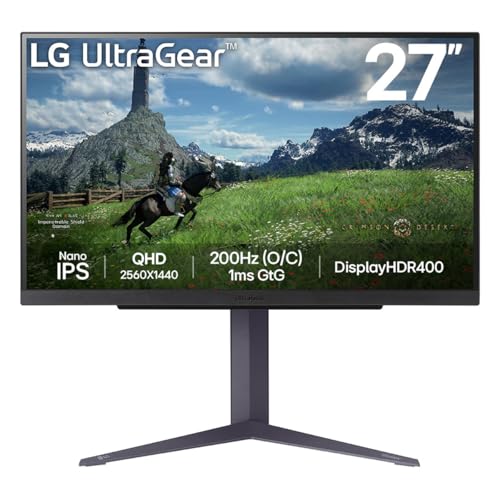
LG UltraGear Gaming Monitor 27GS85Q, 27 inch, 1440p, 200Hz Overclocked, 1ms Response Time, IPS Panel, NVIDIA G-Sync compatible & AMD FreeSync, Smart Energy Saving, DisplayPort, HDMI
Dive into the rush with vivid colours
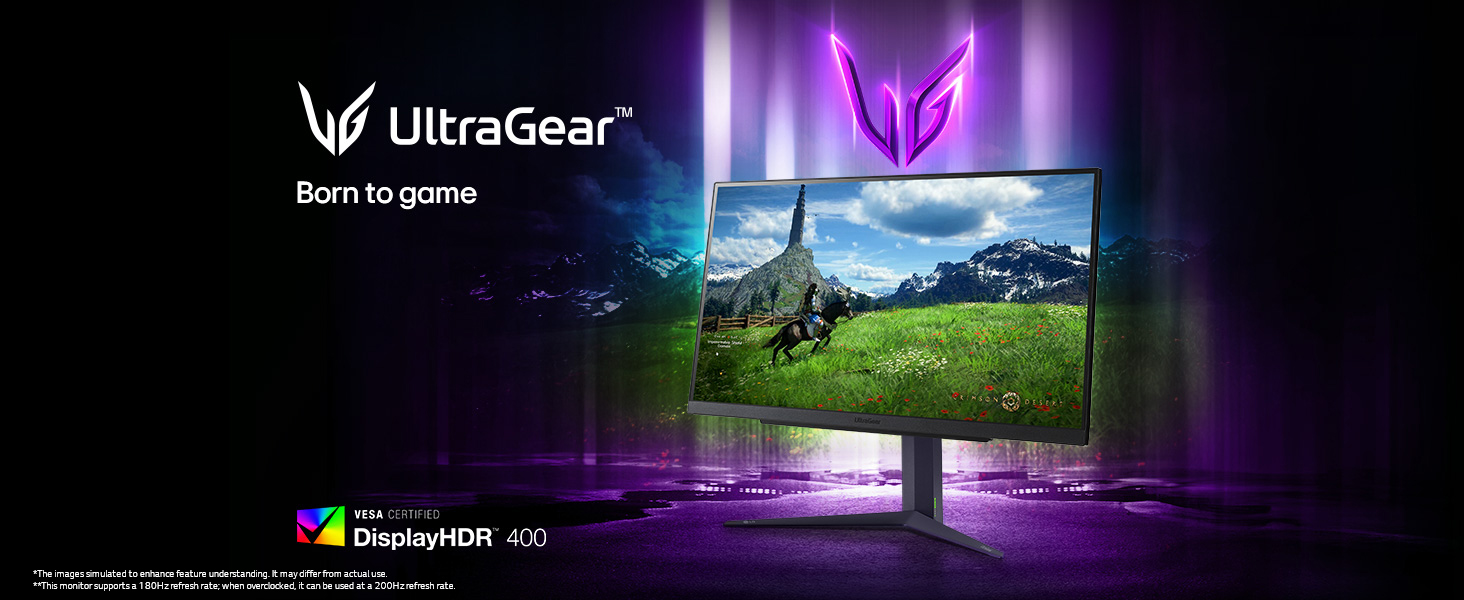
Rev up your gaming world with 200Hz O/C speed. Ignite your gameplay with a QHD resolution, Nano IPS wide viewing angles, and a jaw-dropping 200Hz O/C refresh rate.

Nano IPS display
Nano IPS technology expresses game scenes vividly and with great colour accuracy and, a widened colour spectrum of DCI-P3 98%, allows you to enjoy an extraordinary gaming experience vibrantly.
DisplayHDR 400
This monitor reproduces high-fidelity colours with VESA DisplayHDR 400, allowing gamers to see the dramatic colours that the game developers intended regardless of the battlefield.
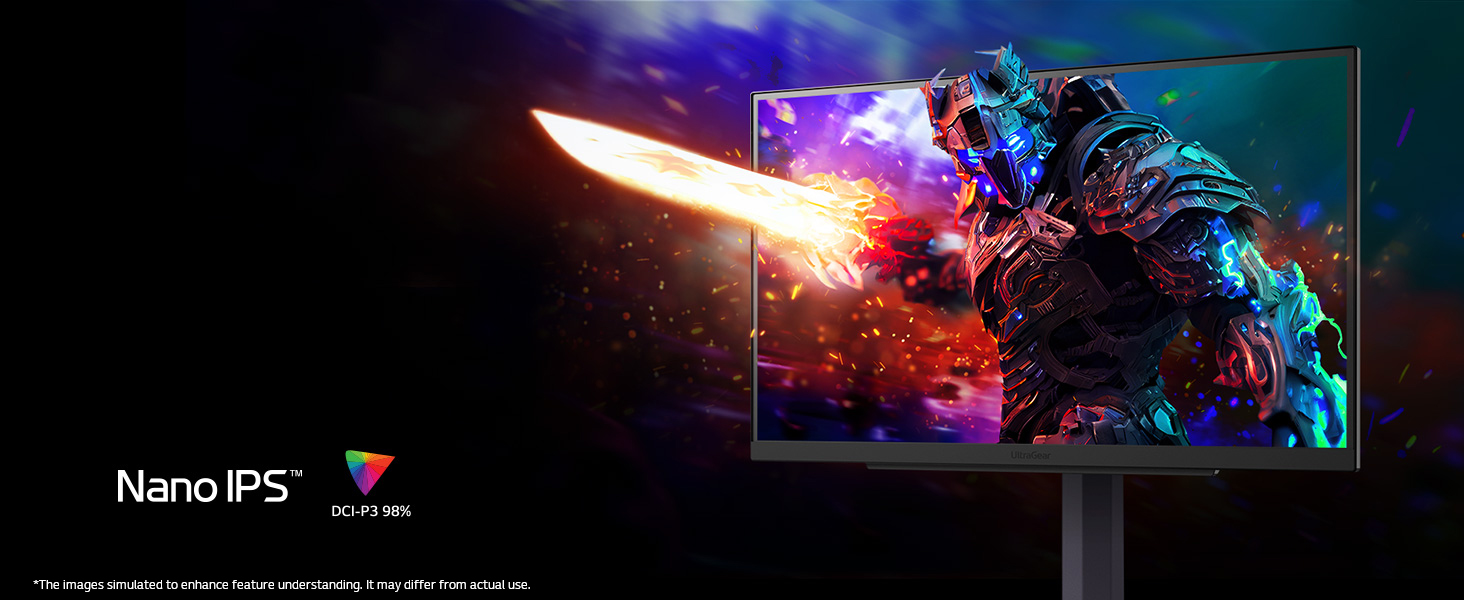

Nano IPS with DCI-P3 98% (Typ.)
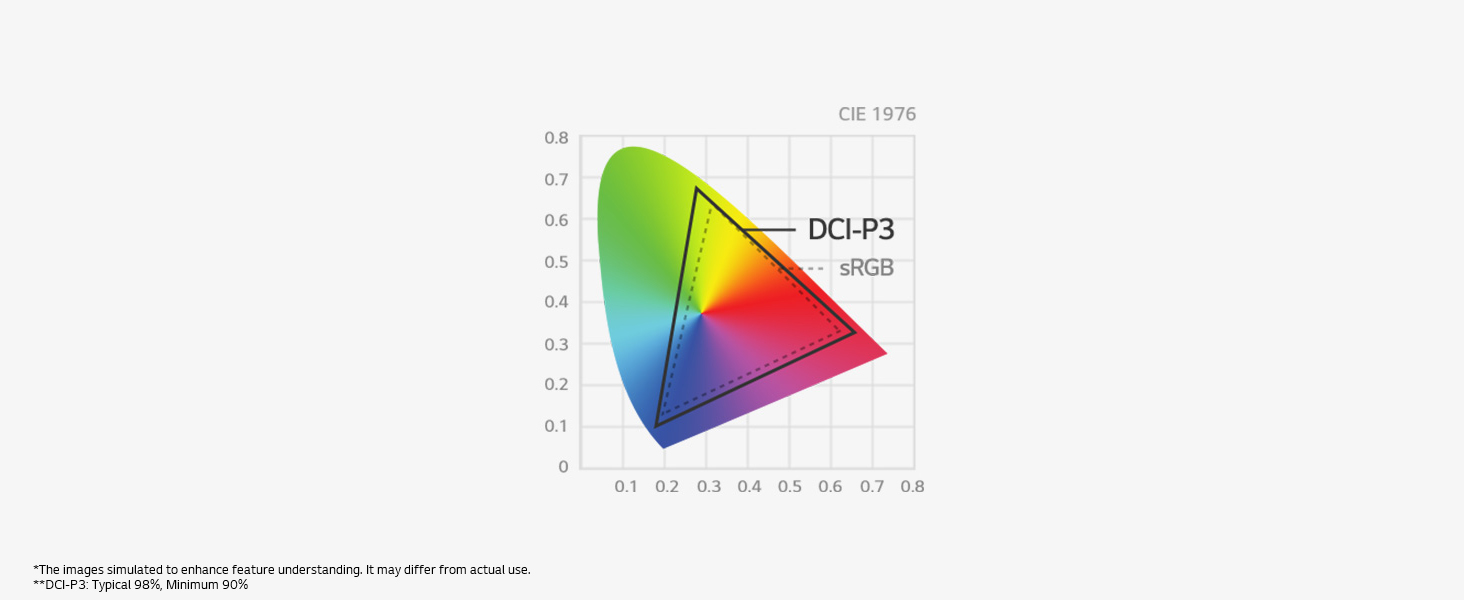
This monitor supports 98% coverage of the DCI-P3 spectrum by applying nano-sized particles in Nano IPS, so it helps to offer vibrant colour reproduction.
200Hz refresh rate (O/C)
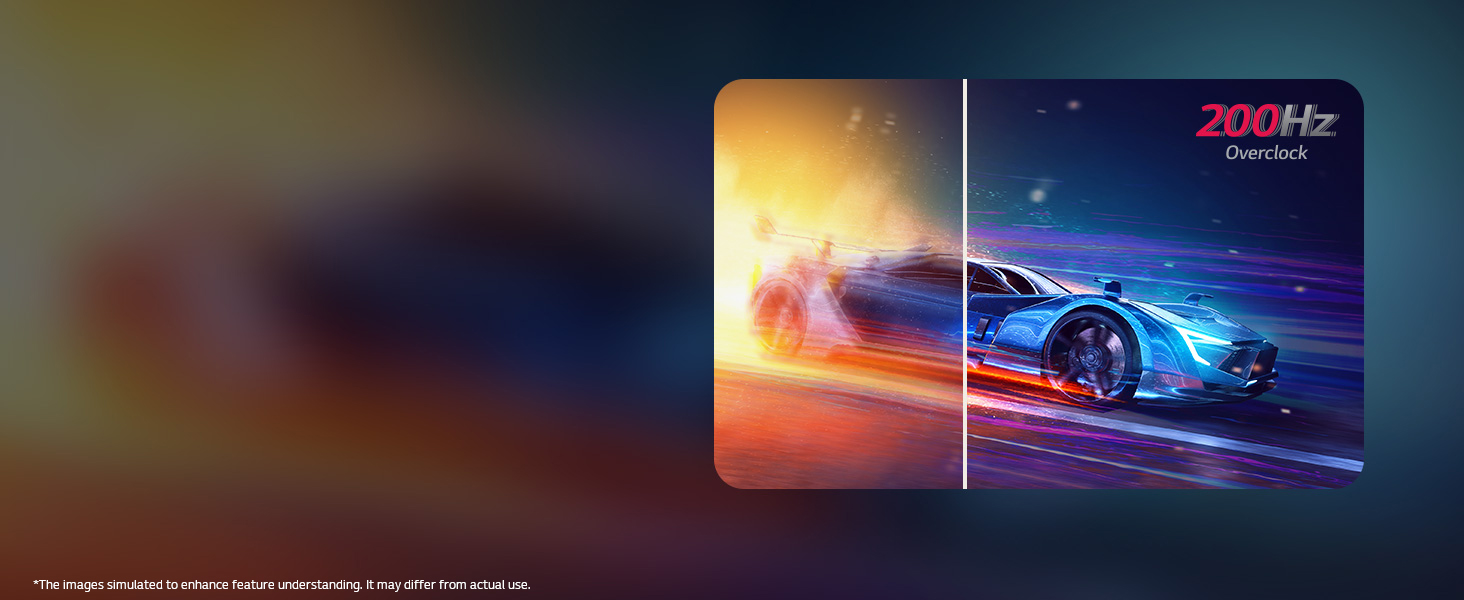
We have raised UltraGear’s speed standard to 200Hz. You can enjoy ultra-clear and smooth images with a 200Hz (O/C) refresh rate, which loads images 200 times in a second.
Nano IPS 1ms (GtG)
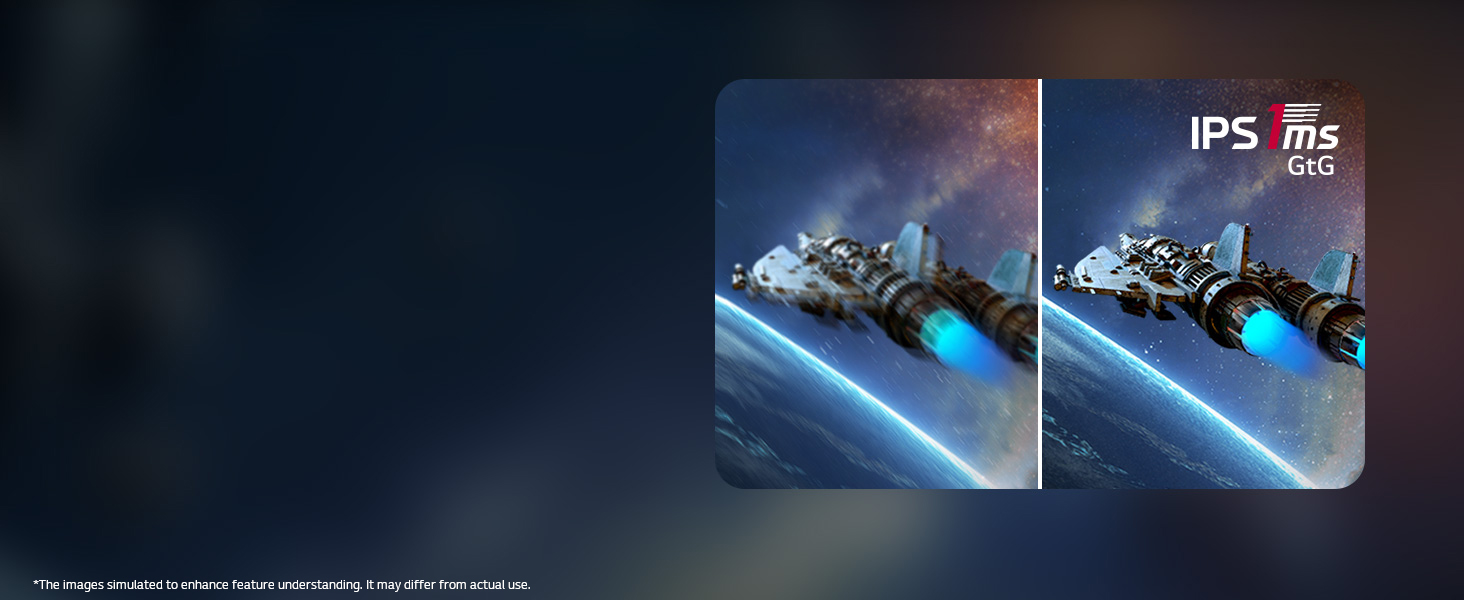
1ms Nano IPS display minimises afterimage and delivers fast response time, letting you enjoy a whole new gaming performance.
Fluid gaming experience
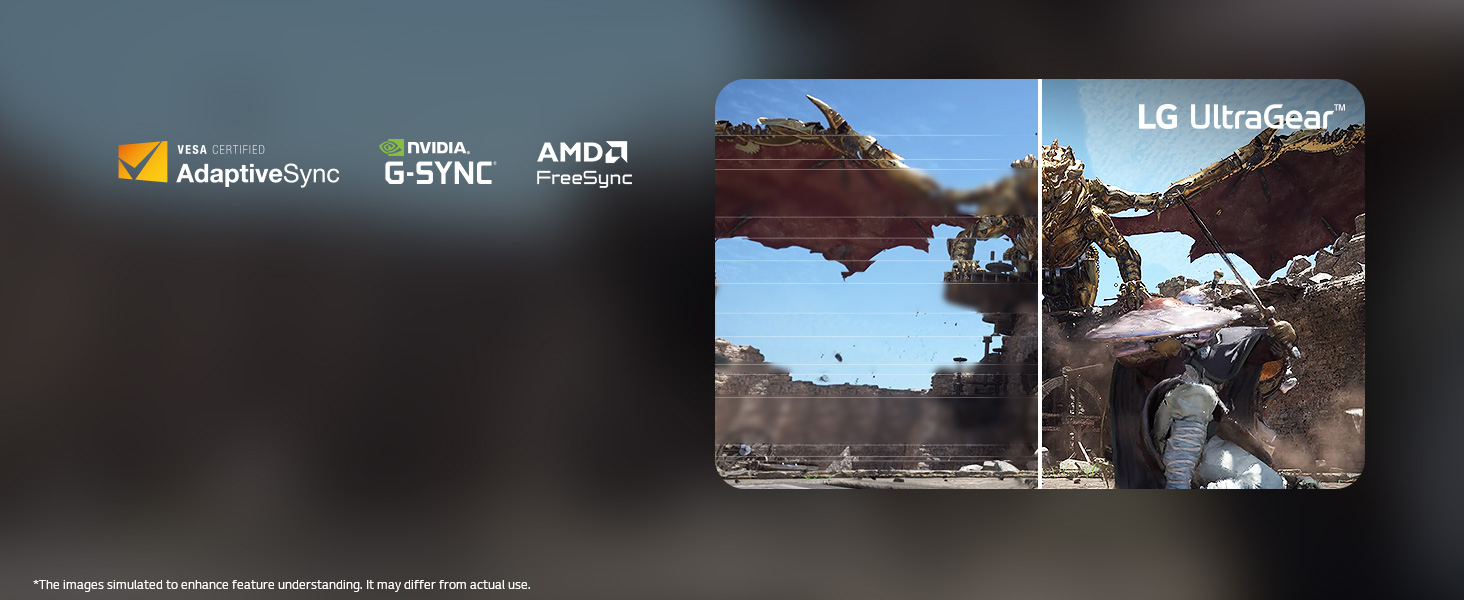
Enjoy flawless gaming graphics with reduced tearing and motion blur through VESA-certified AdaptiveSync, NVIDIA G-SYNC Compatible and AMD FreeSync.
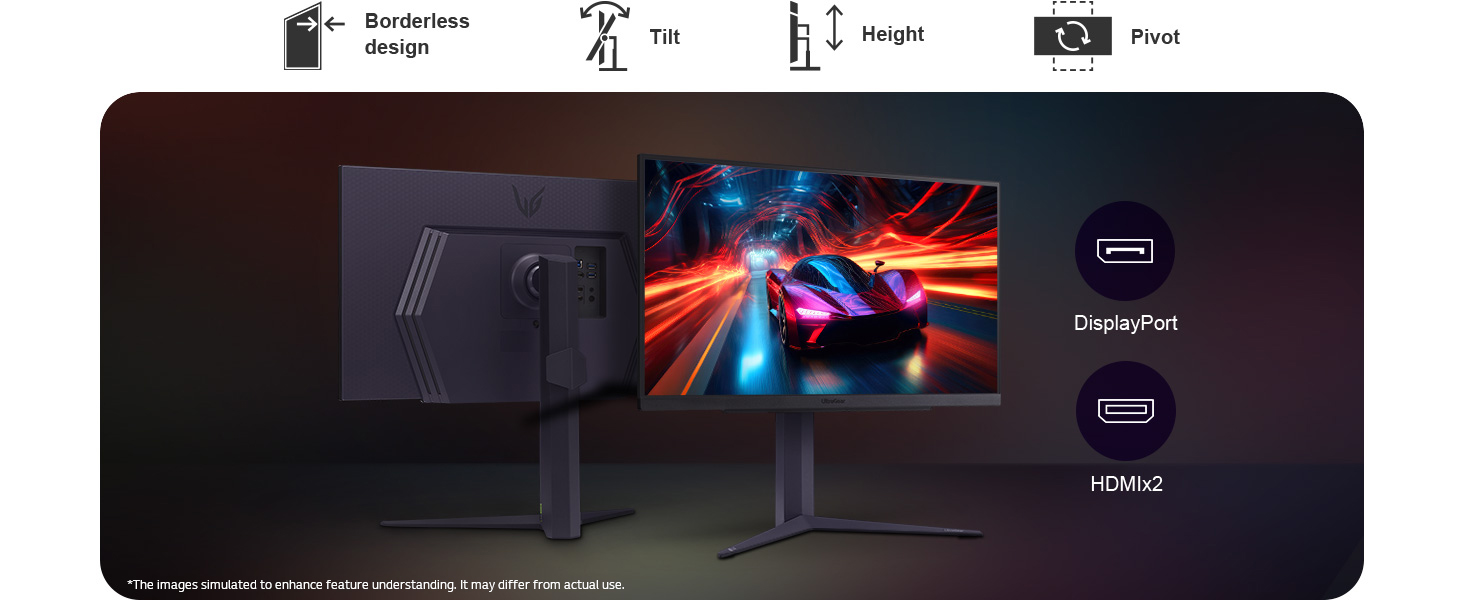
Gamer-centric design

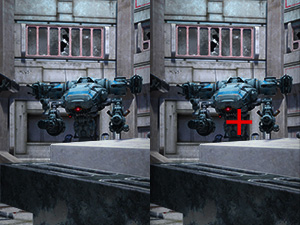
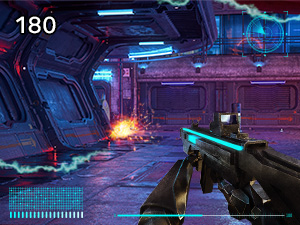
FPS Counter
The FPS counter allows you to obtain real-time frame rates on how well everything is loading.
| Brand: | LG |
Excellent all-rounder if you get it at the right price.
I needed a good multipurpose monitor for some gaming as well as photo editing, graphics work and general use And after MUCH research this is where I landed.
Why did I go for a 27 inch 1440p IPS panel monitor over anything else?
IPS is the only panel type I considered due to fast response time for games and colour accuracy for editing and I’m stating the obvious for many people but, for me, a 27 inch 1440p monitor is the sweet spot between specs, quality of product, performance and price.
From the distance I sit from the screen (on a 27 inch screen) 4K and 1440p look very similar in image resolution until I get close to pixel-peep and then the slight pixelation in 1440p is obvious. That is not enough of a jump to justify spending the premium on a screen of this size and if I was going 4K for photo editing I would go to 32 inches to make the most of the added resolution.
1440p also offers far better gaming performance while not giving away much in terms of detail, especially at 27 inches.
But why this monitor in particular?
Monitors that can ‘do it all’ competently at an affordable price aren’t common but after a lot of research and reading I stumbled across this LG monitor With 180hz refresh rate, 1ms response time and a ‘Nano IPS’ panel (better colour performance and accuracy than a regular IPS panel) it almost seemed a no-brainer at the price on Amazon (not on ‘sale’ but by far the cheapest price anywhere online from an authorised retailer).
Even at this price there are still much cheaper and still capable gaming monitors at almost half the price by AOC and others, but I wanted to stretch the budget to make sure it ticked every box. Being a bit more of a premium household brand doesn’t hurt either.
Right out the box I can say that there are no dead pixels and variations in light/dark areas as well as bleeding are also minimal.
I have uploaded an image taken of the screen (unedited) displaying a grey background in a dark room (no lights on at all), with the camera square on to the screen. You will see some slight variation in light/dark areas but it’s absolutely minimal given that the viewing environment and camera will massively exaggerate any issues. This is a harsh test for any IPS panel.
Short version – I do not notice any bleeding or dark areas in normal use and lighting conditions. That’s a big win.
(Please note, just because my copy is good doesn’t meant mean yours will be. We all know QC can be questionable!).
I cannot comment on colour accuracy and calibration yet as I am yet to get into that but this is a Nano IPS panel with improved colour gamut and accuracy than an equivalent basic IPS panel so I’m confident it’s going to be just fine with no issues.
If I have any issues with colour and calibration I will obvious amend this review.
Playing a selection of games it has been excellent so far. Sharp details, smooth motion, works well with Nvidia V-Sync and the colours are nice. I can’t say any more than that but it never felt lacking.
I had a quick dabble with Lightroom and Photoshop and everything looks great. Obviously not as much detail as you’d get with a 4K monitor but, again, from a few feet away I feel it’s plenty detailed and sharp enough with excellent colour gradient.
I think you get the picture, at the price I paid I’m really pleased with this as a good all-rounder and confident I made the right choice for my needs. I’d have to pay a lot more to get either an OLED for gaming or a professional grade IPS 4K panel for photo editing to see a noticeable jump in image quality.
If any issues arise I’ll be sure to update this review.
So good I brought a second one while they were still 40% off, although some of the edges on the casing feel somehow unfinished, sort of not rounded over, and it is in different places between the 2 examples I have. Image quality is good with graphics and text being nice and sharp, although I don’t use HDR. The menu system is no worse than other brands but they are still fiddly to use.
Not using these for professional work are anything so the colours are good enough for me and there is loads of options in the menus to adjust if needed.
Tool-less setup and included cables are nice but the stands footprint is huge, it would support a monitor of a much larger size and has decent range of movement.
Molto soddisfatta
Mi piace moltissimo e basta un po’ di pazienza nel regolare i settaggi in modo di poter vedere tutto al meglio, ricordandosi di agire anche su quelli della scheda video (e di riottimizzare i vari giochi) se il resto non basta.
L’unica difficolt che ho avuto stata nel togliere lo spegnimento automatico perch via software (win 11) risultava gi off. Invece bisogna eliminare anche quello proprio del monitor agendo via hardware attraverso il tastino ON/OFF che sta sotto, al centro, e che impostato di base su 8 ore.
Absolutely love this monitor. The colours are vibrant, the brightness is great, and the contrast is solid. The display is super smooth and sharp. It does have a little tint out the box but a quick tweak to the R/G/B values in the OSD fixes the white balance. Also love the design, looks very sleek on my desk.
There’s barely any input lag, and combined with the 180Hz refresh rate and g-sync, it’s excellent for gaming.
That said, there is a bit of backlight bleed which is noticeable when there’s something dark on the screen, although to be fair it’s not uncommon for an IPS panel. Overall though, it’s an awesome monitor for the price I paid (about 230).
Edit: For anyone on Windows 10/11, go on Settings > System > Display > Colour management and turn off “Automatically manage colour for apps”, it makes a night and day difference to the colours.
Edit 2: For my monitor settings, I turned off smart energy saving in general, and changed adaptive-sync to extended
I’ve been using this monitor for almost a week now for my new PC rig. I picked this monitor over others (notably Samsung’s Odyssey G series) as I preferred its minimalist, sleek look. Also, I scoured the internet for opinions on its display and performance – it had much more favourable reviews on its display and price in comparison so I grabbed this while it was on sale (~250). This was a fantastic purchase and would highly recommend it!
Before, I had an MSI monitor at 1980×1080 (full HD). This monitor displays at 2560×1440 (or 2k) and the difference is astounding. It’s great for competitive games especially when utilising the DP for higher hertz; I haven’t noticed any input lag on OW2 and had to adjust my mouse sensitivity as the 180Hz allows for more precise aim. Further, story games like RDR2 feels like a cinematic masterpiece with this monitor. All colours are crisp and the blacks have greater contrast range than what I was used to. Others have commented on the HDR/display quality, but you can easily amend the settings to your preference. I’ve increased the contrast and saturation a little personally.
For 27″, the size is great either at a desk or at a distance. The build quality is good too, particularly its heavy metal stand. It’s really easy to assemble and disassemble as no screws are needed. Adjusting the monitor’s height and angle whenever you’d like can be done easily, safely, and smoothly too.
Others have talked about having a dead pixel on their display, but I haven’t had this issue with mine. I was cautious and luckily had a perfect display. I would’ve returned my monitor for a replacement regardless.
The money was completely worth it here and if I needed/wanted to, I’d grab another one of these for my set up. Great value, functionality, and keeps any game looking and performing at its best.
The blacks are nice and black and the brightness can be increased to an insane level. Out of the box, I only had to change a few settings to get it up-to-speed for my own use-cases. (turning off sleep modes, changing the contrast and turning on HDR)
Overall, this is a great monitor – even overclocks to 200hz. This is a fantastic upgrade from previously using a 1080p panel.
If you’re in the market or even considering an upgrade, do it. you won’t regret it.